Slide 5 of 6 from Ruler Shapes for PowerPoint
6073-01-ruler-powerpoint-templater-5
Ruler Shape Layout for Presentations
- Text Layout
- Other
- Context Slide
- 16:9
- 100% Editable
The Ruler Shape Layout from the Ruler Shapes for PowerPoint template offers a structured design ideal for technical presentations and design workshops. Featuring a prominent ruler graphic and a balanced text arrangement, this slide template supports clear communication of measurement and design concepts. Its editable slides include placeholders for titles and detailed content, making it suitable for educational content and corporate slide decks focused on technical topics.
What’s on This Slide
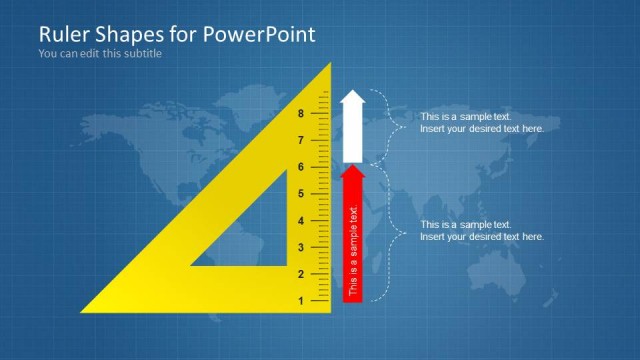
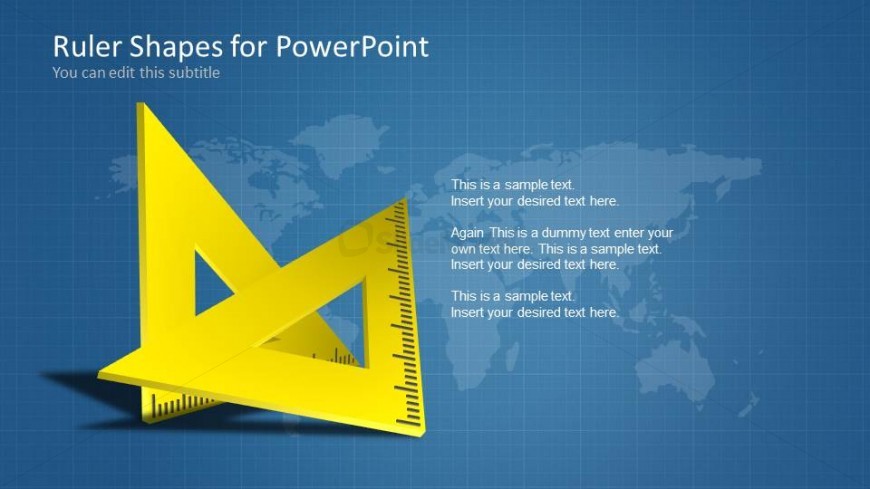
The layout features a prominent yellow ruler shape positioned at the center-left, with a textured blue background. Text placeholders are aligned to the right, with three sections for content, each containing sample text. The top placeholder is larger, serving as a title, while the subsequent two are smaller for body text. A world map is subtly visible in the background, enhancing the technical theme. The overall composition balances the ruler shape and text, creating a structured visual hierarchy.
How to Use It
This layout serves as a title and content slide, ideal for presentations focusing on measurement, technical drawing, or design concepts. It fits well in a sequence that introduces tools or methods, following a problem statement or overview. Suitable for educational contexts, design workshops, or technical presentations, it effectively communicates information related to geometry or measurement tools.
Text Placeholders & Capacity
Keep your copy within these limits so it fits without resizing. Body slots can hold around 15-20 words each.
| Placeholder | Count | Max characters (approx.) |
|---|---|---|
| Slide title | 1 | 40 |
| Subtitle | 1 | 60 |
| Body paragraph | 3 | 80 |
Slide Keywords
Download unlimited PowerPoint templates, charts and graphics for your presentations with our annual plan.
DOWNLOADReturn to Ruler Shapes for PowerPoint.