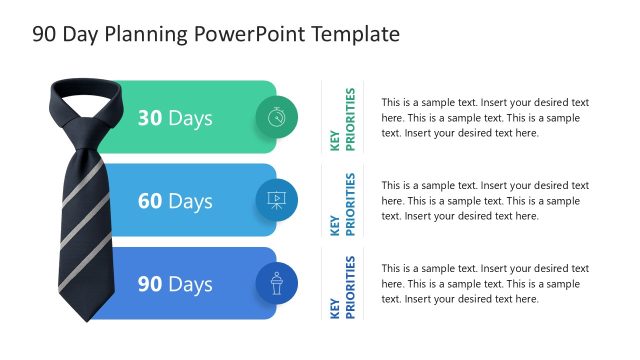
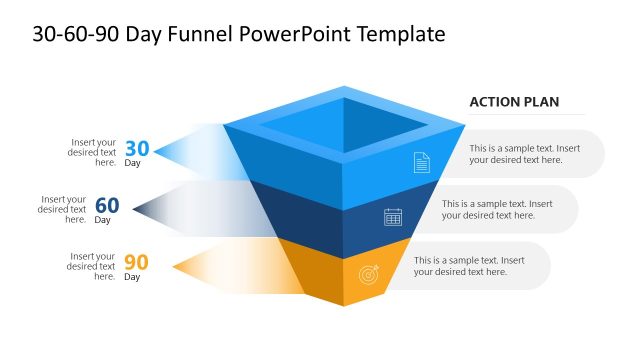
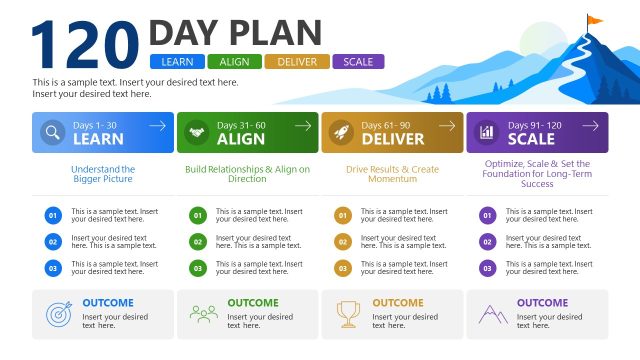
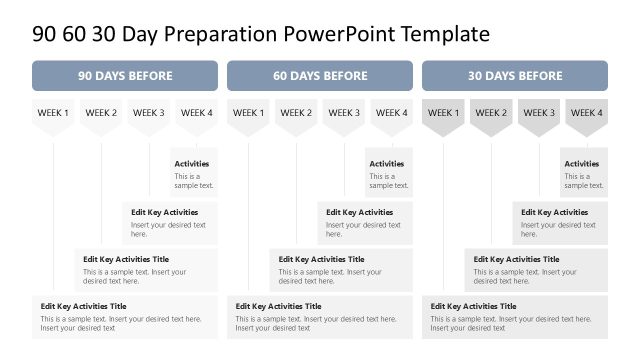
The First 90 Days Template for PowerPoint is a professional slide deck for presenting strategies and goals in the first 90 days of the new role. The first 90 days are commonly referred to as the most crucial period after joining a new team, developing integration, and getting within the workflow. In this period, there are a lot of challenges, and it is easier to manage if the goals are met. To present the details of these 90 days, we have designed this creative & professional 90-day plan template with 100% editable segments. This best PowerPoint template has a subtle color scheme combining blue and white colors. Presenters can change the colors, fonts, and arrangement of various slide components accordingly. Likewise, they can add a company logo and insert the images in provided placeholders to customize the template.
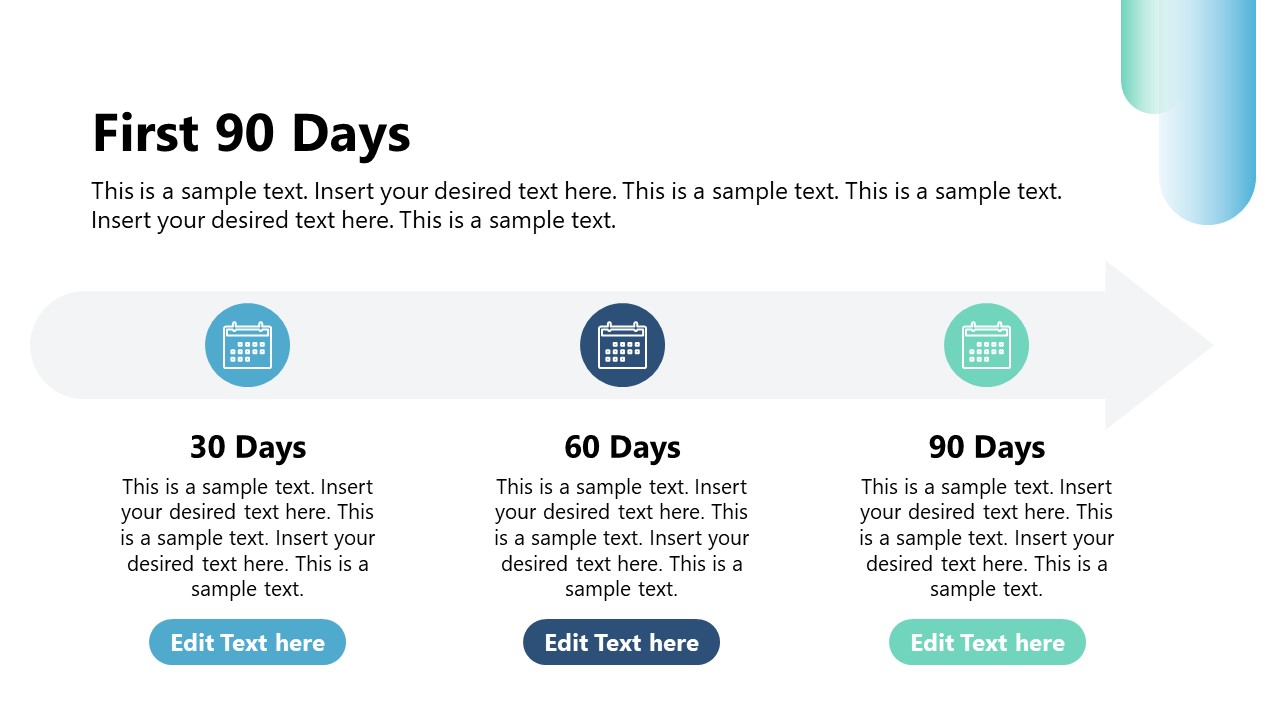
Our First 90 Days Template for PowerPoint starts with a title slide followed by a six-point agenda presentation slide to showcase the key components of the discussion. Next is the executive summary slide with three points and meaningful icons to showcase the overview, key goals, and milestones. Also, the next slide can summarize the 90-day plan using the three-column layout with a horizontal arrow, making it appear as a process diagram. The following three slides of this first 90-day template individually focus on the goals for three months, i.e., starting from 1-30 days, 31-60 days, and 61-90 days. Next, we have provided a SWOT analysis diagram slide to showcase the aspects of organizational strengths, weaknesses, potential threats, and possible opportunities. Also, we have slides for:
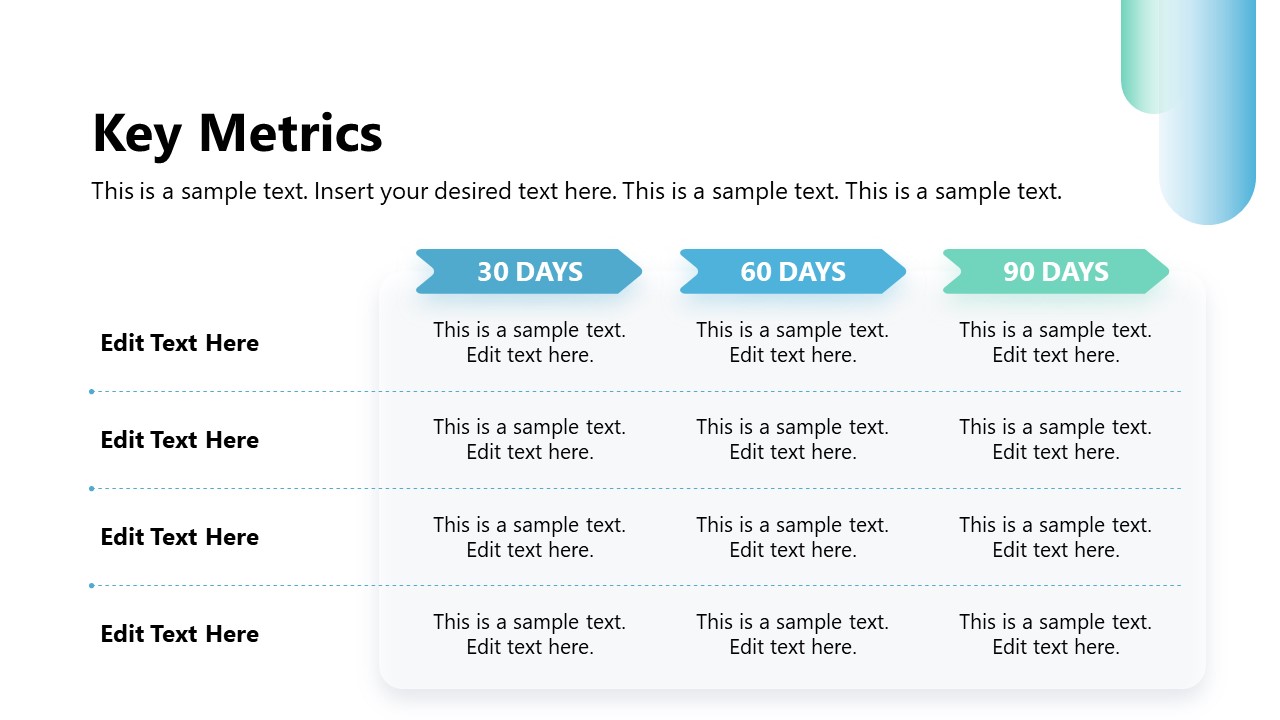
- Key Metrics
- Team Integration Plan
- Resource NeededPotential Challenges
- Roadmap Visualization
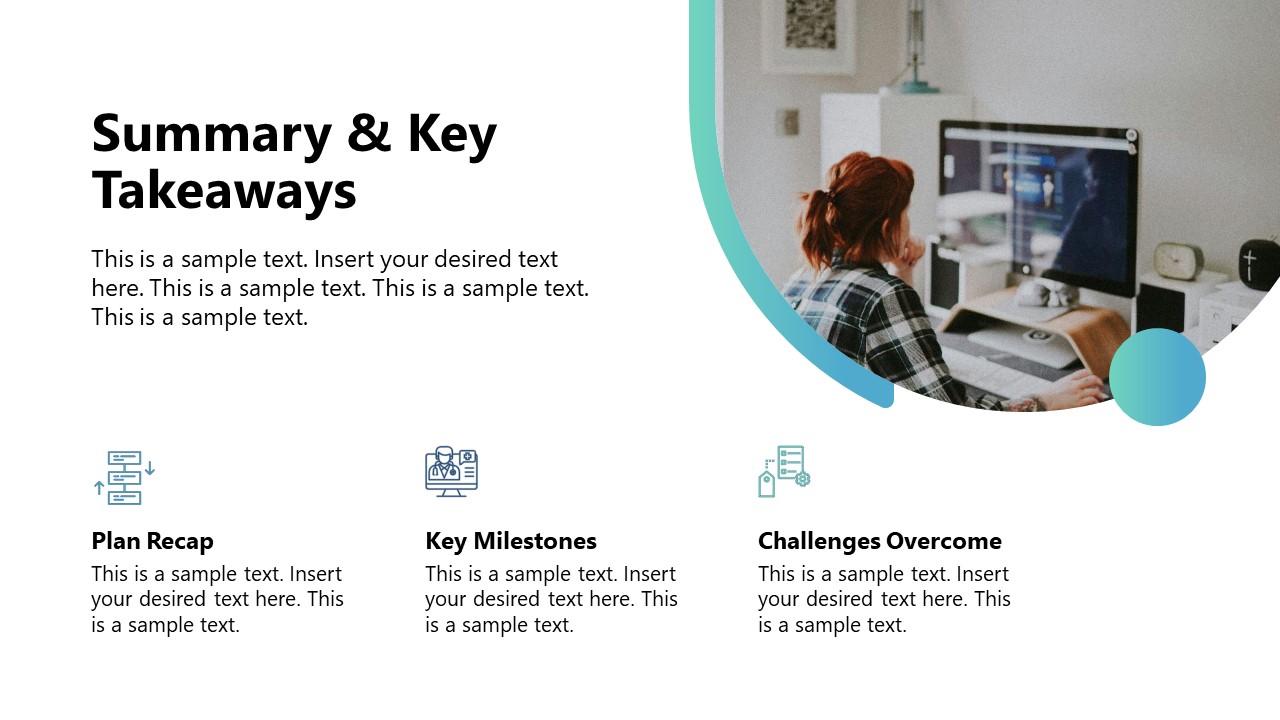
- Summary & Key Takeaways
Furthermore, you can edit the template features to suit your needs accurately. Download the first 90-day planning PPT template and customize it today! Also, check our collection of business PPT templates and metrics PowerPoint templates. You can download other 30 60 90 day plan templates like the 90 day plan template for PowerPoint.
What’s inside this template
Example presentation scenarios
- A new department manager can use the 30-60-90 day slides to show executives how priorities will progress from learning and onboarding to execution.
- An HR business partner can use the agenda, executive summary, and team integration plan to support a new leader onboarding discussion with stakeholders.
- A consultant can use the SWOT analysis, resource needs, and potential challenges slides to frame risks and requirements for a client transition plan.
- A project leader can use the key metrics table and roadmap visualization to align sponsors on checkpoints, milestones, and expected progress across the first quarter.
Features
- 100% editable presentation template
- Compatible with Microsoft PowerPoint
- 16:9 aspect ratio slides
- Scalable vector shapes, icons and illustrations
- AI-Ready for Microsoft Copilot and Claude
- Instant access and download
Frequently asked questions
Q: How should the presenter structure the message so the first 90 days plan feels credible?
A: Start with the executive summary to state the intent, then use the 30-60-90 overview before showing the monthly goals. After that, add proof of readiness with SWOT, key metrics, resources, and challenges. This order helps the audience see both ambition and control before the roadmap and takeaways.
Q: Who is this template best suited for in a business presentation?
A: It fits new managers, executives, consultants, and HR leaders who need to explain how a role transition or new initiative will be managed during the first quarter. The agenda, phased goals, team integration plan, and roadmap work well when the audience needs confidence in priorities, timing, and execution needs.
Q: Why does the 30-60-90 structure improve the communication of a transition plan?
A: The phased structure turns a broad onboarding period into three understandable time blocks. The deck reinforces that logic with separate goal slides, a key metrics table, and a five-phase roadmap. These layouts make the plan easier to scan because the audience can connect each decision to a time horizon.








First 90 Days Template for PowerPoint
15-slide PowerPoint presentation template for first 90 days planning, SWOT analysis, metrics, and roadmap
First 90 Days Template for PowerPoint is a 15-slide 16:9 business planning deck for presenting a new role transition or onboarding plan. It includes an agenda, executive summary, 30-60-90 day plan, SWOT analysis, key metrics table, team integration plan, resource needs, challenges, roadmap, summary, and Q&A slide.
- Category
- Business PowerPoint Templates
- Rating

 Loading...
- Aspect ratio
- 16:9
- Item ID
- 77139-01
- Colors
 Microsoft PowerPoint
 Microsoft Copilot
 Claude for PowerPoint
Other formats supported
Subscribe today and get immediate
access to download our PowerPoint templates.