Slide 3 of 6 from Ruler Shapes for PowerPoint
6073-01-ruler-powerpoint-templater-3
Ruler Shape Slide for Presentations
- Media Layout
- Other
- Concept Explanation Slide
- 16:9
- 100% Editable
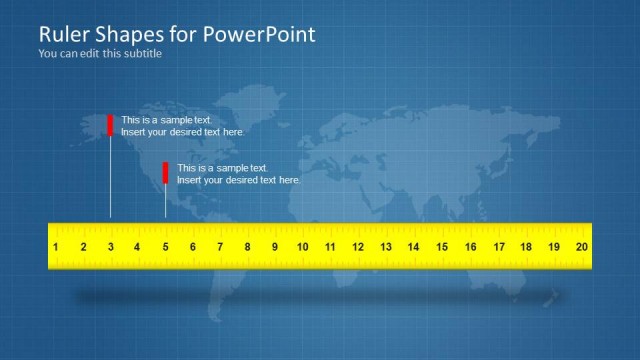
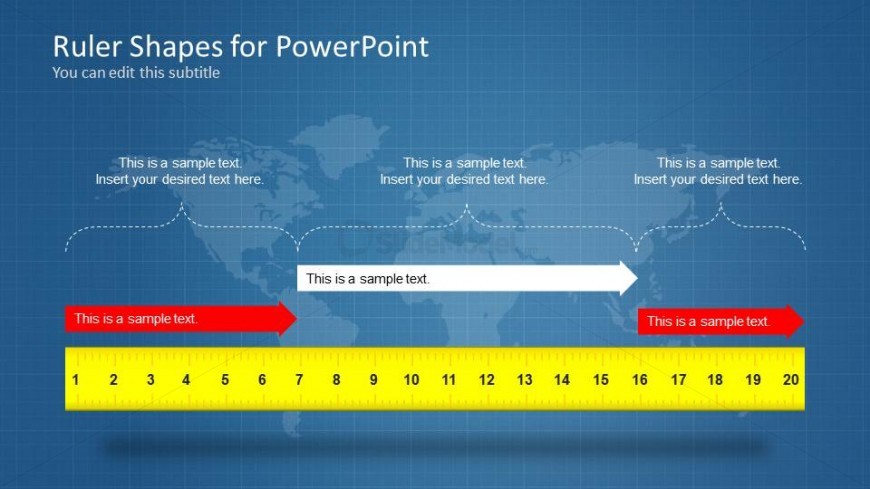
The Ruler Shape with Text Placeholders slide from the Ruler Shapes for PowerPoint template offers a clear visual tool for technical presentations and educational content. Featuring editable shapes and a horizontal ruler with text placeholders, this slide supports precise measurement explanations and design discussions within a business presentation or slide deck.
What’s on This Slide
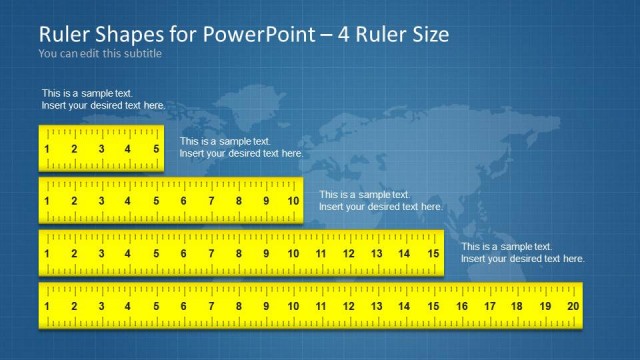
The layout features a horizontal ruler at the bottom, marked with numbers from 1 to 20. Above the ruler, there are four text placeholders aligned in a row, with the first and last placeholders highlighted in red. A central placeholder is connected to the ruler by a horizontal arrow. The background includes a faint world map design, enhancing the visual context. The ruler is bright yellow, contrasting with the blue background, creating a clear visual hierarchy. The overall composition balances textual and visual elements effectively.
How to Use It
This layout serves as a visual aid for presenting measurements or comparisons. It is suitable for scenarios involving technical drawings, metrics, or any context where visual measurement is relevant. Positioned after introductory slides, it can effectively transition into detailed discussions or analyses. The ruler's design allows for clear communication of scale or size, making it ideal for educational or technical presentations.
Text Placeholders & Capacity
Keep your copy within these limits so it fits without resizing. Text slots can accommodate roughly 8-10 words each.
| Placeholder | Count | Max characters (approx.) |
|---|---|---|
| Slide title | 1 | 30 |
| Subtitle | 1 | 30 |
| Item body | 4 | 40 |
Slide Keywords
Download unlimited PowerPoint templates, charts and graphics for your presentations with our annual plan.
DOWNLOADReturn to Ruler Shapes for PowerPoint.