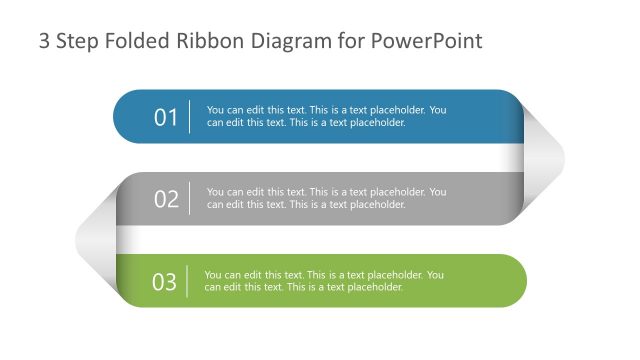
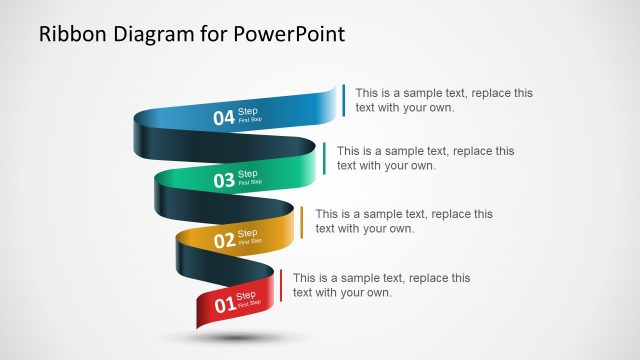
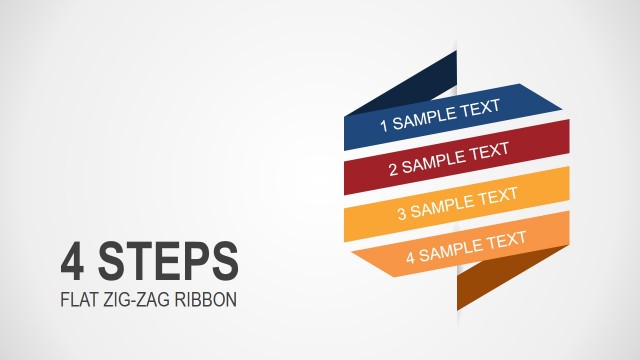
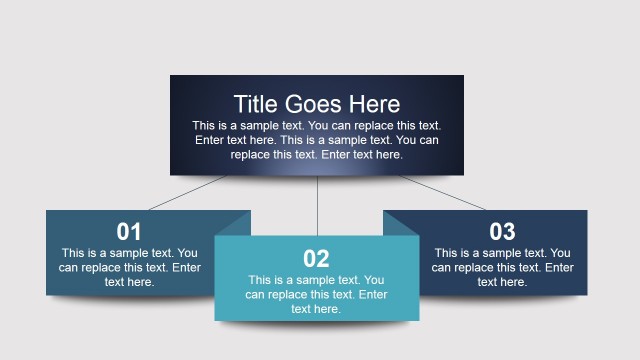
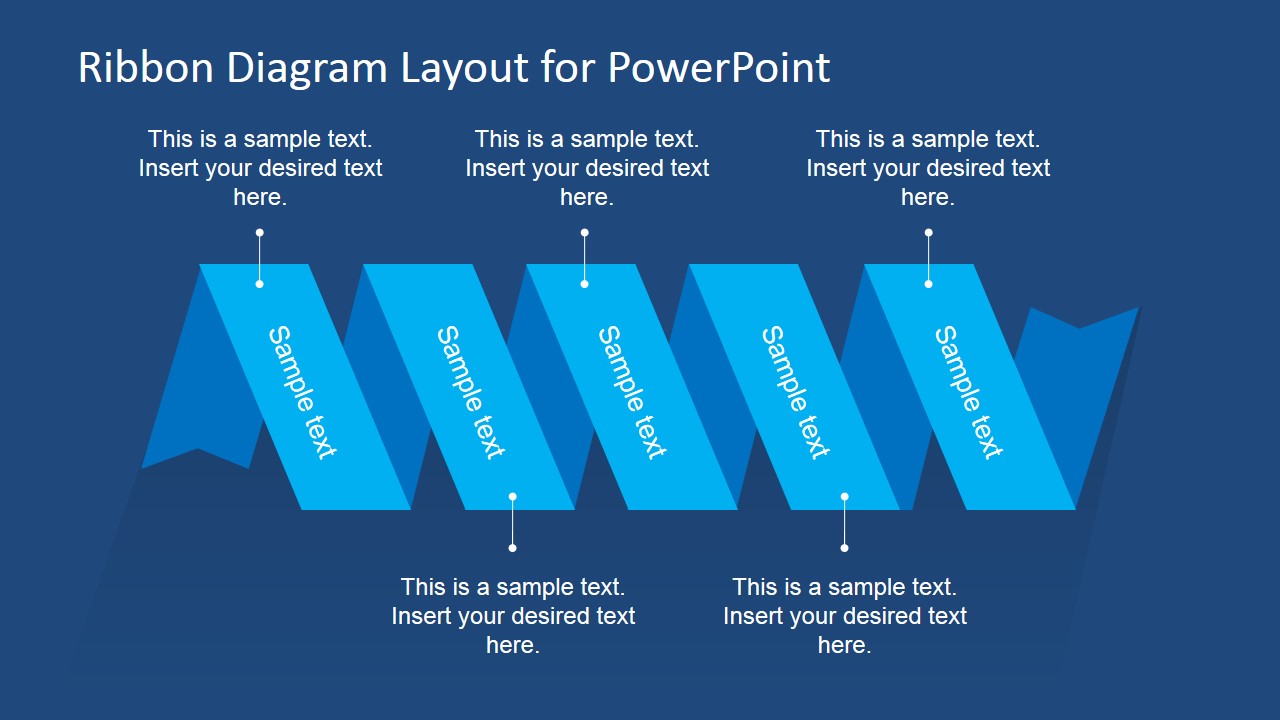
Ribbon Diagram Layout for PowerPoint is a creative PowerPoint diagram template with flat design that you can use to decorate your business presentations with original diagrams and layouts.
Alternatively you can download other creative diagram layouts for PowerPoint and presentation templates to decorate your slides with art and style.
What’s inside this template
Example presentation scenarios
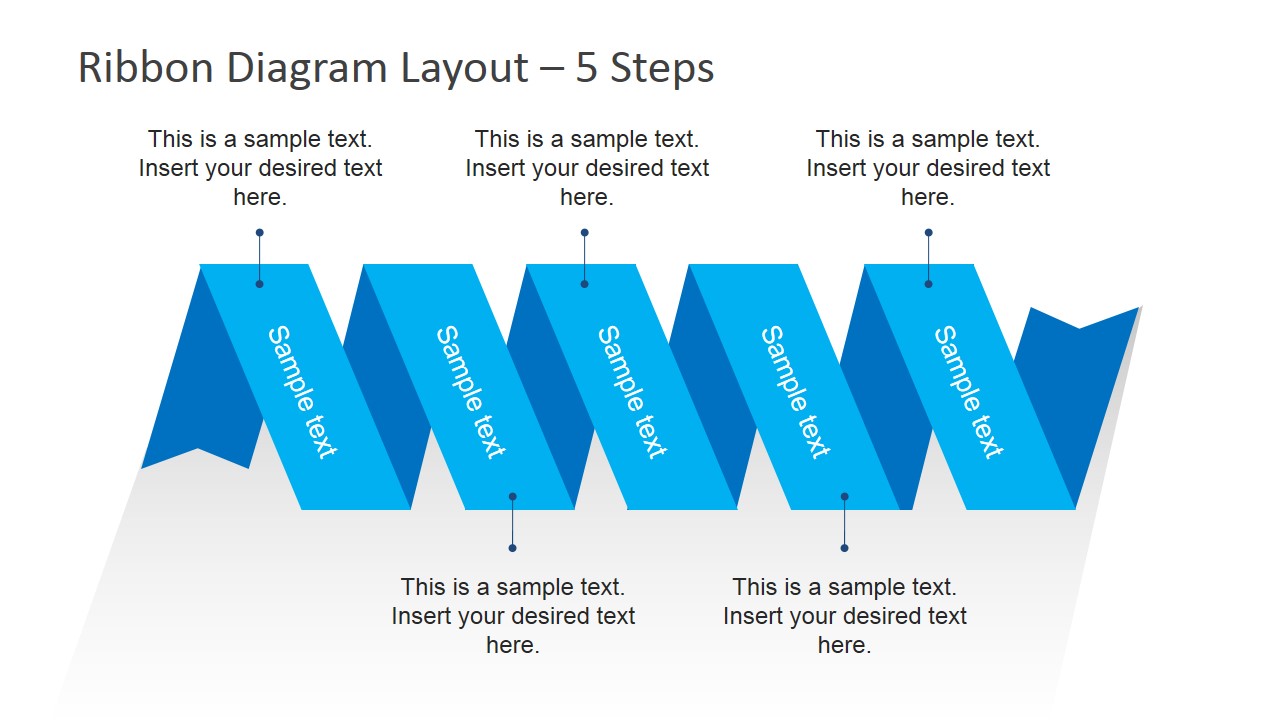
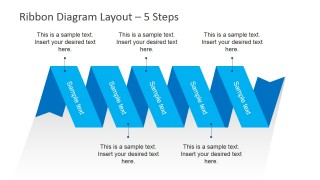
- A project manager can explain five implementation phases to stakeholders using the horizontal 5-step ribbon and the surrounding callout text for phase details.
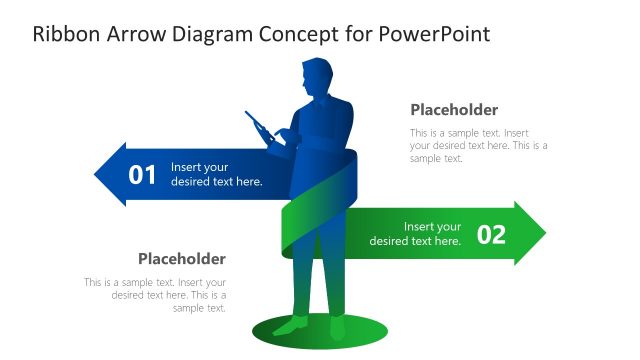
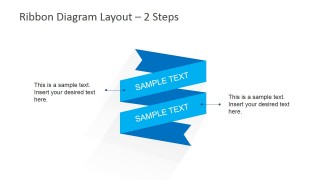
- A consultant can compare two strategic options for an executive audience using the stacked 2-step ribbon and the left and right explanatory callouts.
- A marketing presenter can introduce five campaign pillars with the white-background 5-step ribbon and use the top and bottom callouts for supporting messages.
- A trainer can use the dark blue title slide as a session opener and replace the five ribbon labels with learning modules or agenda themes.
Features
- 100% editable presentation template
- Compatible with Microsoft PowerPoint and Google Slides
- 16:9 aspect ratio slides
- Scalable vector shapes, icons and illustrations
- AI-Ready for Microsoft Copilot and Claude
- Instant access and download
Frequently asked questions
Q: How should a presenter make the ribbon diagram easy to follow?
A: Keep each ribbon segment to a short label, then place the explanation in the nearby callout. The 5-step slides work best when the audience can scan the ribbon first and read details second. Use the dark background slide for opening emphasis and the white version when supporting text needs more breathing room.
Q: Who is this ribbon layout best suited for?
A: This template fits presenters who need to communicate a small number of related ideas without building a full process model. Project leads, consultants, marketers, and trainers can use it for phase names, offer components, agenda blocks, or decision points where a decorative sequence is enough to organize the message.
Q: Why use a folded ribbon metaphor instead of plain boxes?
A: The ribbon shape gives the list a clear visual path while making each label feel connected to the next. The folded edges add depth without using heavy illustration. This helps a short sequence look intentional and gives the presenter a recognizable visual metaphor for progress, grouping, or emphasis.

Flat Ribbon Diagram Layout for PowerPoint
3-slide presentation template with flat ribbon diagrams for 2-step and 5-step process labels
This 3-slide diagram template presents flat blue ribbon graphics for process steps, category labels, or decorative message framing. It includes a horizontal 5-step ribbon, a stacked 2-step ribbon, and a second 5-step variation with callout text. Built for business presenters using Microsoft PowerPoint or Google Slides.
- Category
- Diagrams
- Rating


 Loading...
- Aspect ratio
- 16:9
- Item ID
- 6708-01
- Colors
 Microsoft PowerPoint
  Microsoft Copilot
  Claude for PowerPoint
 Other formats supported
Subscribe today and get immediate
access to download our PowerPoint templates.