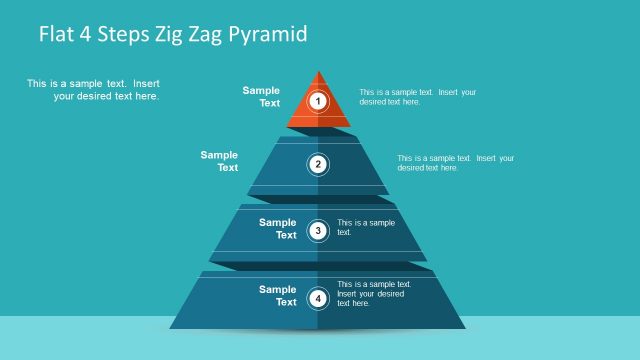
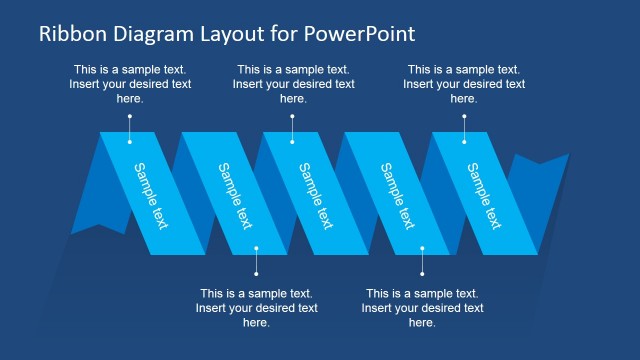
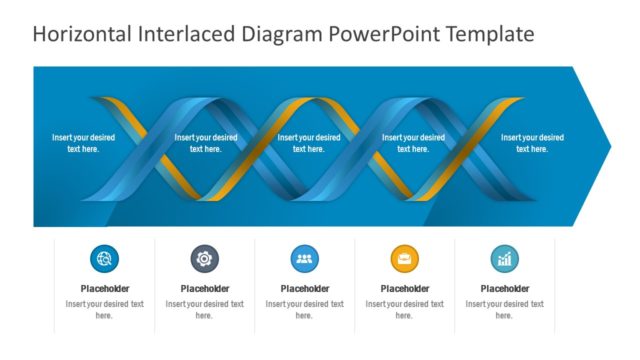
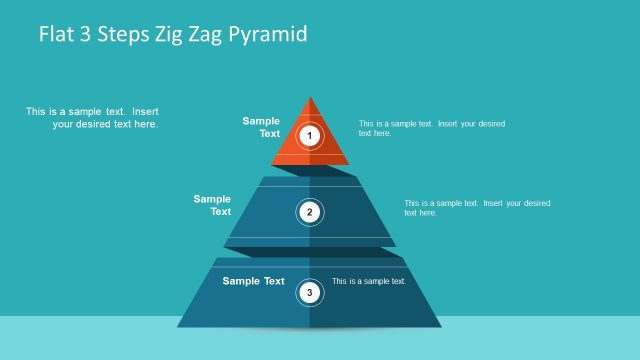
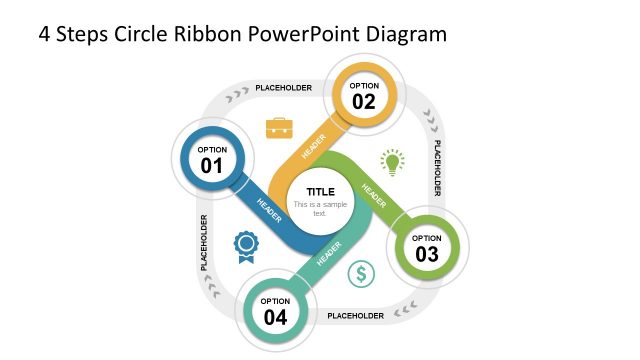
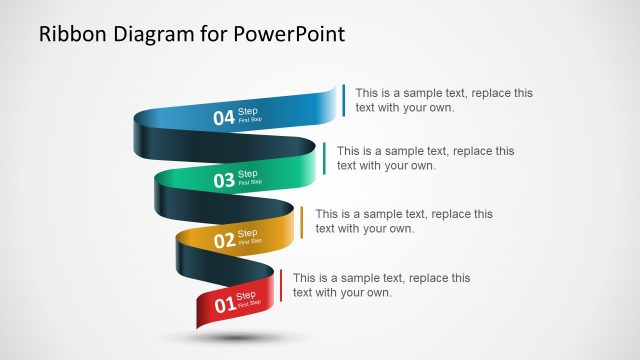
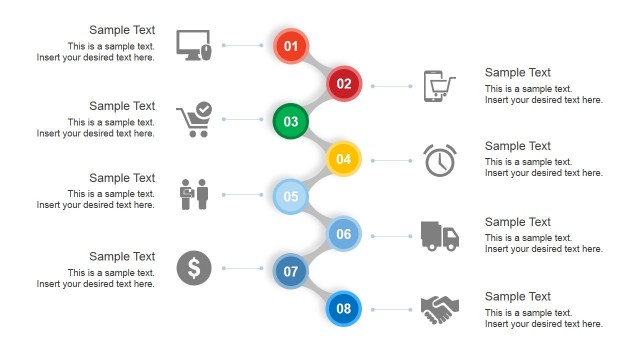
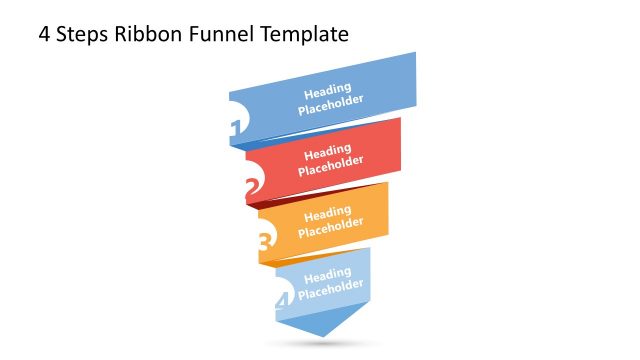
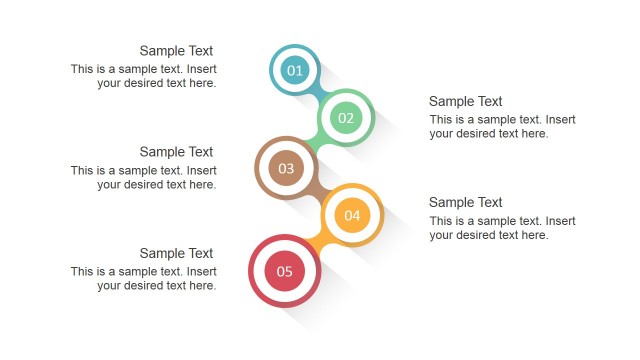
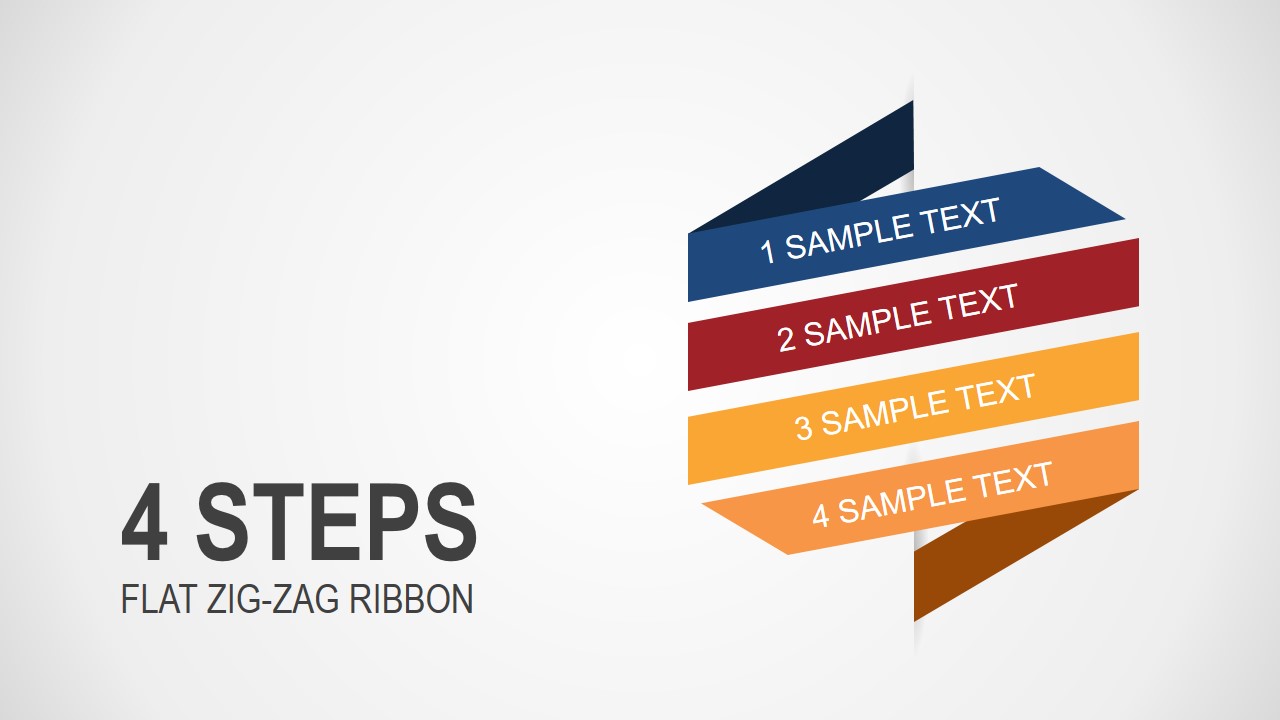
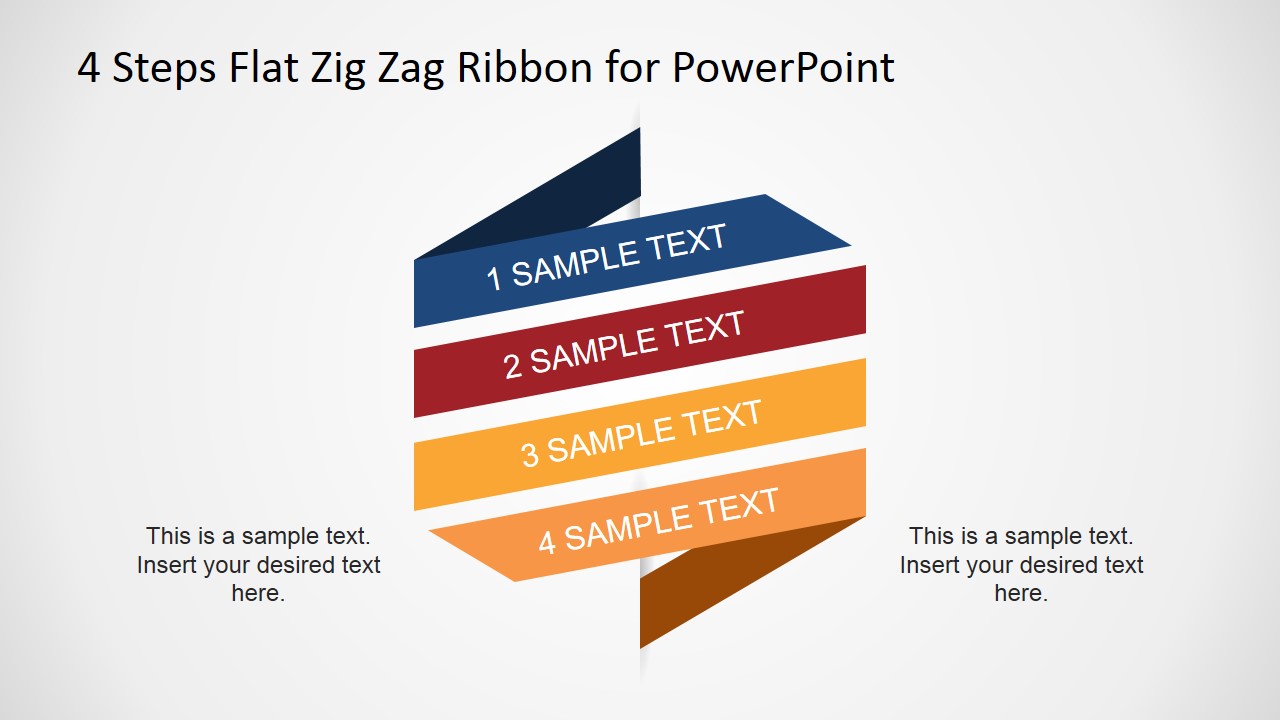
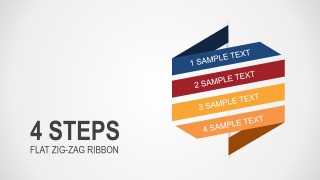
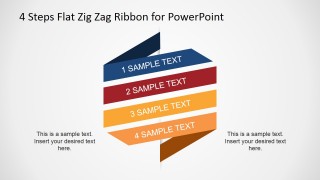
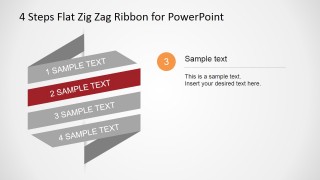
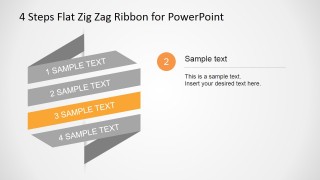
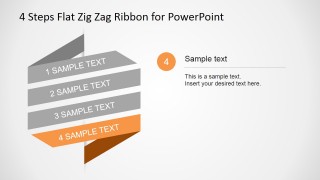
4 Steps Flat Zig-Zag Ribbon Diagram for PowerPoint is a layout for presentations containing a creative illustration and diagram that you can use as an alternative to present up to four topics.
This zig-zag ribbon design can be used as an alternative to traditional bullet points or lists in PowerPoint. Alternatively you can download other PowerPoint templates and diagrams with four stages.
What’s inside this template
Example presentation scenarios
- A project manager can use the four-band ribbon to explain a rollout plan, then use the step focus slides to discuss each phase with supporting notes.
- A consultant can present a four-part operating model by opening with the full zig-zag ribbon and using the legend slide to connect each numbered topic to business actions.
- A trainer can replace a dense agenda slide with the ribbon diagram, using the individual step layouts to teach one concept at a time.
- A marketing lead can outline a campaign workflow with the four-step ribbon, using the colored bands to separate planning, launch, measurement, and optimization topics.
Features
- 100% editable presentation template
- Compatible with Microsoft PowerPoint and Google Slides
- 16:9 aspect ratio slides
- Scalable vector shapes, icons and illustrations
- AI-Ready for Microsoft Copilot and Claude
- Instant access and download
Frequently asked questions
Q: How should a presenter structure the message with this four-step ribbon?
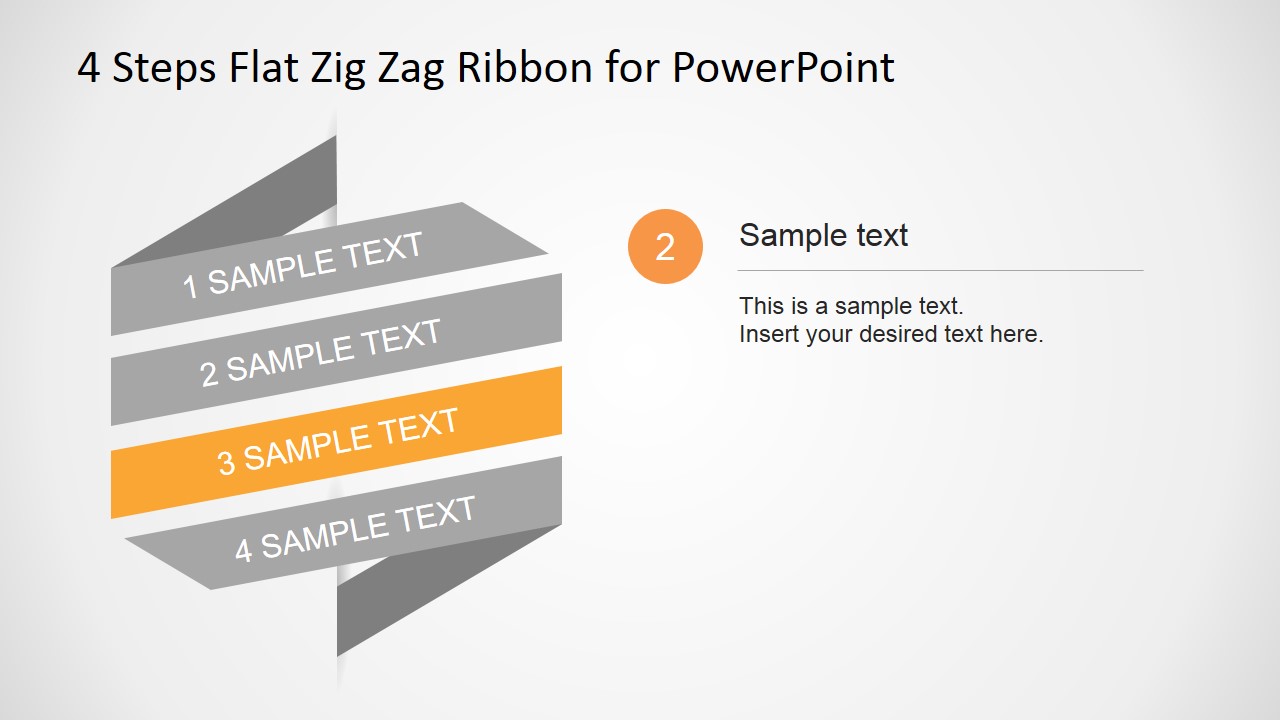
A: Start with the full zig-zag ribbon to name the four steps before adding detail. Then move through the step focus slides so the audience sees one highlighted band at a time. Keep each band label short, and use the right-side text area for the decision, action, or takeaway tied to that step.
Q: What type of presentation is this ribbon diagram best suited for?
A: This template fits business explanations where four items must feel connected rather than separate. It works well for process overviews, implementation phases, service steps, training modules, or consulting frameworks. The ribbon format is especially useful when a presenter wants an alternative to a standard vertical list or numbered bullets.
Q: Why does the folded zig-zag ribbon help communication?
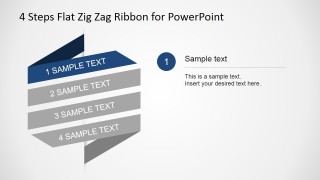
A: The ribbon metaphor creates a visible path, so the audience reads the four items as a connected sequence. The folded shape adds direction and hierarchy without needing a timeline. The gray emphasis slides also reduce visual noise by keeping the full process visible while drawing attention to one active step.



4 Steps Flat Zig-Zag Ribbon Diagram for PowerPoint
7-slide presentation template with a 4-step zig-zag ribbon diagram for process and topic sequencing
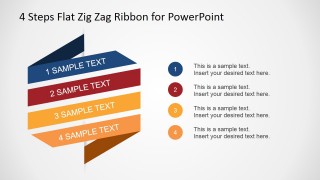
4 Steps Flat Zig-Zag Ribbon Diagram for PowerPoint is a 7-slide diagram template for presenting four stages, topics, or priorities. It includes a cover ribbon, full zig-zag ribbon diagram, numbered legend layout, and individual step focus slides. The template is built for business presenters using Microsoft PowerPoint or Google Slides.
- Category
- Diagrams
- Rating


 Loading...
- Aspect ratio
- 16:9, 4:3
- Item ID
- 6841-01
- Colors
 Microsoft PowerPoint
  Microsoft Copilot
  Claude for PowerPoint
 Other formats supported
Subscribe today and get immediate
access to download our PowerPoint templates.