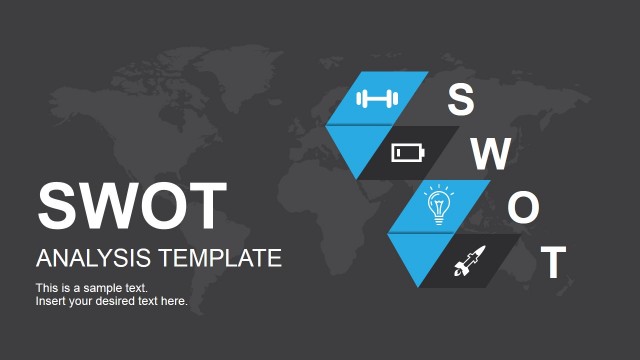
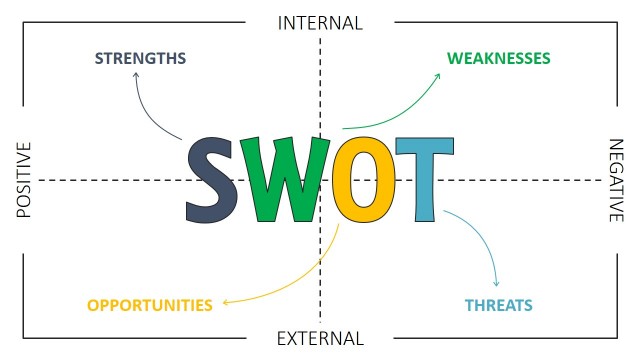
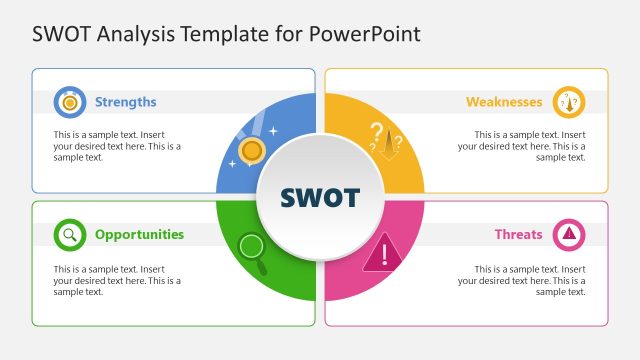
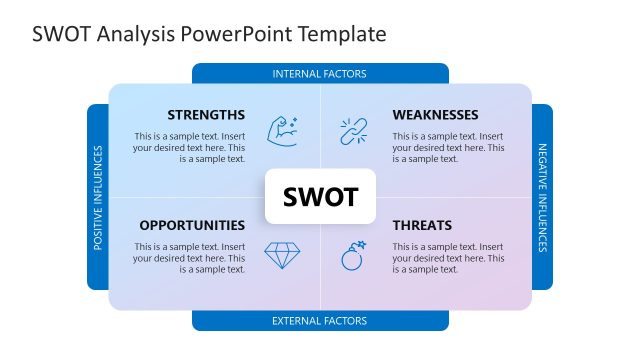
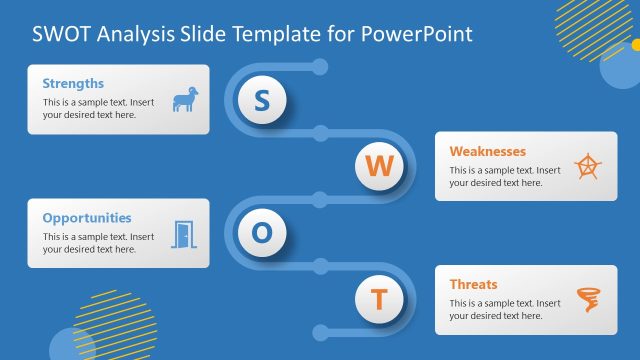
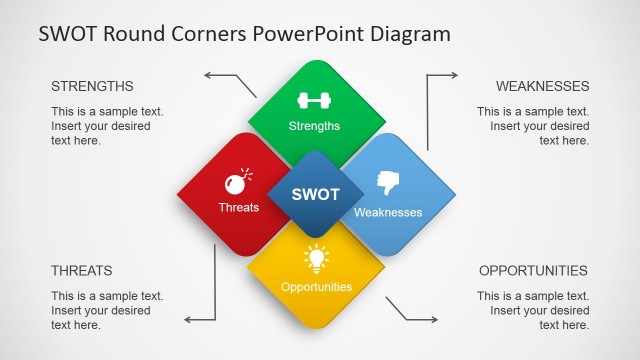
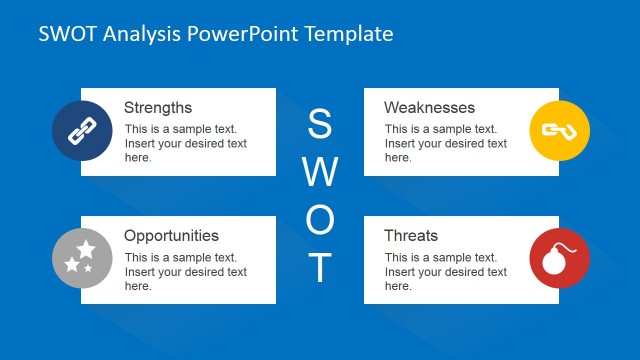
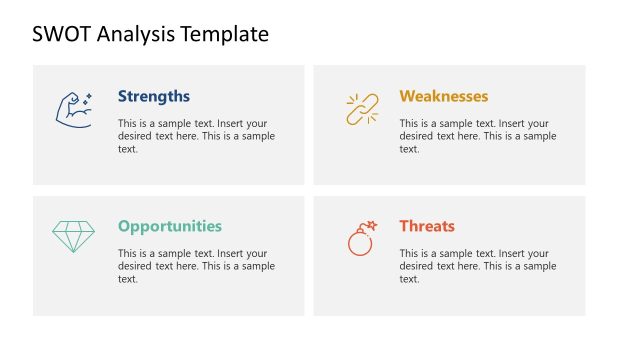
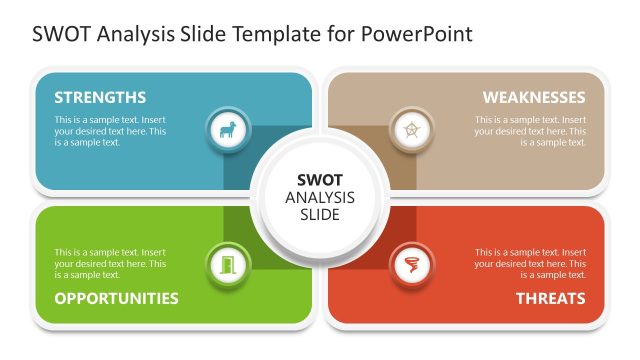
Retro SWOT Analysis PowerPoint Template – Create a graphically appealing presentation with a retro SWOT Analysis Template. Ideal for unconventional audiences which expect a presentation to be engaging and visually appealing, users can make use of this SWOT Template and delight.
SWOT is the acronym for Strengths, Weaknesses, Opportunities, & Threats. The SWOT Analysis is a methodological framework applied to strategic planning. Its simplicity helps analysts to optimize and maximize its internal core competencies while managing competition and external risks.
The SWOT Analysis (also known as TOWS Analysis) provides a structured brainstorming of internal and external factors, from a positive and negative standpoint. It provides a photograph of the organization’s current situation in the studied context.
The SWOT Analysis Template is a wonderful tool not only to present the results of the analysis, but also useful for the analysis process itself. Executives can collaborate through the SWOT matrix concurrently editing the SWOT Template with tools as PowerPoint Online, PowerPoint 2016 and even Google Slides. In this modern distributed corporate environment, users can user the SWOT Analysis Template PPT as a working canvas.
The SWOT Analysis Template PPT is created with 100% editable PowerPoint Shapes, allowing the user to fully customize their appearance (effects, colors, lighting, etc.) without losing any graphic quality. Also, the SWOT Matrix can be reused in existing presentations and easily adapted to another PowerPoint Theme.
What’s inside this template
Example presentation scenarios
- A strategy consultant can use the full SWOT matrix to summarize internal and external factors before leading a client planning discussion.
- A product manager can present the Strengths and Weaknesses detail slides to compare current capabilities with areas that need improvement.
- A marketing lead can use the Opportunities and Threats slides to frame market openings, competitive pressure, and risk response options for leadership.
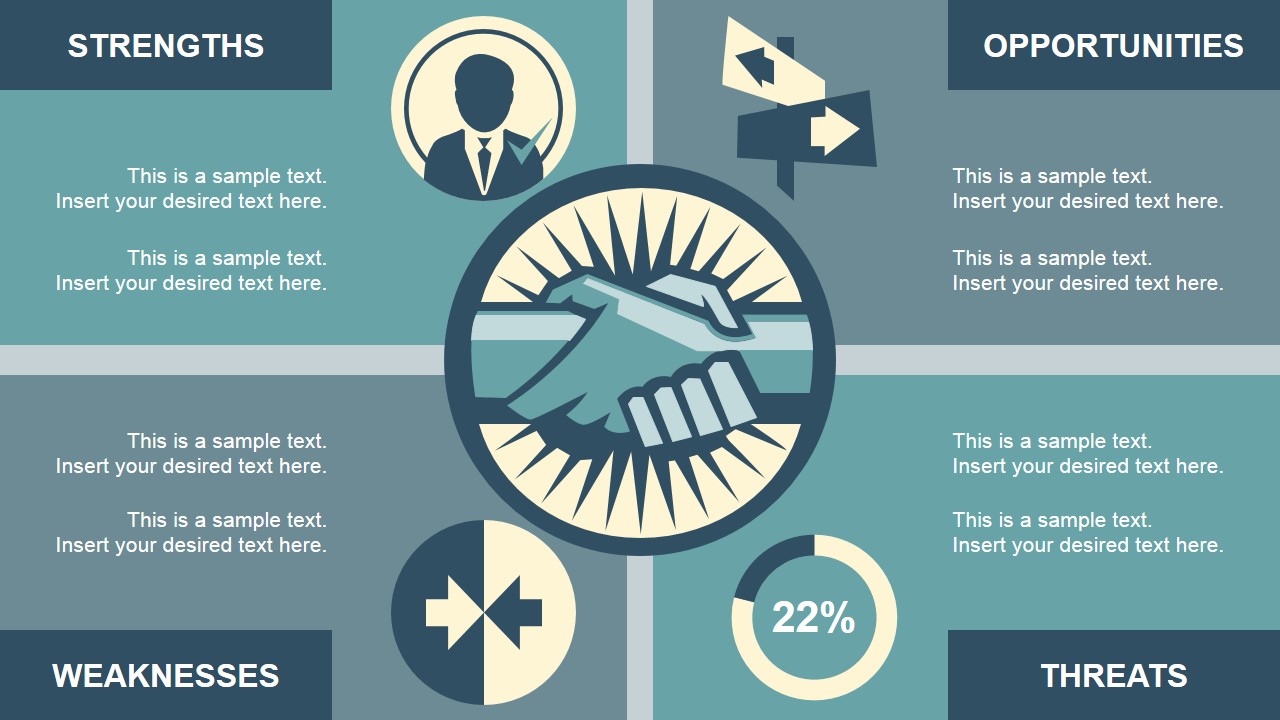
- A workshop facilitator can use the handshake-centered matrix to connect cross-functional input to a shared strategic view.
Features
- 100% editable presentation template
- Compatible with Microsoft PowerPoint and Google Slides
- 16:9 aspect ratio slides
- Scalable vector shapes, icons and illustrations
- AI-Ready for Microsoft Copilot and Claude
- Instant access and download
Frequently asked questions
Q: How should a presenter structure the SWOT conversation with this deck?
A: Start with the full matrix to show the complete strategic picture, then move through the four detail slides one quadrant at a time. Keep each text block focused on a small set of factors. End each quadrant discussion by asking what action, decision, or risk response should follow from the finding.
Q: Who is this SWOT template best suited for?
A: This template fits presenters who need to make a strategy discussion more visual without turning it into a dense report. Consultants, founders, marketing leads, and business analysts can use the retro SWOT matrix and quadrant slides to guide leadership, workshop, or planning audiences through internal strengths and weaknesses plus external opportunities and threats.
Q: Why does the retro visual style help the SWOT message?
A: The large letter segments, icons, and block color fields make the four SWOT categories easy to recognize from a distance. The handshake illustration on the second matrix works as a collaboration metaphor, signaling that the analysis is meant to create alignment, not just list observations.



Retro SWOT Analysis PowerPoint Template
6-slide SWOT analysis presentation template with retro matrix and quadrant detail layouts
Retro SWOT Analysis PowerPoint Template is a 6-slide strategy deck for presenting SWOT findings in Microsoft PowerPoint and Google Slides. It includes a full SWOT matrix, a handshake-centered summary matrix, and separate Strengths, Weaknesses, Opportunities, and Threats detail layouts for business planning teams.
- Category
- Strategy
- Rating


 Loading...
- Aspect ratio
- 16:9, 4:3
- Item ID
- 7187-01
- Colors
 Microsoft PowerPoint
 Microsoft Copilot
 Claude for PowerPoint
Other formats supported
Subscribe today and get immediate
access to download our PowerPoint templates.