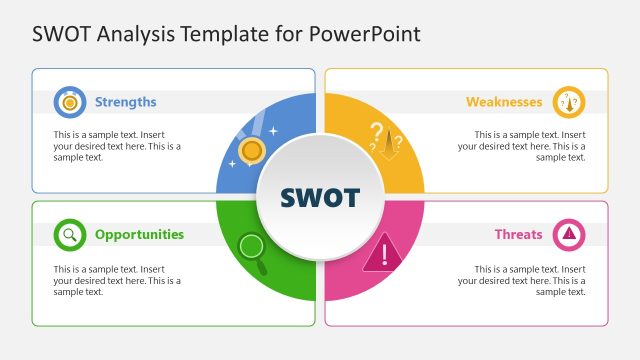
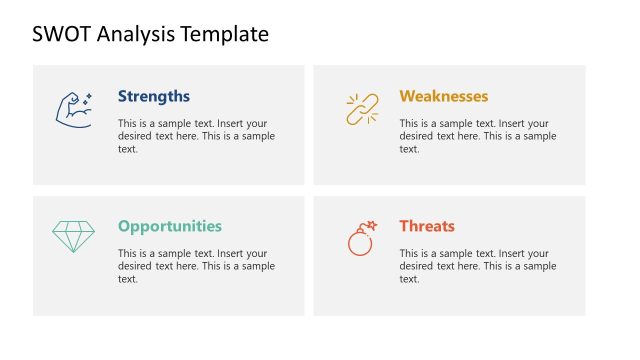
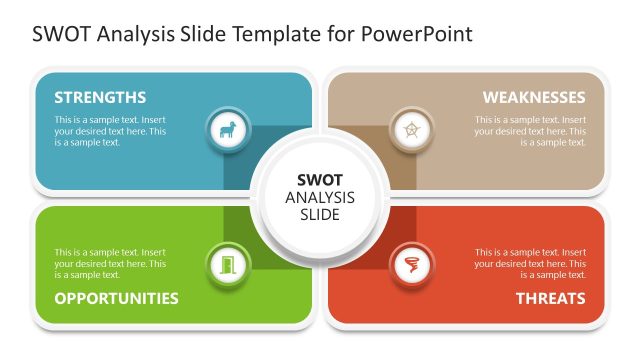
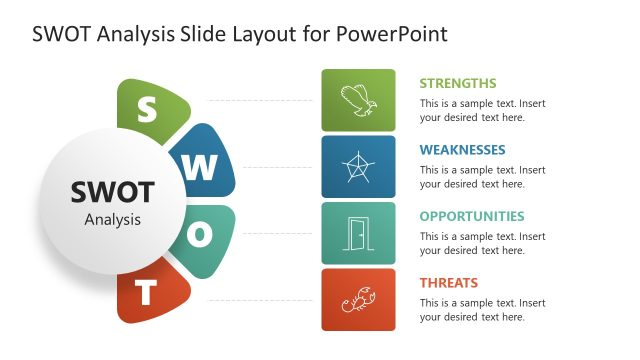
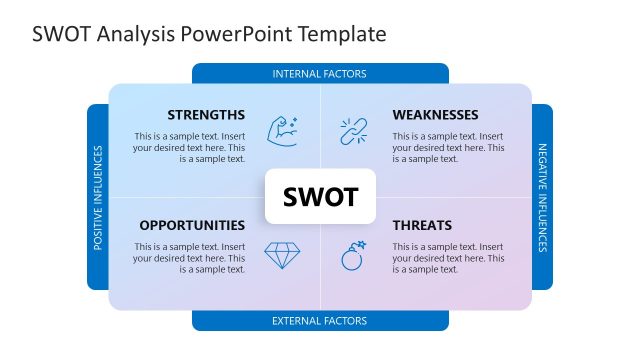
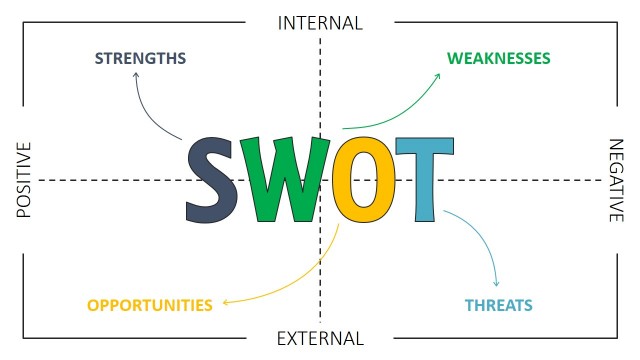
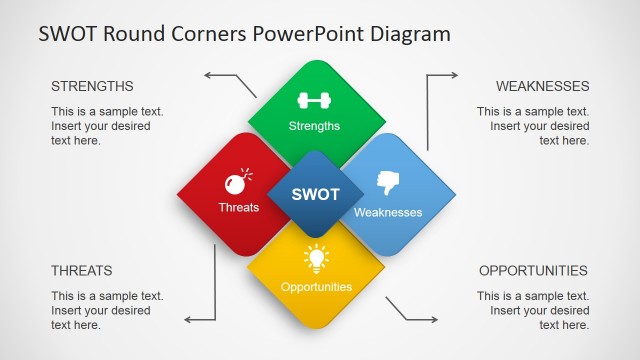
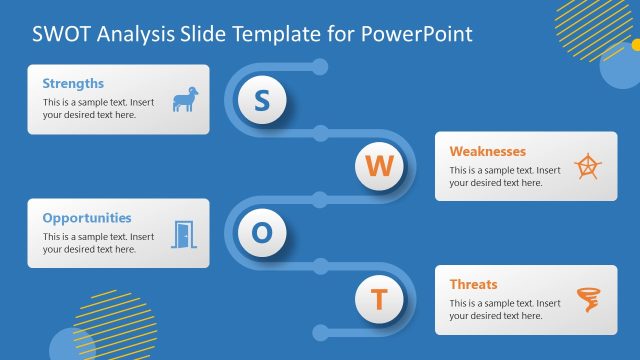
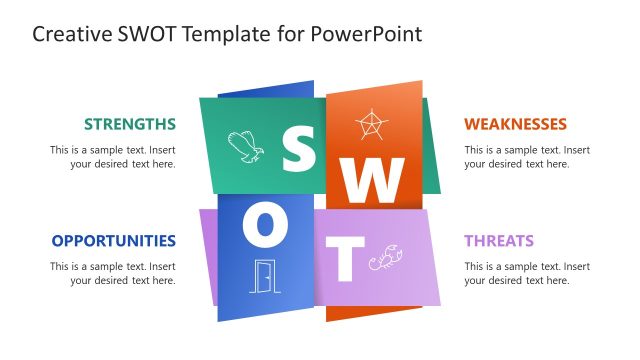
Create a beautiful origami-inspired presentation of your project’s strengths, weaknesses, opportunities, and threats using the SWOT Analysis Template for PowerPoint. Break out of conventional grids and tables, and take advantage of the simple yet creative SWOT diagram variations presented by this PowerPoint template.
Traditionally, SWOT analysis, also called the SWOT matrix, is used as a planning method to evaluate the important elements of a project or a business venture. The SWOT matrix is used to hone in on which of the dimensions need to be enhanced, which dimensions need to be revised, and which dimensions should be removed altogether, in order to be assured of a business plan which will prove economic and logistical stability in the long-run.
The PowerPoint template takes this SWOT ppt concept and gives it a retro minimalist twist, by using PowerPoint graphics which imitate the look of traditional Japanese paper folding designs. This gives the Office template a visually-satisfying image, along with a clearer placement of items for each element in the SWOT template and providing each element with the same amount of focus.
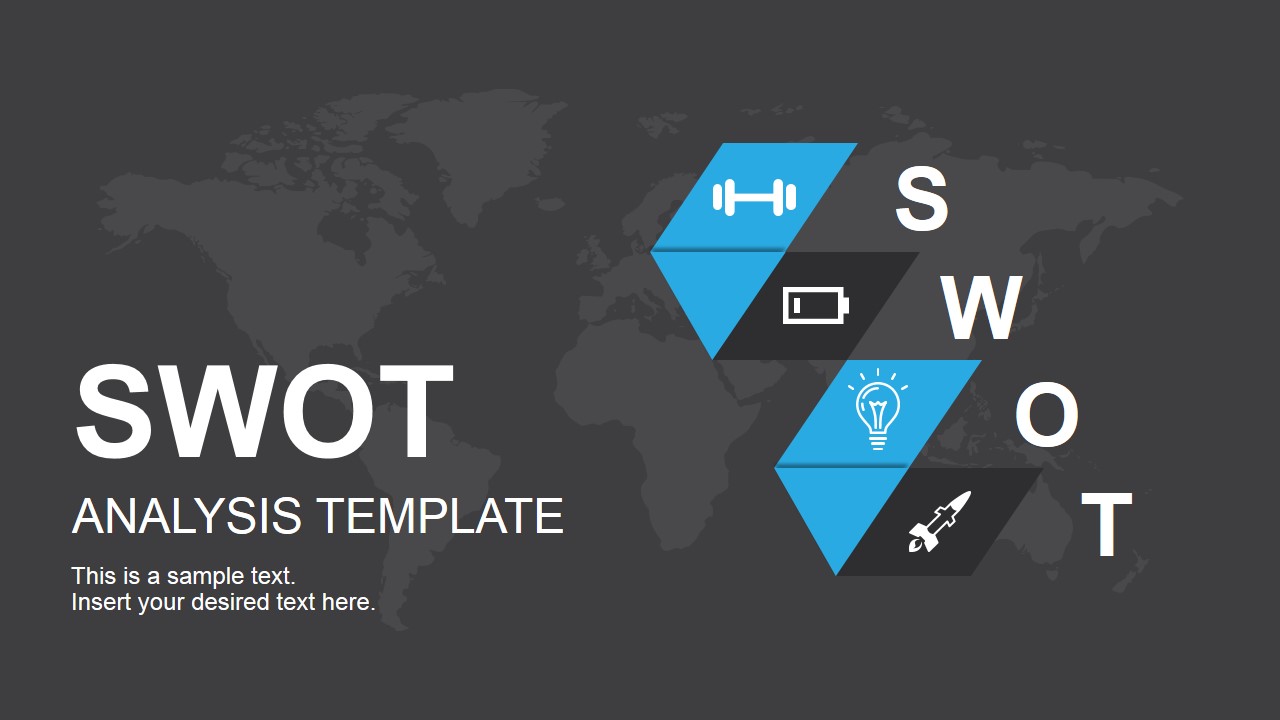
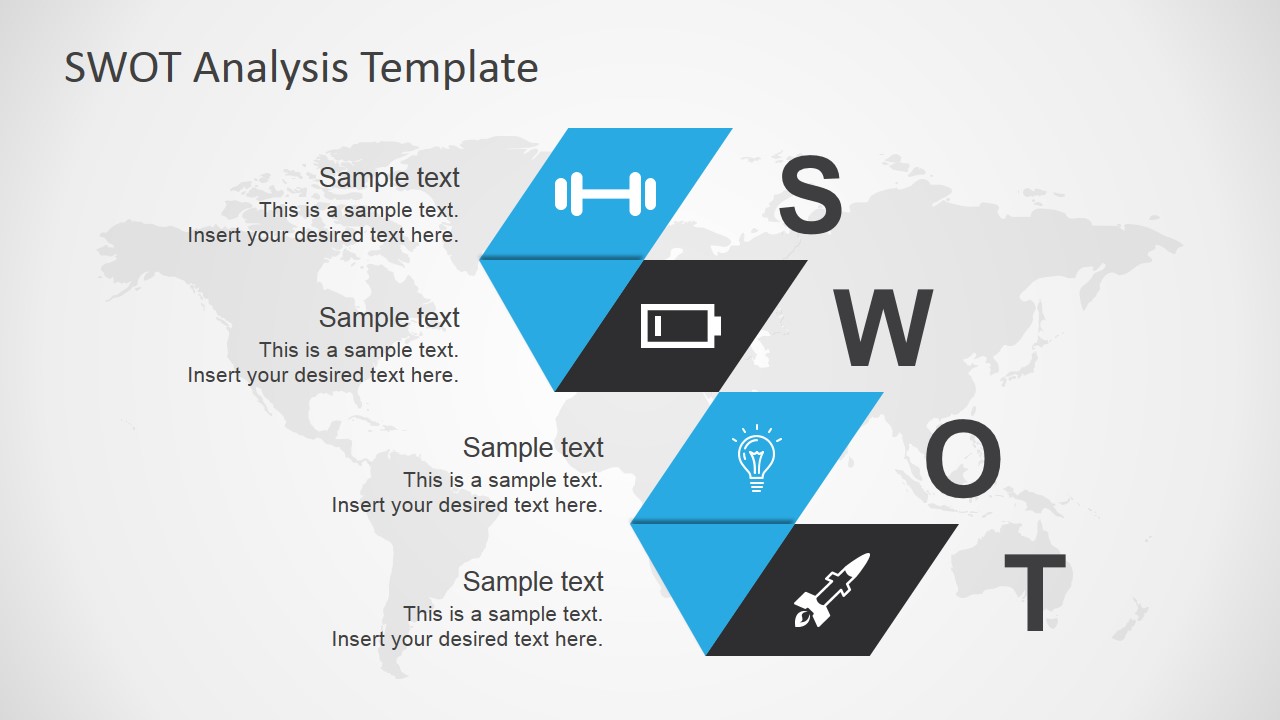
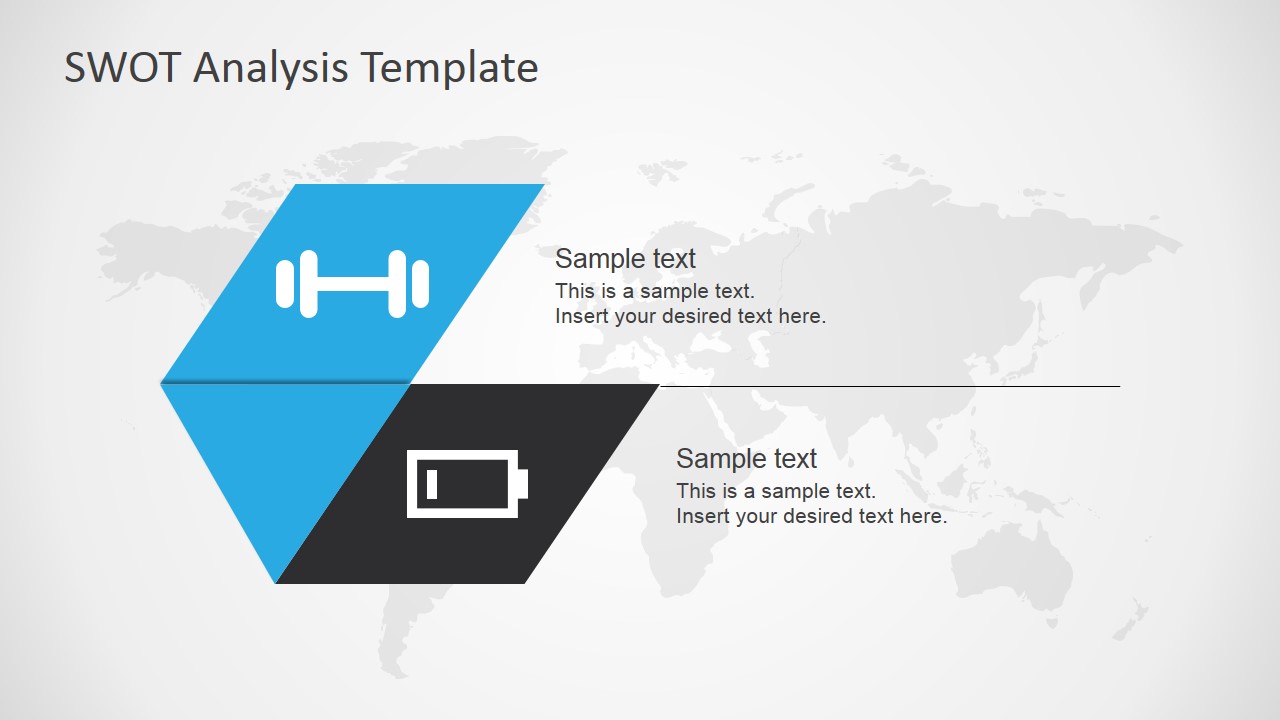
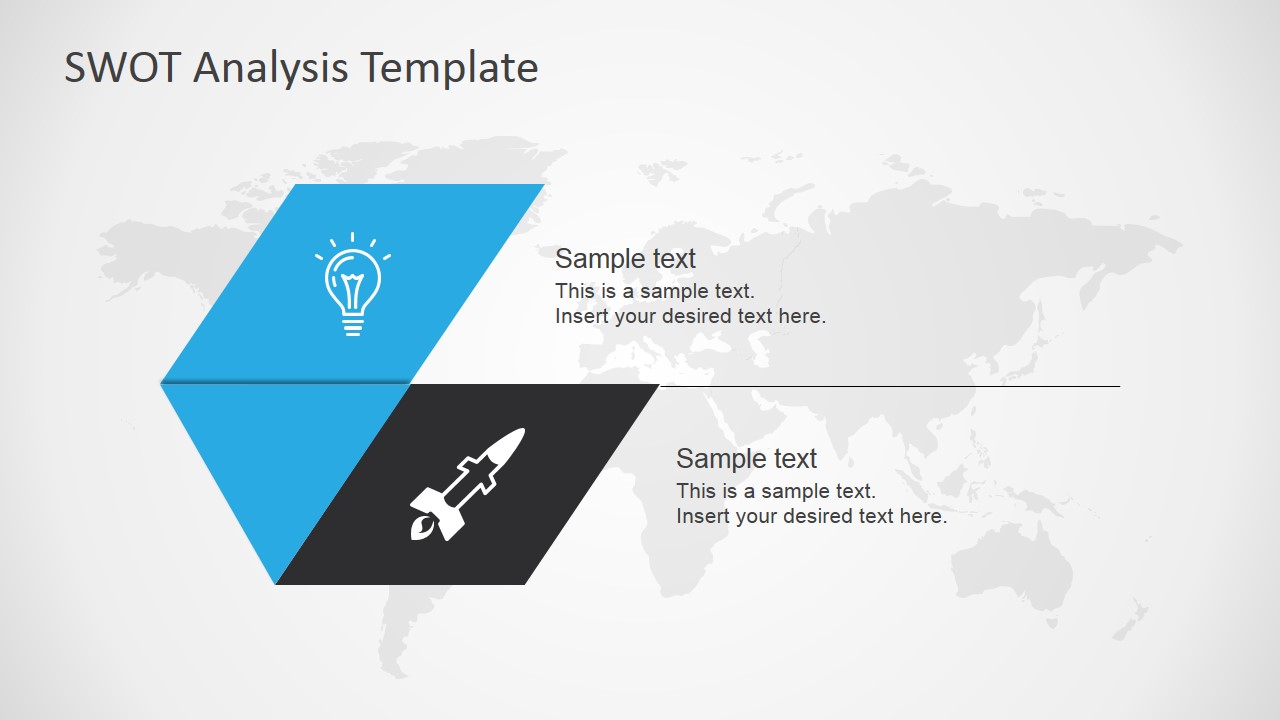
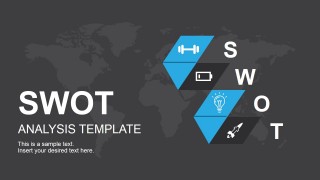
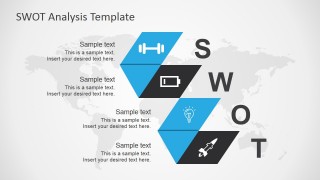
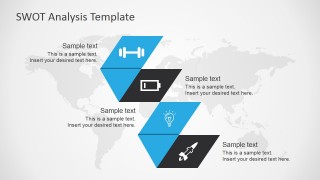
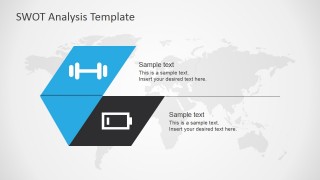
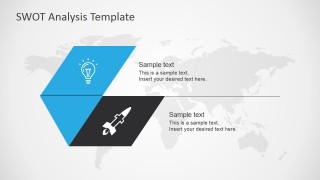
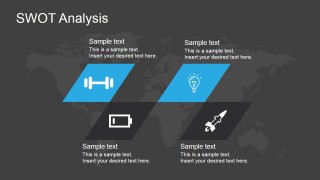
The PowerPoint slides contain several versions of SWOT diagrams using the main template layout and color scheme, which result in PowerPoint slides which make wide used of representative icons of the SWOT dimensions – weights for Strengths, a low battery icon for Weaknesses, a lightbulb for Opportunities, and a missile for Threats – and PowerPoint shapes such as blue and black parallelograms and triangles to achieve the origami effect.
Featured in the PowerPoint template are different versions of an overview of the SWOT analysis, one containing SWOT labels and another with a darker presentation background. The template also include PowerPoint slides which feature two elements each, focusing on two opposing sides of the SWOT matrix.
The SWOT Analysis Template for PowerPoint is most suited to SWOT analysis presentations for projects which include creative and modern elements, so that the presentation design may be deemed most relevant. The presenter may also choose to edit the various PowerPoint objects in the Office template in order to ensure that the presentation will be ideal for the target audience.
The presenter may also choose to download other variations of the SWOT matrix templates, like the Flat SWOT Analysis PowerPoint Template.
What’s inside this template
Example presentation scenarios
- A strategy consultant can use the full SWOT overview diagram to summarize a client's internal strengths and weaknesses alongside external opportunities and threats during a planning workshop.
- A project manager can use the paired strength and weakness slide to explain internal execution factors before moving to the opportunity and threat slide for market or delivery risks.
- A product manager can use the dark SWOT summary slide to close a roadmap discussion with a concise view of what supports, limits, opens and threatens the product plan.
- An executive presenter can use the cover slide and icon-based SWOT blocks to frame a concise business review for stakeholders who need the main analysis before decisions.
Features
- 100% editable presentation template
- Compatible with Microsoft PowerPoint and Google Slides
- 16:9 aspect ratio slides
- Scalable vector shapes, icons and illustrations
- AI-Ready for Microsoft Copilot and Claude
- Instant access and download
Frequently asked questions
Q: How should a presenter communicate a clear SWOT message with this template?
A: Start with the cover to define the initiative being assessed, then use one full SWOT overview to name the four major findings. Move to the paired slides to explain internal factors first and external factors second. Keep each text callout brief so the origami icons and category positions remain the audience's navigation system.
Q: Who is this SWOT template best suited for?
A: This template fits consultants, business analysts, project managers and product teams that need to present a qualitative assessment without filling a dense matrix. It works well for planning meetings, opportunity reviews and executive updates where the audience needs to compare strategic positives and negatives before agreeing on next actions.
Q: Why use the origami-style SWOT layout instead of a standard grid?
A: The folded paper metaphor separates the four SWOT elements while still showing them as parts of one business view. Diagonal shapes create movement, icons reduce scanning time and the paired slides let the presenter slow down for the two most important contrasts: strengths versus weaknesses and opportunities versus threats.


SWOT Analysis Template for PowerPoint
6-slide SWOT analysis presentation template with origami diagrams for strengths, weaknesses, opportunities and threats
SWOT Analysis Template for PowerPoint is a 6-slide presentation template for evaluating strengths, weaknesses, opportunities and threats. It includes a cover slide, full SWOT diagram, two alternate overview diagrams, paired element slides and a dark background summary. Designed for business planning teams in Microsoft PowerPoint and Google Slides.
- Category
- Business PowerPoint Templates
- Rating


 Loading...
- Aspect ratio
- 16:9
- Item ID
- 6978-01
- Colors
 Microsoft PowerPoint
  Microsoft Copilot
  Claude for PowerPoint
 Other formats supported
Subscribe today and get immediate
access to download our PowerPoint templates.