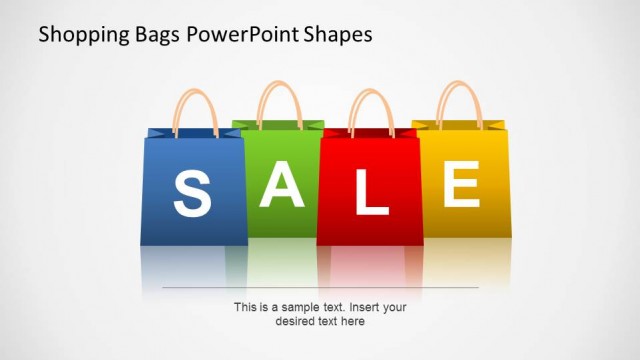
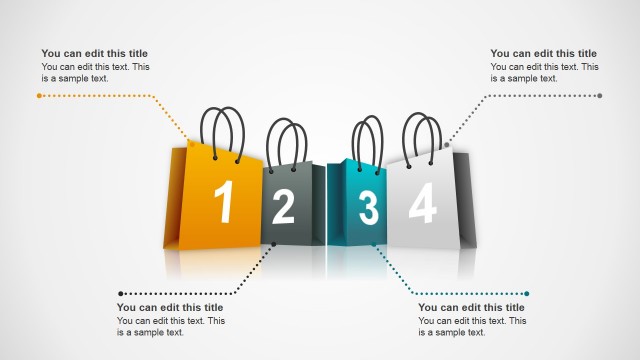
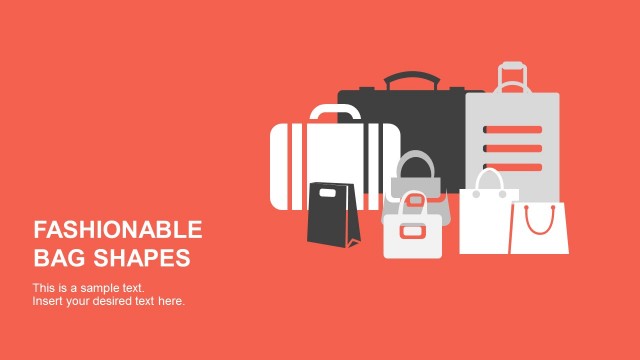
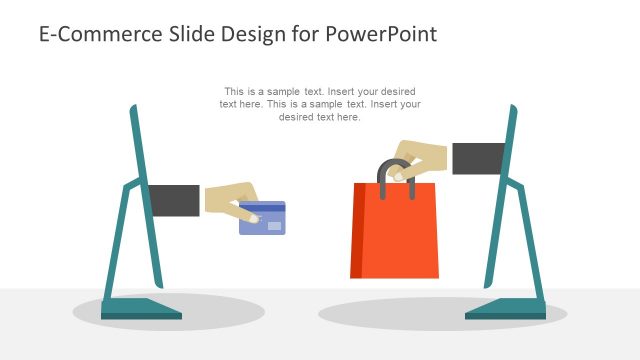
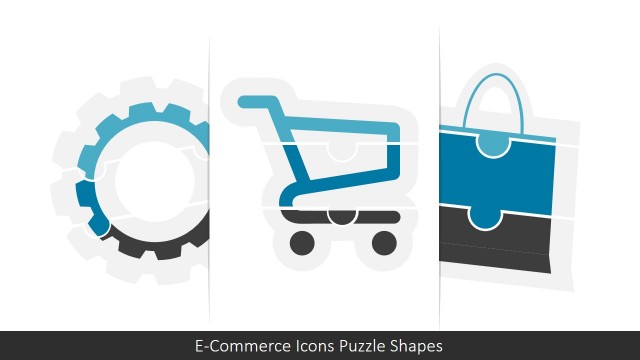
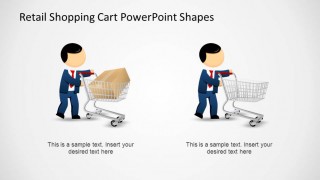
Retail Shopping Cart PowerPoint Shapes is a presentation containing professional and appealing PowerPoint shapes for the retail and e-commerce business. You can find incredible colorful and high quality shapes of shopping carts, hand carts and shopping bags. We also combined our cartoon Mike with the shapes to identify stakeholders or customers.
This presentations is completely customizable as each Retail Shopping Cart PowerPoint Shapes is created as individual PowerPoint objects, allowing the user to edit each of the object properties as size, color, gradient, position and effects.
The set of slides includes slides with the individual graphics and also combined with text. The presenter can include our shapes in his own template or theme, and improve the design of the presentation with this set of awesome shapes.
Our Retail Shopping Cart PowerPoint Shapes are ideal for marketing presentations and business sales presentations. You can engage the audience attention with our high quality graphics, that appeal to global audiences. Do not miss the opportunity to impress your audience with this exquisite set of Retail and E-Commerce shapes.
What’s inside this template
Example presentation scenarios
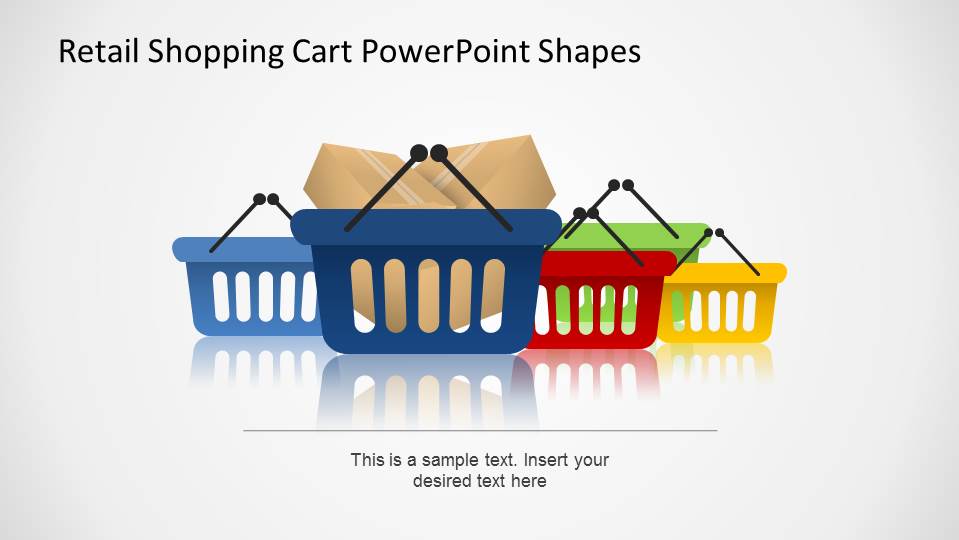
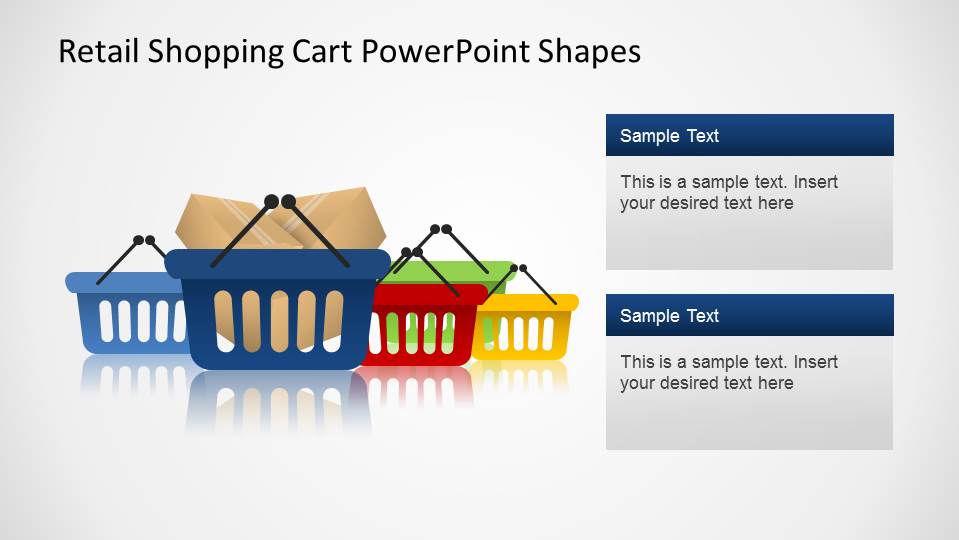
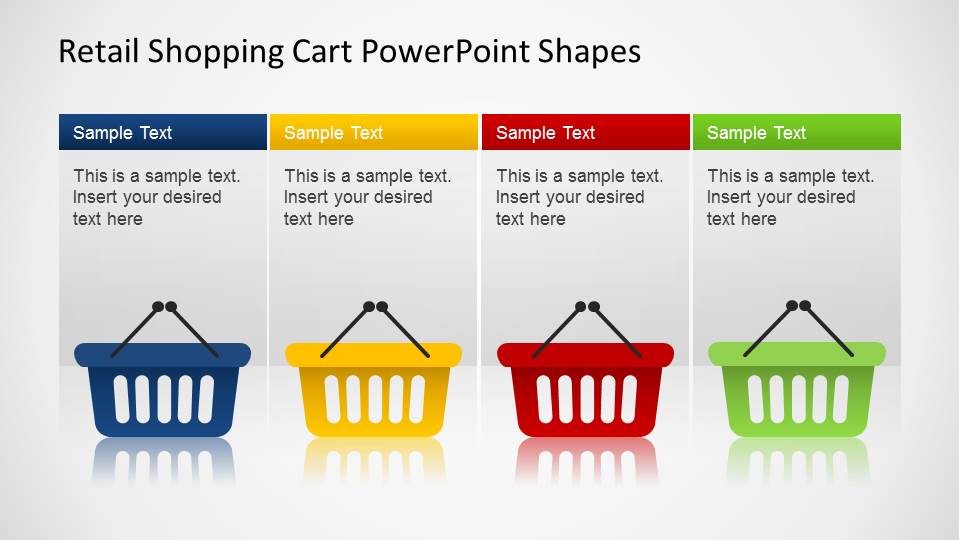
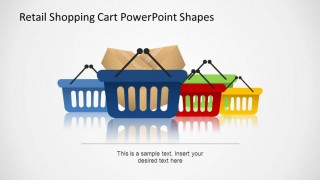
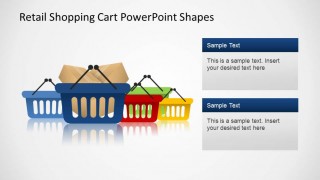
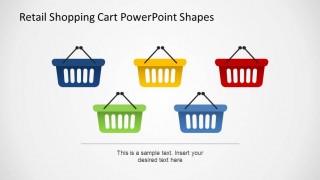
- A retail marketing manager can use the basket hero slide and multi-column basket cards to present seasonal promotions, product groups, or store campaign themes.
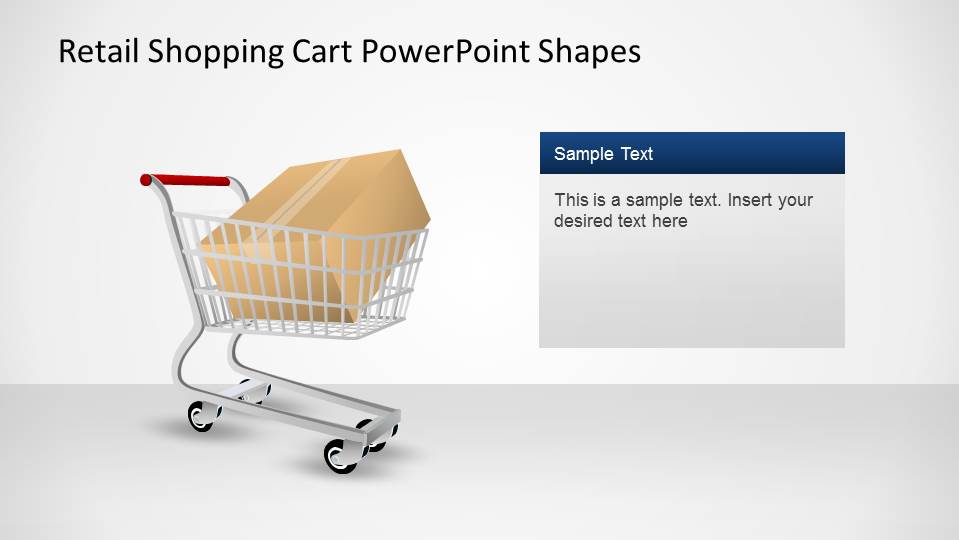
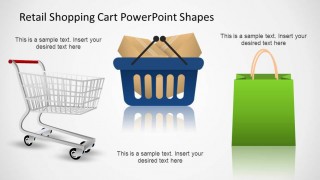
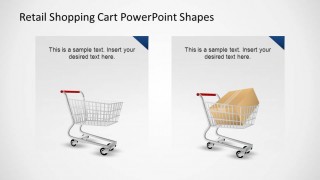
- An e-commerce founder can use the loaded cart and empty cart comparison slides to explain checkout flow, basket abandonment, or order value concepts to investors or partners.
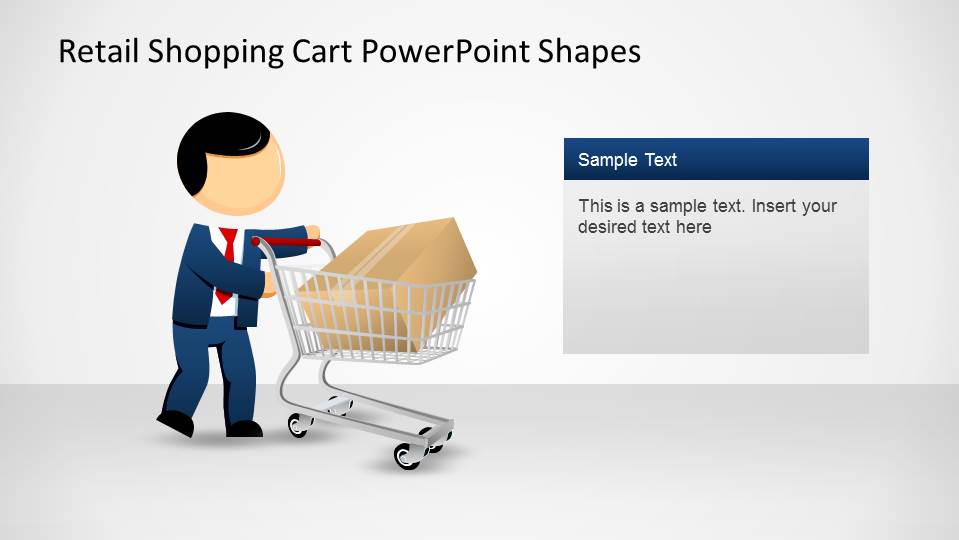
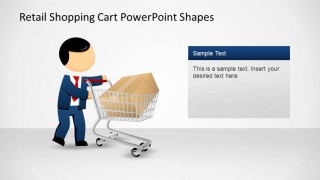
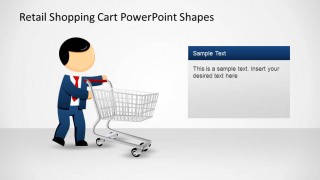
- A sales consultant can use the character with shopping cart slides to humanize a customer persona and connect buying behavior to a retail proposal.
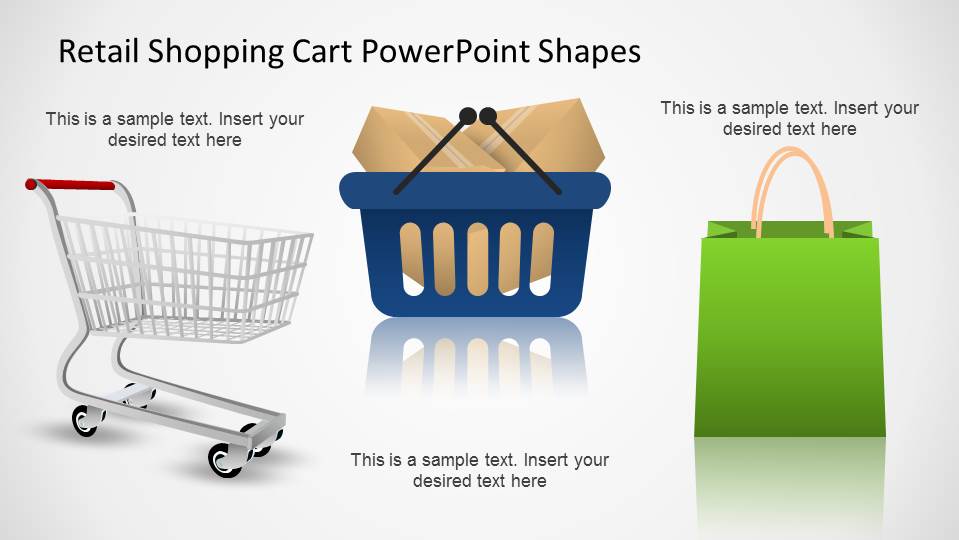
- A small business owner can use the three-column box layout to show product bundles, delivery options, or fulfillment categories in a simple visual structure.
Features
- 100% editable presentation template
- Compatible with Microsoft PowerPoint and Google Slides
- 16:9 aspect ratio slides
- Scalable vector shapes, icons and illustrations
- AI-Ready for Microsoft Copilot and Claude
- Instant access and download
Frequently asked questions
Q: How should a presenter turn these shopping cart shapes into a clear retail message?
A: Start with one buying idea per slide, such as promotion, checkout, basket value, or product category. Use the large cart or basket illustrations as the visual anchor, then keep the sample text panels short. The comparison slides work best when the presenter contrasts empty versus loaded carts or shows before-and-after customer behavior.
Q: Who is this template best suited for in a business presentation?
A: This template fits retail marketers, e-commerce founders, sales teams, and small business owners who need familiar shopping visuals without building illustrations from scratch. It is strongest for concept explanation, customer-facing offers, and product category storytelling, especially when a deck needs to feel approachable rather than analytical.
Q: Why do the cart, basket, and bag metaphors help communication?
A: Shopping containers are simple metaphors for intent, choice, and value. A loaded cart suggests demand or purchase readiness, while an empty cart can signal opportunity, abandonment, or a starting point. The repeated basket icons also create a clean visual system for comparing categories, offers, or steps.




Retail Shopping Cart PowerPoint Shapes
14-slide presentation template with shopping carts, baskets, and retail icon layouts for e-commerce sales messages
Retail Shopping Cart PowerPoint Shapes is a 14-slide shapes presentation template for retail and e-commerce messaging. It includes shopping basket hero slides, Mike character with cart layouts, product icon comparison panels, text callout cards, and multi-column item cards. It is designed for sales, marketing, and small business presenters in Microsoft PowerPoint and Google Slides.
- Category
- Shapes
- Rating


 Loading...
- Aspect ratio
- 16:9
- Item ID
- 6480-04
- Colors
 Microsoft PowerPoint
  Microsoft Copilot
  Claude for PowerPoint
 Other formats supported
Subscribe today and get immediate
access to download our PowerPoint templates.