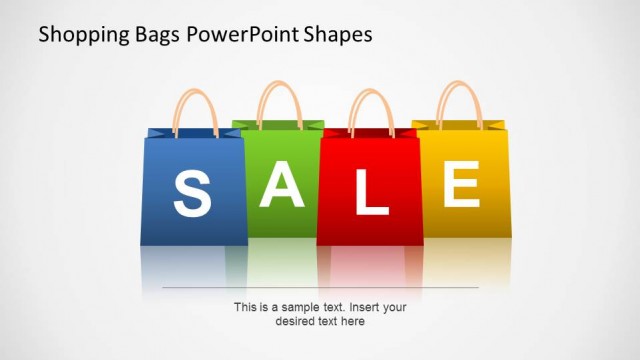
Upgrade typical retail presentations using the 3D Sales Bag Shapes for PowerPoint. Improve sales reports with the 3D PowerPoint clipart. The realistic vectors give an interesting and unconventional twist to traditional banners and brochures.
Sales bags, or shopping bags, are commonly related to retail sales, shopping and e-commerce. The use of these slide designs give the audience a quick idea that the presentation is related to the commerce theme. Retail sales is one of the building blocks of a successful economies. Although client-based selling and customized manufacturing can generate more income, retail gives the company room to experiment with their products and see which ones are appealing to a certain target market.
In this context, the PowerPoint template can be used to show the process of preparing a certain product for retailing. The user can include initial manufacturing, processing and repackaging in the presentation. Another use for the template is in the presentation of different stages of retail businesses, ranging from singular corner shops, to an entire franchising empire.
The principles of e-commerce can also be applied to the presentation. The sales bags can represent stages of e-commerce purchasing and selling. They can represent specific developments which a start-up specializing in e-commerce undergoes to develop internet presence, such as blogs and advertisements.
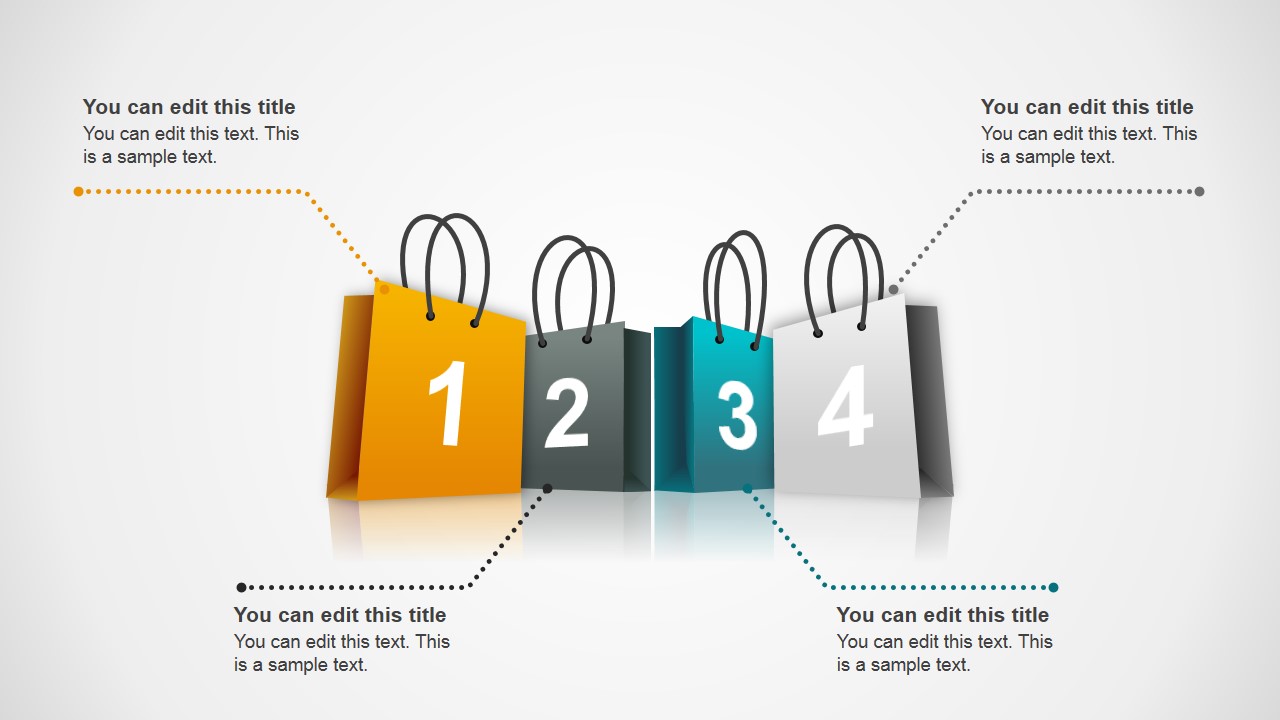
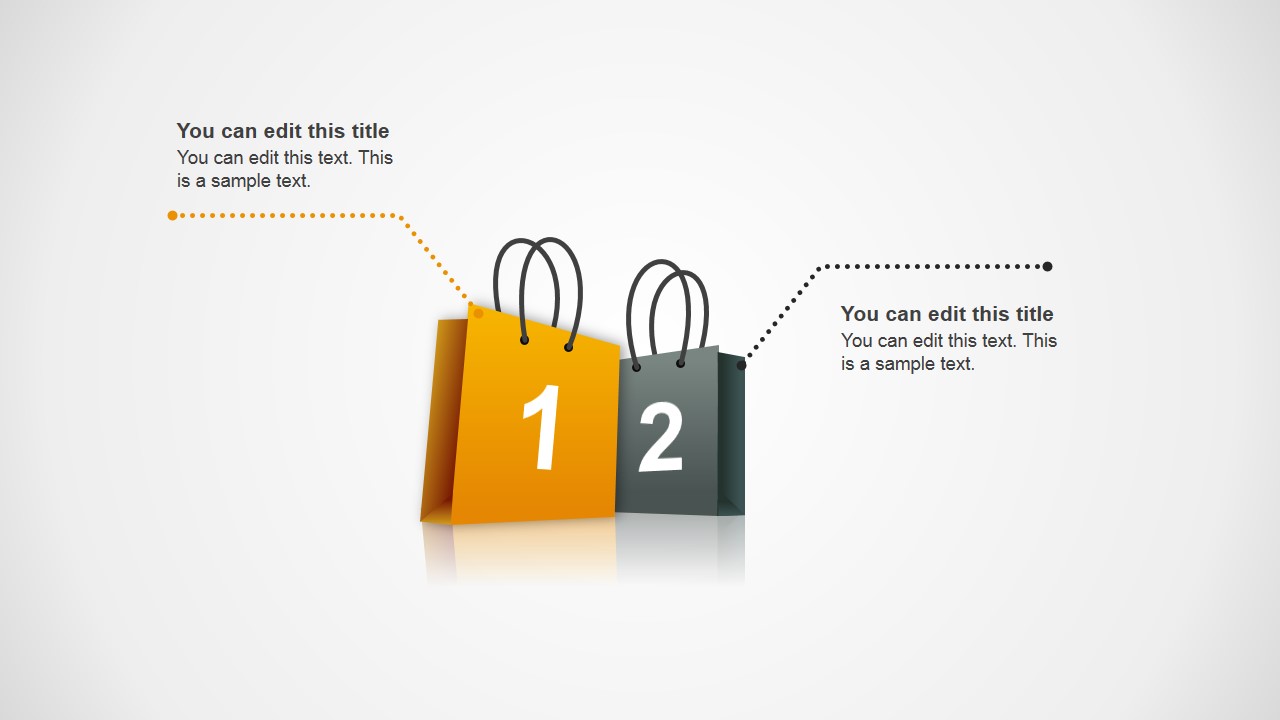
The slides contain shopping bags, colored in gradient variations of yellow, black, green, or gray. They contain numbered labels which indicate their place in the process. Each sales bag is connected to a text placeholder where the descriptions of the step can be inserted.
With the 3D Sales Bag Shapes for PowerPoint, the presenter can show purchasing processes in a unique manner. Any alteration with regards to color and size will not in any way affect the graphic resolution of the PowerPoint shapes.
What’s inside this template
Example presentation scenarios
- A retail marketing manager can present a holiday promotion plan by mapping campaign phases onto the four-step sales bag diagram.
- An e-commerce product owner can explain the online purchase journey by assigning browse, cart, and checkout steps to the three-step bag layout.
- A sales leader can compare two launch priorities by using the two-step shopping bag slide to show before-and-after actions.
- A merchandising team can brief store staff on a discount event by placing product preparation, display, and sales messaging into the numbered bag callouts.
Features
- 100% editable presentation template
- Compatible with Microsoft PowerPoint and Google Slides
- 16:9 aspect ratio slides
- Scalable vector shapes, icons and illustrations
- AI-Ready for Microsoft Copilot and Claude
- Instant access and download
Frequently asked questions
Q: How should a presenter structure the message with these shopping bag diagrams?
A: Treat each numbered bag as one decision or action, not as a decorative marker. Start with the simplest two-step slide for a high-level contrast, then move to the three- or four-step version when the audience needs more detail. Keep each callout short so the bag numbers remain the main reading path.
Q: When is this template a better choice than a funnel or timeline?
A: This template fits best when the topic is clearly tied to retail, shopping, promotions, or e-commerce. The shopping bag metaphor helps audiences recognize the commercial context immediately. Use it for purchase stages, campaign steps, or sales event planning when the goal is explanation rather than numeric performance analysis.
Q: Why do the 3D shopping bags help communicate a retail process?
A: The numbered bags combine sequence and category in one visual object, so the audience can follow order without reading a long list. The callout lines separate explanation from the central objects, reducing clutter. The retail metaphor also makes Black Friday, Cyber Monday, and purchase-flow topics feel concrete.

3D Sales Bag Shapes for PowerPoint
3-slide presentation template with 3D shopping bag diagrams for retail sales and e-commerce workflows
3D Sales Bag Shapes for PowerPoint is a 3-slide retail and e-commerce shapes template for showing purchase steps, sale stages, or shopping workflows. It includes two-step, three-step, and four-step sales bag diagrams with callout text areas. Designed for sales, marketing, and retail presenters, it works in Microsoft PowerPoint and Google Slides.
- Category
- Shapes
- Rating


 Loading...
- Aspect ratio
- 16:9, 4:3
- Item ID
- 2047-01
- Colors
 Microsoft PowerPoint
  Microsoft Copilot
  Claude for PowerPoint
 Other formats supported
Subscribe today and get immediate
access to download our PowerPoint templates.