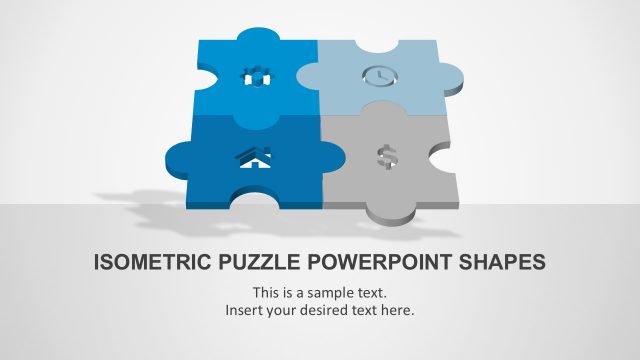
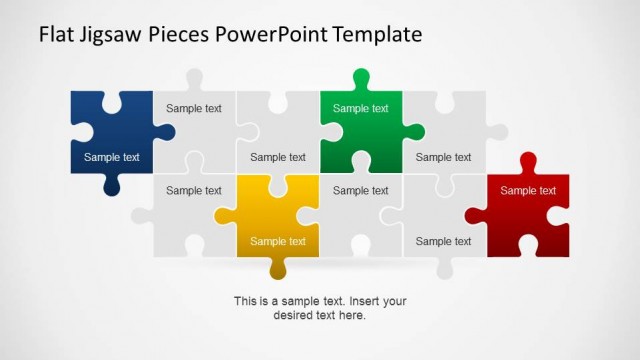
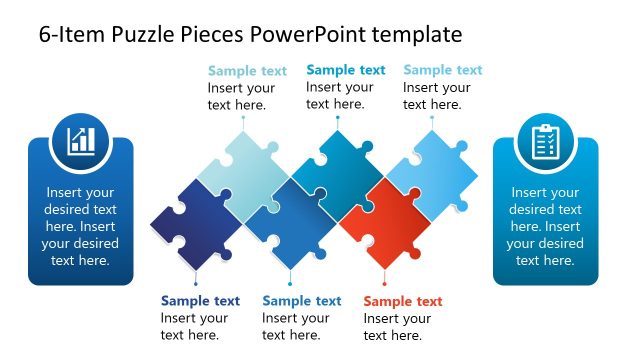
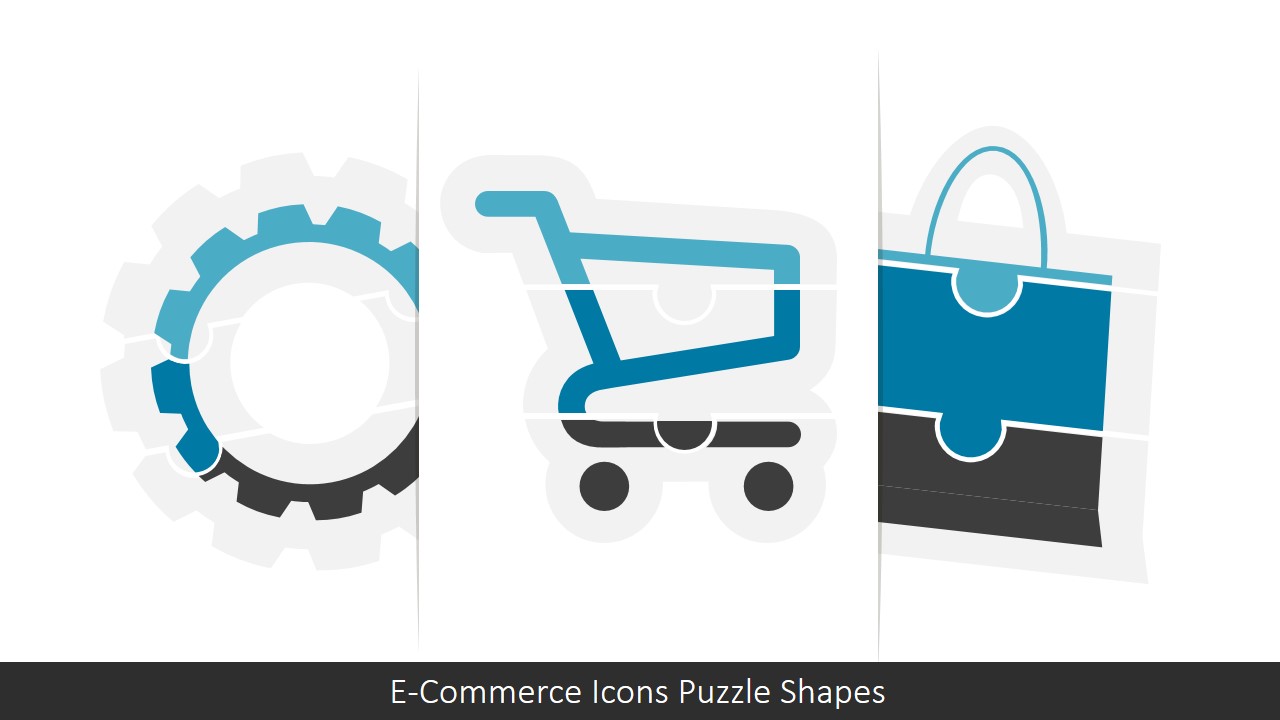
E-Commerce Icons Puzzle PowerPoint Shapes – Create professional e-commerce presentations with high quality graphics, featuring ecommerce concepts with a Puzzle Jigsaw Theme.
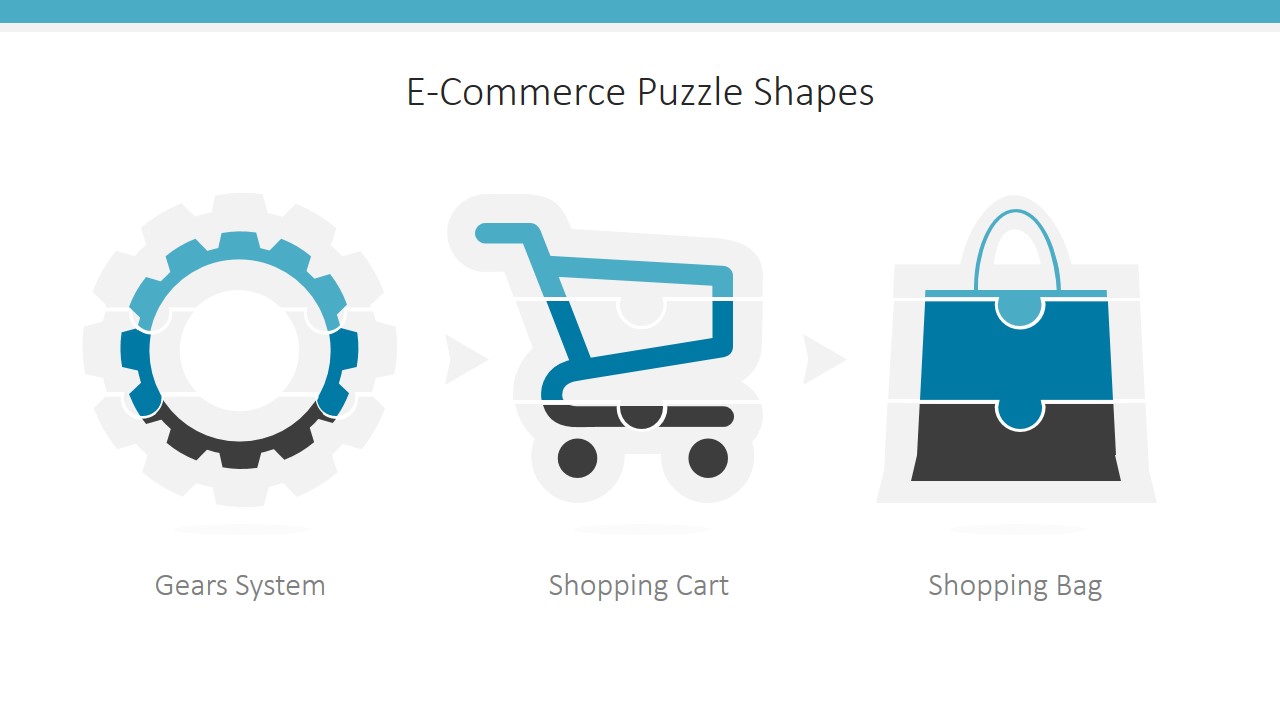
The Jigsaw Puzzle shapes are popular in presentations where the speech iterates over the building blocks of concepts. In this case, the PowerPoint Template provides three main ecommerce metaphors, where the user can describe through the horizontal segments created with puzzle pieces.
The PowerPoint template contains three main concepts:
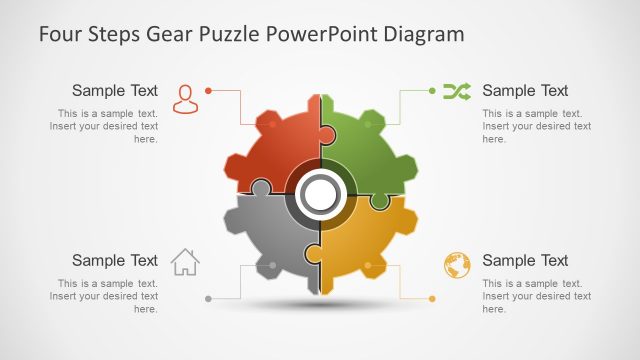
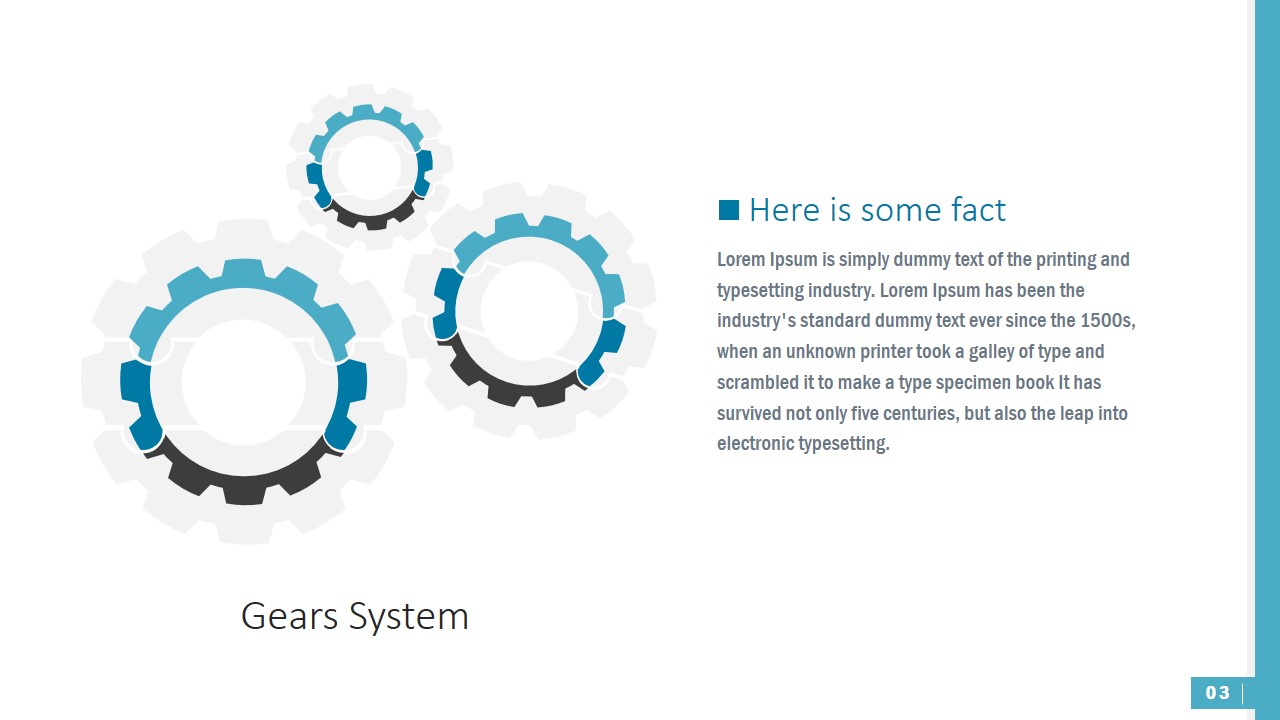
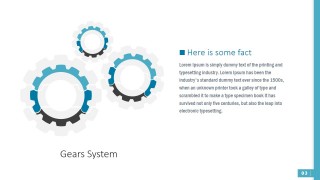
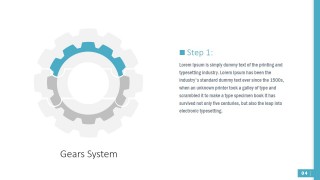
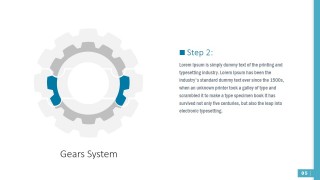
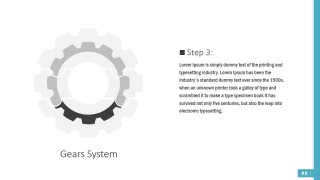
- Gears: Featuring processes for the ecommerce industry, the user can describe simple steps or replace a bullet list with the Gear clipart, divided into three steps through jigsaw segments.
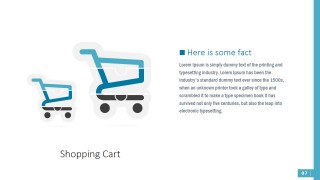
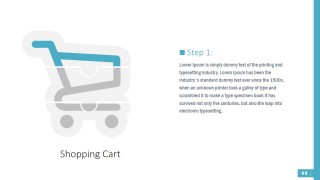
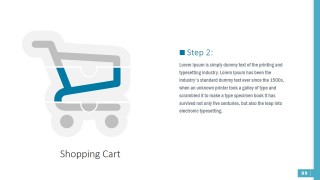
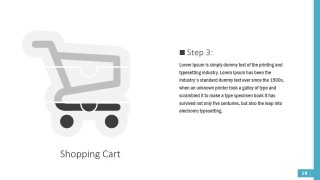
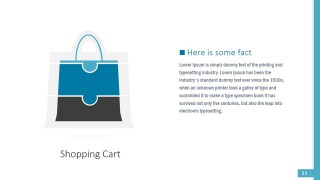
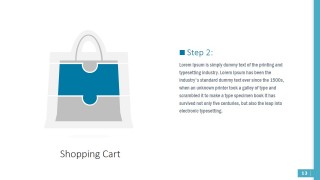
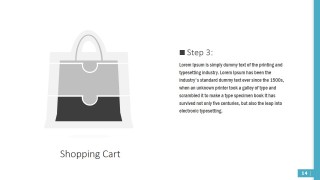
- Shopping Cart: One of the most relevant icons for e-commerce is the Shopping Cart. The PowerPoint template provides a three steps shopping cart icon, divided through puzzle shapes.
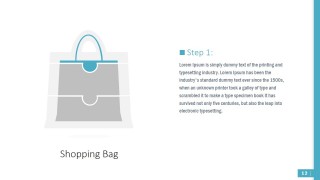
- Shopping Bag: Referencing a more traditional shopping experience, the shopping bag is applied in personalized shopping through the web, instead to the traditional shopping cart interface.
Each jigsaw piece is created as an individual PowerPoint Shape. The user can customize each property of the puzzle, allowing the user to adapt the presentation to any theme. The vectorial properties of the jigsaw pieces allows the user to reuse the icons in different presentations without losing resolution or quality.
Creating professional Business PowerPoint Presentations is now an easy task with the help of our PowerPoint Templates. The user can combine the ecommerce icons with any of our PowerPoint Backgrounds, creating new and stunning combinations.
What’s inside this template
Example presentation scenarios
- An e-commerce manager can use the shopping cart step slides to explain a checkout or conversion process to leadership while replacing dense bullet lists with one highlighted puzzle segment per step.
- A retail operations presenter can use the gears system slides to describe how fulfillment, payment, and customer support parts fit together in an online sales process.
- A consultant can use the overview slide to compare three e-commerce metaphors before focusing the audience on the diagram that best fits the client discussion.
- A digital marketing team can use the shopping bag puzzle slides to present a customer shopping experience, with each highlighted segment tied to a campaign, offer, or service point.
Features
- 100% editable presentation template
- Compatible with Microsoft PowerPoint and Google Slides
- 16:9 aspect ratio slides
- Scalable vector shapes, icons and illustrations
- AI-Ready for Microsoft Copilot and Claude
- Instant access and download
Frequently asked questions
Q: How should a presenter structure the message with these puzzle icon slides?
A: Start with the overview slide to name the three e-commerce metaphors, then select one icon family for the main explanation. Use the Step 1, Step 2, and Step 3 slides as a controlled sequence: introduce the whole system, highlight one puzzle segment at a time, and keep each text block tied to one business action.
Q: Who is this template best suited for in an e-commerce presentation?
A: It fits presenters who need to explain how online selling components connect, such as e-commerce managers, retail consultants, startup founders, and digital marketing leads. The gear slides work for operational processes, the cart slides suit checkout or purchase flow topics, and the bag slides fit customer shopping experience or service packaging.
Q: Why use a puzzle metaphor instead of a standard list?
A: The puzzle metaphor shows that each part has a defined place in the larger e-commerce system. By fading inactive pieces and coloring the current segment, the design guides attention without hiding the overall context. This is stronger than a plain list when the message depends on interdependence, sequence, or fit.


E-Commerce Icons Puzzle PowerPoint Shapes
16-slide presentation template with e-commerce puzzle icons, gears, shopping cart, and shopping bag diagrams
E-Commerce Icons Puzzle PowerPoint Shapes is a 16-slide template of editable e-commerce icon diagrams for Microsoft PowerPoint and Google Slides. It includes gear system puzzle pieces, shopping cart step diagrams, and shopping bag puzzle layouts for explaining processes, purchase flows, and business building blocks.
- Category
- Shapes
- Rating


 Loading...
- Aspect ratio
- 16:9, 4:3
- Item ID
- 0017-01
- Colors
 Microsoft PowerPoint
  Microsoft Copilot
  Claude for PowerPoint
 Other formats supported
Subscribe today and get immediate
access to download our PowerPoint templates.