The Project Proposal PowerPoint Template is a professional presentation designed to explain your project to an executive audience. It is created following Project Proposals best practices structures. Ideal for corporate planning activities where initiatives need to be presented ; the Project Proposal PowerPoint Template outlines a structure ready to persuade your audience.
This project status PowerPoint template includes several useful layouts for project proposal presentations. For example:
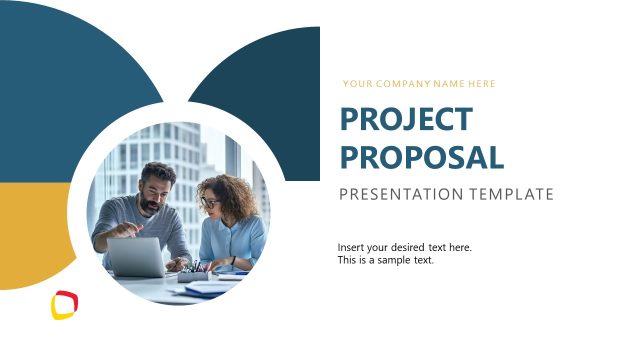
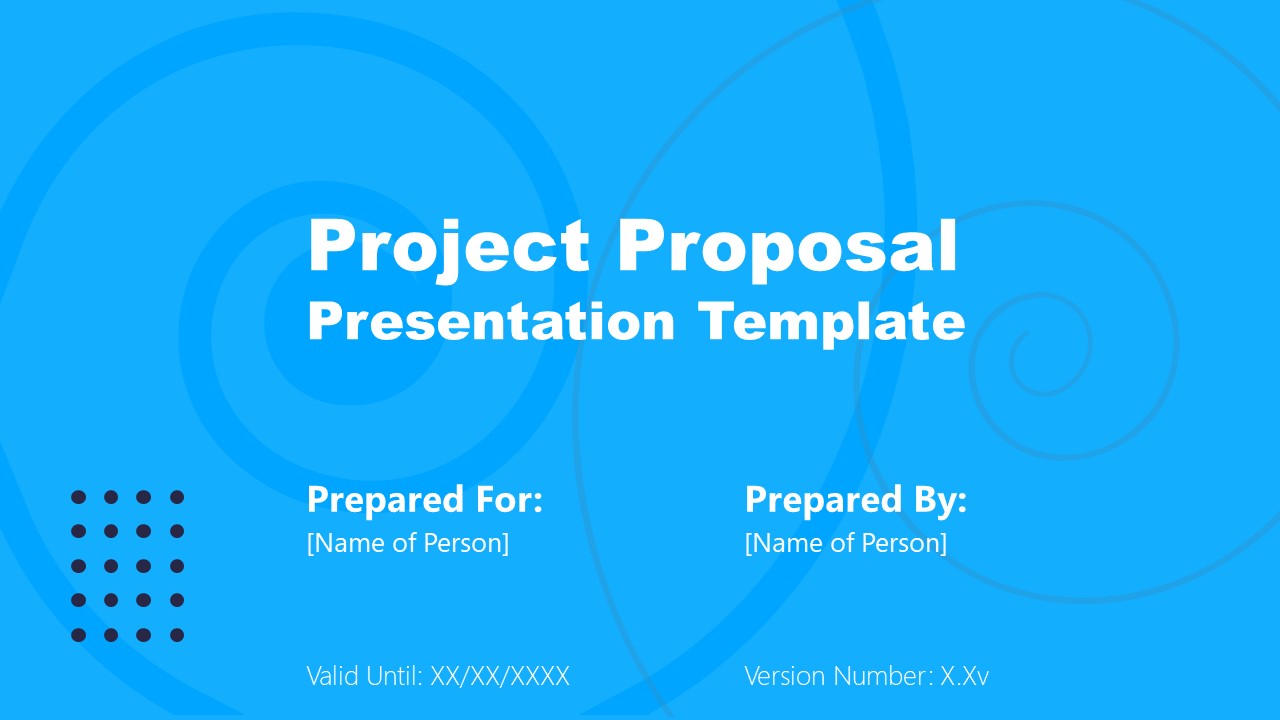
- Project proposal cover slide
- Table of Contents slide
- Definition of the problem slide
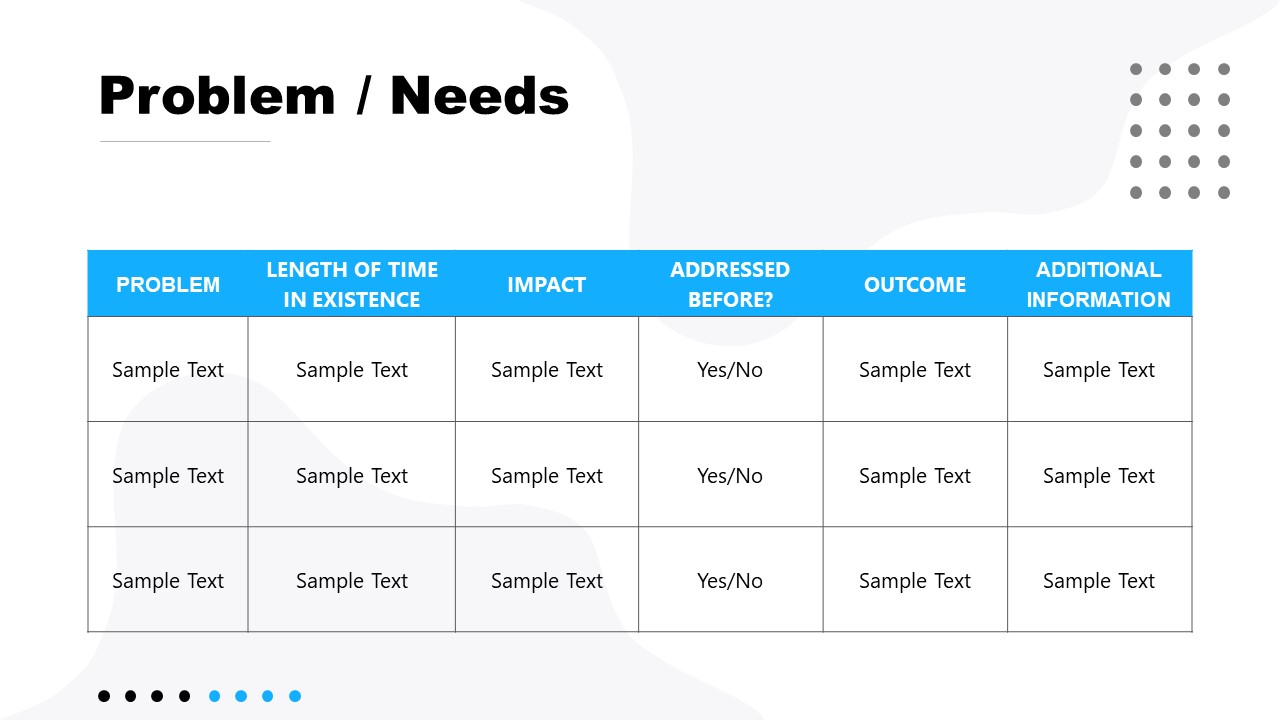
- A data table to present the Problem and Needs
- Slides to present the Solution
- Goals & Benefits slides
- Project deliverables table
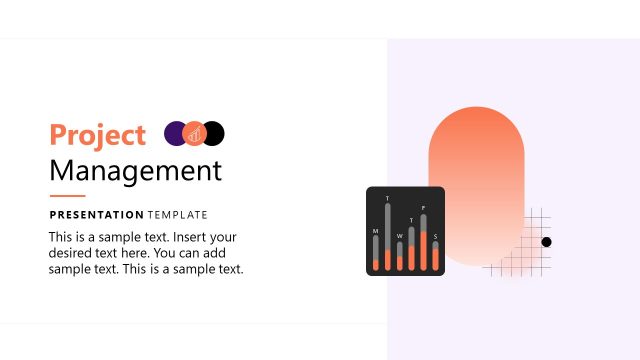
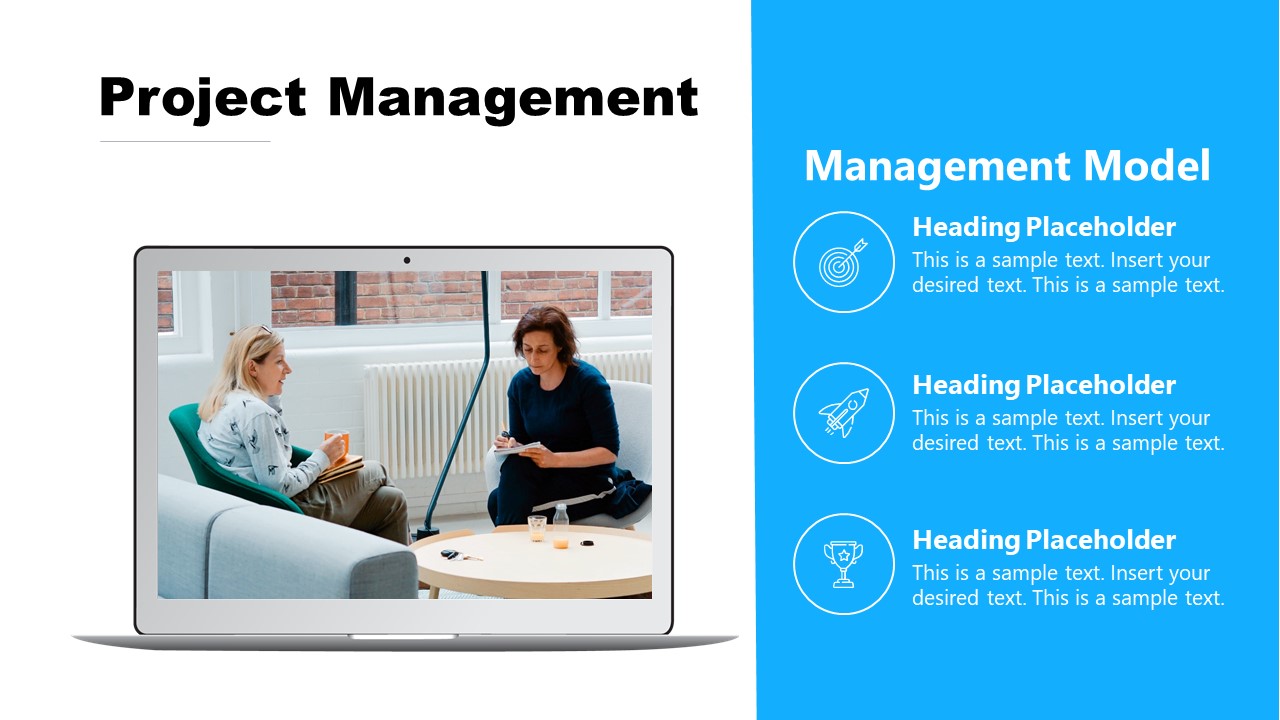
- Project Management slide
- Table to present the Project Budget
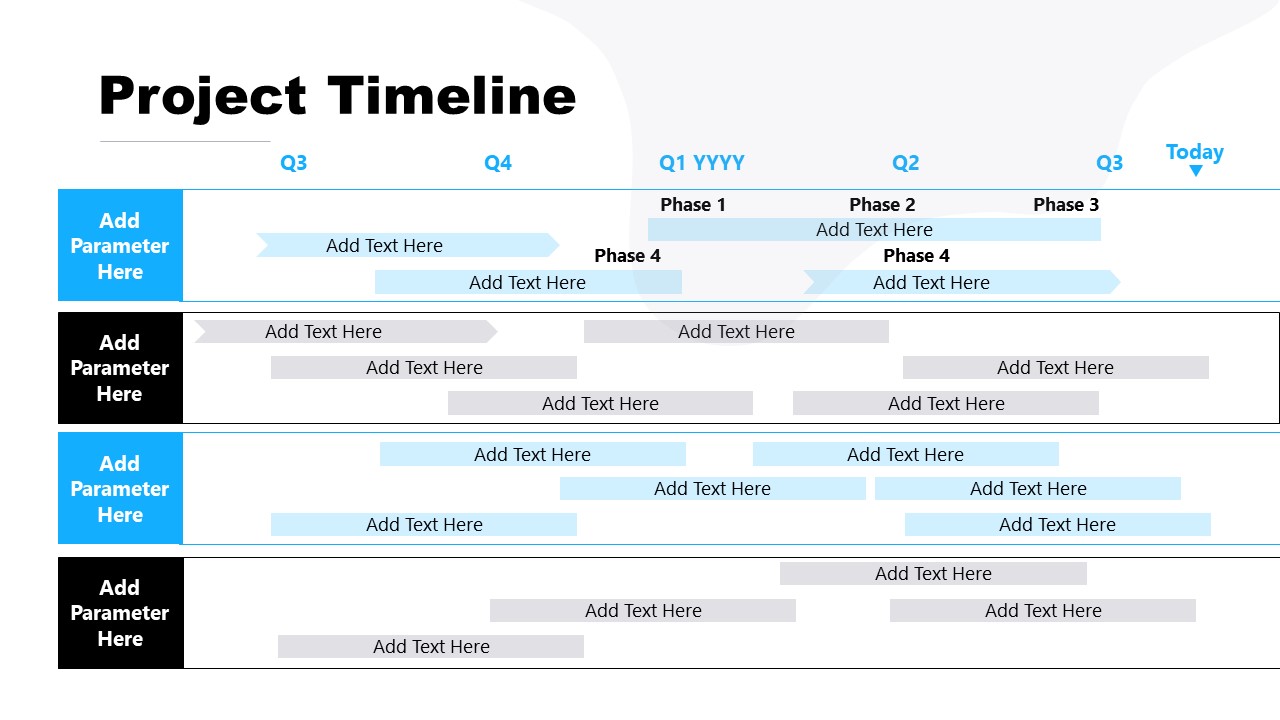
- An editable project timeline for the proposal
- Conclusions slide
- Thank you slide
With this 100% editable work plan template, project managers and planners can create compelling project proposal presentations in PowerPoint, as a PDF or even using Google Slides to present their proposals to clients and stakeholders.
What’s inside this template
Example presentation scenarios
- A project manager can use the problem statement and problem and needs table to brief executives on why the initiative matters before requesting approval.
- A consultant can present the solution slide, goals and benefits matrix, and deliverables table to align a client on scope, expected value, and acceptance criteria.
- An operations leader can use the budget table and Gantt-style timeline to explain cost, timing, phases, and resource implications during a planning review.
- A business analyst can use the requirements slide and management model slide to document what must be in place before the project starts.
Features
- 100% editable presentation template
- Compatible with Microsoft PowerPoint and Google Slides
- 16:9 aspect ratio slides
- Scalable vector shapes, icons and illustrations
- AI-Ready for Microsoft Copilot and Claude
- Instant access and download
Frequently asked questions
Q: How should a presenter structure the proposal message with this template?
A: Start with the table of contents to set expectations, then use the problem slide and problem and needs table to define urgency before showing the solution. After that, move into goals, benefits, deliverables, budget, and timeline. This order keeps the audience focused on rationale before asking them to judge scope, cost, and schedule.
Q: Who is this template best suited for, and in what kind of meeting?
A: This template fits project managers, consultants, and business leads who need approval or alignment for a defined initiative. It works well in executive sponsor meetings, client proposal discussions, and internal planning reviews because it combines decision-oriented slides with practical tables for deliverables, budget, requirements, and timing.
Q: Why does the design use tables, numbered sections, and blue section slides?
A: The numbered table of contents gives the proposal a clear route, while tables make evaluation criteria, costs, and deliverables easy to scan. The blue divider and conclusion slides act like pauses between dense decision content, helping the presenter reset attention before moving from problem to solution, then from plan to recommendation.










Project Proposal PowerPoint Template
15-slide project proposal presentation template with problem table, deliverables, budget, and timeline layouts
Project Proposal PowerPoint Template is a 15-slide business proposal deck for presenting an initiative to stakeholders. Visible layouts include a table of contents, problem and needs table, goals and benefits matrix, project deliverables table, budget table, and project timeline. It is built for Microsoft PowerPoint and Google Slides.
- Category
- Business PowerPoint Templates
- Rating

 Loading...
- Aspect ratio
- 16:9
- Item ID
- 90137-02
- Colors
 Microsoft PowerPoint
 Microsoft Copilot
 Claude for PowerPoint
Other formats supported
Subscribe today and get immediate
access to download our PowerPoint templates.