Project Benefits PowerPoint Templates
A project proposal that leads with scope and timeline before establishing why the project matters risks losing a sponsor’s attention before the case is made. A project benefits PowerPoint template flips that order, giving the expected outcomes, cost savings, efficiency gains, or strategic value a slide of their own near the front of the deck. Our project benefits templates are built for project managers and PMO analysts who need sponsors to see the return before the plan. The same format scales from a single-department initiative to a multi-year transformation program.

Project Introduction PowerPoint Template

Project Update PowerPoint Template
Project Management PowerPoint Template

Project Closure PowerPoint Template

Project Assignments PowerPoint Template
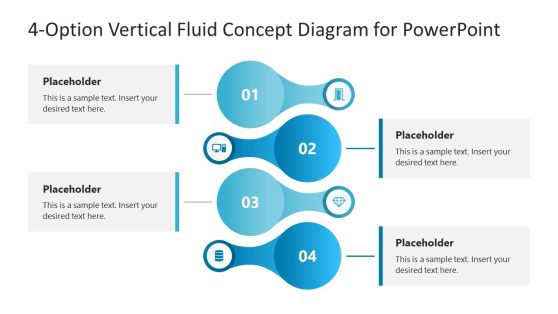
4-Option Vertical Fluid Concept PowerPoint Template
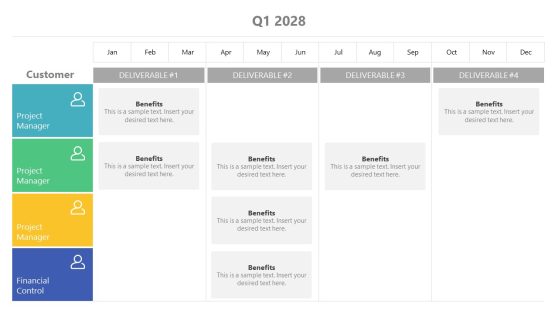
Customer Benefits from Deliverables PowerPoint Template
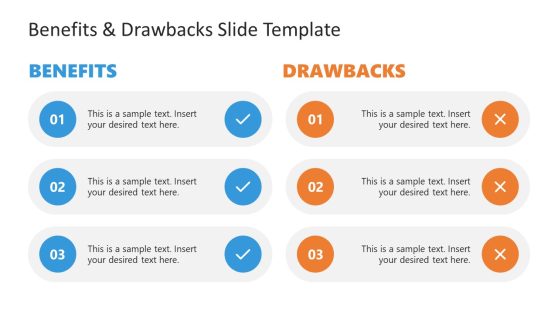
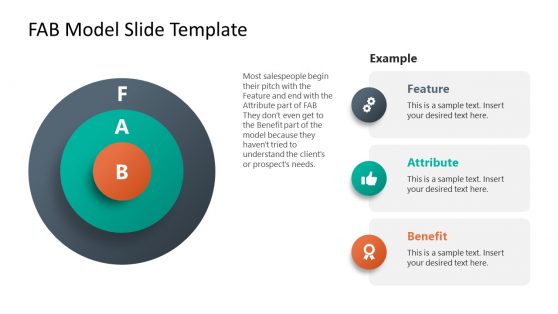
Project Proposal PowerPoint Template
Why Project Managers Choose Benefits Slides
A sponsor approving a project wants to see the return before reviewing the plan that delivers it, and a benefits slide placed early in the deck answers that question directly, rather than implying it through the scope description.
Project benefits templates are structured around measurable categories: cost savings, time savings, risk reduction, so a sponsor can weigh the investment against a specific number rather than a general claim of value. This structure also holds up well when a project benefits slide gets reused later, during a post-project review, to check whether the promised outcomes actually materialized. PMO analysts tracking a portfolio of initiatives find that a consistent benefits format across projects makes it easier to compare which initiatives delivered on their case.
What a Project Benefits PowerPoint Template Includes
A project benefits PPT template is a slide set built around the categories used to justify a project’s value: cost savings, efficiency, and risk reduction. What’s generally included:
- ROI summary slides comparing investment against expected return
- Cost savings breakdown by category or department
- Efficiency gain slides showing time saved per process
- Risk reduction callouts tied to specific project outcomes
Who Uses Project Benefits Templates, and When
Project managers use the ROI summary slide when pitching a new initiative to a steering committee, while PMO analysts reuse the same benefits format during a post-project review to measure delivered value against the original case. Change management teams adapt the efficiency gain slides when communicating a process change to affected departments, and finance partners reviewing project proposals rely on the cost savings breakdown to validate the numbers before approval.
Distributed project teams presenting to sponsors in another office rely on Google Slides to keep the benefits data current without emailing a new version before every review. Executive sponsors reviewing a portfolio of competing project requests also use the benefits format to rank proposals side by side before committing budget to any single initiative.