Discuss the progress of your business project in the team meetings with our Project Status Report PowerPoint Template in a comprehensive. The project status report outlines the current progress of the project, milestones archives, potential risks, opportunities available, budget analysis, and overall project health. We created this template so project managers can visualize these key project characteristics in their team sessions. Operational managers can use the slide design to display the process implementation report or digital transformation report in executive meetings. The template is fully editable and is created using 100% customizable PowerPoint features. You can edit this project status report template for PowerPoint with Google Slides and Keynote.
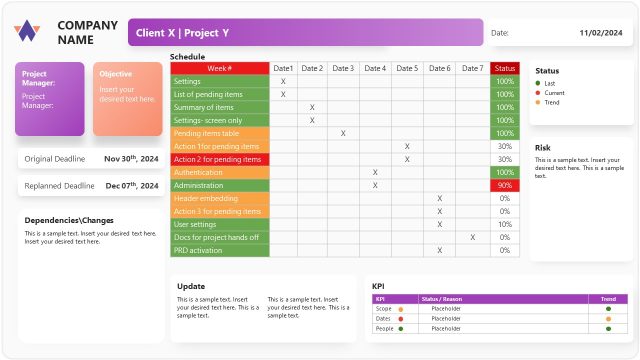
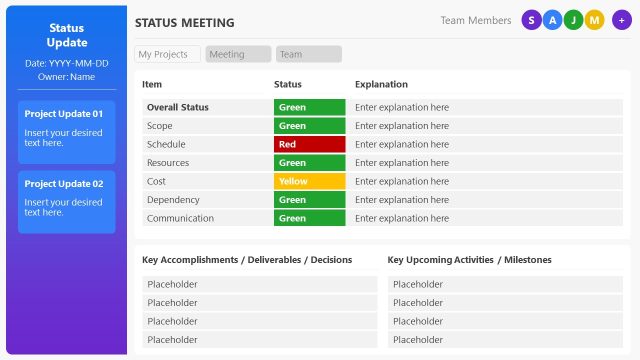
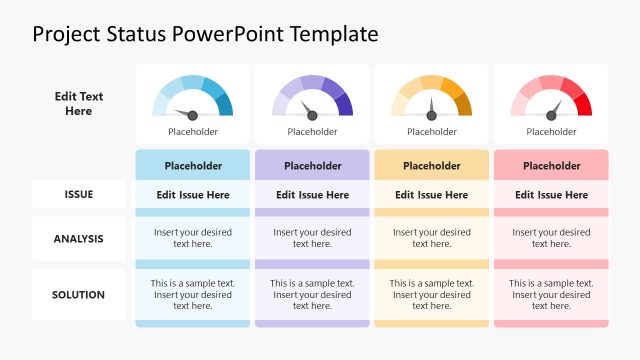
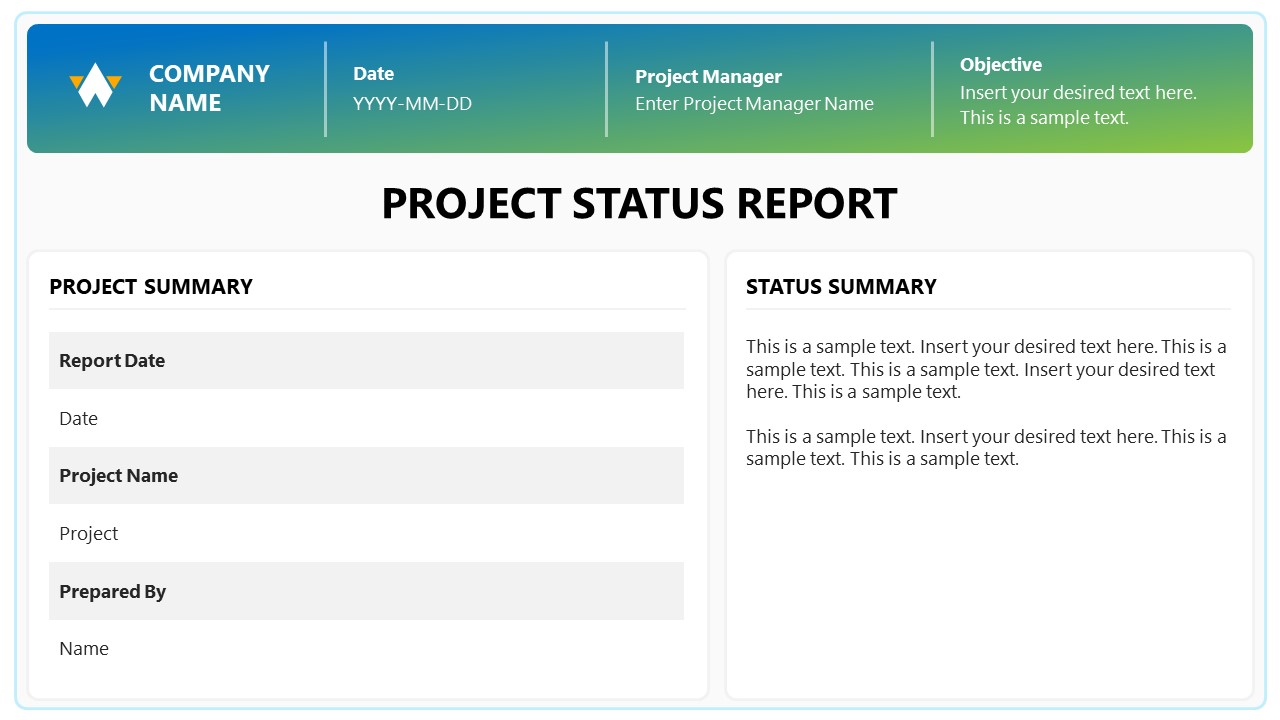
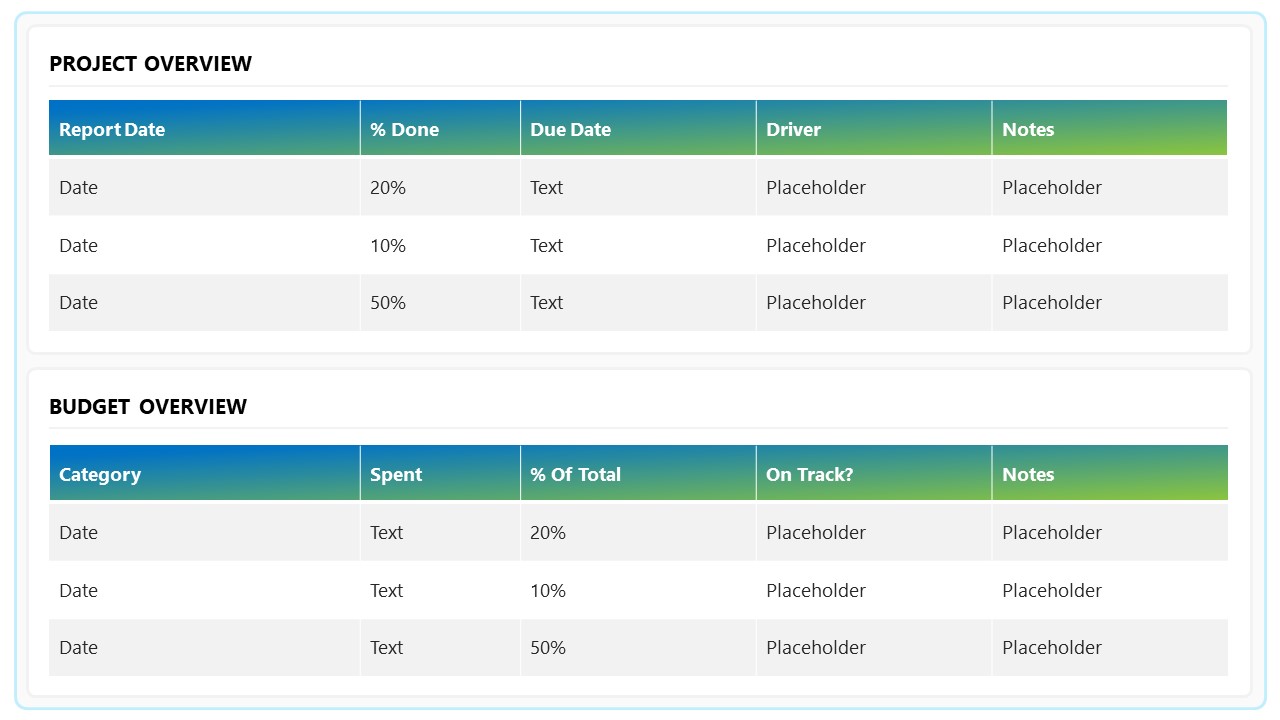
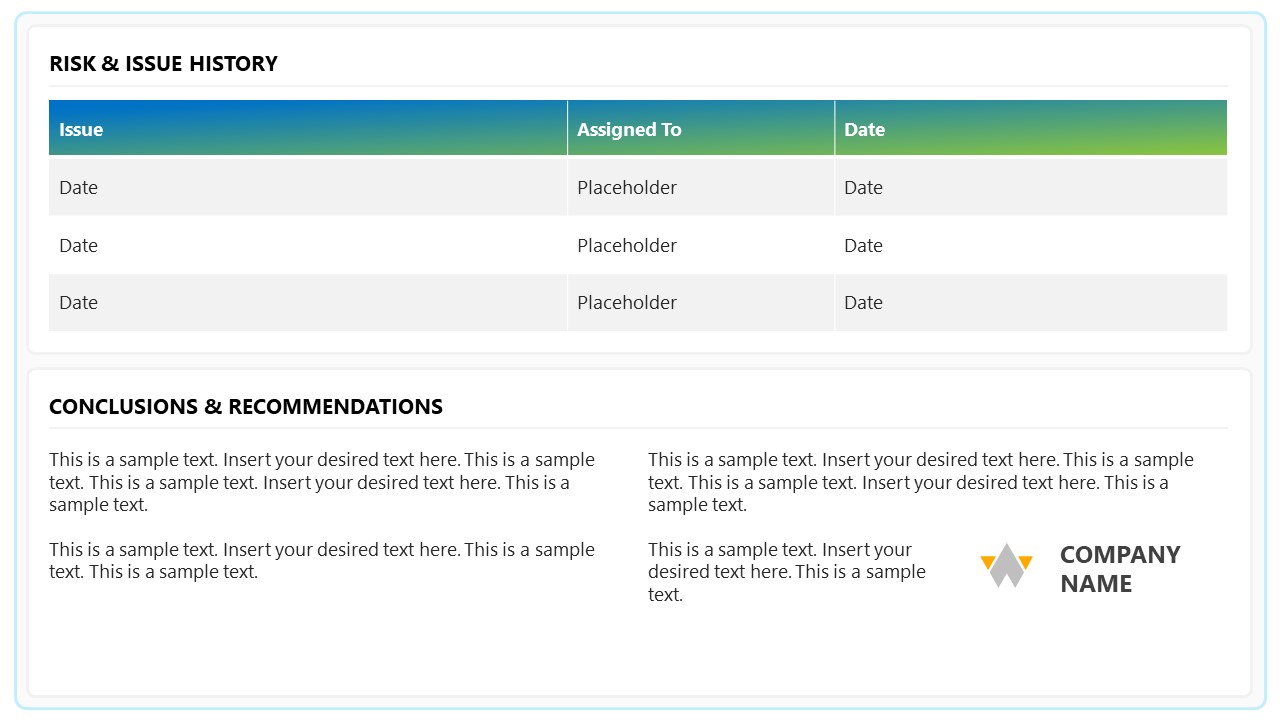
The Project Status Report PowerPoint Template has three slides with a dashboard layout so project managers can visualize their project aspects effectively. The first slide has a green gradient with a colorful title bar at the top to display the company logo, date, project manager intro, and objective of the project status report. On the left side, we have multiple rows explaining the key characteristics of the project summary, while in the right section, you can briefly mention the status summary. Next, the second slide has two tables, one for project overview and the other for budget overview. Both tables have five columns and four rows with gradient title bars. The last slide has a similar 4×4 table for risk and issue history. At the end of the slide, professionals can showcase the concluding points, suggestions, and recommendations.
Moreover, users can change the number of columns and rows in the tables and the colors, fonts, and other PPT elements used in the template. You can also repurpose the template to demonstrate operational implementation reports. Download the project status report PPT slide template and customize it for relevant presentations. Edit it today! Also, check our collection of project status report PPT templates and business PowerPoint templates.
What’s inside this template
Example presentation scenarios
- A project manager can brief a leadership team on current progress by starting with the status summary dashboard, then moving into the project overview table for dates, completion percentages, drivers, and notes.
- An operations manager can report an implementation update to department heads using the budget overview table to connect spending, percent of total, on-track status, and supporting notes.
- A PMO analyst can prepare a recurring portfolio checkpoint by entering each initiative's risk and issue history, assigned owner, and date into the final table.
- A team lead can close a weekly project meeting by using the conclusions and recommendations section to document next steps, blockers, and decisions.
Features
- 100% editable presentation template
- Compatible with Microsoft PowerPoint and Google Slides
- 16:9 aspect ratio slides
- Scalable vector shapes, icons and illustrations
- AI-Ready for Microsoft Copilot and Claude
- Instant access and download
Frequently asked questions
Q: How should a presenter structure the project update with only three slides?
A: Open with the dashboard slide to establish the project name, owner, objective, and overall status. Use the second slide for measurable detail: progress, due dates, drivers, spending, and on-track indicators. Close with risk and issue history plus recommendations so the audience leaves with a clear view of decisions, blockers, and next actions.
Q: Who is this template best suited for in a project meeting?
A: This template fits project managers, operations leads, and PMO analysts who need a short status report rather than a long project plan. It works well for recurring team meetings, steering committee updates, and implementation reviews where the presenter must summarize progress, budget, open issues, and recommendations in a compact format.
Q: Why does the layout use tables and a dashboard header instead of detailed charts?
A: The design favors fast status reading. The dashboard header keeps ownership, date, and objective visible, while the project, budget, and risk tables make it easy to compare rows of operational information. This structure helps reviewers scan for incomplete work, budget concerns, owners, and dates without interpreting complex visuals.


Project Status Report PowerPoint Template
3-slide project status report presentation template with summary dashboard, budget overview, and risk table
The Project Status Report PowerPoint Template is a 3-slide project reporting deck for Microsoft PowerPoint and Google Slides. It includes a status summary dashboard, project overview table, budget overview table, risk and issue history table, and conclusions area for project managers, operations leads, and business teams.
- Category
- Business PowerPoint Templates
- Rating


 Loading...
- Aspect ratio
- 16:9
- Item ID
- 22805-01
- Colors
 Microsoft PowerPoint
 Microsoft Copilot
 Claude for PowerPoint
Other formats supported
Subscribe today and get immediate
access to download our PowerPoint templates.