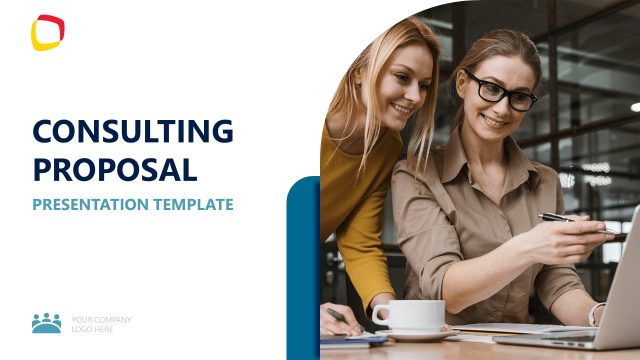
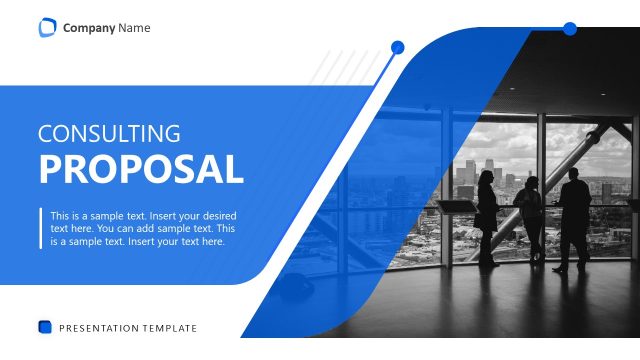
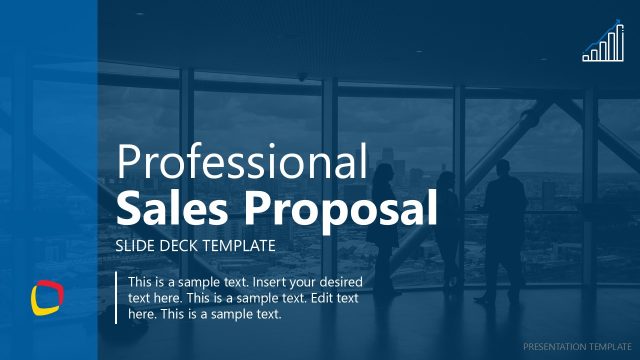
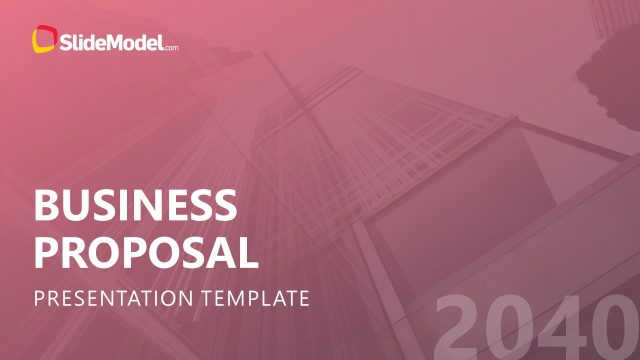
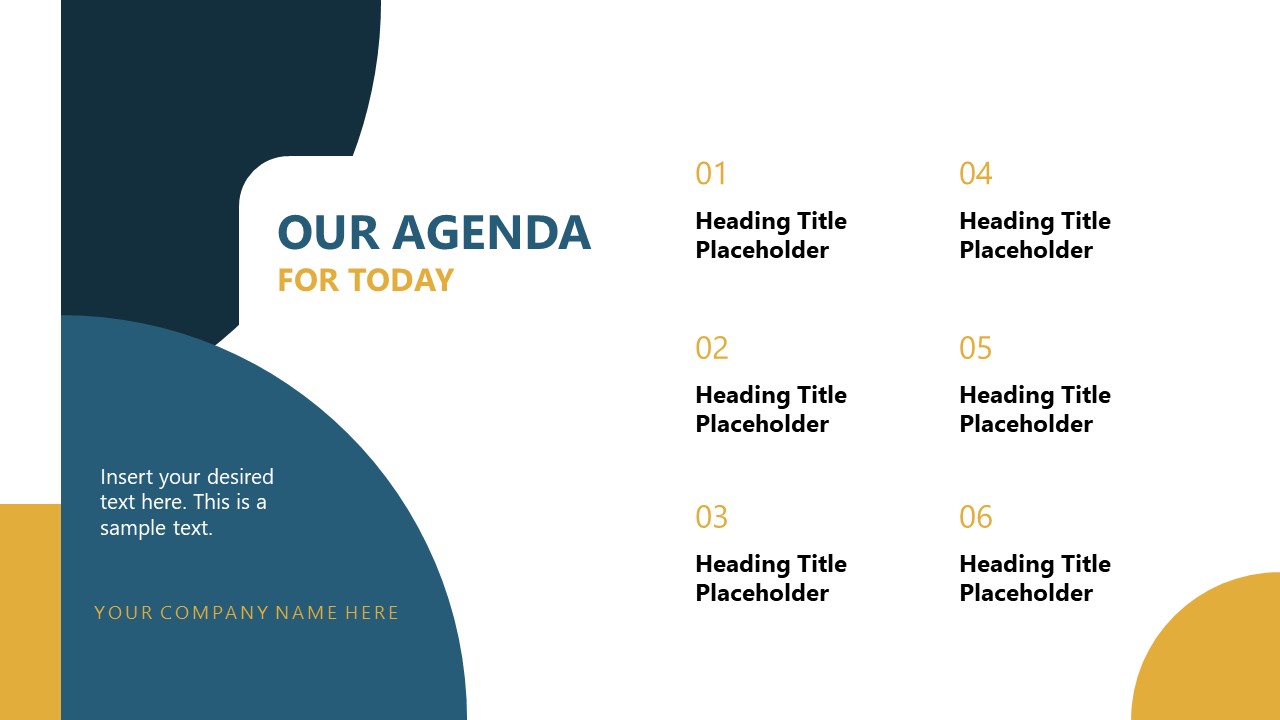
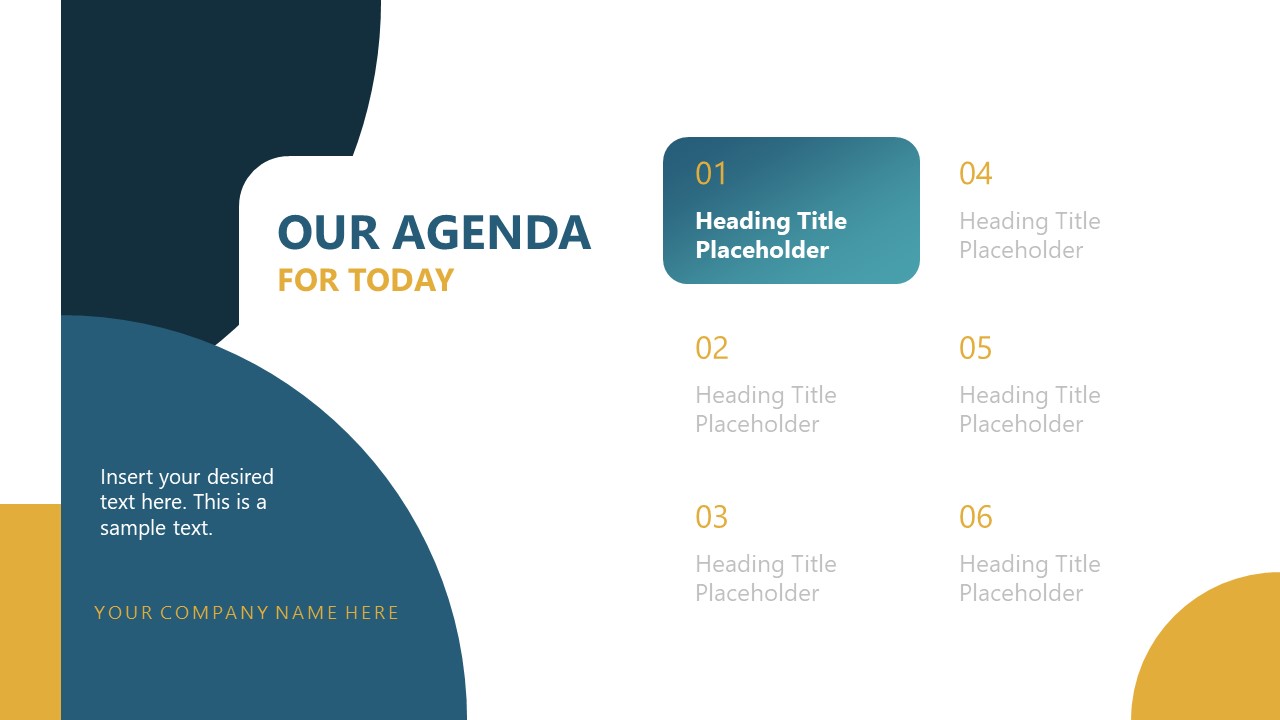
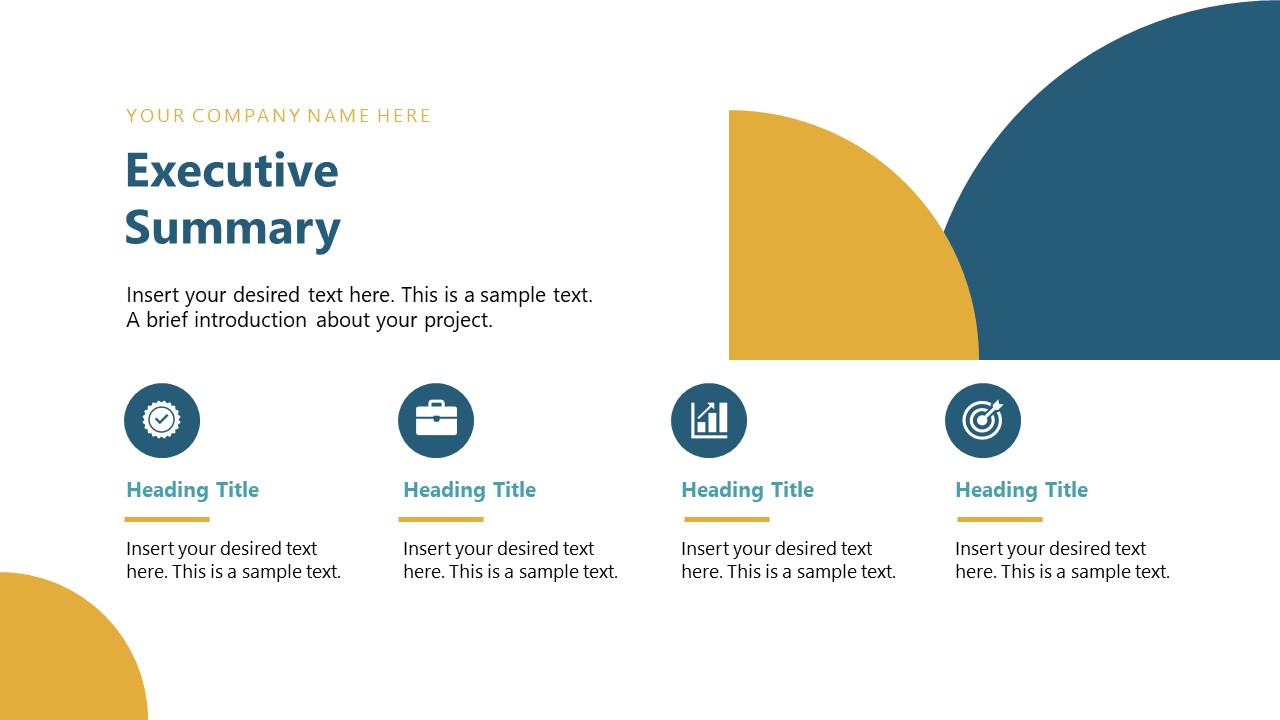
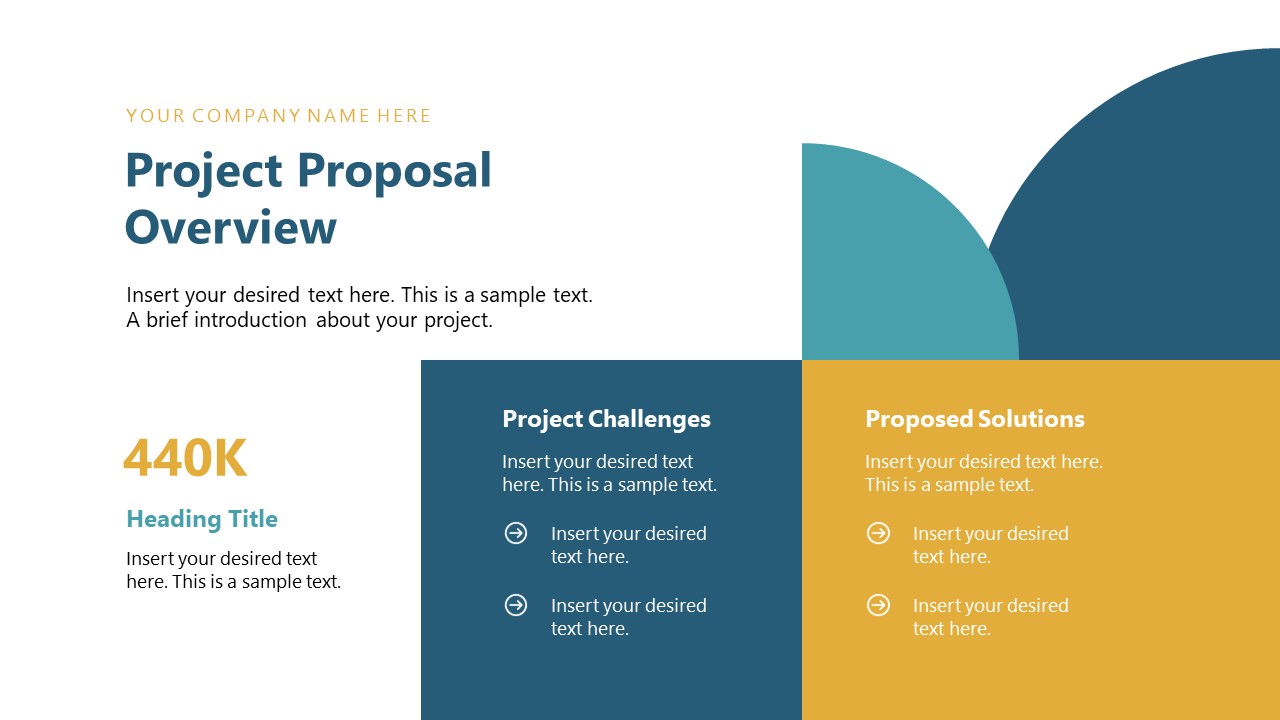
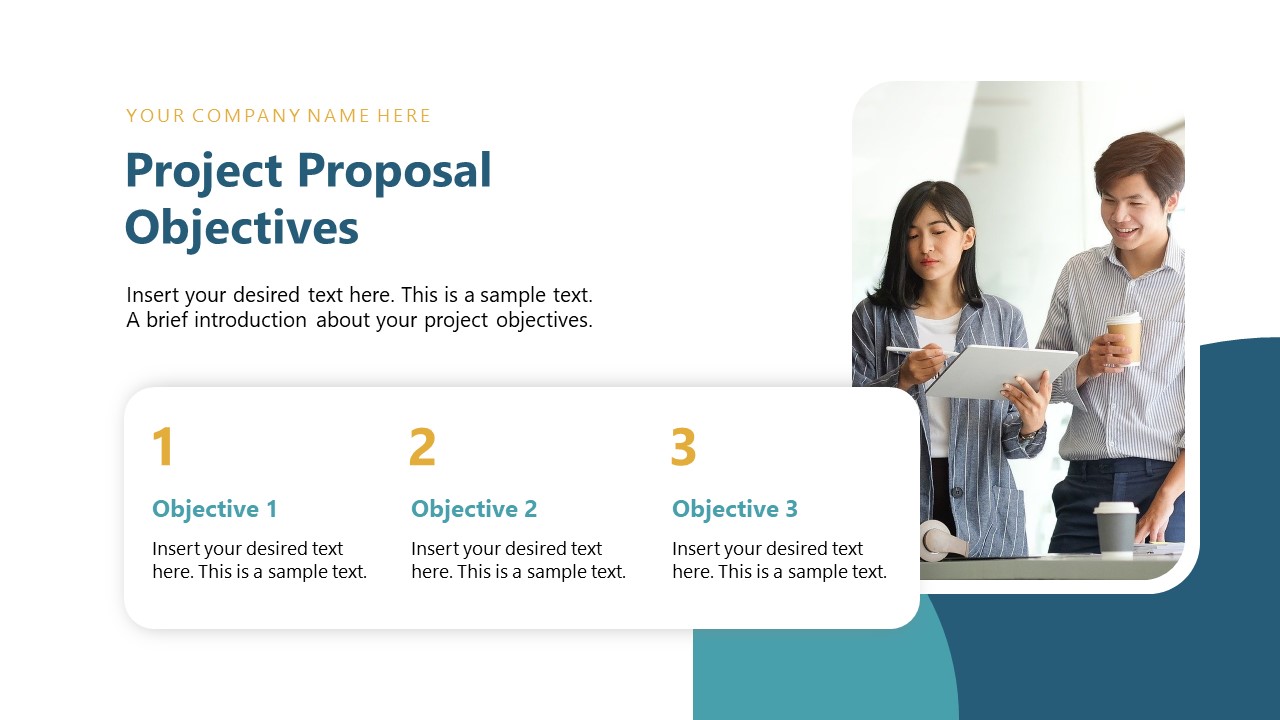
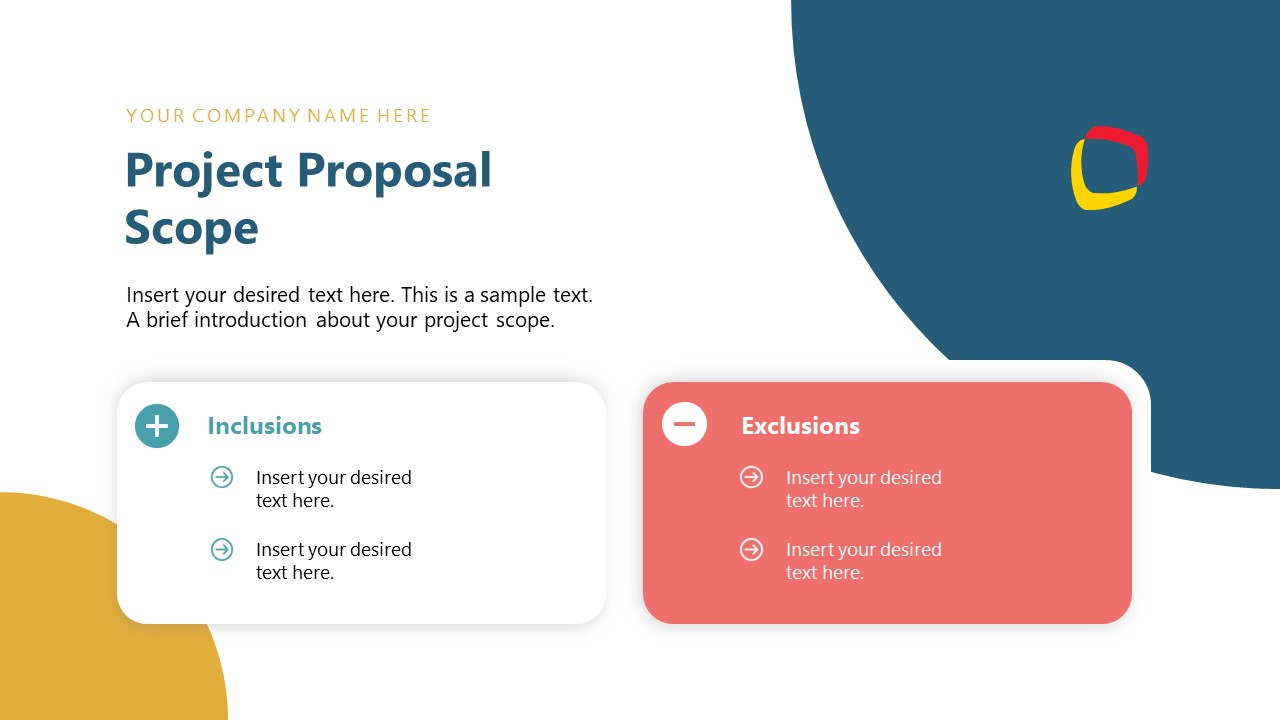
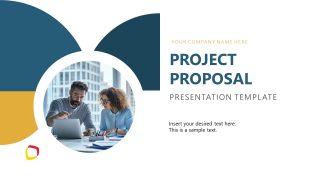
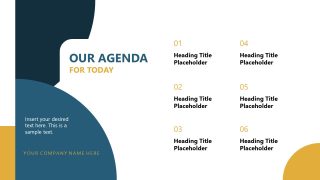
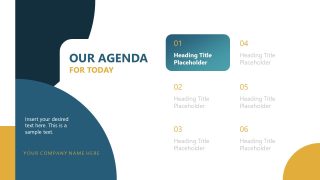
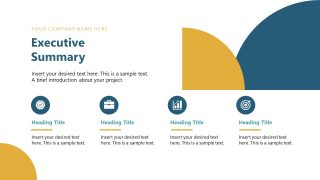
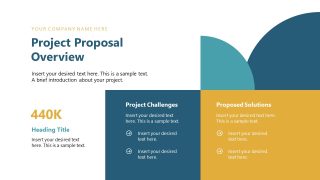
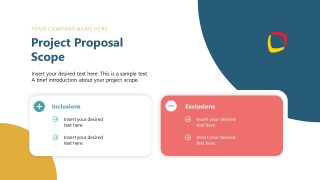
In every industry, pitching your clients is essential, so we have covered you with this 100% editable & engaging Project Proposal PowerPoint Template. This PPT template has a minimal color scheme and colored shapes in the background. It carries a uniformly designed Slide Master and a soft color palette. It is designed to grab the audience’s attention to the presentation to ensure conversions. Users can start their presentations with this template by showing their subject line and an image of their personnel or company. Next to this intro, they can showcase their agenda points in a column layout with numbers (a spotlight agenda slide is also added). Following are the pages for presenting the summary in four points indicated with their respective icons and project proposal overview with sections for challenges & their solutions. Likewise, the proposal scope slide has a layout for contrasting points of inclusions & exclusions.
This Project Proposal PowerPoint Template provides the slides for presenting the project proposal’s
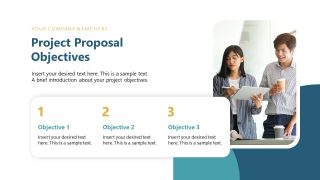
- Objectives
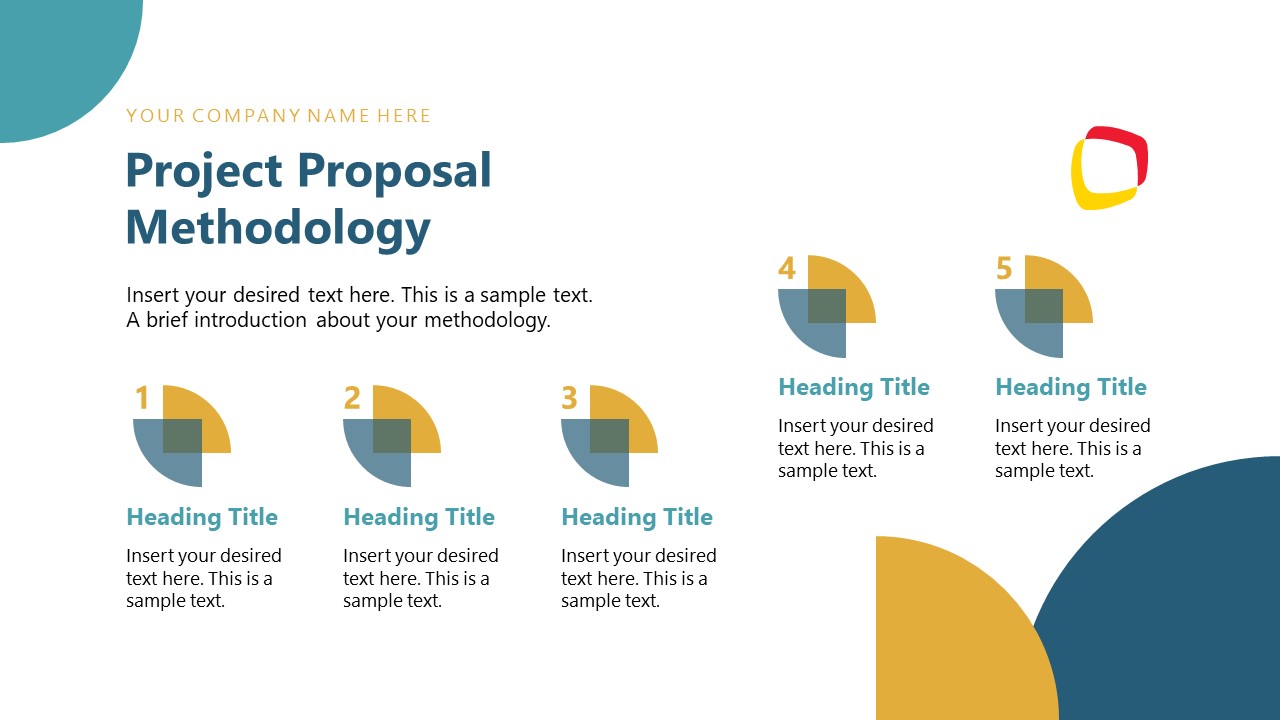
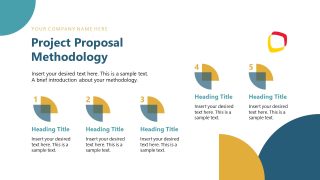
- Methodology
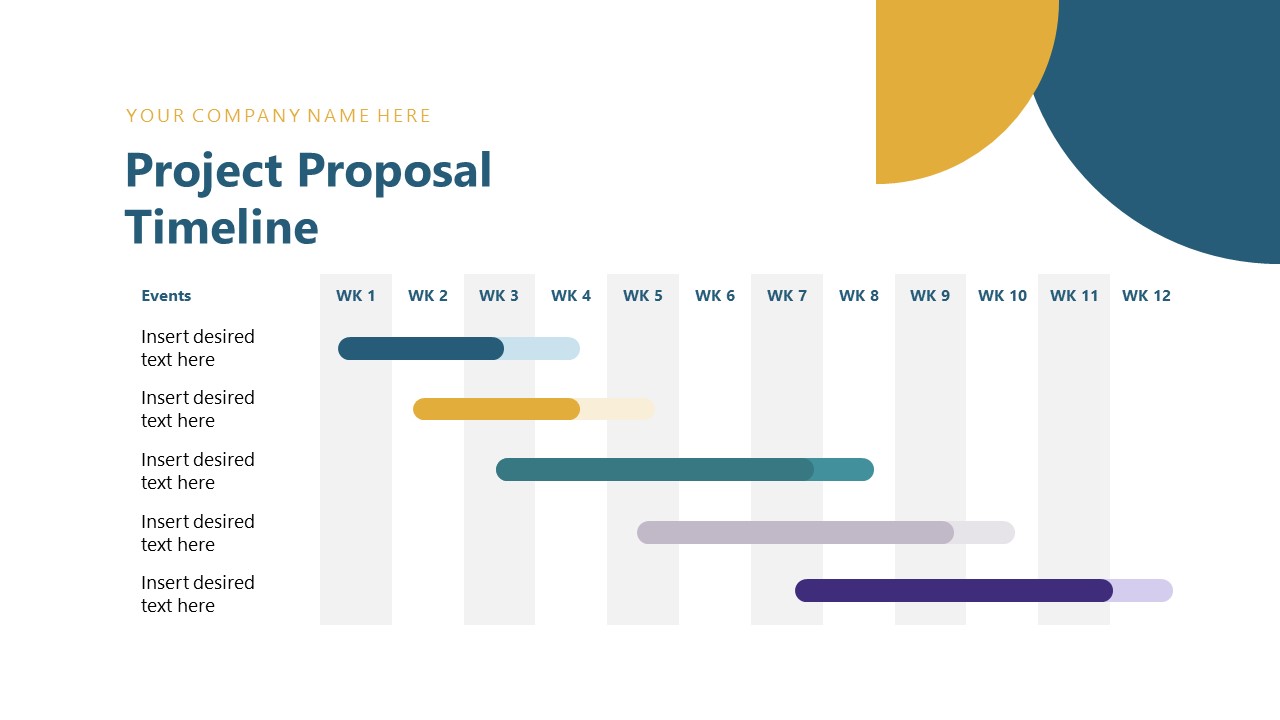
- Timeline
- Team Members
- Budget Forecast
- Risk Assessment
- Communication Plan
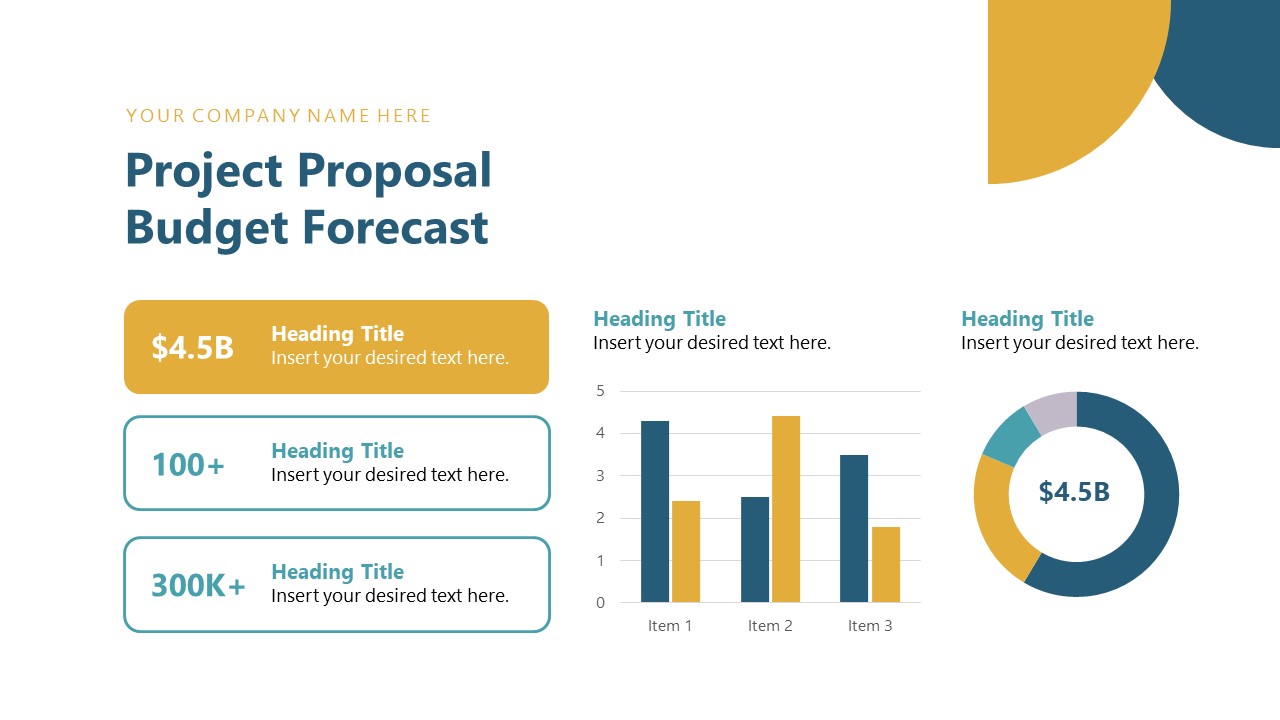
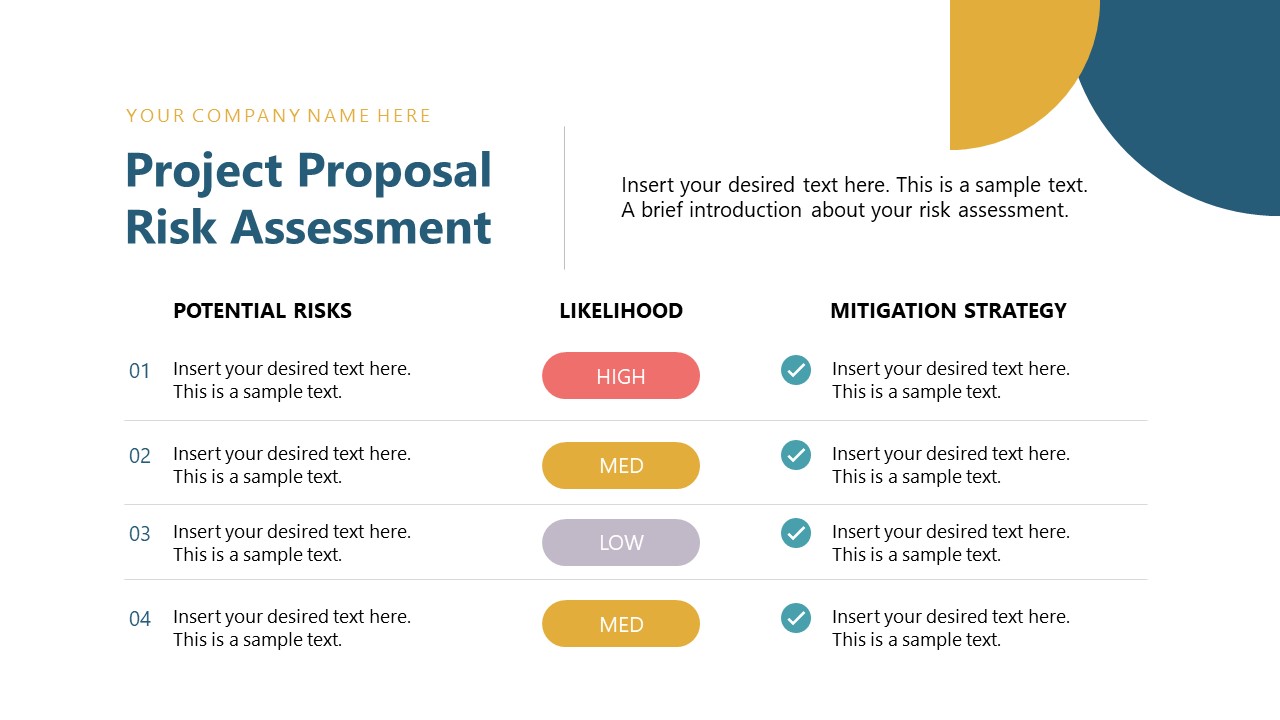
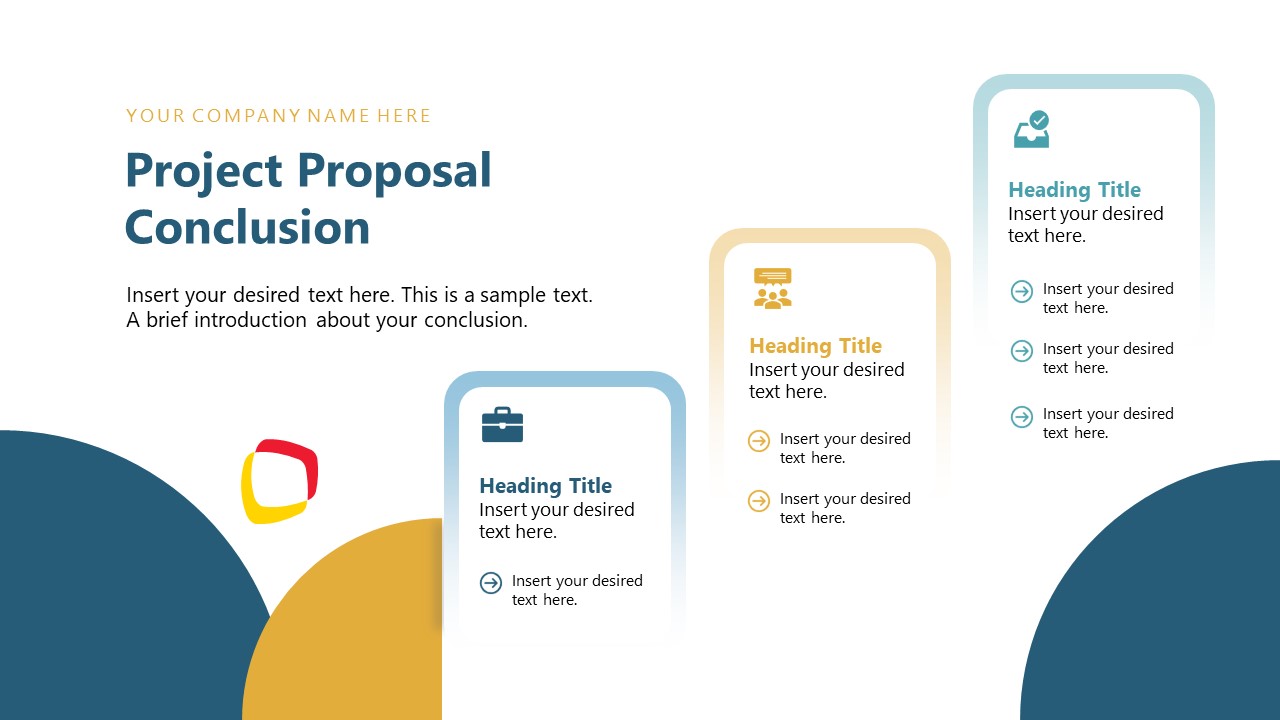
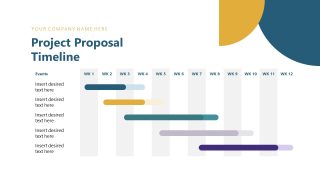
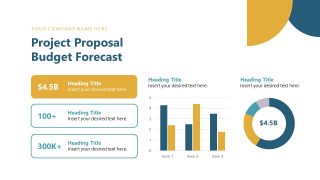
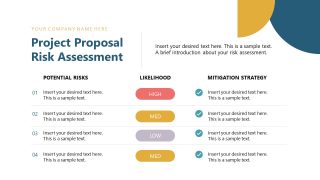
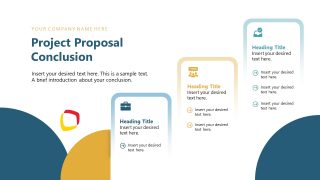
These template slides have relevant diagrams/segments according to their subjects. For example, the methodology slide has a process diagram, and the timeline presentation slide is a table showing the division of milestones in months. Also, the budget forecast slide carries a data-driven chart, and the risk assessment page has a table diagram for visual communication with the attendees. This project proposal template also provides slides showing the contact details and the conclusion points with creative icons. Professionals can adjust the colors, fonts, and diagram positions based on their choices. They can safely replace the placeholder logo with their company logo. Download and try it now!
What’s inside this template
Example presentation scenarios
- A project manager can use the scope comparison, methodology process, and timeline slides to explain what is included, how the work will run, and when milestones will occur.
- A consultant can use the executive summary, challenges and solutions overview, and objectives slide to connect the client's problem to the recommended project plan.
- A finance or operations leader can use the budget forecast dashboard and risk assessment table to discuss cost assumptions, likelihood levels, and mitigation actions with decision makers.
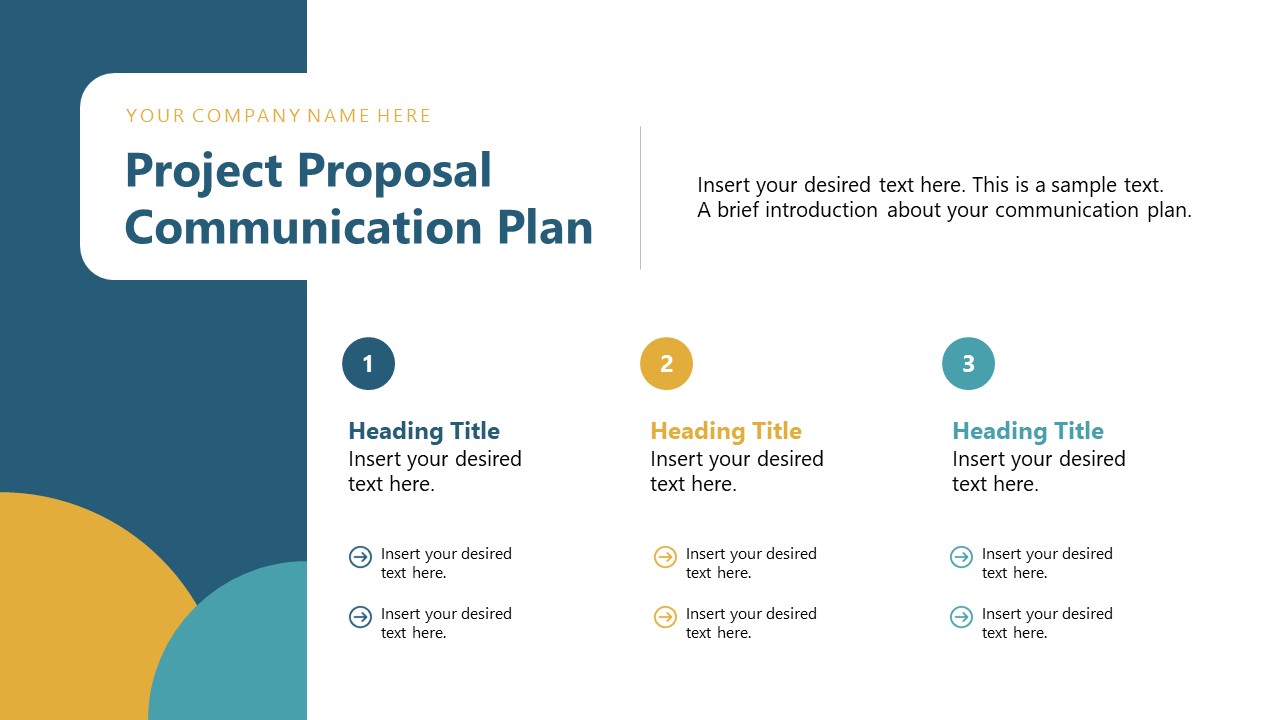
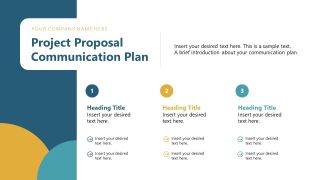
- An account team can use the team slide, communication plan, conclusion, and contact slide to show who will support the engagement and how updates will be handled.
Features
- 100% editable presentation template
- Compatible with Microsoft PowerPoint
- 16:9 aspect ratio slides
- Scalable vector shapes, icons and illustrations
- Ready with Animations & Transitions in PowerPoint
- AI-Ready for Microsoft Copilot and Claude
- Instant access and download
Frequently asked questions
Q: How should a presenter structure the proposal story with this deck?
A: Start with the cover, agenda, and executive summary to frame the decision. Then use the overview, objectives, scope, and methodology slides to explain the project logic. Move into timeline, team, budget, risk, and communication details as proof that the plan can be delivered. Close with the conclusion and contact slide for next steps.
Q: Who is this template best suited for in a proposal meeting?
A: This template fits project managers, consultants, agencies, and implementation teams that need to win approval for a planned engagement. It is strongest when the audience must understand both the business case and the delivery plan, because it pairs proposal narrative slides with concrete planning layouts such as scope, timeline, budget, and risk.
Q: Why do the geometric shapes and modular cards work for a project proposal?
A: The large curved blocks create a consistent visual frame without crowding the message, while cards separate decisions into manageable parts. The inclusion versus exclusion cards reduce scope ambiguity, the Gantt-style timeline makes timing concrete, and the risk table moves concerns into a controlled mitigation format rather than leaving them as open objections.
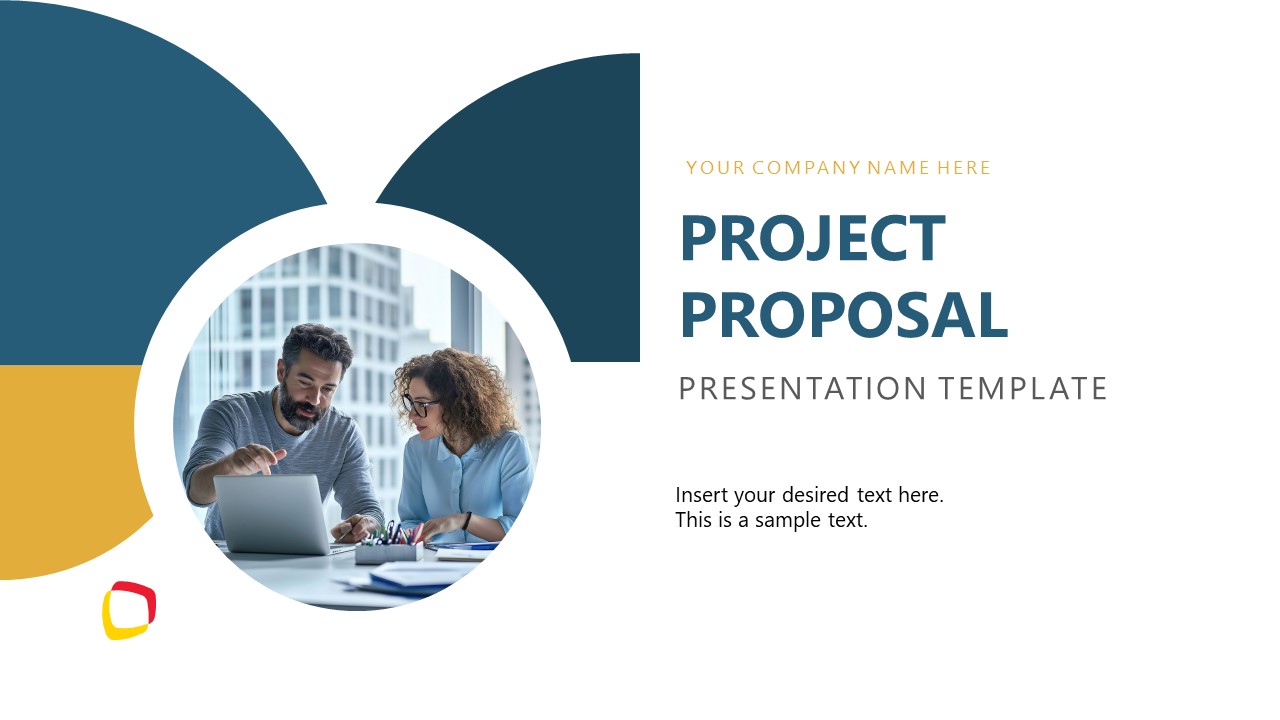




Project Proposal PowerPoint Template
15-slide project proposal presentation template with timeline, budget forecast, risk assessment, and communication plan
Project Proposal PowerPoint Template is a 15-slide proposal deck for presenting a project plan in Microsoft PowerPoint. It includes an agenda, executive summary, challenges and solutions overview, objectives, scope comparison, methodology process, timeline, team slide, budget forecast dashboard, risk assessment table, communication plan, conclusion, and contact slide.
- Category
- Business PowerPoint Templates
- Rating

 Loading...
- Aspect ratio
- 16:9
- Item ID
- 85054-01
- Colors
 Microsoft PowerPoint
 Microsoft Copilot
 Claude for PowerPoint
Other formats supported
Subscribe today and get immediate
access to download our PowerPoint templates.