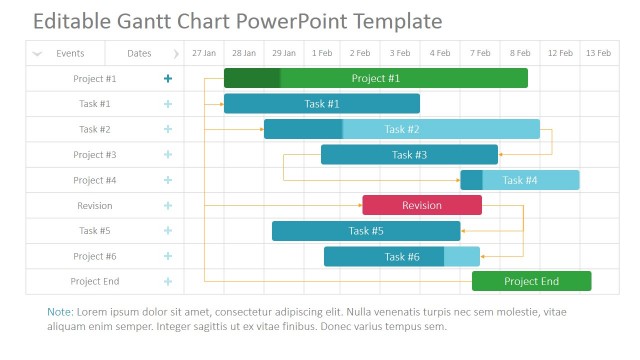
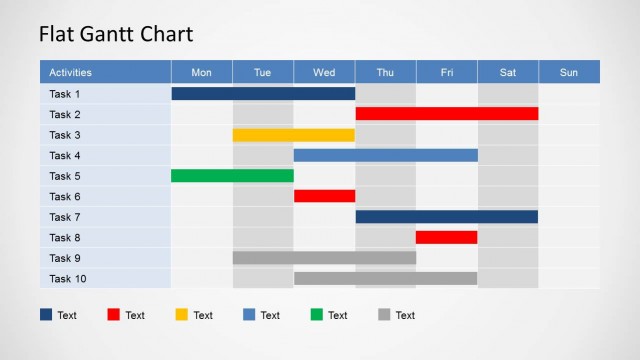
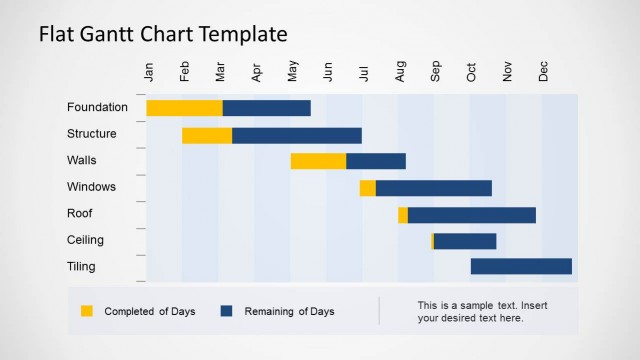
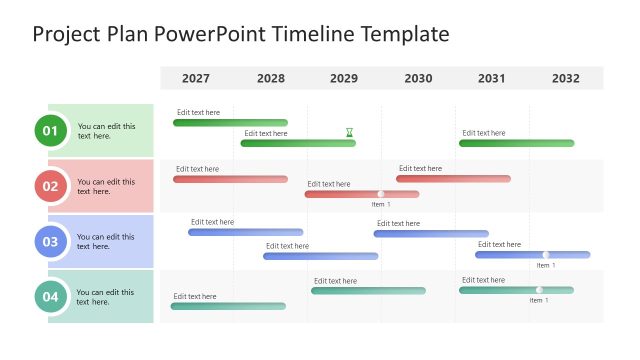
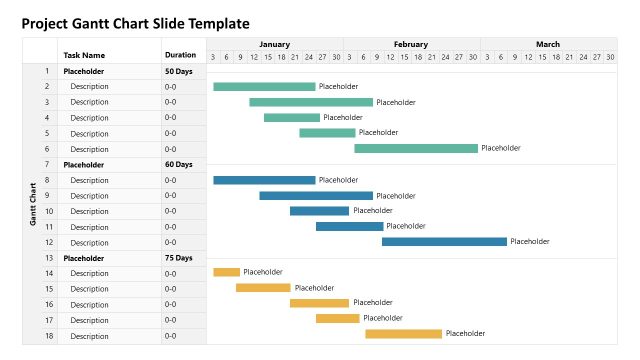
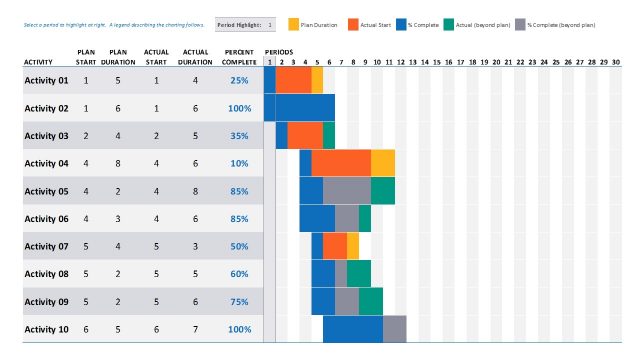
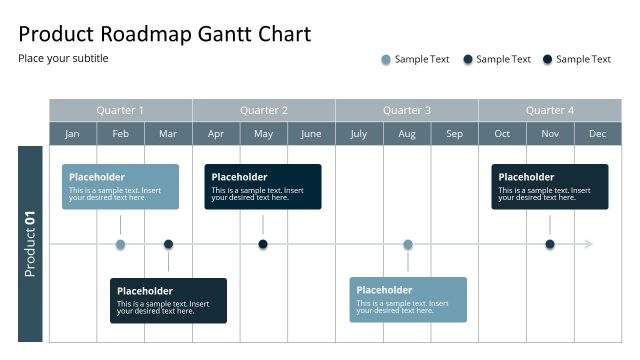
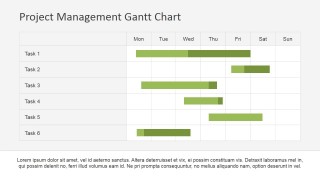
Make a comprehensive timeline of your project using the Project Management Gantt Chart PowerPoint Template. This professional template can be used to plan your projects including the information about tasks, duration and resources. Gantt Charts shows various activities, and their precedence, against time. With just a glance at the PowerPoint chart the audience can get information related to the tasks, time periods of the activities, what activities overlap with each other, start and end date of the tasks and required resources allocated.
A concept first researched by Karol Adamiecki back in 1896, Gantt chart was further developed by Henry Gantt in the 1910s and later named after him. It is a kind of flat horizontal bar chart, which is used to illustrate your project plan in a professional visual fashion. It has been extensively used in project management and offers a simple to understand view to the readers. The graphical view offered by Gantt chart is easy to follow and covers the information related to execution, completion and pending tasks.
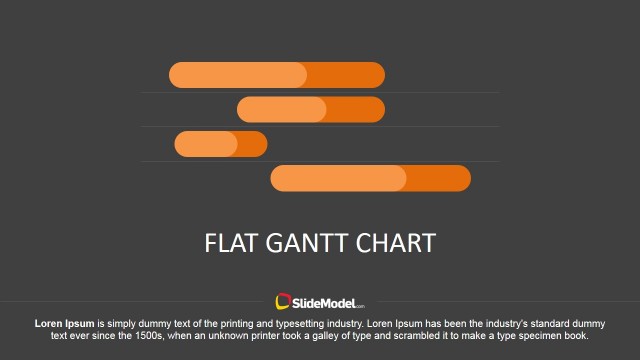
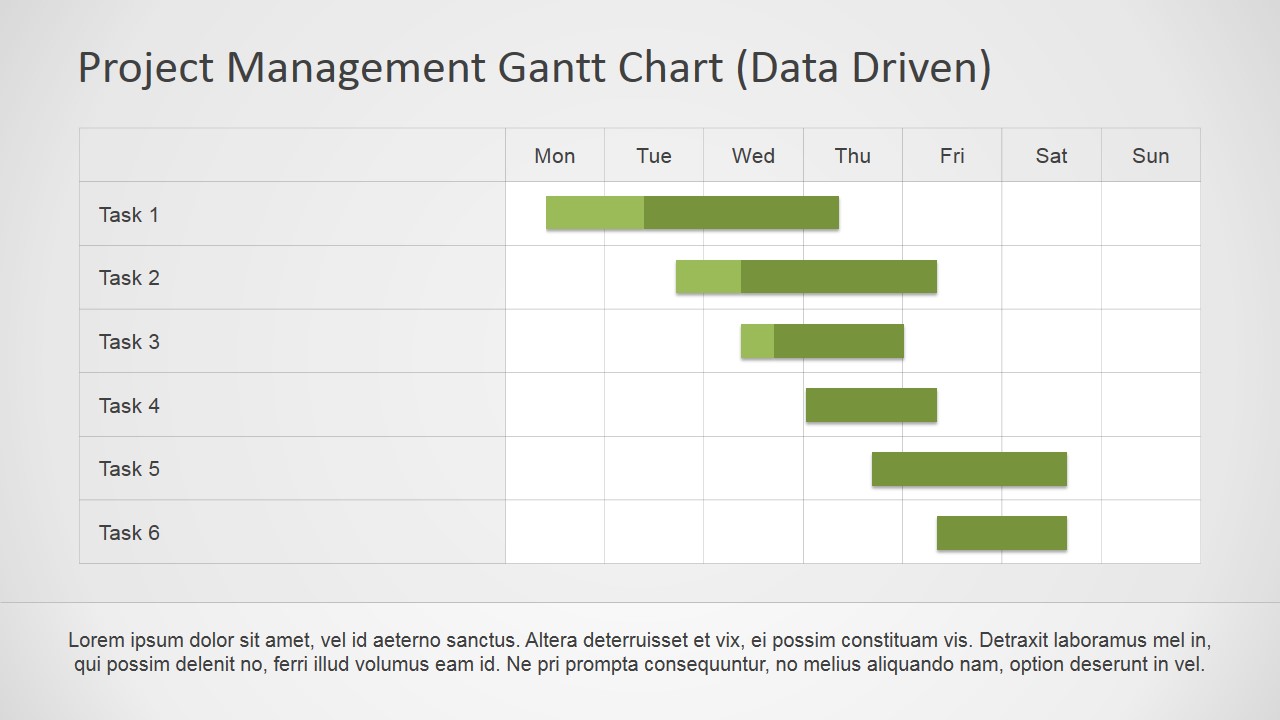
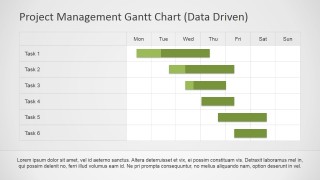
This work plan template is designed in professional and modern flat style, which makes it suitable for project management and corporate governance. With a user-friendly structure (including data driven versions that can be edited in excel), it makes a powerful impression on your audience. The template allows you to create a timeline of your project using the PowerPoint design and can be edited completely; the shapes are created with PowerPoint objects allowing the user to adapt to the presentations theme. The work breakdown structure (WBS) is used to communicate the tasks relationships and can be mapped to the Gantt Chart to schedule the plan of execution. This becomes very handy when it comes to the monitoring and control of the project. The chart makes use of various styles suitable for your different needs. The template can be effectively used to start a web campaign depicting the proposed schedule broken down in the different work components.
Impress your audience during you Project Steering Meeting communication your plan, execution and achievement through the Project Management Gantt Chart PowerPoint Template.
What’s inside this template
Example presentation scenarios
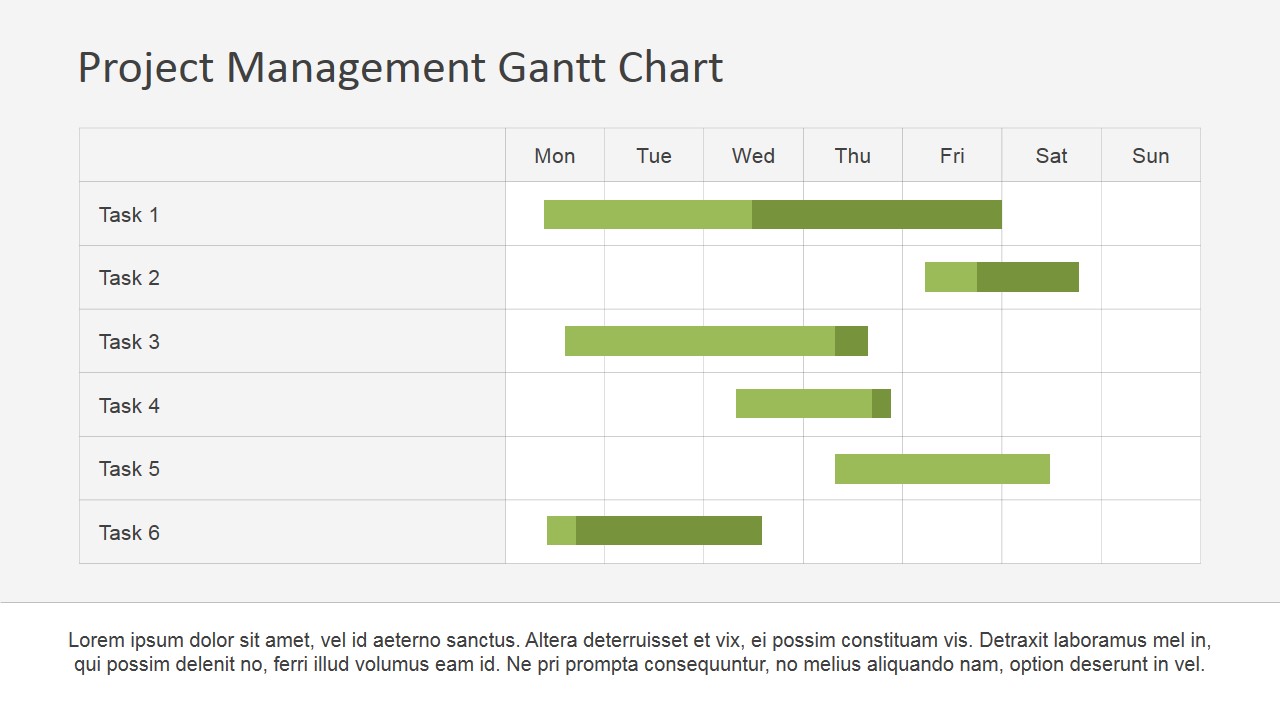
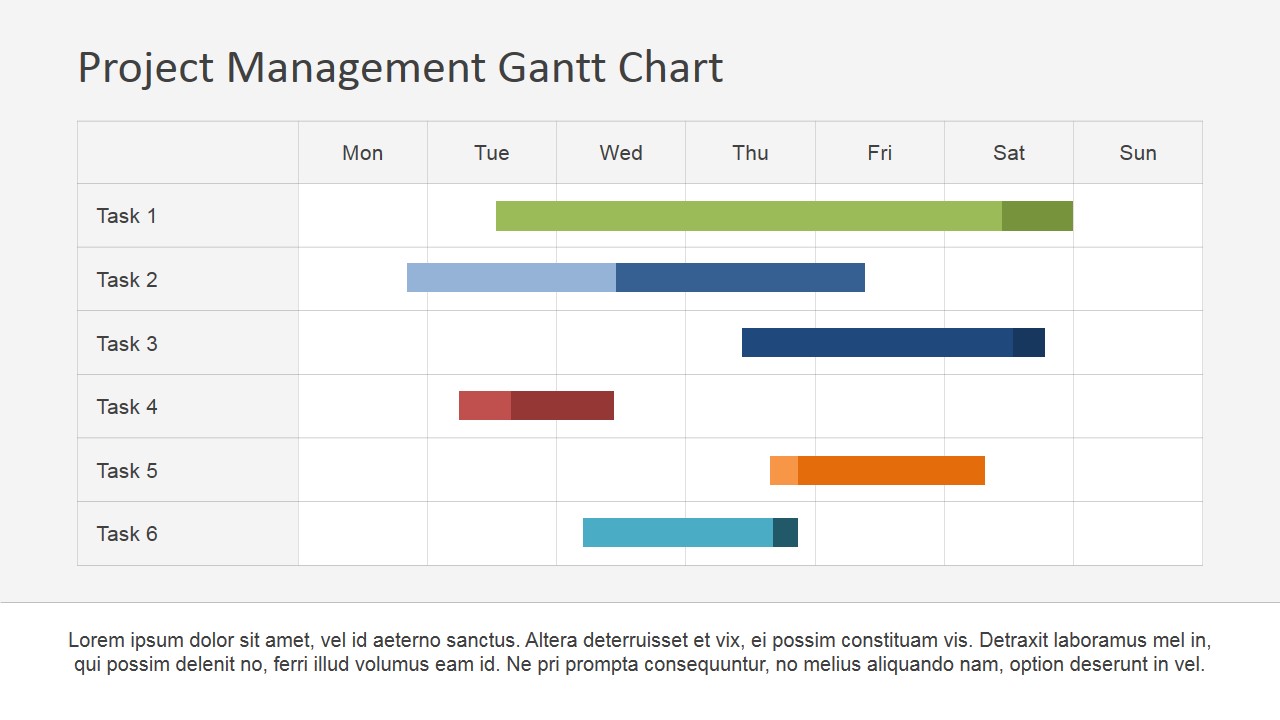
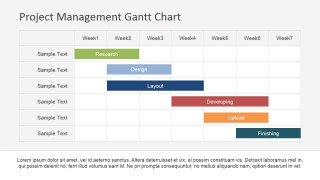
- A project manager can use the weekly Gantt chart to brief a delivery team on task sequencing, date ranges, and overlapping work before execution starts.
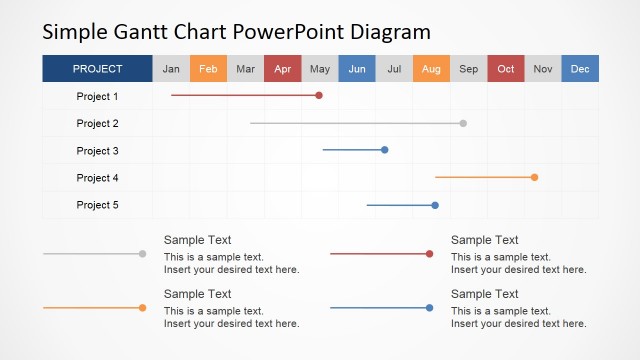
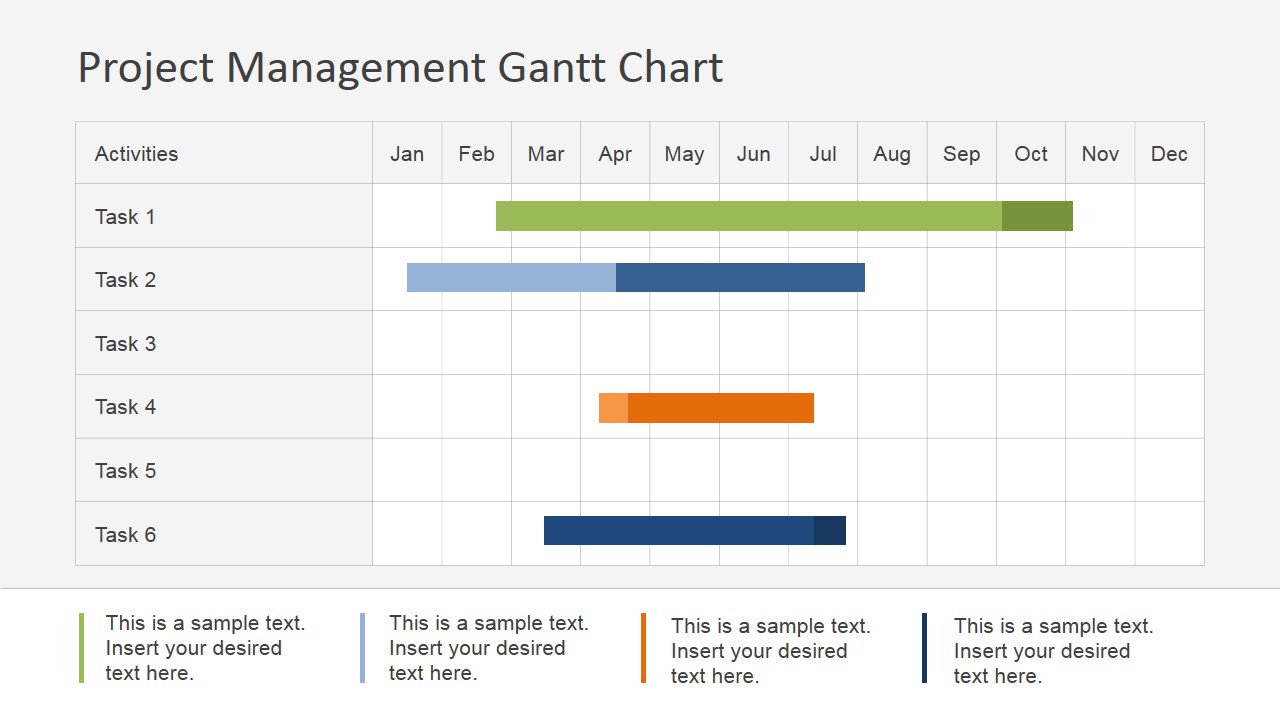
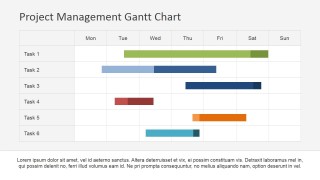
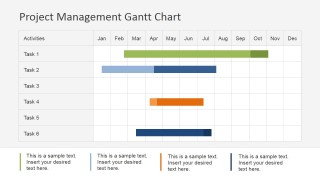
- A PMO lead can use the annual Gantt chart and legend slide to report schedule coverage, task categories, and resource timing to a steering committee.
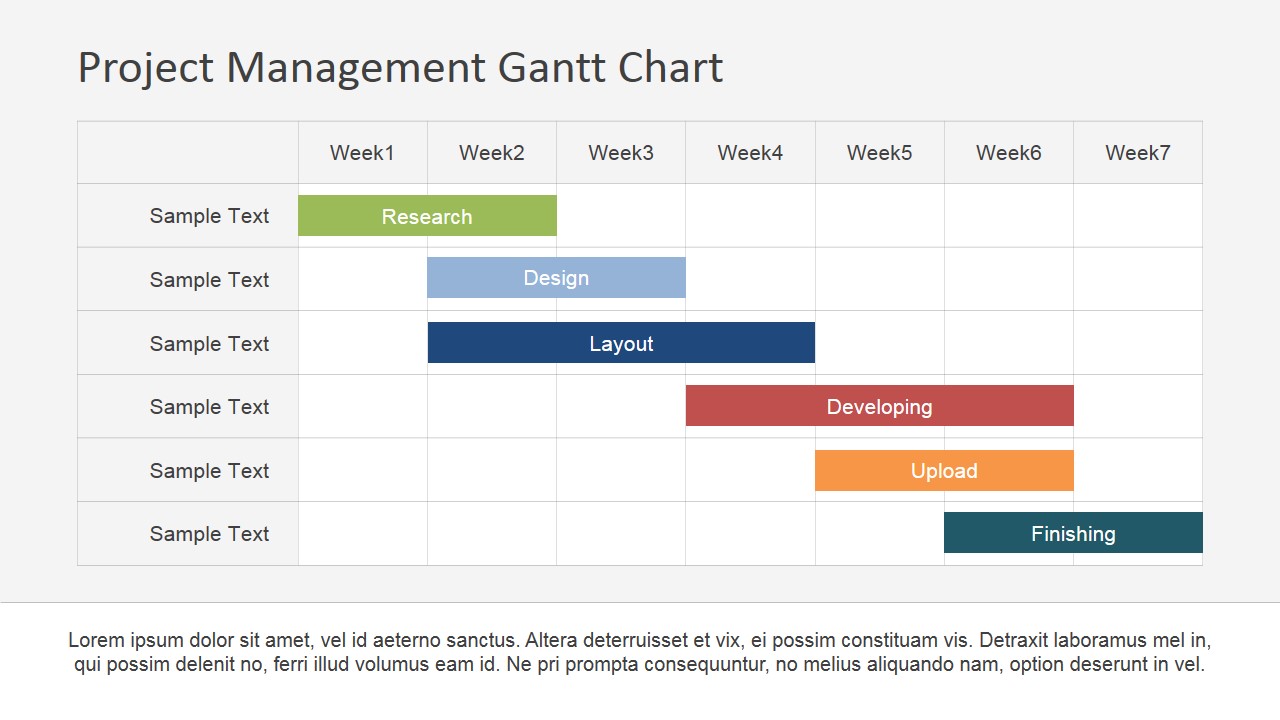
- A marketing manager can use the seven-week schedule slide to present campaign phases such as research, design, layout, development, upload, and finishing.
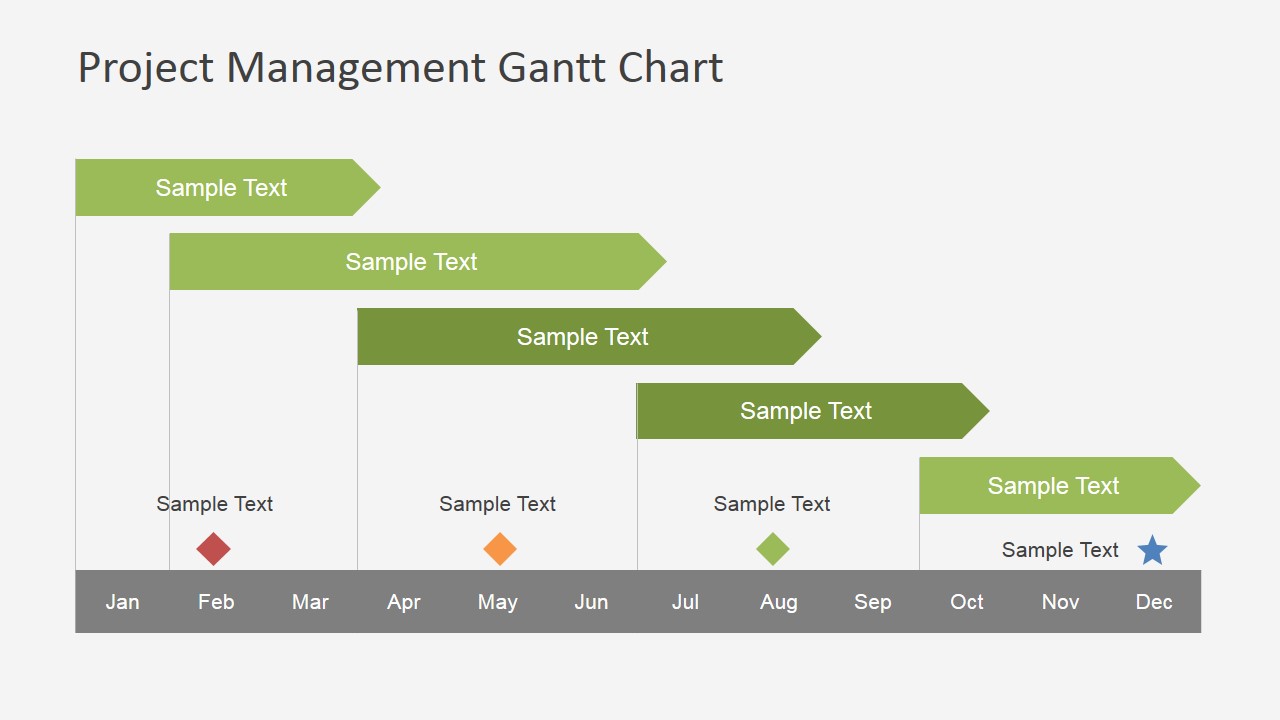
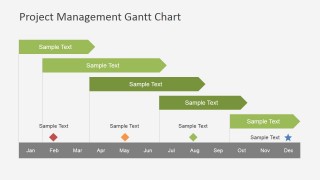
- A program manager can use the milestone roadmap slide to explain major checkpoints across the calendar year and align stakeholders on expected timing.
Features
- 100% editable presentation template
- Compatible with Microsoft PowerPoint and Google Slides
- 16:9 aspect ratio slides
- Scalable vector shapes, icons and illustrations
- AI-Ready for Microsoft Copilot and Claude
- Instant access and download
Frequently asked questions
Q: How should a presenter communicate a project plan with this Gantt chart template?
A: Start by naming the time horizon and decision needed, then walk left to right through the Gantt grid. Use task rows to explain sequence, overlaps, and handoffs. Keep the footer text for assumptions or risks, not extra task detail, so the audience reads the schedule instead of a dense paragraph.
Q: Who is this template best suited for, and in what meeting context?
A: This template fits project managers, PMO leads, consultants, and operations teams that need to explain schedule status to stakeholders. It is strongest in planning sessions, steering meetings, and campaign kickoff reviews where the audience must understand timing, overlap, and milestone placement without reading a full project plan.
Q: Why does the Gantt format improve project schedule communication?
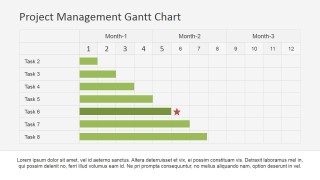
A: The horizontal bars act as a time metaphor: length shows duration, position shows start and finish, and overlap shows parallel work. The visible weekly, monthly, and annual grids let the presenter zoom from near-term execution to broader roadmap timing while keeping the same visual language across the deck.

Project Management Gantt Chart PowerPoint Template
9-slide presentation template for project Gantt charts, resource timelines, and task planning schedules
The Project Management Gantt Chart PowerPoint Template is a 9-slide planning deck for scheduling tasks across daily, weekly, monthly, and annual timelines. Visible layouts include a data-driven Gantt chart, color-coded task schedule, milestone roadmap, and progress-tracking Gantt with a marker. Designed for project managers, it works in Microsoft PowerPoint and Google Slides.
- Category
- Timelines & Planning
- Rating


 Loading...
- Aspect ratio
- 16:9, 4:3
- Item ID
- 6824-01
- Colors
 Microsoft PowerPoint
  Microsoft Copilot
  Claude for PowerPoint
 Other formats supported
Subscribe today and get immediate
access to download our PowerPoint templates.