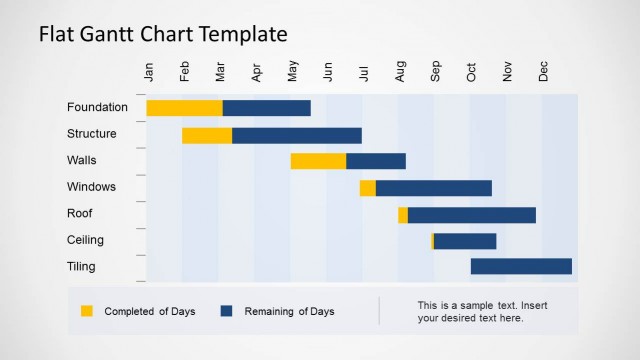
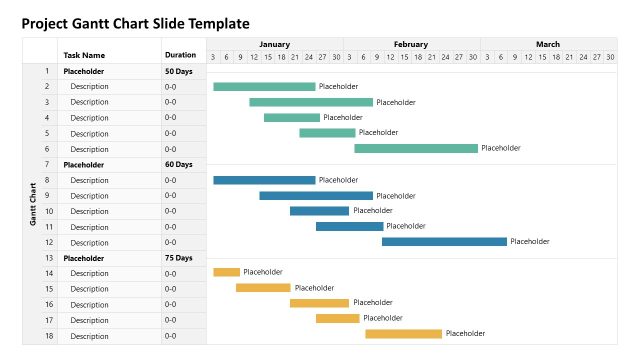
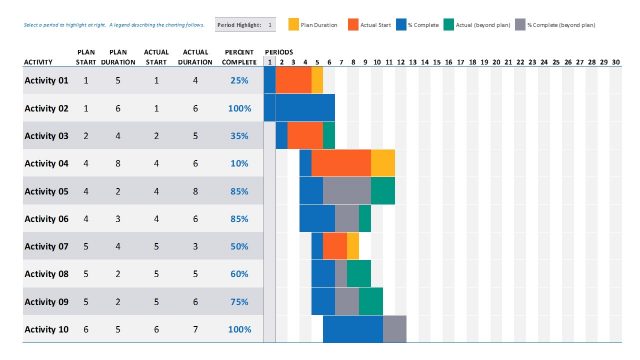
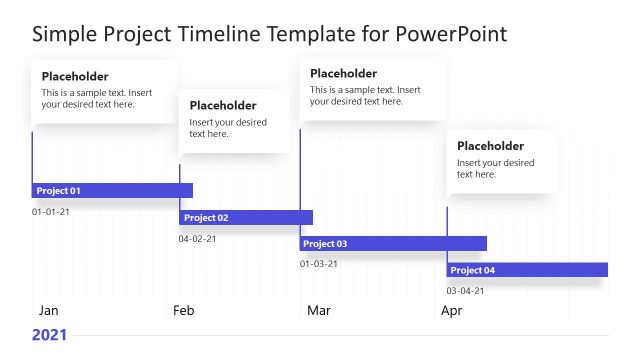
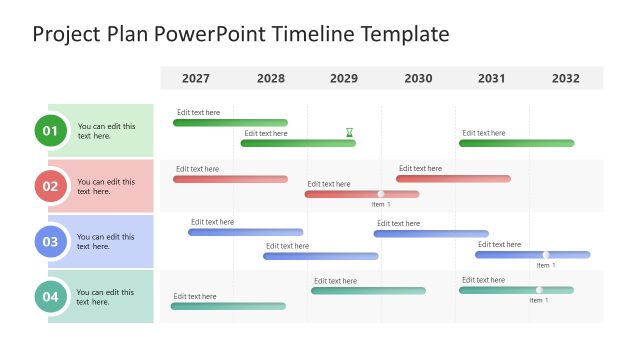
Simple Gantt Chart PowerPoint Diagram – Make a highly professional report for a project management with an easy-to-use Simple Gantt Chart PowerPoint Diagram. This PowerPoint design provides effortless yet clear and concise professional details for a business project or activity. Most Gantt charts templates are made in Excel however, by virtue of this design you can now present it in PowerPoint. This presentation design is very flexible and allows the chart to be edited for daily, weekly, monthly and annual projects.
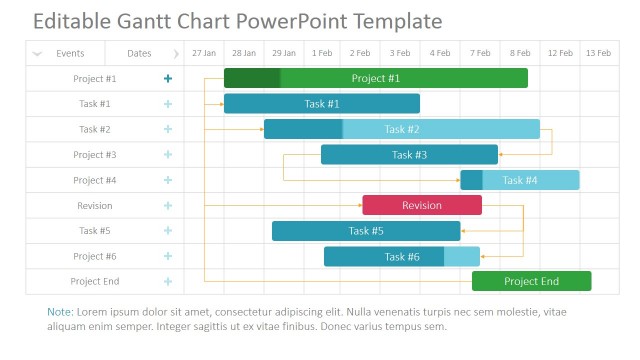
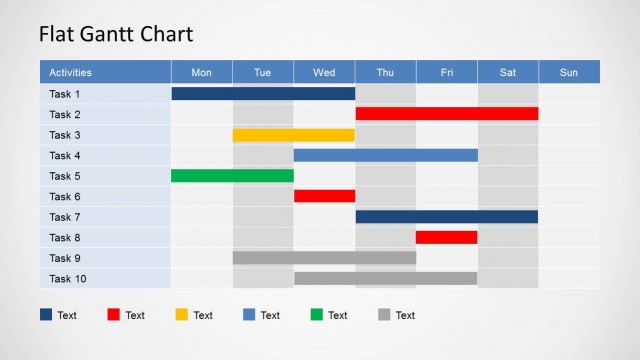
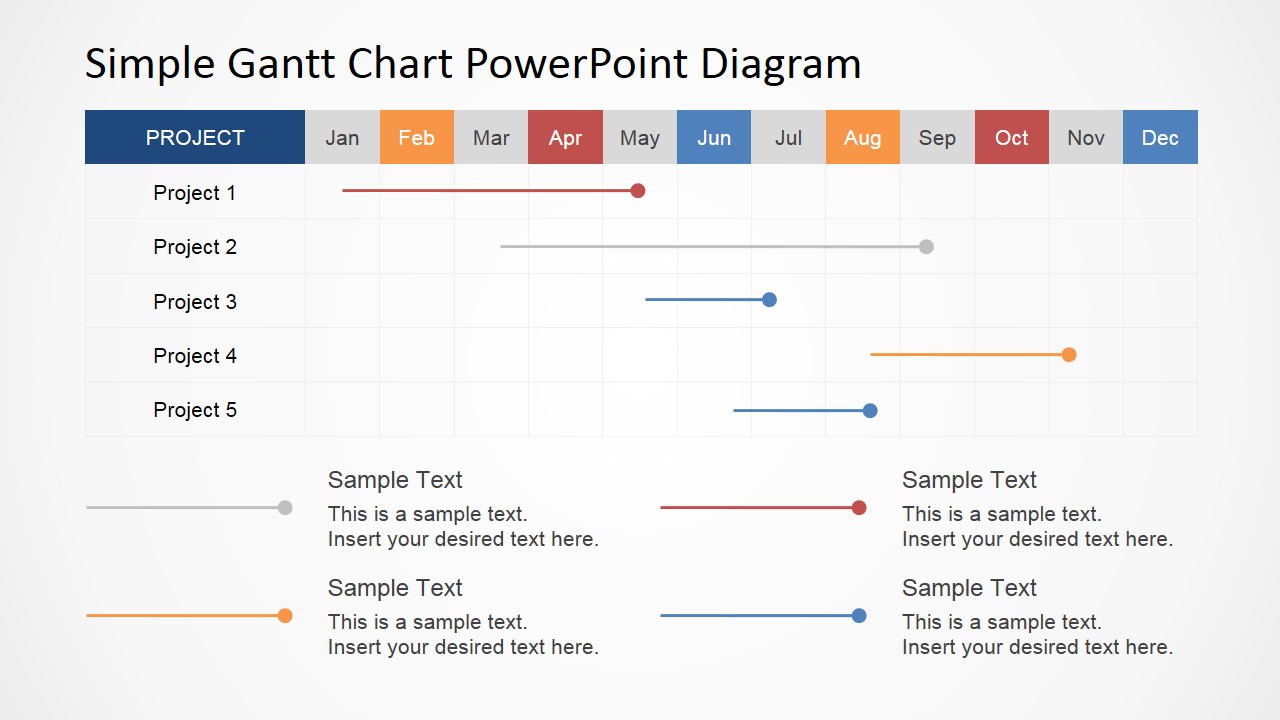
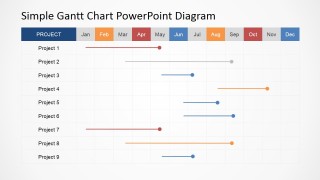
A Gantt chart is a diagram that shows activities and either its allotted timeframe or consumed time or both. It was invented by a Polish engineer named Karol Adamiecki and later developed by Henry Gantt, hence the term Gantt chart. In its simplest form, it lists down in a column the activities involve and plots the timeframe in header. Usually, the timeframes for it is daily, weekly or monthly. The time associated for each activity is indicated by highlighting its timeframe range. For example, highlighting January to February for Project 1 indicates that this project spent two months until completion. Of course, this project management template is completely editable so you can customize it to suit your reporting plan.
A Gantt chart is an ideal tool for project management tasks such as plotting time allocation for activities, monitoring actual time spent and making comparisons between the two. The details in a completed Gantt chart are very significant source of data in analyzing the development, success or failure of a project. And since it is easy to understand and monitor, all members involved in the project can participate in the development of the chart. The member or group who is responsible in certain task or tasks can mark the time they spent in the task assigned to them. Therefore, the Gantt chart also promotes relevant traits in a team such as active participation, self-supervision, honesty and accountability.
What’s inside this template
Example presentation scenarios
- A project manager can use the monthly Gantt chart to brief executives on task timing, active workstreams, and schedule overlaps during a status meeting.
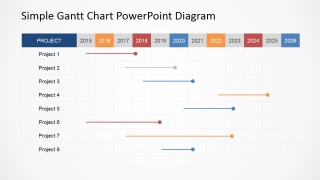
- A program lead can use the yearly Gantt chart to present a multi-year roadmap, showing how projects span calendar years and where long initiatives end.
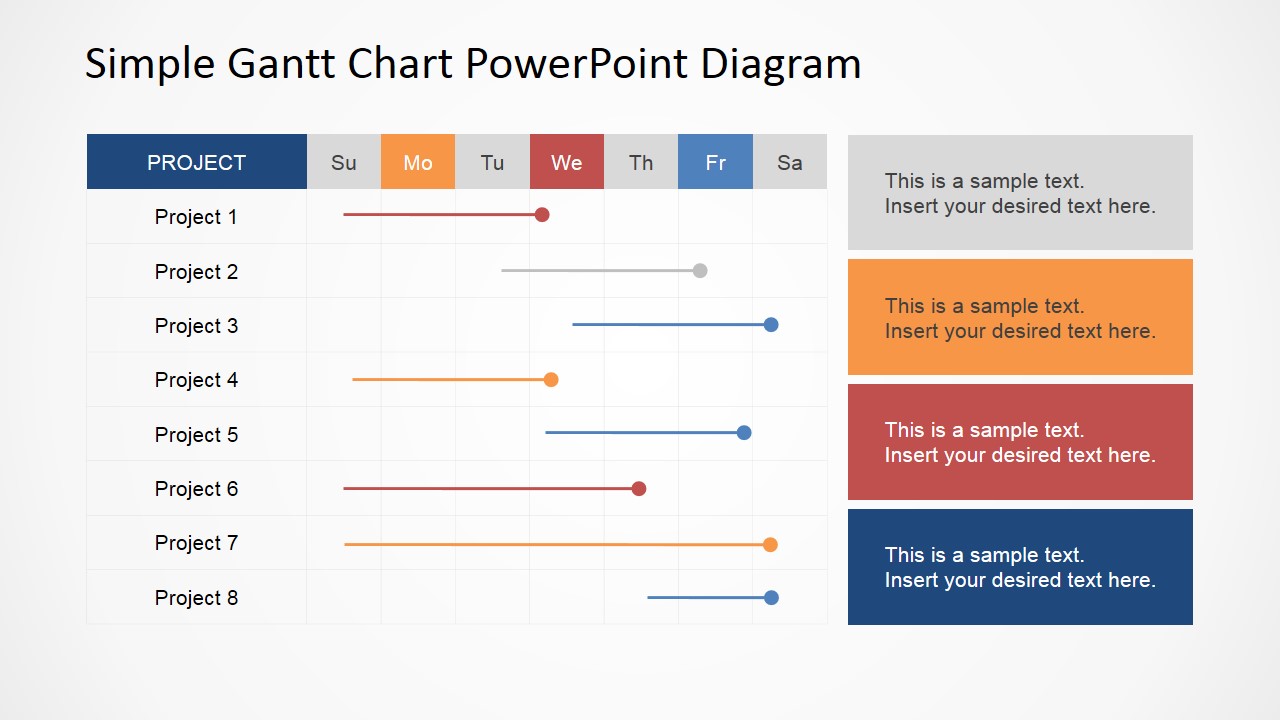
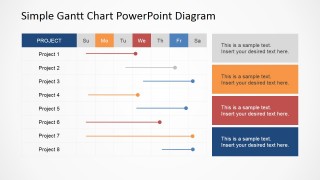
- An operations manager can use the weekly Gantt chart to assign short-cycle tasks, explain daily workload, and add side notes for blockers or dependencies.
- A consultant can use the chart with text callouts to summarize a client implementation plan, pairing the schedule grid with key assumptions or milestones.
Features
- 100% editable presentation template
- Compatible with Microsoft PowerPoint and Google Slides
- 16:9 aspect ratio slides
- Scalable vector shapes, icons and illustrations
- AI-Ready for Microsoft Copilot and Claude
- Instant access and download
Frequently asked questions
Q: How should a presenter explain a project schedule with this Gantt chart template?
A: Start by naming the project rows, then read the chart horizontally from the time header to the colored task bars. Use the monthly or weekly slide when the audience needs near-term detail, and use the yearly slide for longer planning. Keep each bar tied to one clear task or phase so the schedule is easy to scan.
Q: What type of presentation is this template best suited for?
A: This template fits project planning, status reporting, and resource conversations where timing is the main message. It is most useful for project managers, operations leads, and consultants who need to show when tasks start, overlap, or finish without presenting a full project management dashboard.
Q: Why does the Gantt chart format work well for project communication?
A: The design places project names in rows and time periods in columns, so the audience can compare task duration and overlap at a glance. The colored bars act as a time metaphor: length shows effort or duration, and position shows sequence. The side notes help explain risks or decisions without crowding the grid.


Simple Gantt Chart PowerPoint Diagram
4-slide presentation template with monthly, yearly, and weekly Gantt chart planning layouts
Simple Gantt Chart PowerPoint Diagram is a 4-slide planning template for project managers and team leads. It includes monthly Gantt charts, a yearly timeline chart, a weekly schedule chart, and text callout layouts for status notes. The template is built for Microsoft PowerPoint and Google Slides.
- Category
- Timelines & Planning
- Rating


 Loading...
- Aspect ratio
- 16:9, 4:3
- Item ID
- 6555-03
- Colors
 Microsoft PowerPoint
  Microsoft Copilot
  Claude for PowerPoint
 Other formats supported
Subscribe today and get immediate
access to download our PowerPoint templates.