Slide 9 of 20 from Professional Company Profile PowerPoint Template
Problem Solution Comparison PowerPoint
Problem vs Solution Comparison Layout
- Diagram
- Comparison Split
- Comparison Slide
- 16:9
- 100% Editable
What’s on This Slide
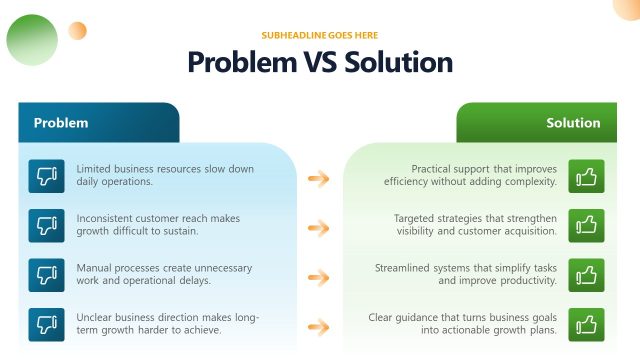
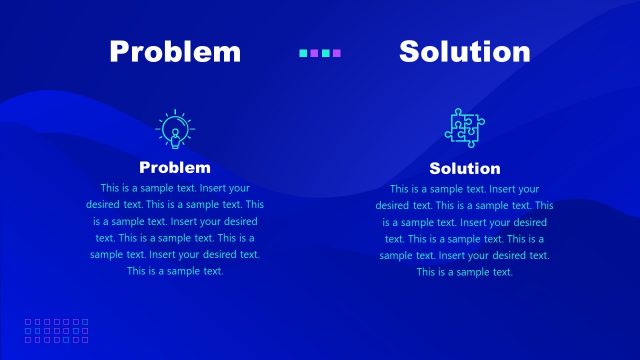
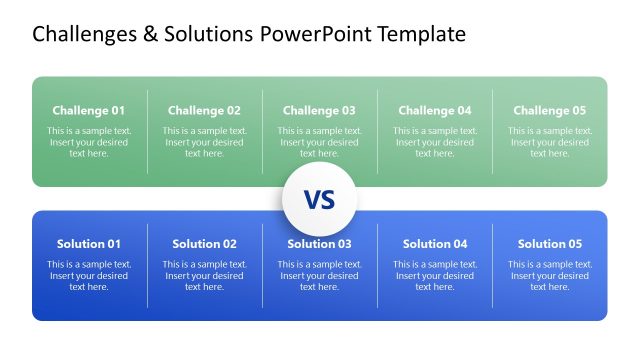
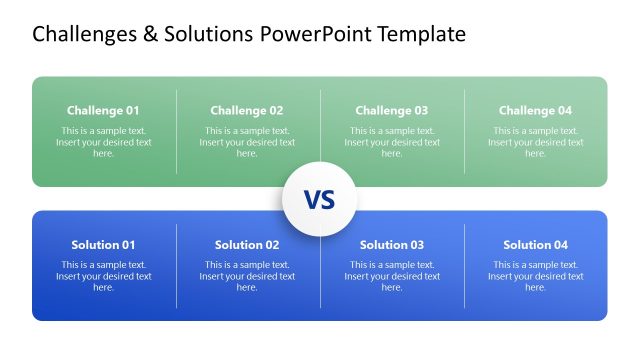
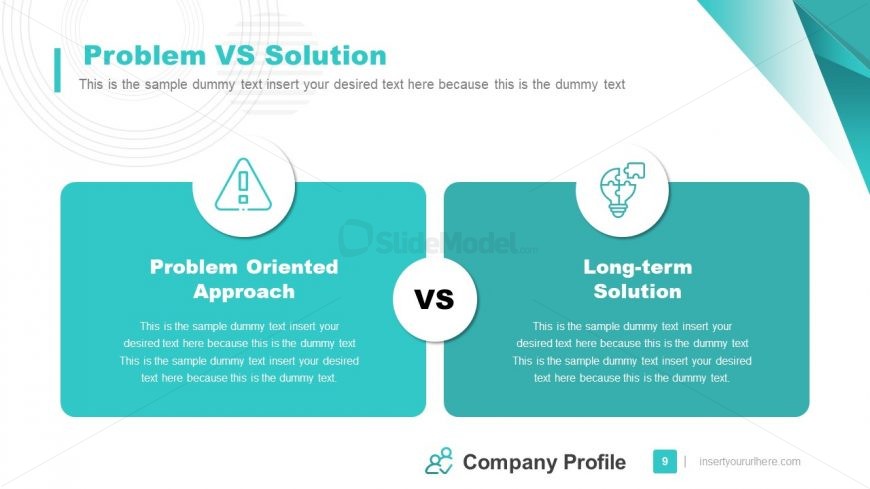
Centered near the top is a large left-aligned title with a thinner subtitle line beneath it spanning the page. Beneath this header the canvas divides into two equal rounded rectangular panels sitting side by side with a narrow vertical gap. Each panel has a circular icon badge that overlaps the panel top edge. Inside each panel a bold section heading sits above two to three lines of small paragraph placeholder text. A circular white medallion sits centered between the panels with the text 'VS'. The bottom contains a footer with a small logo, slide number, and corner accents.
How to Use It
This two-column comparison layout performs a direct problem-vs-solution contrast that highlights parallel headings and supporting paragraphs. Use it when you need a side-by-side contrast, a quick benefits response, or to present paired options. In the full presentation this page sits after company vision and services pages and before a timeline and SWOT style sequence, so it functions as a short problem framing or decision checkpoint prior to chronological detail. The layout supports two primary messages only; replacing panels with more options will require resizing or a different grid.
Text Placeholders & Capacity
Keep your copy within these limits so it fits without resizing. Headings fit about 35-40 characters; body paragraphs accommodate roughly 200-250 characters each.
| Placeholder | Count | Max characters (approx.) |
|---|---|---|
| Slide title | 1 | 40 |
| Subtitle | 1 | 140 |
| Item heading | 2 | 40 |
| Item body | 2 | 240 |
| Footer | 1 | 80 |
Slide Keywords
Download unlimited PowerPoint templates, charts and graphics for your presentations with our annual plan.
DOWNLOAD