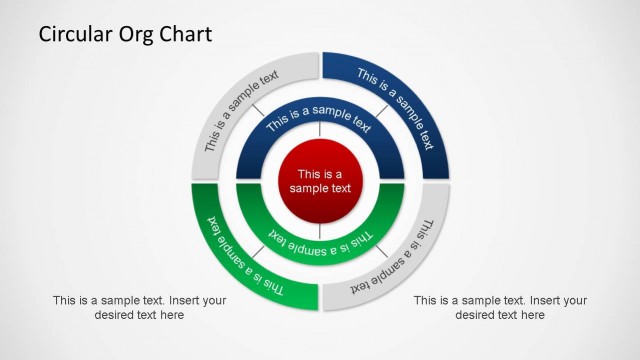
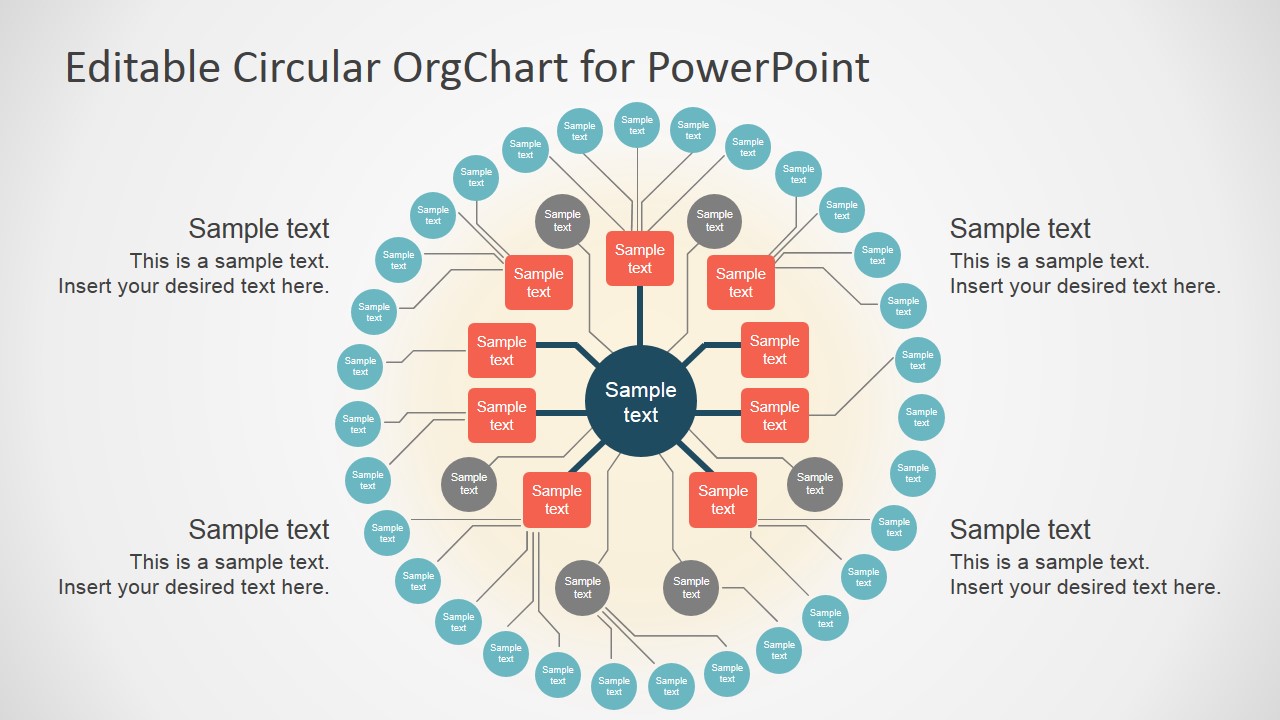
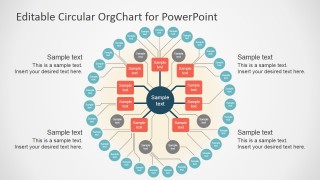
Create professional Org Charts with a modern look and feel with the Editable Circular Org Chart presentation template for PowerPoint and Google Slides. This Org Chart Template is created with Flat Design techniques and a warm color palette. The Org Chart provides three hierarchical levels, described through a concentrical ring design.
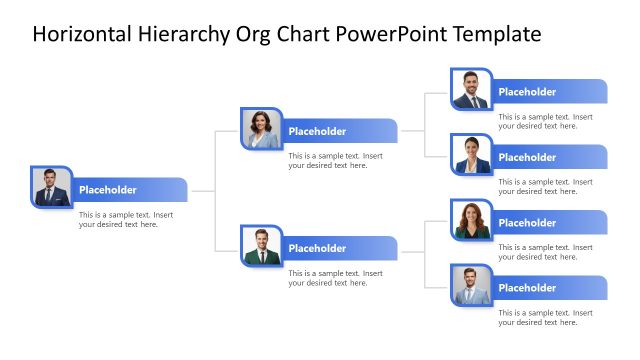
Each element on the Org chart is 100% editable, allowing the user to customize its appearance fully. The user can decorate the Org Chart with PowerPoint Icons or photos of the people in the described position.
Alternatively, you can download other Org Chart templates & presentation slides for PowerPoint with 100% editable elements, or review some of the best org chart designs for presentations.
What’s inside this template
Example presentation scenarios
- An HR manager can present a new department structure by placing the executive role in the center node and grouping managers and team members across the concentric org chart rings.
- A consultant can explain a client operating model by using the radial hierarchy to show reporting distance from the central leadership function and the side callouts to summarize responsibilities.
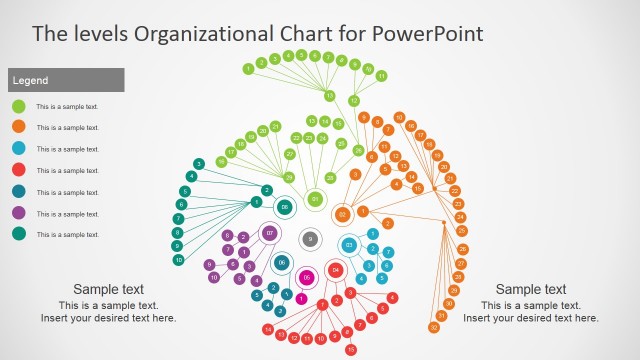
- A project sponsor can introduce a cross-functional program team by assigning workstream leads to the inner red nodes and related contributors to the outer teal circle nodes.
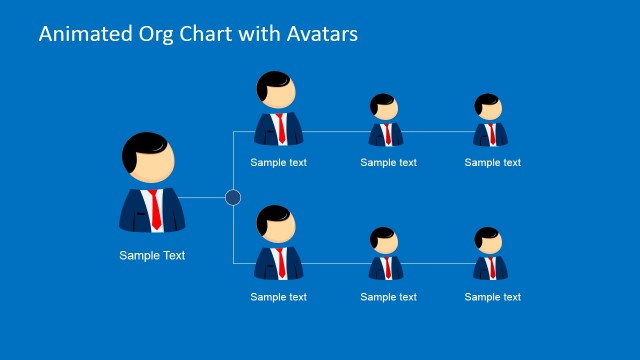
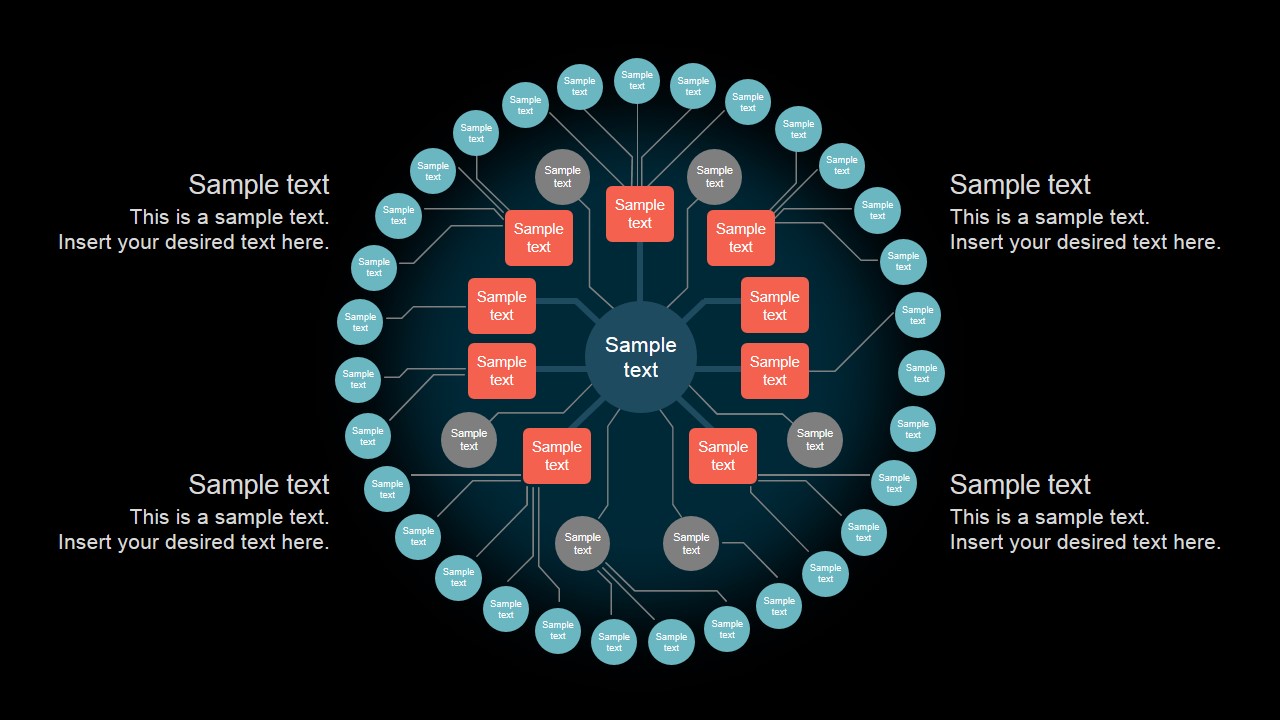
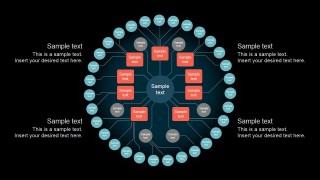
- An operations leader can compare two visual treatments of the same reporting model by choosing the light layout for printed materials or the dark layout for screen-based executive briefings.
Features
- 100% editable presentation template
- Compatible with Microsoft PowerPoint and Google Slides
- 16:9 aspect ratio slides
- Scalable vector shapes, icons and illustrations
- AI-Ready for Microsoft Copilot and Claude
- Instant access and download
Frequently asked questions
Q: How should a presenter walk the audience through the circular org chart?
A: Start at the center node and define the top role or shared function before moving outward ring by ring. Use the red inner nodes for direct reports, the gray nodes for the next level, and the teal outer nodes for broader teams or contributors. Keep the side callouts for interpretation, not extra names.
Q: Who is this circular org chart best suited for?
A: This template fits HR leaders, executives, consultants, and project managers who need to explain structure without showing a dense employee directory. It works especially well for leadership teams, hub-and-spoke operating models, project governance, and department maps where relationships radiate from a single central role or function.
Q: Why use a circular org chart instead of a standard top-down hierarchy?
A: The circular structure uses a visual metaphor of orbit and proximity, which makes the central role feel like the anchor of the organization. Concentric rings communicate levels while radial connectors show relationships without a tall tree. This can make a compact hierarchy easier to scan in an executive discussion.
Editable Circular Org Chart Template for PowerPoint
2-slide presentation template for circular org charts, hierarchy mapping, and team structure diagrams
Editable Circular Org Chart Template for PowerPoint is a 2-slide diagram template for presenting organizational hierarchy with concentric rings, radial connector branches, central leadership nodes, and side text callouts. It is intended for business, HR, and consulting presenters and works in Microsoft PowerPoint and Google Slides.
- Category
- Business PowerPoint Templates
- Rating


 Loading...
- Aspect ratio
- 16:9, 4:3
- Item ID
- 7125-01
- Colors
 Microsoft PowerPoint
  Microsoft Copilot
  Claude for PowerPoint
 Other formats supported
Subscribe today and get immediate
access to download our PowerPoint templates.