Slide 7 of 10 from Numbered List Template for PowerPoint
6186-02-numbered-list-7
Numbered List Layout for Presentations
- Text Layout
- Numbered List
- Agenda Slide
- 16:9
- 100% Editable
The Numbered List Layout from the Numbered List Template for PowerPoint offers a structured format ideal for business presentations requiring clear agendas or step-by-step instructions. This slide template features editable shapes and a clean design that enhances readability, making it suitable for project timelines and meeting agendas within professional slide decks.
What’s on This Slide
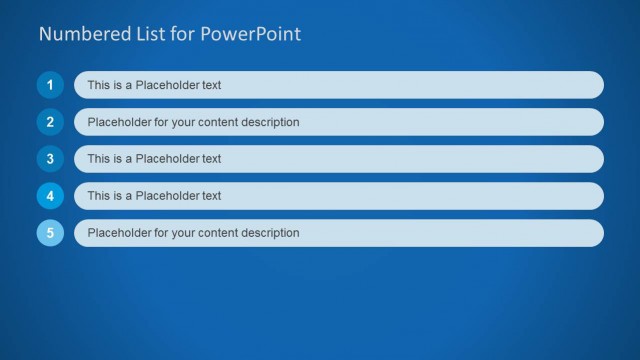
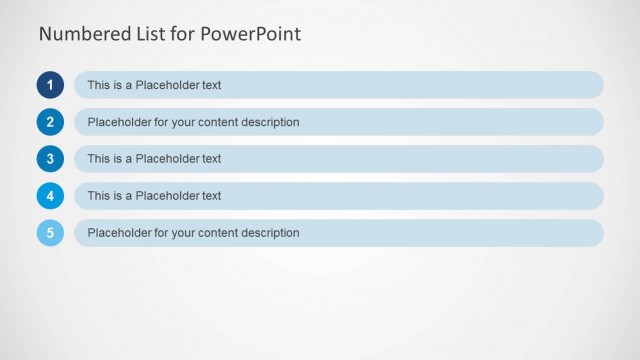
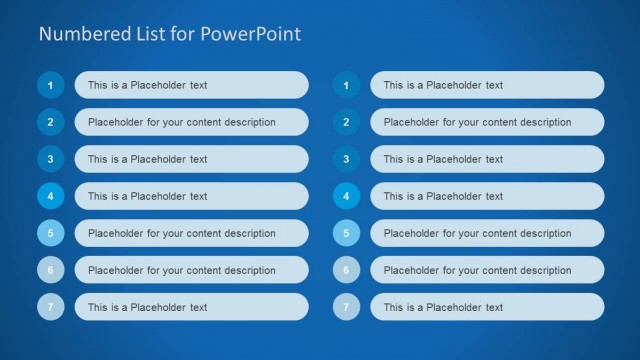
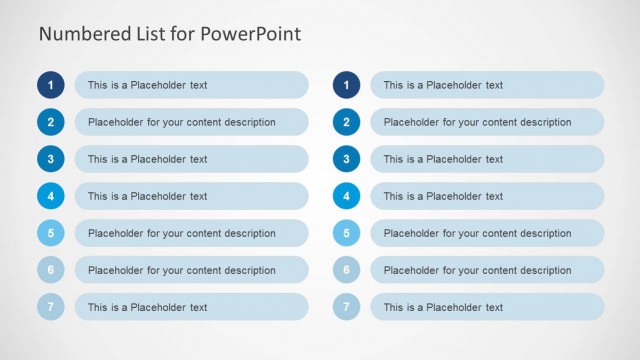
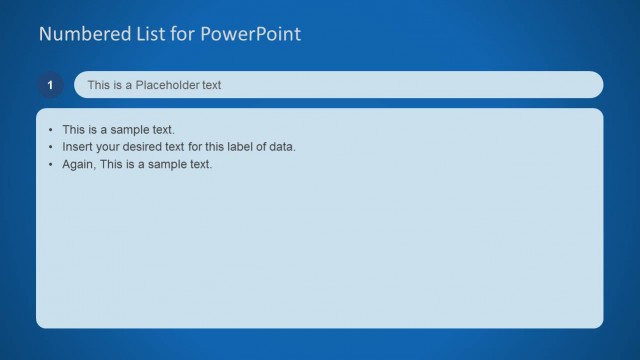
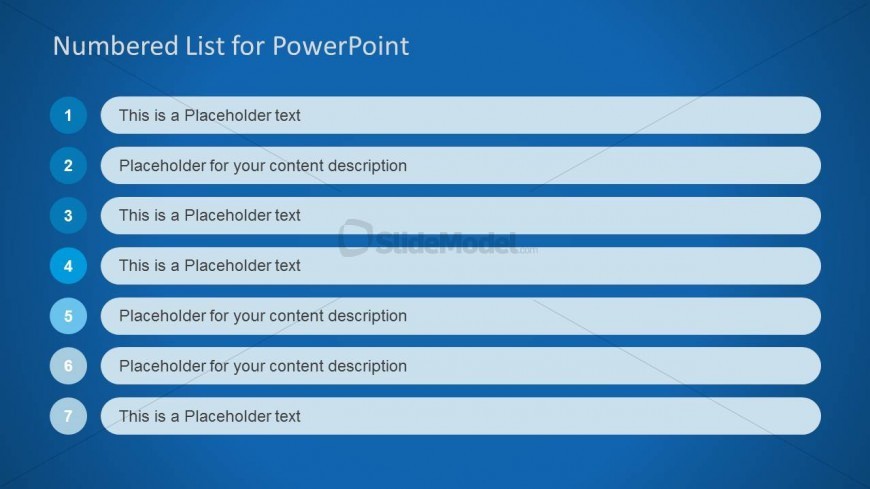
The layout features a blue background with a prominent title at the top. Below, there are seven numbered items arranged vertically. Each item includes a circular number on the left, followed by a rectangular text box on the right. The text boxes contain placeholders for content, with alternating styles for odd and even items. The visual hierarchy emphasizes the numbers, which are larger and bolder than the text. There are no images or additional media placeholders present. The overall composition is structured and clear, facilitating easy reading.
How to Use It
This layout serves as a numbered list format, ideal for presenting sequential information or priorities. It fits well in a presentation sequence after introductory slides, providing a clear agenda or key points. Business scenarios include project timelines, meeting agendas, or outlining steps in a process. It can be used to highlight important items or tasks that require attention, making it suitable for both formal and informal presentations.
Text Placeholders & Capacity
Keep your copy within these limits so it fits without resizing. Node body slots can hold about 10-12 words each.
| Placeholder | Count | Max characters (approx.) |
|---|---|---|
| Item heading | 7 | 30 |
| Item body | 7 | 50 |
| Slide title | 1 | 40 |
Slide Keywords
Download unlimited PowerPoint templates, charts and graphics for your presentations with our annual plan.
DOWNLOADReturn to Numbered List Template for PowerPoint.