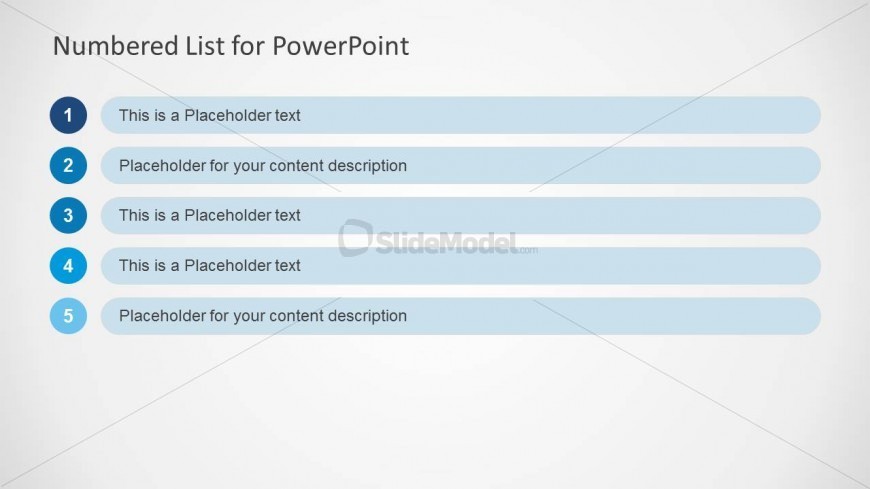
Slide 1 of 10 from Numbered List Template for PowerPoint
Five Rows PowerPoint Table
Numbered List for PowerPoint Template
- Text Layout
- Numbered List
- Agenda Slide
- 16:9
- 100% Editable
The Numbered List for PowerPoint slide from the Numbered List Template for PowerPoint offers a clear agenda layout with editable shapes and a vertical sequence ideal for project overviews and meeting agendas. This slide template supports business presentations by organizing step-by-step processes in a visually structured format, compatible with both PowerPoint and Google Slides templates.
What’s on This Slide
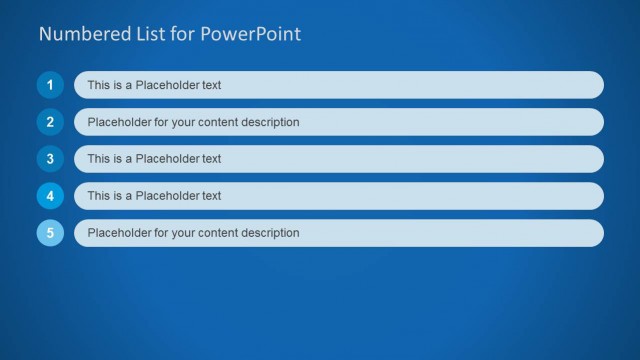
The layout features a vertical list of five numbered items aligned left. Each item consists of a circular number on the left, followed by a rectangular text box containing placeholder text. The numbers are in blue, while the text boxes have a light blue background. The title is centered at the top, stating 'Numbered List for PowerPoint.' The overall background is a light gradient, enhancing the visibility of the list. The text placeholders are aligned to the left within their respective boxes, ensuring a clear visual hierarchy.
How to Use It
This layout serves as a numbered list format, ideal for presenting agendas or priorities. It fits well at the beginning of a presentation to outline key points or topics. Business scenarios include project overviews, meeting agendas, or step-by-step processes. The structure allows for easy readability and organization of information, making it suitable for both formal and informal presentations.
Text Placeholders & Capacity
Keep your copy within these limits so it fits without resizing. Node body slots can hold roughly 8-10 words each.
| Placeholder | Count | Max characters (approx.) |
|---|---|---|
| Slide title | 1 | 30 |
| Item body | 5 | 50 |
Slide Keywords
Download unlimited PowerPoint templates, charts and graphics for your presentations with our annual plan.
DOWNLOADReturn to Numbered List Template for PowerPoint.