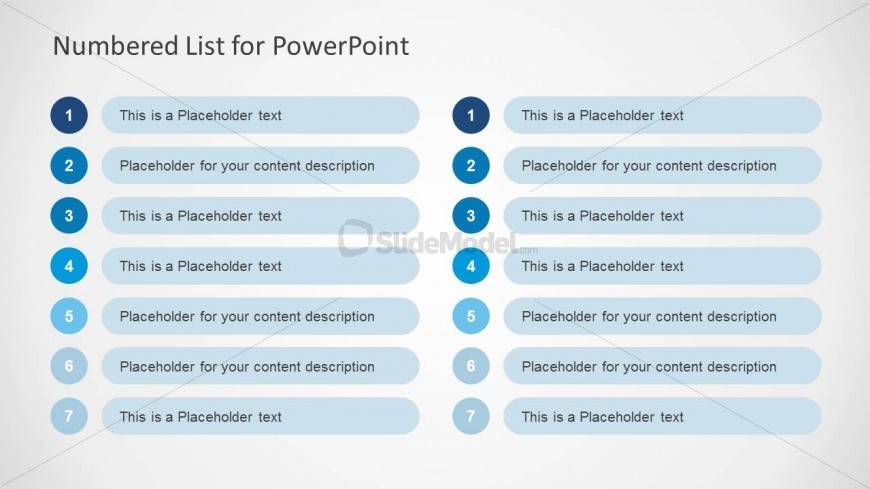
Slide 4 of 10 from Numbered List Template for PowerPoint
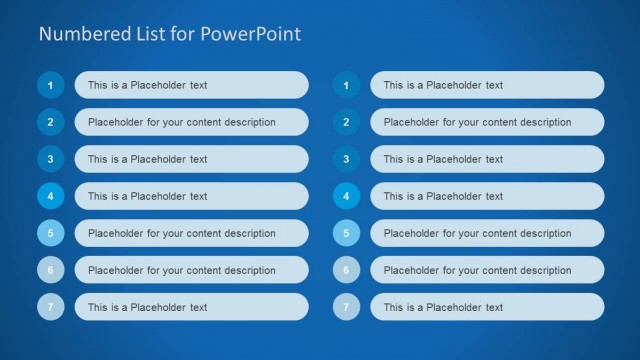
Two Comparing Numbered Lists for PowerPoint
Numbered List Layout for Presentations
- Text Layout
- Numbered List
- Context Slide
- 16:9
- 100% Editable
The Numbered List Layout from the Numbered List Template for PowerPoint provides a structured two-column format ideal for project outlines and meeting agendas. This slide template features editable shapes with numbered items, facilitating clear presentation of sequential information in business presentations or pitch decks. Its design supports side-by-side comparisons, enhancing the effectiveness of corporate presentations and slide decks using PowerPoint templates or Google Slides templates.
What’s on This Slide
The layout features two columns, each containing a numbered list with seven items. The left column displays numbers 1 to 7, while the right column mirrors this structure. Each number is accompanied by a rounded rectangular shape filled with a light blue color, serving as a background for the text placeholders. The text placeholders are aligned centrally within their respective shapes, with the first item in each column emphasized through a bolder font. The overall background is a light gradient, enhancing readability and focus on the lists.
How to Use It
This layout serves as a clear numbered list format, ideal for presenting sequential information or agendas. It fits well in the middle of a presentation, following introductory content and leading into detailed discussions. Scenarios include outlining project phases, listing key points for meetings, or summarizing findings. The two-column format allows for side-by-side comparisons or dual topics, making it versatile for various business contexts.
Text Placeholders & Capacity
Keep your copy within these limits so it fits without resizing. Node body slots can hold about 10-12 words each.
| Placeholder | Count | Max characters (approx.) |
|---|---|---|
| Item heading | 7 | 30 |
| Item body | 7 | 50 |
Slide Keywords
Download unlimited PowerPoint templates, charts and graphics for your presentations with our annual plan.
DOWNLOADReturn to Numbered List Template for PowerPoint.