Slide 2 of 10 from Numbered List Template for PowerPoint
Seven Rows PowerPoint Table
Numbered List for PowerPoint Slide
- Text Layout
- Numbered List
- Agenda Slide
- 16:9
- 100% Editable
The Numbered List for PowerPoint slide from the Numbered List Template for PowerPoint offers a clear, structured format ideal for project agendas and step-by-step instructions. This slide layout uses editable shapes and a vertical numbered list to enhance clarity in business presentations and corporate slide decks. It supports effective communication by organizing sequential information in a visually accessible way within professional slide templates.
What’s on This Slide
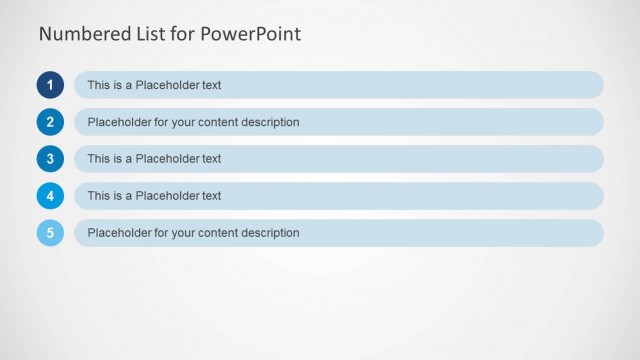
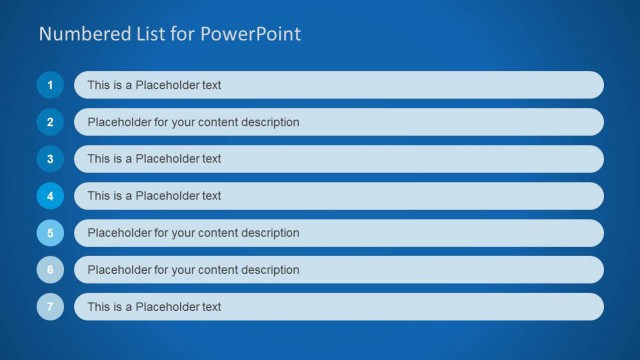
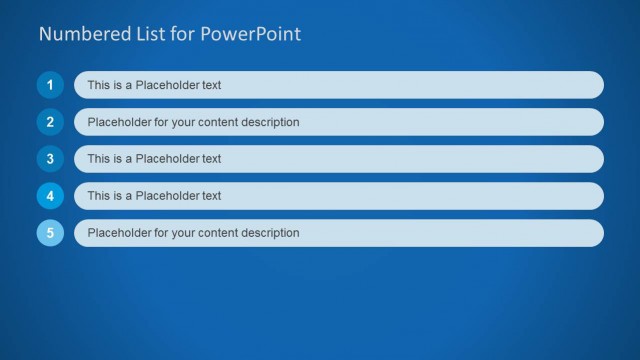
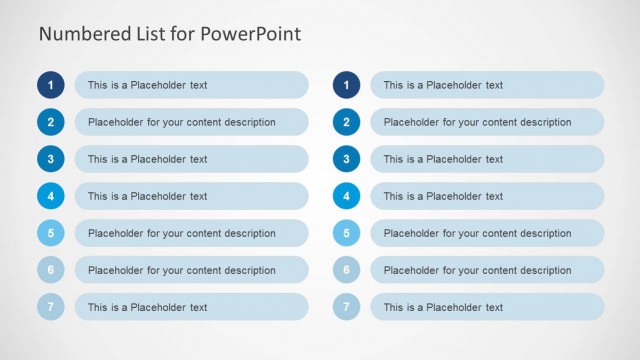
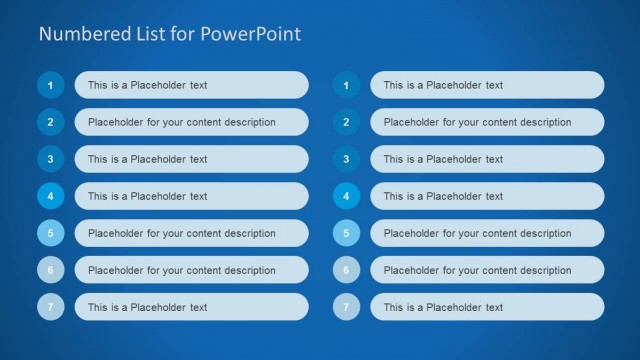
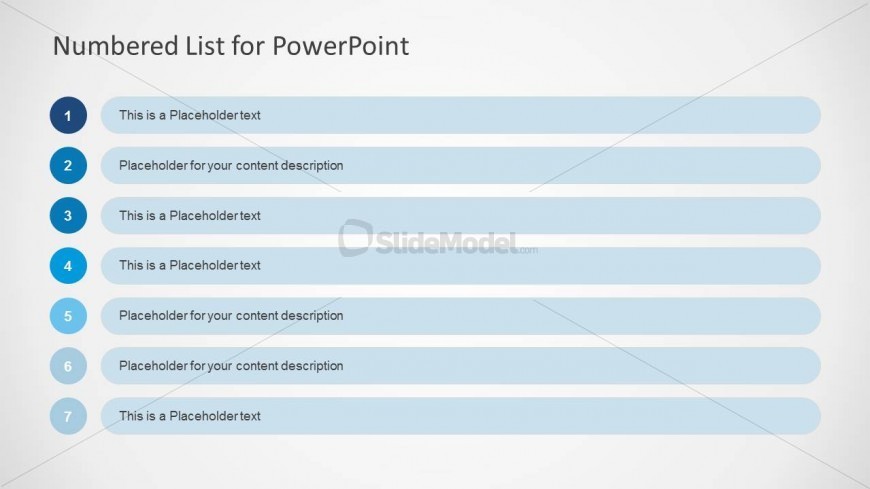
The layout features a vertical list with seven numbered items, each containing a text placeholder. The numbers are positioned in a circular blue shape on the left side, while the corresponding text placeholders are aligned to the right in rectangular light blue boxes. The title at the top is bold and centered, reading 'Numbered List for PowerPoint.' Each item is evenly spaced, creating a clear visual hierarchy. The overall background is light, enhancing readability. There are no images or additional media elements present.
How to Use It
This layout serves as a numbered list format, ideal for presenting sequential information or priorities. It fits well in a presentation sequence after an introduction or overview slide, allowing for detailed explanations of each point. Common scenarios include project agendas, meeting summaries, or step-by-step instructions. The structured format helps audiences follow along easily, making it suitable for business presentations and educational contexts.
Text Placeholders & Capacity
Keep your copy within these limits so it fits without resizing. Node body slots are tight, roughly 10 words each.
| Placeholder | Count | Max characters (approx.) |
|---|---|---|
| Slide title | 1 | 30 |
| Item heading | 7 | 40 |
| Item body | 7 | 50 |
Slide Keywords
Download unlimited PowerPoint templates, charts and graphics for your presentations with our annual plan.
DOWNLOADReturn to Numbered List Template for PowerPoint.