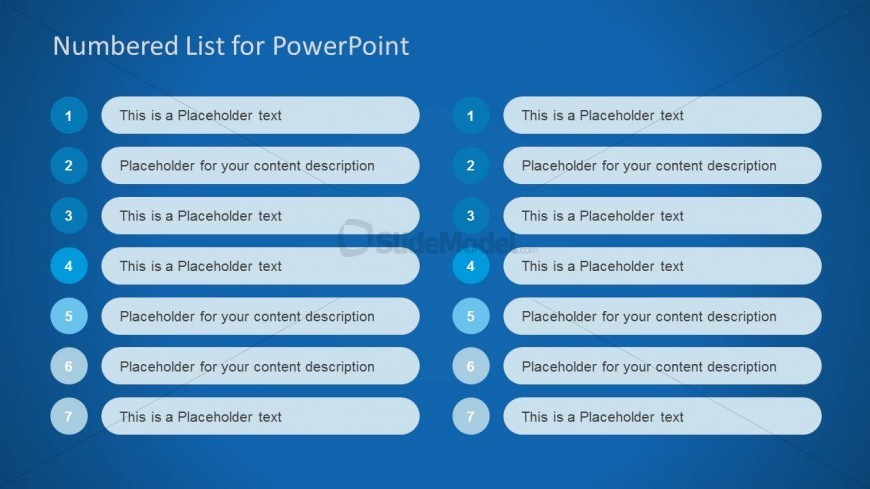
Slide 9 of 10 from Numbered List Template for PowerPoint
6186-02-numbered-list-9
Numbered List Layout for Presentations
- Text Layout
- Numbered List
- Context Slide
- 16:9
- 100% Editable
The Numbered List Layout from the Numbered List Template for PowerPoint offers a clear structure for presenting agendas, priority lists, or step-by-step instructions. This slide design uses editable shapes and a vertical arrangement of numbered items to enhance readability, making it suitable for business presentations and corporate slide decks that require organized and professional content delivery.
What’s on This Slide
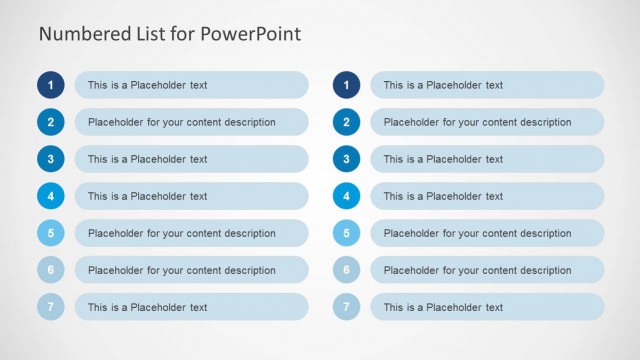
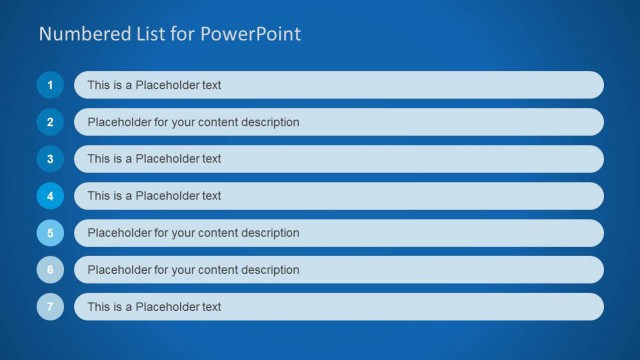
The slide features a numbered list layout with seven items arranged vertically. Each item consists of a circular number on the left and a text placeholder on the right. The numbers are blue, while the text placeholders are in a light blue rectangular shape. The overall background is a solid blue color, enhancing visibility. The text placeholders are aligned to the left of each number, maintaining a consistent visual hierarchy. The layout is structured to allow for clear differentiation between each list item, facilitating easy reading and comprehension.
How to Use It
This layout serves as a straightforward numbered list, ideal for outlining key points or steps in a process. It fits well in a presentation sequence after introducing a topic, allowing for detailed elaboration. Suitable for business contexts, it can be used for agendas, priority lists, or sequential instructions. This structure is effective for summarizing information in a clear, organized manner, making it easy for audiences to follow along.
Text Placeholders & Capacity
Keep your copy within these limits so it fits without resizing. Each text placeholder can hold roughly 5-7 words comfortably.
| Placeholder | Count | Max characters (approx.) |
|---|---|---|
| Item heading | 7 | 30 |
| Item body | 7 | 50 |
Slide Keywords
Download unlimited PowerPoint templates, charts and graphics for your presentations with our annual plan.
DOWNLOADReturn to Numbered List Template for PowerPoint.