Slide 8 of 10 from Numbered List Template for PowerPoint
6186-02-numbered-list-8
Numbered List for PowerPoint Template Slide
- Text Layout
- Bullet List
- Context Slide
- 16:9
- 100% Editable
The Numbered List for PowerPoint slide from the Numbered List Template for PowerPoint provides a clear format for organizing agendas, project steps, or priorities. This slide layout uses editable shapes and bullet points to enhance clarity in business presentations and pitch deck templates, supporting effective communication within corporate presentation slide decks.
What’s on This Slide
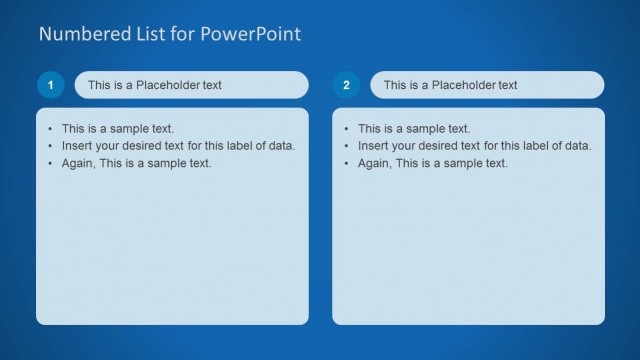
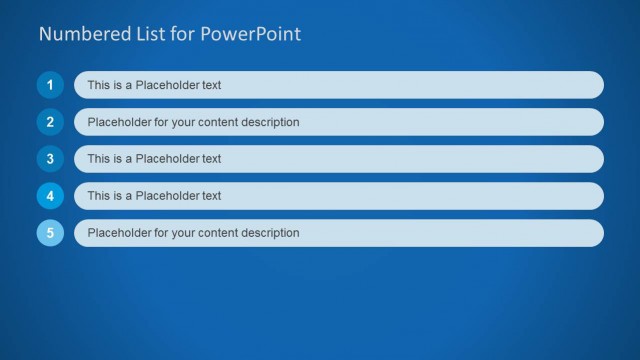
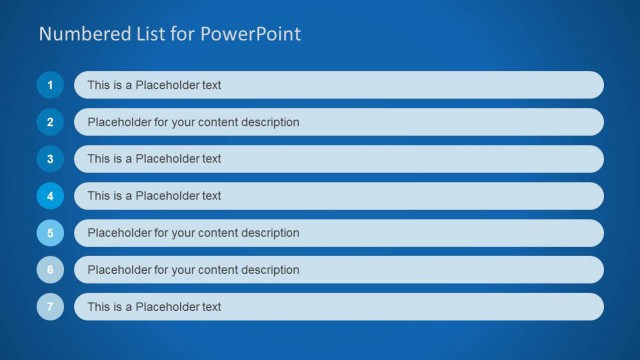
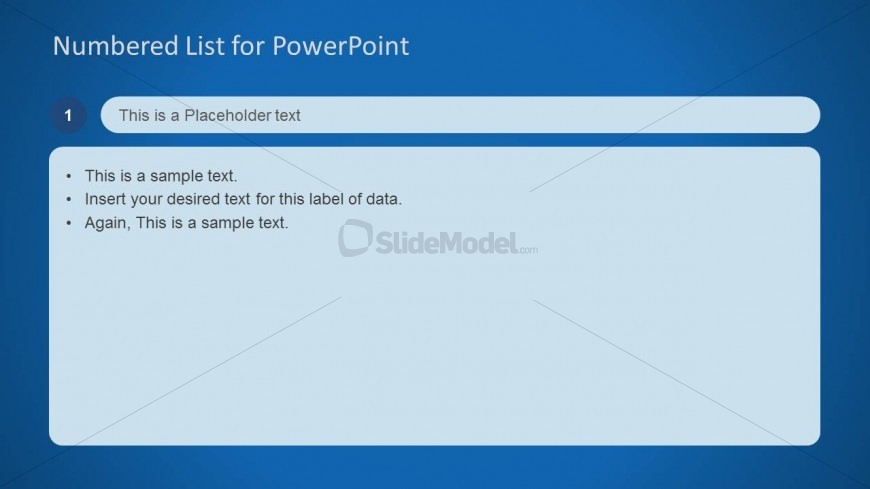
The layout features a blue background with a large title at the top center reading 'Numbered List for PowerPoint.' Below the title, a text placeholder is positioned in the center, labeled with a number '1.' Below this, there are three bullet points aligned left, each contained within a light blue box. The bullet points provide space for sample text, with the first line serving as a label. The overall composition is structured to emphasize the title and the numbered list format, creating a clear visual hierarchy.
How to Use It
This layout serves as a numbered list format, ideal for presenting key points or steps in a structured manner. It fits well in a presentation sequence where clarity and organization are essential, such as agendas, project outlines, or priority lists. This format is beneficial for business contexts, allowing presenters to convey information succinctly and effectively, making it suitable for meetings, reports, or educational settings.
Text Placeholders & Capacity
Keep your copy within these limits so it fits without resizing. Node body slots can hold approximately 10-12 words each.
| Placeholder | Count | Max characters (approx.) |
|---|---|---|
| Slide title | 1 | 40 |
| Item heading | 1 | 40 |
| Item body | 3 | 60 |
Slide Keywords
Download unlimited PowerPoint templates, charts and graphics for your presentations with our annual plan.
DOWNLOADReturn to Numbered List Template for PowerPoint.