Slide 6 of 10 from Numbered List Template for PowerPoint
6186-02-numbered-list-6
Numbered List for PowerPoint Slide
- Text Layout
- Numbered List
- Agenda Slide
- 16:9
- 100% Editable
The Numbered List for PowerPoint slide from the Numbered List Template for PowerPoint offers a clear and organized way to present agendas, priorities, or sequential steps. This slide layout uses editable shapes and vector icons to enhance readability, making it suitable for business presentations and corporate slide decks that require structured enumeration of key points.
What’s on This Slide
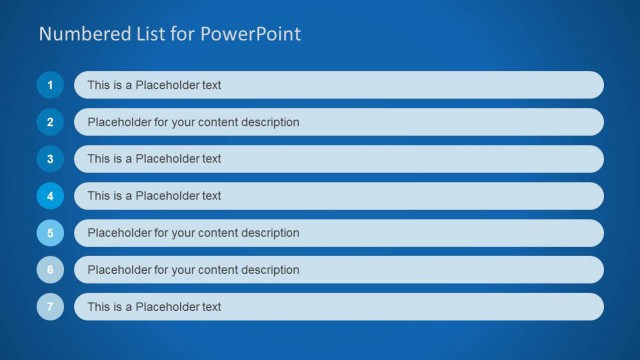
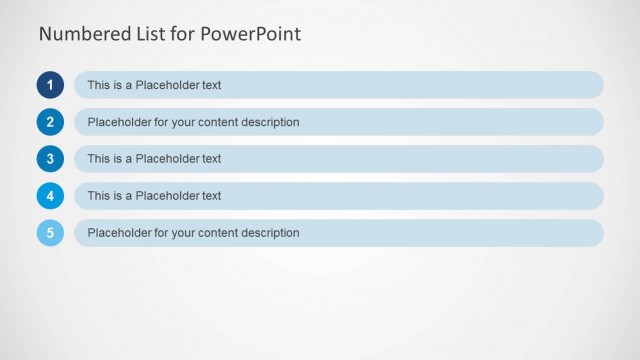
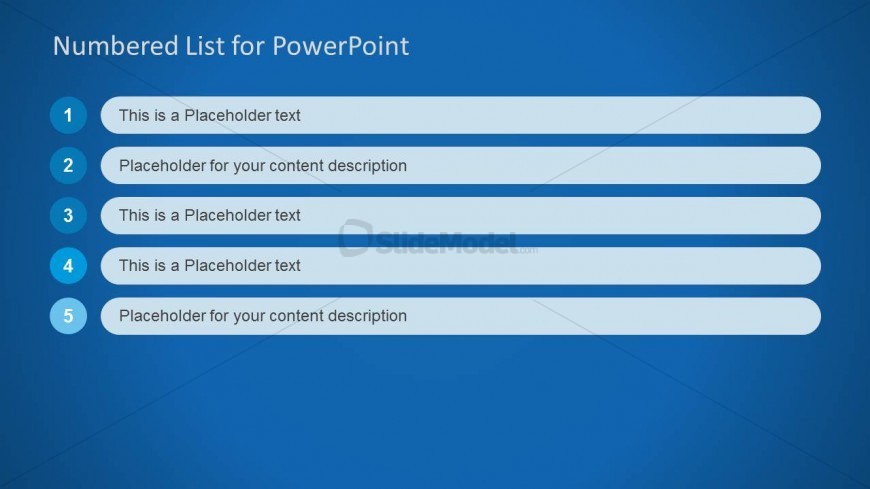
The slide features a blue background with a title at the top stating 'Numbered List for PowerPoint.' Below the title, five numbered items are arranged vertically. Each item is contained within a rounded rectangular shape, with the numbers displayed in a circular format on the left. The first four items contain placeholder text, while the second and fifth items have a different placeholder for content description. The text is left-aligned, and the overall layout emphasizes clarity and organization, with consistent spacing between items.
How to Use It
This layout serves as a structured numbered list, ideal for presenting sequential information or priorities. It fits well in a presentation sequence where clarity in listing items is essential, such as agendas, task lists, or key points. This format is suitable for business contexts, such as project updates or meeting agendas, where clear enumeration of items enhances understanding and retention.
Text Placeholders & Capacity
Keep your copy within these limits so it fits without resizing. Node labels can hold about 40 characters each, while node bodies can hold around 60 characters.
| Placeholder | Count | Max characters (approx.) |
|---|---|---|
| Slide title | 1 | 30 |
| Item heading | 5 | 40 |
| Item body | 5 | 60 |
Slide Keywords
Download unlimited PowerPoint templates, charts and graphics for your presentations with our annual plan.
DOWNLOADReturn to Numbered List Template for PowerPoint.