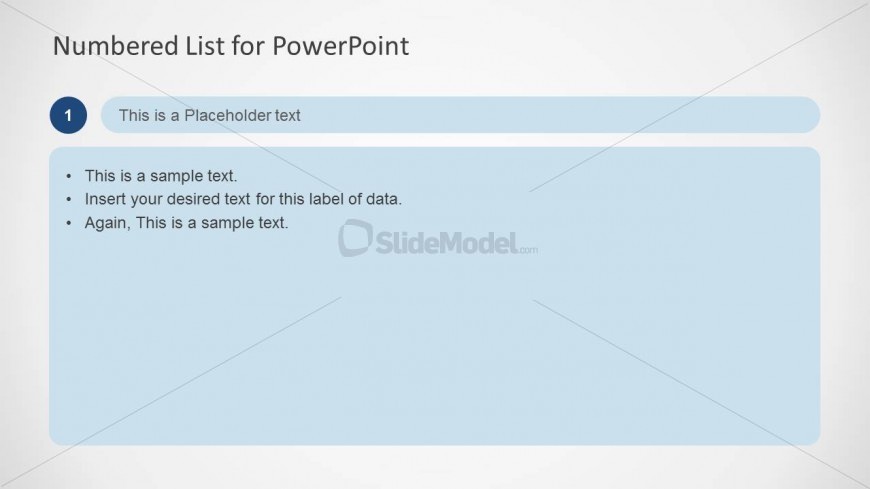
Slide 3 of 10 from Numbered List Template for PowerPoint
Numbered Title and Text Placeholder for PowerPoint
Numbered List for PowerPoint Template Slide
- Text Layout
- Numbered List
- Agenda Slide
- 16:9
- 100% Editable
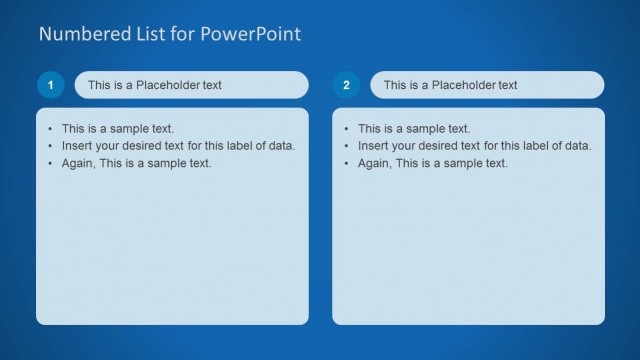
The Numbered List for PowerPoint slide from the Numbered List Template for PowerPoint offers a clean, structured layout ideal for outlining meeting agendas, project steps, or key action items. This slide design integrates editable shapes and clear text placeholders, making it suitable for business presentations and corporate slide decks that require organized, sequential information. Its straightforward format supports effective communication within pitch deck templates and Google Slides templates alike.
What’s on This Slide
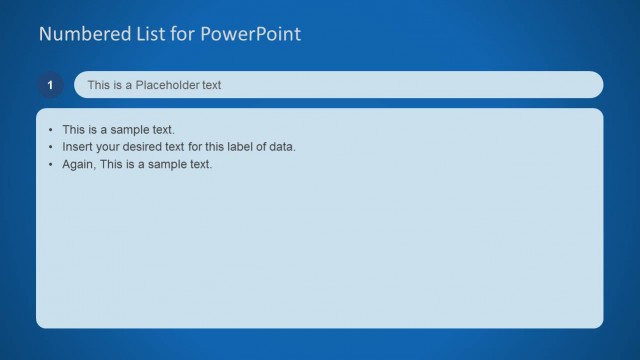
The slide features a top title area with the text 'Numbered List for PowerPoint' aligned left. Below, a circular number '1' is positioned on the left, adjacent to a text placeholder for a title. Below this, a blue rectangular container holds three bullet points, each beginning with a dot. The bullet points are aligned left within the container. The overall layout is clean, with a light background and a subtle gradient. The visual hierarchy emphasizes the title and the numbered list, creating a structured appearance.
How to Use It
This layout serves as a numbered list format, ideal for presenting sequential information or priorities. It fits well in presentations that require clear organization of points, such as agendas or project steps. In a business context, this slide can be used to outline meeting topics, project phases, or key action items. It is effective for conveying information in a straightforward manner, ensuring clarity and focus for the audience.
Text Placeholders & Capacity
Keep your copy within these limits so it fits without resizing. Node body slots can hold about 10-12 words each.
| Placeholder | Count | Max characters (approx.) |
|---|---|---|
| Slide title | 1 | 30 |
| Item body | 3 | 50 |
Slide Keywords
Download unlimited PowerPoint templates, charts and graphics for your presentations with our annual plan.
DOWNLOADReturn to Numbered List Template for PowerPoint.