Slide 10 of 10 from Numbered List Template for PowerPoint
6186-02-numbered-list-10
Numbered List for PowerPoint Presentation
- Text Layout
- Numbered List
- Agenda Slide
- 16:9
- 100% Editable
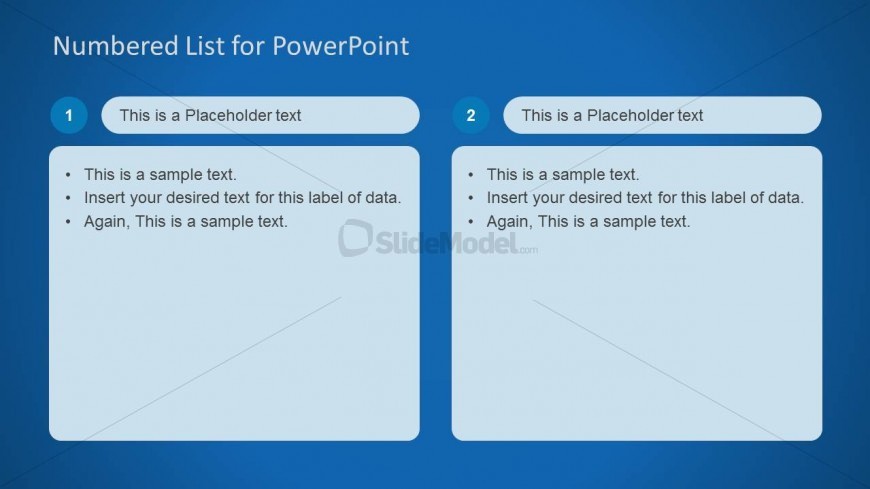
The Numbered List for PowerPoint slide from the Numbered List Template for PowerPoint offers a clear, two-column layout ideal for presenting agenda items or step-by-step instructions. This slide design supports business presentations by organizing sequential information with editable shapes and numbered labels, enhancing clarity in corporate slide decks or pitch deck templates.
What’s on This Slide
The layout features two columns with rounded rectangles at the top for titles. Each column contains a numbered label, positioned to the left of the corresponding text box. The left column includes three bullet points, while the right column mirrors this structure. Text placeholders are aligned left within the boxes, with a consistent font size. The background is a gradient blue, enhancing visual separation. The overall composition is balanced, with equal spacing between elements, creating a clear and organized appearance.
How to Use It
This layout serves as a numbered list format, ideal for presenting sequential information or priorities. It fits well in a presentation sequence after introducing topics or concepts, providing clarity on key points. Real-world applications include project updates, agenda items, or step-by-step instructions. This structure allows for easy comparison between two sets of information, making it suitable for business meetings or educational settings.
Text Placeholders & Capacity
Keep your copy within these limits so it fits without resizing. Node body slots can hold about 10-12 words each.
| Placeholder | Count | Max characters (approx.) |
|---|---|---|
| Slide title | 1 | 30 |
| Item heading | 2 | 30 |
| Item body | 6 | 50 |
Slide Keywords
Download unlimited PowerPoint templates, charts and graphics for your presentations with our annual plan.
DOWNLOADReturn to Numbered List Template for PowerPoint.