Slide 2 of 4 from Newspaper PowerPoint Template
6163-01-newspaper-layouts-2
Newspaper Layout for PowerPoint Presentation
- Text Layout
- Other
- Context Slide
- 16:9
- 100% Editable
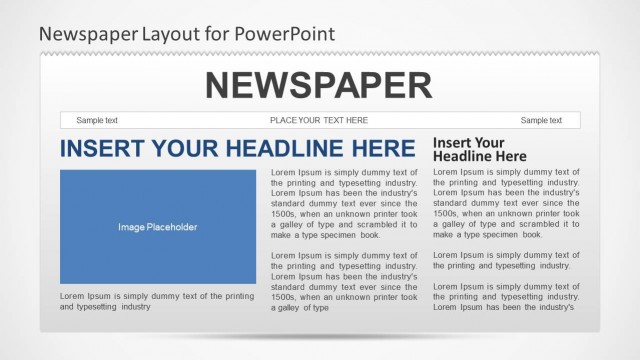
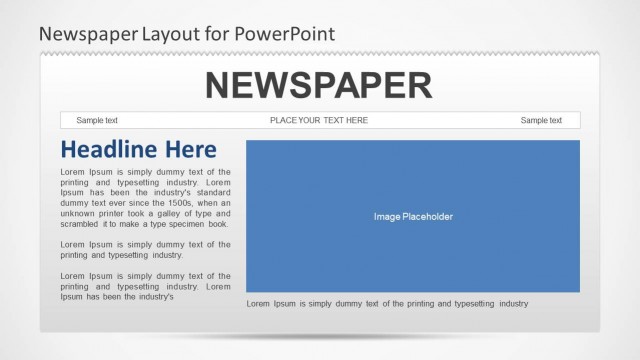
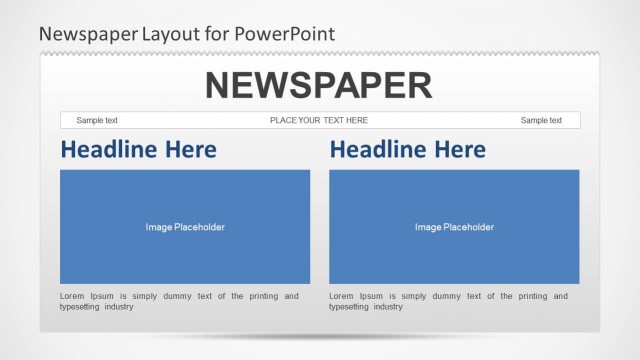
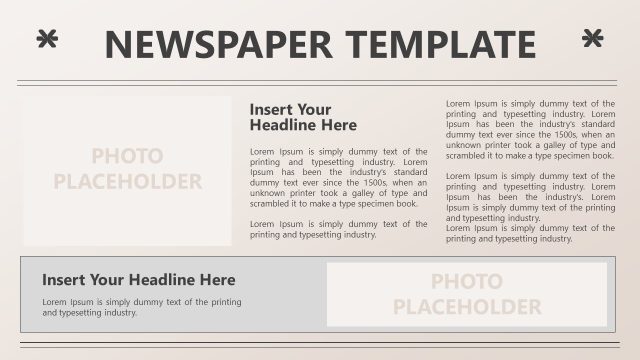
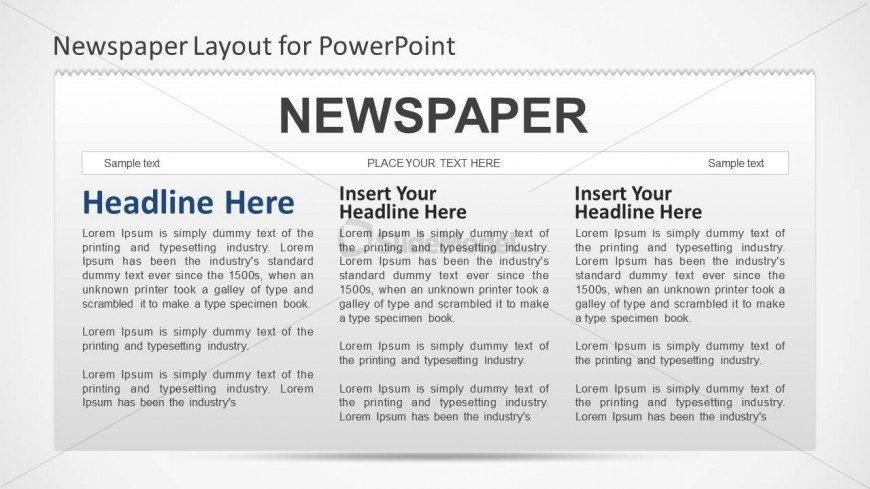
The Newspaper Layout with Headlines slide from the Newspaper PowerPoint Template offers a structured format ideal for news updates and internal communications. This slide uses editable shapes and columns to present multiple headlines and body text clearly, making it suitable for educational content and business presentations. Its design supports clear information delivery within a corporate presentation or slide deck, enhancing readability with a light background and distinct text areas.
What’s on This Slide
The layout features a large headline area at the top center, with the title 'NEWSPAPER' prominently displayed. Below, there are three columns for text, each containing a placeholder for a headline and a body paragraph. The left column has a blue headline placeholder, while the other two have similar text placeholders aligned vertically. Each column is separated by thin vertical lines. At the bottom, there are additional text placeholders for captions or sample text. The background is light, enhancing readability.
How to Use It
This layout serves as a structured format for presenting news articles or updates in a newspaper style. It is suitable for educational presentations, internal communications, or any context where information needs to be conveyed clearly. This slide fits well after an introductory slide, providing a detailed view of specific topics or updates. It can be used to highlight multiple stories or sections within a single presentation.
Text Placeholders & Capacity
Keep your copy within these limits so it fits without resizing. Body slots can hold roughly 25-30 words each.
| Placeholder | Count | Max characters (approx.) |
|---|---|---|
| Slide title | 1 | 30 |
| Item heading | 3 | 25 |
| Item body | 3 | 150 |
| Footer | 1 | 30 |
Slide Keywords
Download unlimited PowerPoint templates, charts and graphics for your presentations with our annual plan.
DOWNLOADReturn to Newspaper PowerPoint Template.