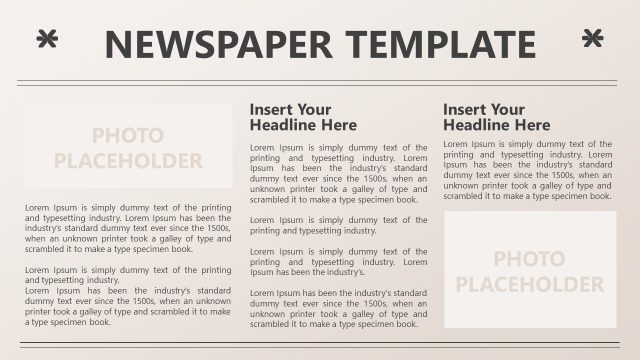
Slide 3 of 4 from Newspaper PowerPoint Template
6163-01-newspaper-layouts-3
Newspaper Layout for PowerPoint
- Text Layout
- Two Column Text
- Context Slide
- 16:9
- 100% Editable
The Newspaper Layout from the Newspaper PowerPoint Template offers a structured two-column text design ideal for news updates and event highlights. This slide layout supports clear comparison of two topics side by side, making it suitable for corporate presentations or business presentation slide decks. Its clean, symmetrical format with editable shapes and placeholders enhances readability and visual impact in professional slide templates.
What’s on This Slide
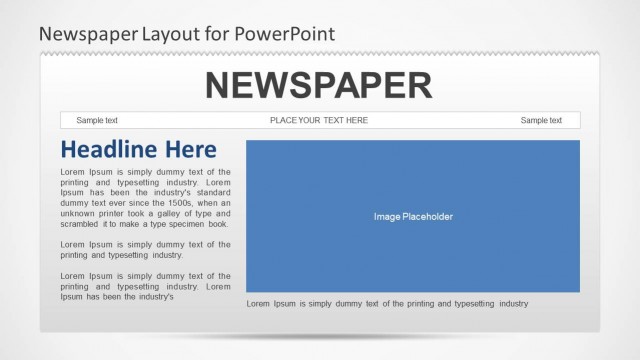
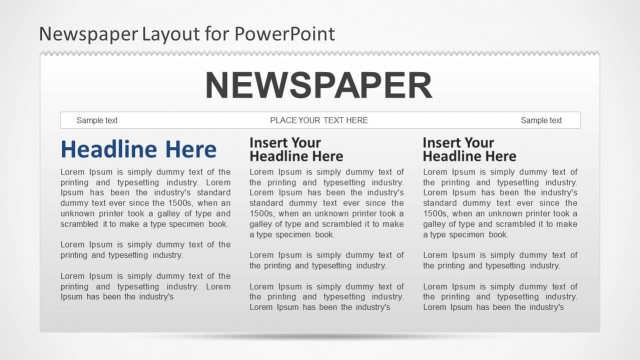
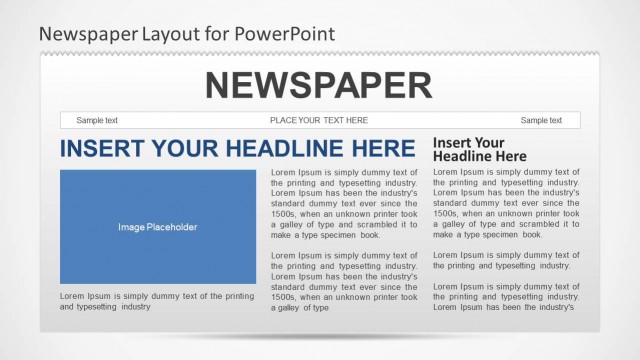
The layout features a top section with a title area labeled 'NEWSPAPER' and two headline placeholders below. Each headline placeholder is rectangular and positioned side by side, occupying the left and right halves of the slide. Below each headline, there is a larger rectangular image placeholder. The text placeholders for sample text are located at the top and are centered above the headlines. The overall composition is symmetrical, with a clean, organized structure that emphasizes the headlines and images. The background is light, enhancing text visibility.
How to Use It
This layout serves as a dual-column news presentation format, ideal for comparing two stories or topics side by side. It fits well in a sequence where updates or announcements are presented, such as in internal communications or educational contexts. This structure is useful for summarizing news articles, project updates, or event highlights, allowing for a clear visual distinction between two subjects. It can be effectively used in team meetings or presentations to share important information succinctly.
Text Placeholders & Capacity
Keep your copy within these limits so it fits without resizing. Body slots can hold approximately 25-30 words each.
| Placeholder | Count | Max characters (approx.) |
|---|---|---|
| Slide title | 1 | 30 |
| Item heading | 2 | 20 |
| Item body | 2 | 150 |
| Image caption | 2 | 30 |
Slide Keywords
Download unlimited PowerPoint templates, charts and graphics for your presentations with our annual plan.
DOWNLOADReturn to Newspaper PowerPoint Template.