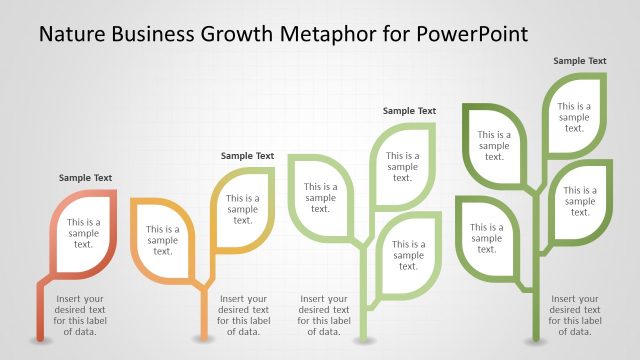
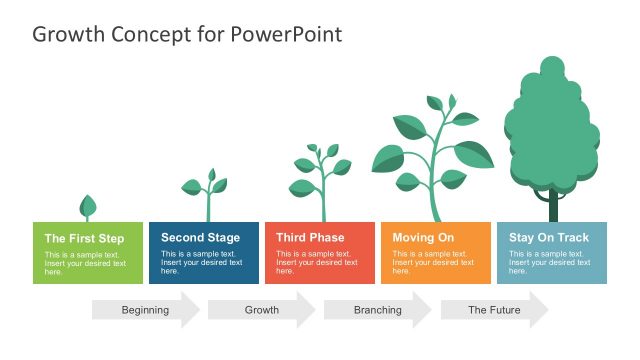
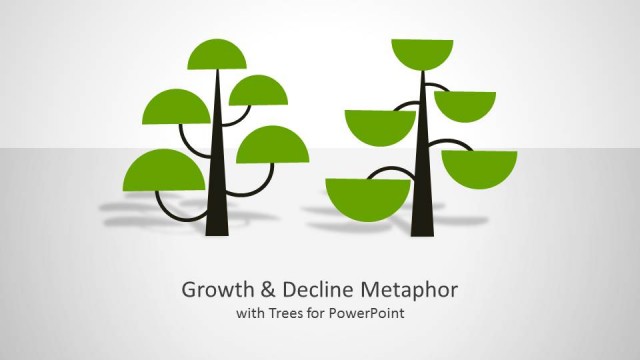
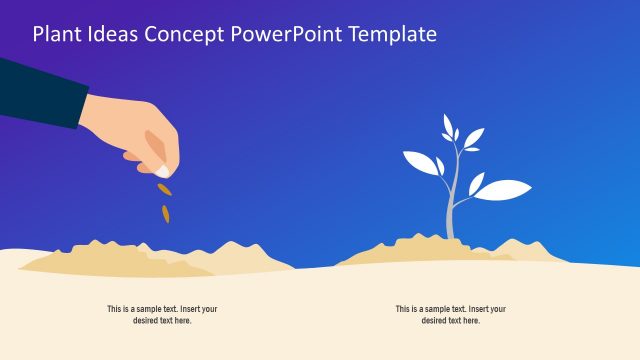
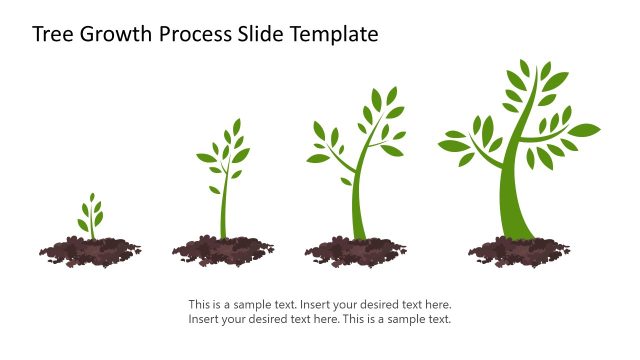
Nature Business Growth Metaphor Template for PowerPoint is a presentation template that helps to visualize the business growth concept through nature growth metaphors. You can make awesome slide designs using metaphors of nurturing an idea or using plans and illustrations taken from a garden.
These 14 business growth slide designs for PowerPoint can help you to make presentations on business strategy or business growth presentations using metaphors taken from a plant growth.
What’s inside this template
Example presentation scenarios
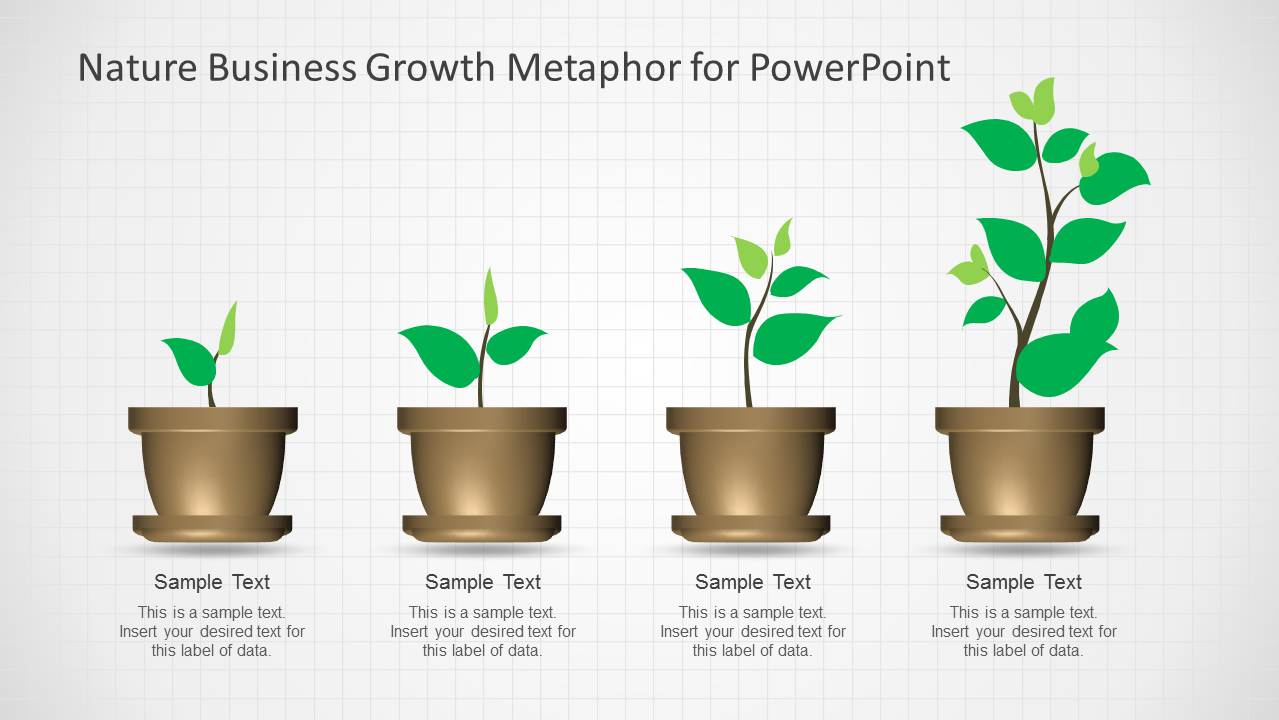
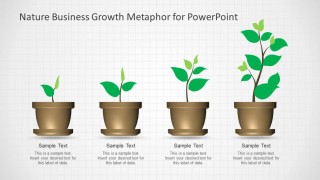
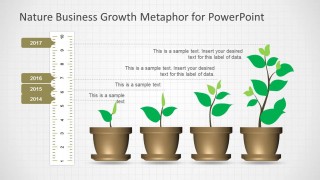
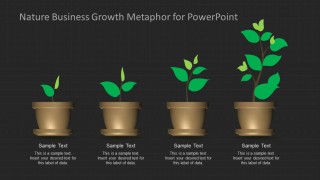
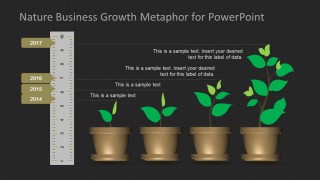
- A startup founder can present traction to investors by using the four-pot growth sequence to show how an idea has moved from early seedling to a more developed business.
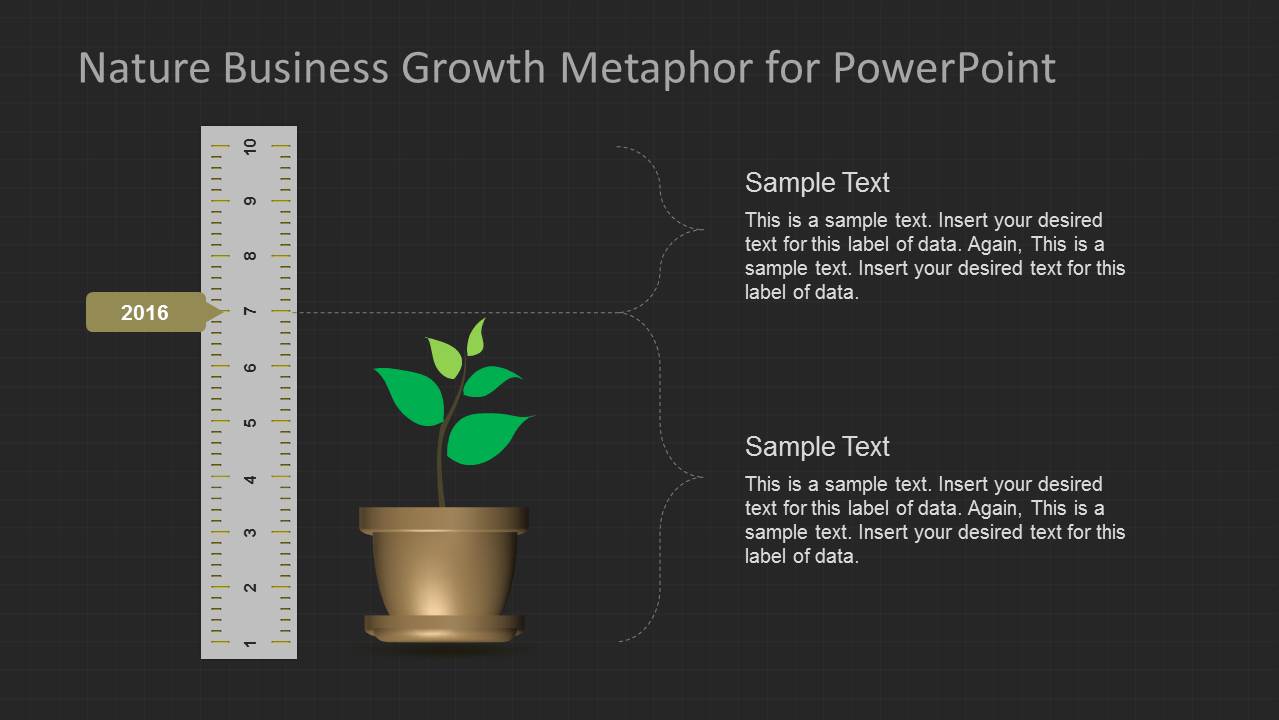
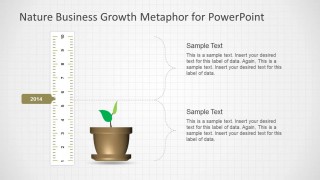
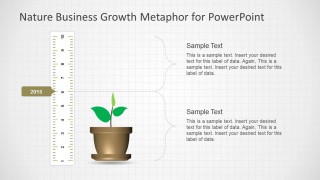
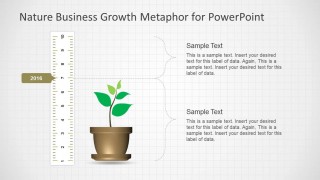
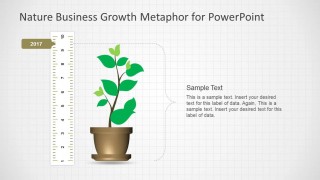
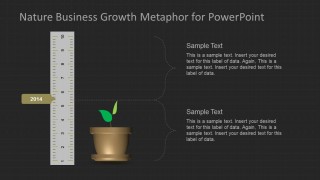
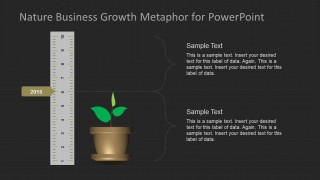
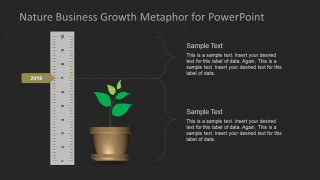
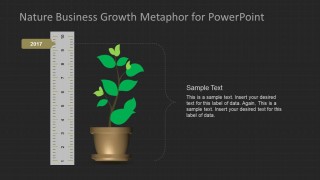
- A strategy consultant can explain a phased growth plan to an executive team with the ruler-based milestone slides and year labels for 2014 through 2017.
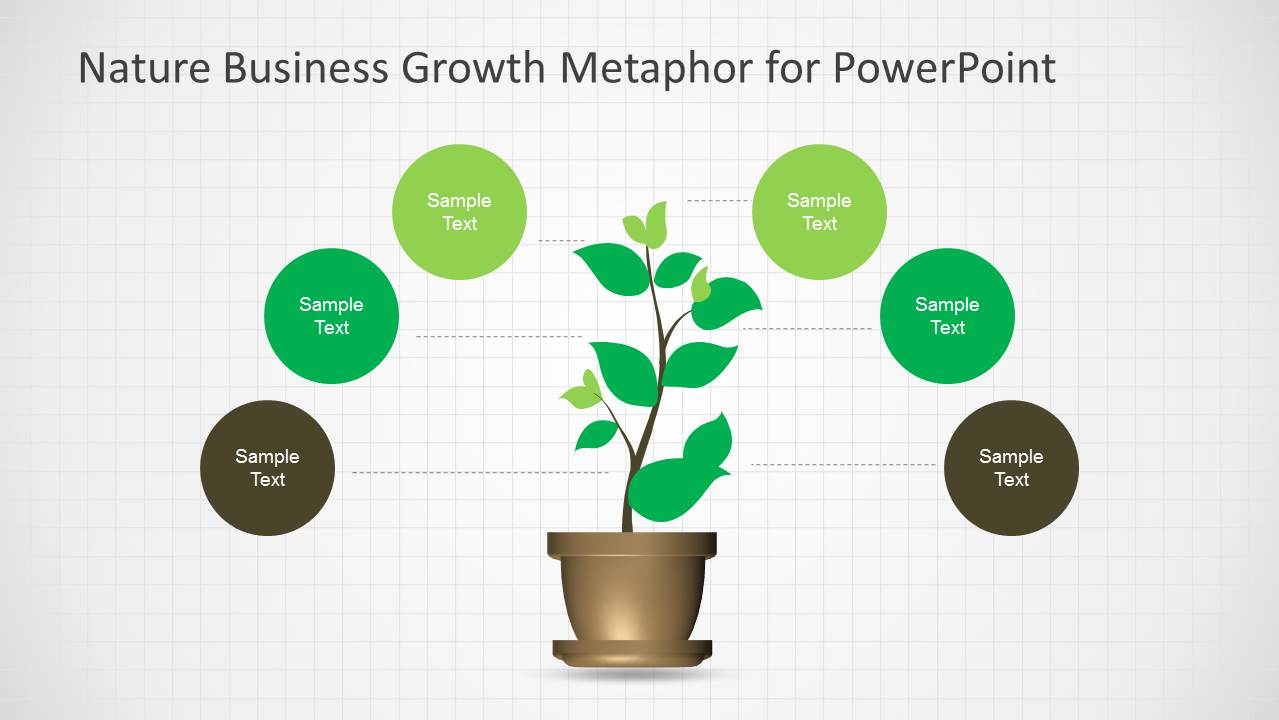
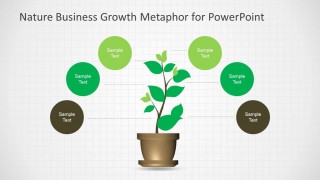
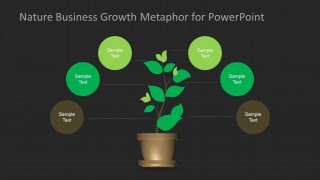
- A marketing manager can introduce a campaign development plan by placing initiatives in the circular idea bubbles around the central plant metaphor.
- A project manager can report program maturity to stakeholders by comparing the light or dark multi-year growth timeline against completed and planned milestones.
Features
- 100% editable presentation template
- Compatible with Microsoft PowerPoint and Google Slides
- Scalable vector shapes, icons and illustrations
- AI-Ready for Microsoft Copilot and Claude
- Instant access and download
Frequently asked questions
Q: How should a presenter use the plant metaphor without making it feel decorative?
A: Tie each plant stage to a concrete business meaning before adding details. For example, use the smallest seedling for an idea or pilot, the mid-growth pots for market validation and scaling, and the mature plant for outcomes. The ruler slides work best when each callout states the condition that changed, not just the date.
Q: Who is this template best suited for in a business setting?
A: This template fits presenters who need to explain gradual development rather than a sudden result. Founders, consultants, project managers, and marketing leaders can use the staged pots, milestone ruler, and circular bubbles to discuss growth plans, nurturing activities, capability building, or initiative maturity with a non-technical audience.
Q: Why do the ruler and potted plant visuals help communicate growth?
A: The potted plant gives the audience a familiar metaphor for care, timing, and visible progress, while the ruler adds measurement discipline. Together they balance emotion and structure: the plant shows development, the year labels anchor progress in time, and the callout brackets keep the explanation organized around specific milestones.






Nature Business Growth Metaphor Template for PowerPoint
14-slide PowerPoint presentation template with plant growth metaphors, rulers, callouts, and stage comparisons
The Nature Business Growth Metaphor Template for PowerPoint is a 14-slide business presentation template built around plant growth and gardening visuals. It includes staged plant comparisons, ruler-based milestone timelines, text callout slides, and circular idea bubbles for strategy, growth planning, and progress updates in PowerPoint.
- Category
- Business PowerPoint Templates
- Rating


 Loading...
- Item ID
- 6165-01
- Colors
 Microsoft PowerPoint
  Microsoft Copilot
  Claude for PowerPoint
 Other formats supported
Subscribe today and get immediate
access to download our PowerPoint templates.