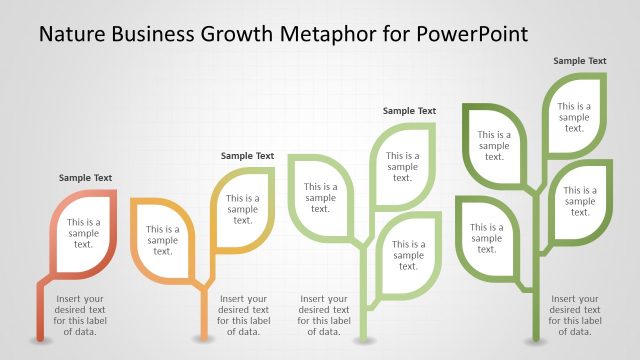
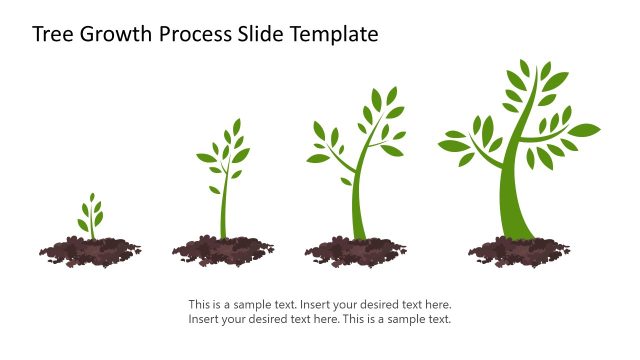
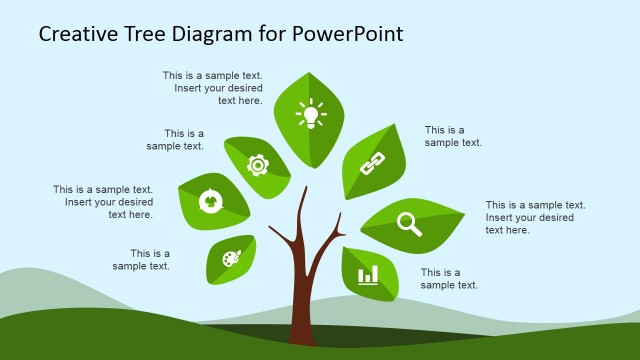
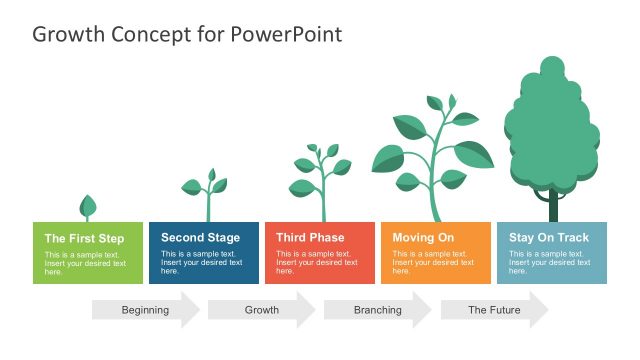
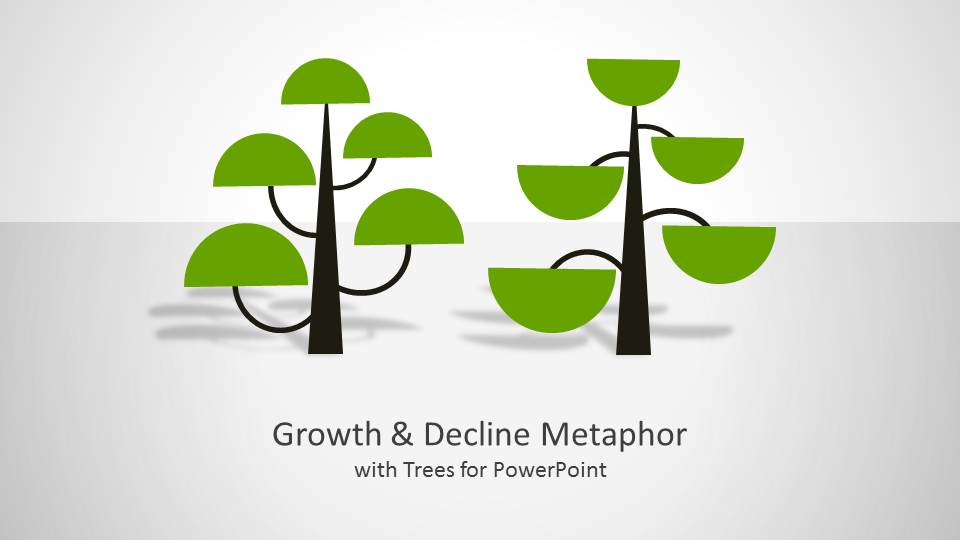
Growth & Decline Metaphor with Tree Shapes for PowerPoint presents growth and decline with the aid of tree themed slides.
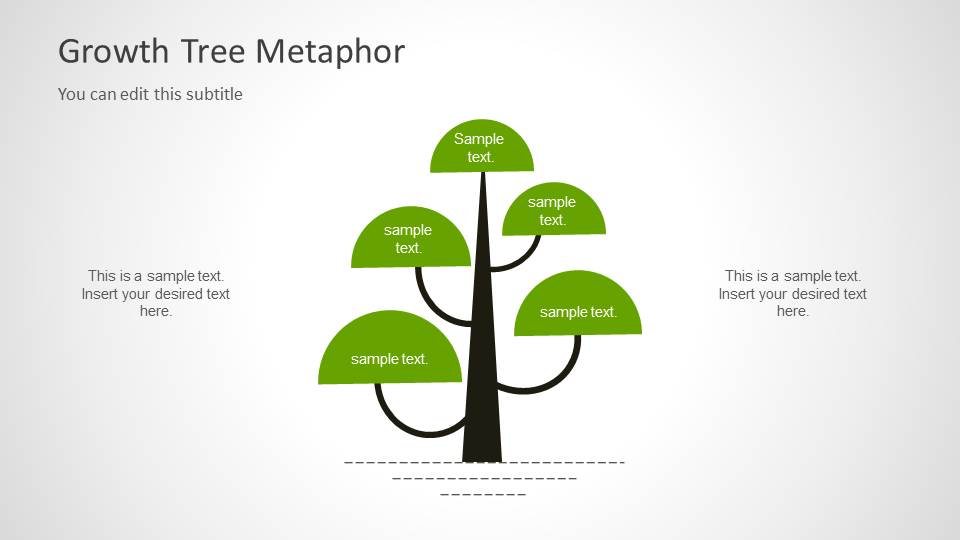
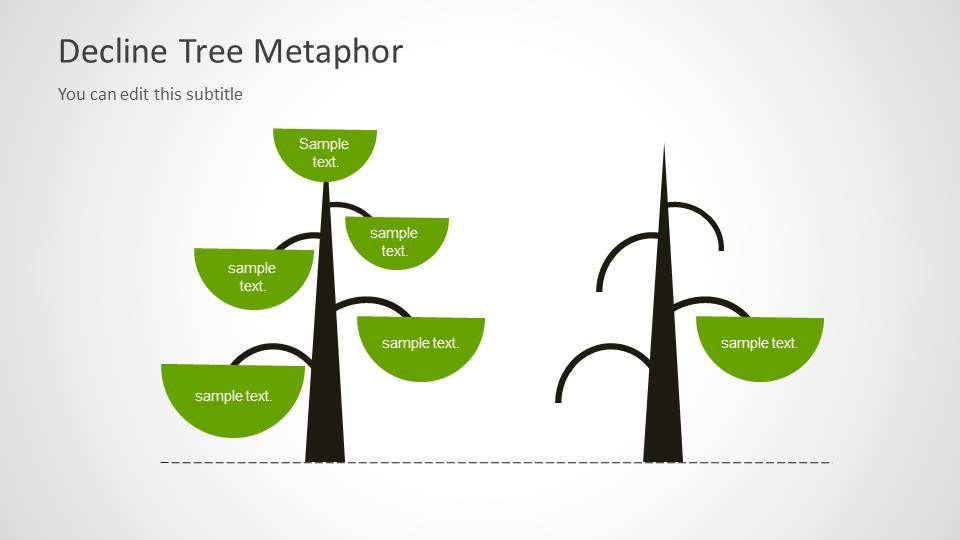
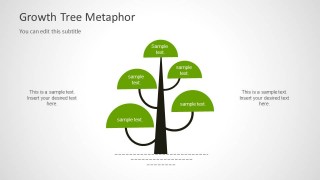
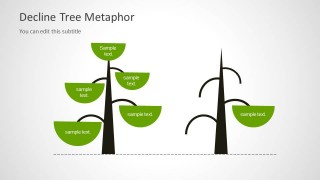
The different slides in this template present the concept of growth and decline by depicting leaves on a tree in an upward and downward position, with relevant placeholders to help you add text that can explain your presentation topics by complementing the tree layouts.
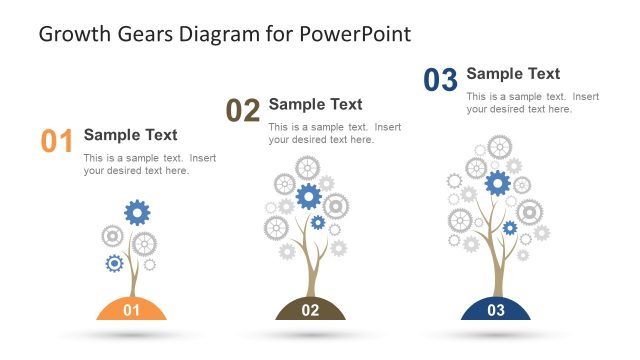
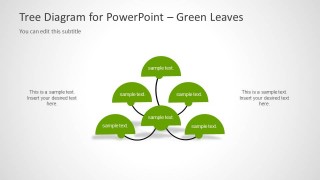
This template can also be used for making mind maps, tree diagrams and concept maps. You can download this design for PowerPoint to represent a tree growth metaphor in your business slides. By editing the slides and duplicating the tree shapes you can create a growth comparison between years using the tree growth metaphor.
What’s inside this template
Example presentation scenarios
- A strategy consultant can use the growth tree metaphor to explain which business drivers are expanding and add short labels directly to each leaf.
- A financial analyst can use the decline comparison slide to show contrast between healthier and weaker performance areas during a management review.
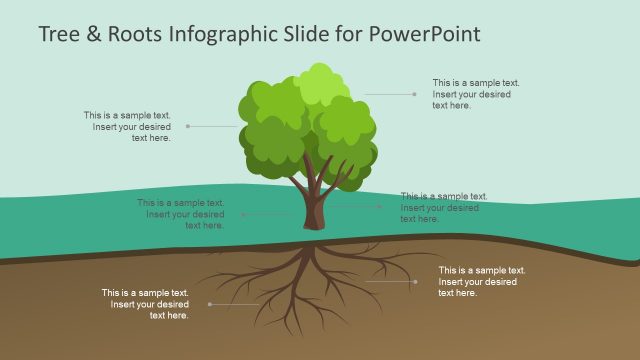
- A trainer can use the green leaf tree diagram to organize related concepts into a simple hierarchy for a lesson or workshop.
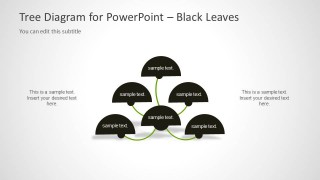
- A team leader can use the black leaf diagram to discuss risks, constraints, or problem branches while keeping the message visually aligned with the tree metaphor.
Features
- 100% editable presentation template
- Compatible with Microsoft PowerPoint and Google Slides
- 16:9 aspect ratio slides
- Scalable vector shapes, icons and illustrations
- AI-Ready for Microsoft Copilot and Claude
- Instant access and download
Frequently asked questions
Q: How should a presenter use the tree metaphor without making the message feel decorative?
A: Treat each leaf as a precise idea, not a paragraph. Put the core concept in the slide title, then assign each leaf to one driver, issue, or outcome. The side text placeholders should explain the logic behind the tree rather than repeat the labels, so the metaphor supports the argument.
Q: Who is this template best suited for in a business presentation?
A: It works best for presenters who need to explain direction, condition, or cause-and-effect in a simple visual form. Consultants, analysts, trainers, and managers can use the growth slide for positive momentum, the decline slide for deterioration, and the tree diagrams for grouped concepts or decision branches.
Q: Why use tree and leaf diagrams for growth and decline topics?
A: The tree metaphor makes abstract change easier to read because audiences already associate leaves and branches with health, development, and loss. The upward and downward leaf positions create an immediate visual contrast, while the hierarchical tree diagrams help organize related ideas without relying on dense bullet lists.


Growth & Decline Metaphor with Tree Shapes for PowerPoint
5-slide presentation template with tree growth metaphor, decline comparison, and leaf diagram layouts
This 5-slide presentation template uses editable tree shapes to explain growth and decline concepts. It includes a cover slide, growth tree metaphor, decline comparison, green leaf tree diagram, and black leaf tree diagram for business, strategy, training, or concept mapping presentations in Microsoft PowerPoint and Google Slides.
- Category
- Shapes
- Rating


 Loading...
- Aspect ratio
- 16:9
- Item ID
- 6029
- Colors
 Microsoft PowerPoint
  Microsoft Copilot
  Claude for PowerPoint
 Other formats supported
Subscribe today and get immediate
access to download our PowerPoint templates.