Slide 1 of 4 from Milestones Template for PowerPoint
6030-02-milestones-powerpoint-1
Milestone Timeline for Presentations
- Diagram
- Timeline Horizontal
- Timeline Slide
- 16:9
- 100% Editable
The Milestone Timeline slide from the Milestones Template for PowerPoint offers a clear horizontal timeline layout ideal for project planning and career milestones. This slide uses editable shapes and vector icons to visually represent key events across years, making it suitable for business presentations and pitch deck templates that require a structured chronological overview.
What’s on This Slide
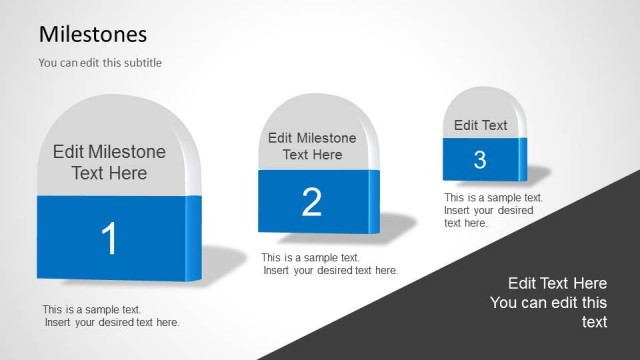
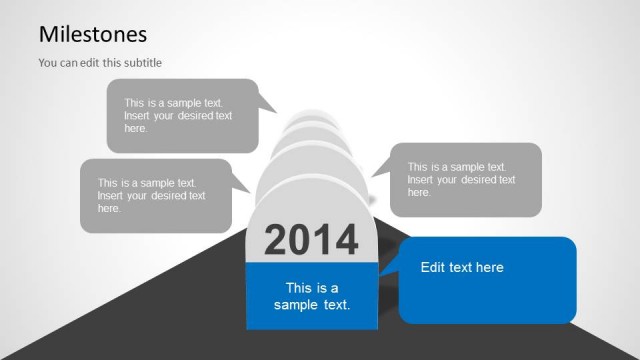
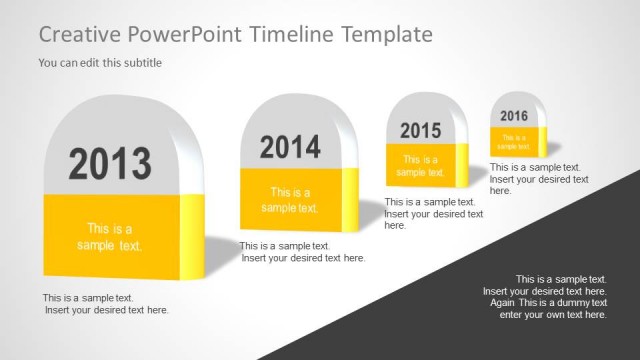
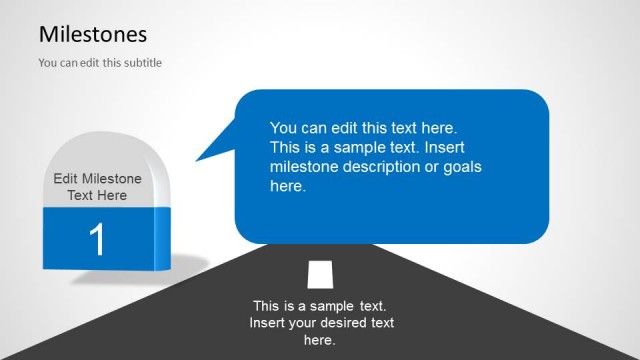
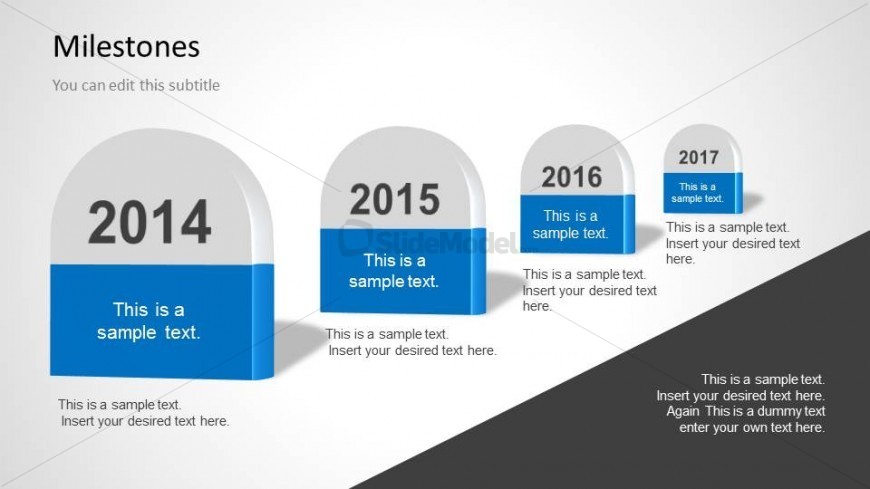
The layout features a timeline of four milestone markers arranged from left to right. Each marker is a rounded rectangle with a year displayed prominently at the top and a blue bar below for additional text. The first marker is the largest, representing 2014, followed by progressively smaller markers for 2015, 2016, and 2017. Text placeholders are aligned centrally within each marker, allowing for customization. The background is a gradient transitioning from light gray to dark gray, enhancing visual separation of elements. A title and subtitle are positioned at the top left.
How to Use It
This layout serves as a chronological timeline to illustrate milestones over a defined period. It is suitable for presentations focused on project planning, career progression, or personal growth. This slide fits well at the beginning of a presentation to introduce key objectives or achievements. It can be used to highlight significant events or goals achieved within specific years, providing a clear visual representation of progress over time.
Text Placeholders & Capacity
Keep your copy within these limits so it fits without resizing. Node body slots are tight, roughly 10-15 words each.
| Placeholder | Count | Max characters (approx.) |
|---|---|---|
| Slide title | 1 | 30 |
| Subtitle | 1 | 50 |
| Item heading | 4 | 10 |
| Item body | 4 | 40 |
| Body paragraph | 1 | 100 |
Slide Keywords
Download unlimited PowerPoint templates, charts and graphics for your presentations with our annual plan.
DOWNLOADReturn to Milestones Template for PowerPoint.