Slide 4 of 4 from Milestones Template for PowerPoint
6030-02-milestones-powerpoint-4
Milestone Roadmap Presentation Slide
- Diagram
- Roadmap
- Timeline Slide
- 16:9
- 100% Editable
What’s on This Slide
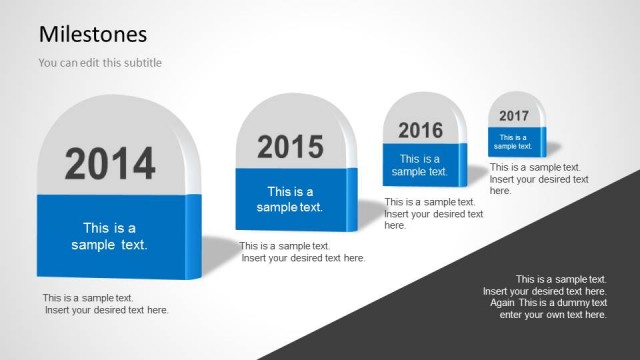
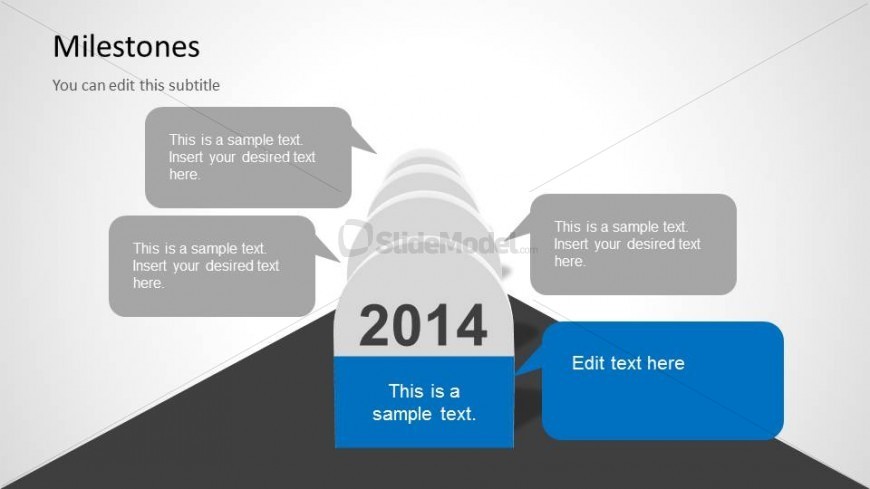
The layout features a central road with milestone markers arranged in a semi-circle. The largest milestone, labeled '2014', is positioned prominently at the center. Surrounding it are smaller milestone callouts, each containing text placeholders aligned to the left and right. The callouts are in speech bubble shapes, with rounded edges, creating a conversational tone. The background is light with a gradient effect, enhancing the visual hierarchy. Text placeholders are present for titles and subtitles, with one placeholder at the bottom for additional text.
How to Use It
This layout serves as a milestone roadmap, ideal for illustrating progress over time in a project or personal growth context. It fits well in a presentation sequence after outlining initial goals or challenges, providing a visual summary of achievements. This structure is suitable for career development discussions, project timelines, or planning sessions, allowing for clear communication of key milestones and their significance.
Text Placeholders & Capacity
Keep your copy within these limits so it fits without resizing. Body slots are tight, roughly 10-15 words each.
| Placeholder | Count | Max characters (approx.) |
|---|---|---|
| Slide title | 1 | 30 |
| Subtitle | 1 | 50 |
| Item heading | 4 | 20 |
| Item body | 4 | 50 |
| Body paragraph | 1 | 100 |
Slide Keywords
Download unlimited PowerPoint templates, charts and graphics for your presentations with our annual plan.
DOWNLOADReturn to Milestones Template for PowerPoint.