Slide 3 of 4 from Milestones Template for PowerPoint
Milestone Description Slide Design for PowerPoint with Callout
Milestone Callout Slide for Presentations
- Diagram
- Other
- Milestone Tracking Slide
- 16:9
- 100% Editable
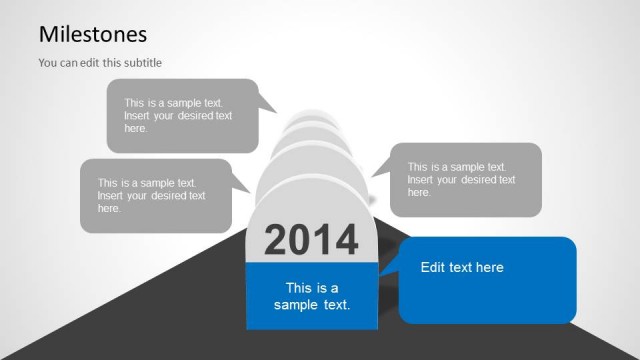
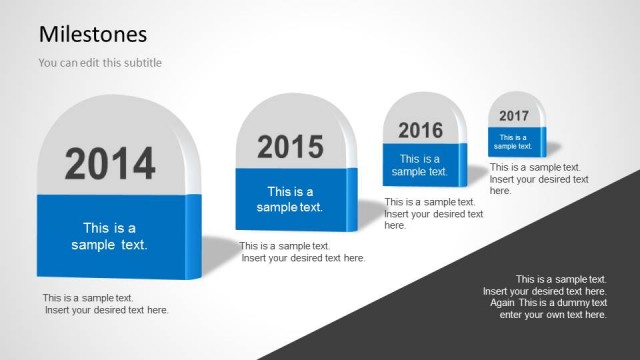
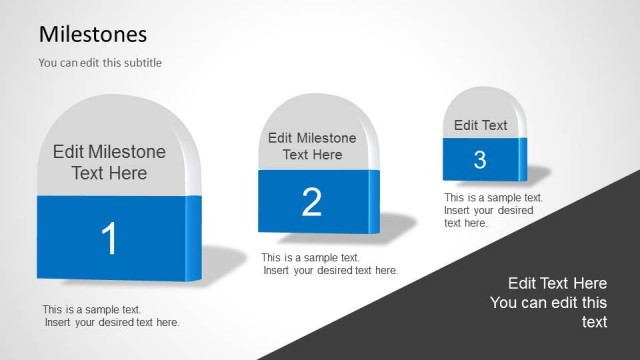
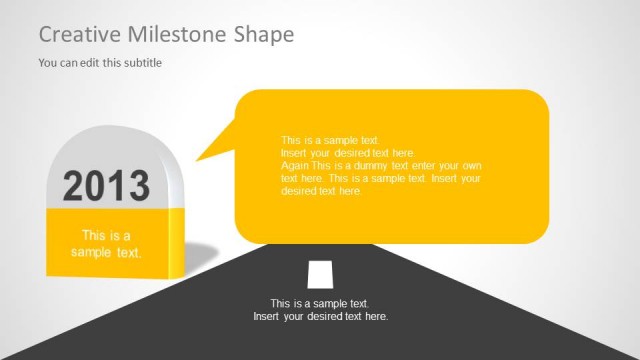
The Milestone Callout with Text slide from the Milestones Template for PowerPoint offers a clear layout for tracking project goals and career milestones. This slide template integrates editable shapes and a distinct milestone marker alongside a speech bubble for detailed descriptions, making it suitable for business presentations and corporate slide decks focused on progress tracking.
About This Slide
Creative slide design that you can use to describe a milestone during a PowerPoint presentation where you need to present a timeline, roadmap PPT or process flow.
This slide design contains a callout or bubble shape that you can easily edit or copy and paste into your presentations.
What’s on This Slide
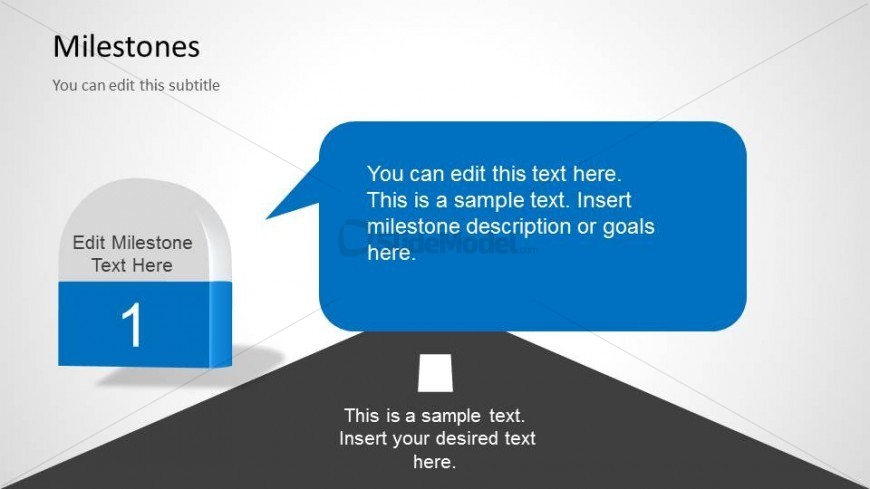
The layout features a left-aligned milestone marker shaped like a rounded rectangle with a blue base. It contains a number '1' and a text placeholder labeled 'Edit Milestone Text Here.' To the right, a speech bubble contains a larger text placeholder with sample text for milestone description. Below, there is another text placeholder for additional notes or details. The background is a light gradient, enhancing the visual hierarchy. The overall composition emphasizes the milestone marker and the speech bubble, creating a clear focal point.
How to Use It
This layout serves as a milestone callout, ideal for highlighting specific achievements or goals within a timeline. It fits well in a presentation sequence that discusses progress or key objectives. Suitable for project planning, career development, or personal growth contexts, it allows for clear communication of milestone details. This slide can be used individually to emphasize a single milestone or as part of a series to track multiple milestones over time.
Text Placeholders & Capacity
Keep your copy within these limits so it fits without resizing. Body slots can hold roughly 15-20 words each.
| Placeholder | Count | Max characters (approx.) |
|---|---|---|
| Slide title | 1 | 30 |
| Subtitle | 1 | 50 |
| Item heading | 1 | 20 |
| Item body | 1 | 150 |
| Body paragraph | 1 | 100 |
Slide Keywords
Download unlimited PowerPoint templates, charts and graphics for your presentations with our annual plan.
DOWNLOADReturn to Milestones Template for PowerPoint.