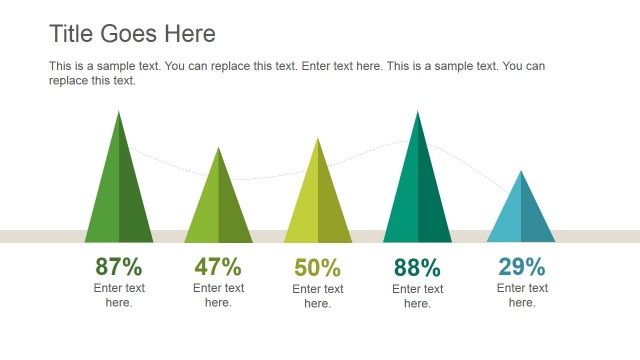
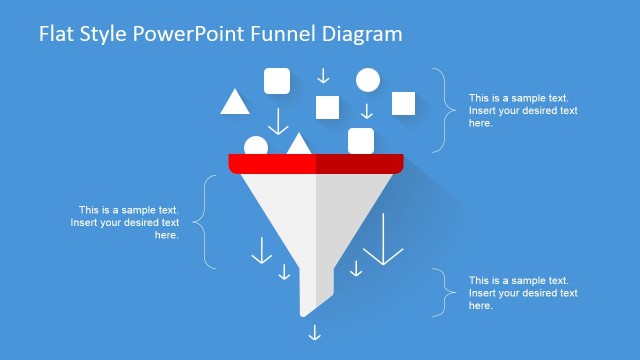
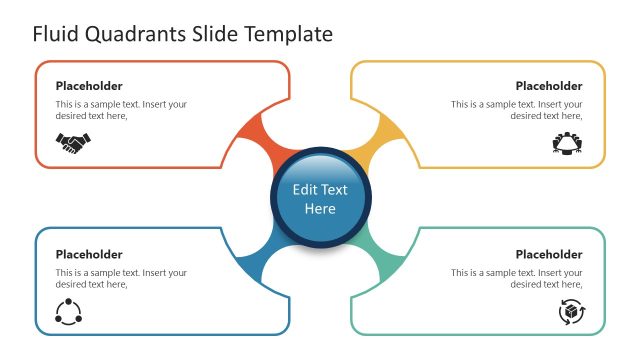
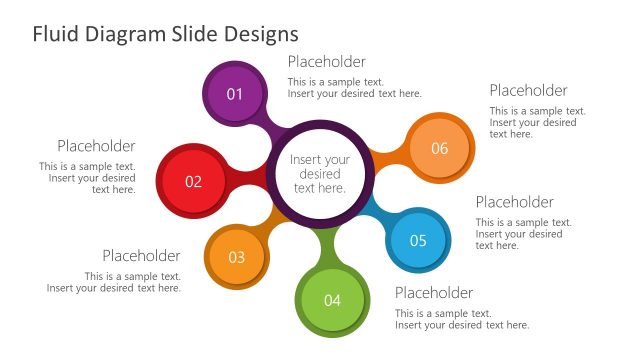
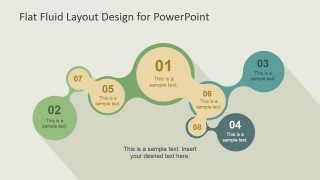
Flat Fluid Layout Design for PowerPoint is a presentation template design containing creative slides that you can use to make presentations with fluid layout. It can be used to create a slide for presentation agenda but also to present important concepts and topics throughout the presentation. There is an editable numbered list inside each layout component and this design was created using PowerPoint shapes so you can easily ungroup the objects in PowerPoint and adjust the layout to match any desired design.
Alternatively you can download the modern fluid PowerPoint template layout with a similar design but using a different color palette.
What’s inside this template
Example presentation scenarios
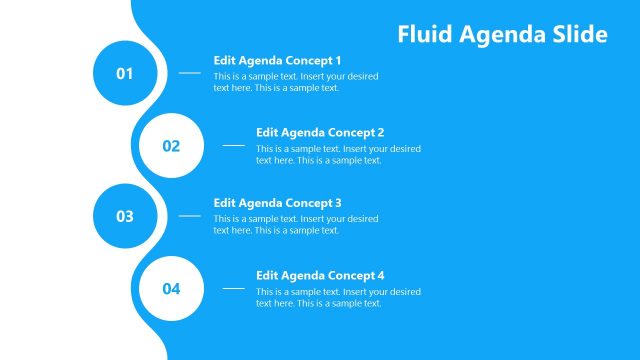
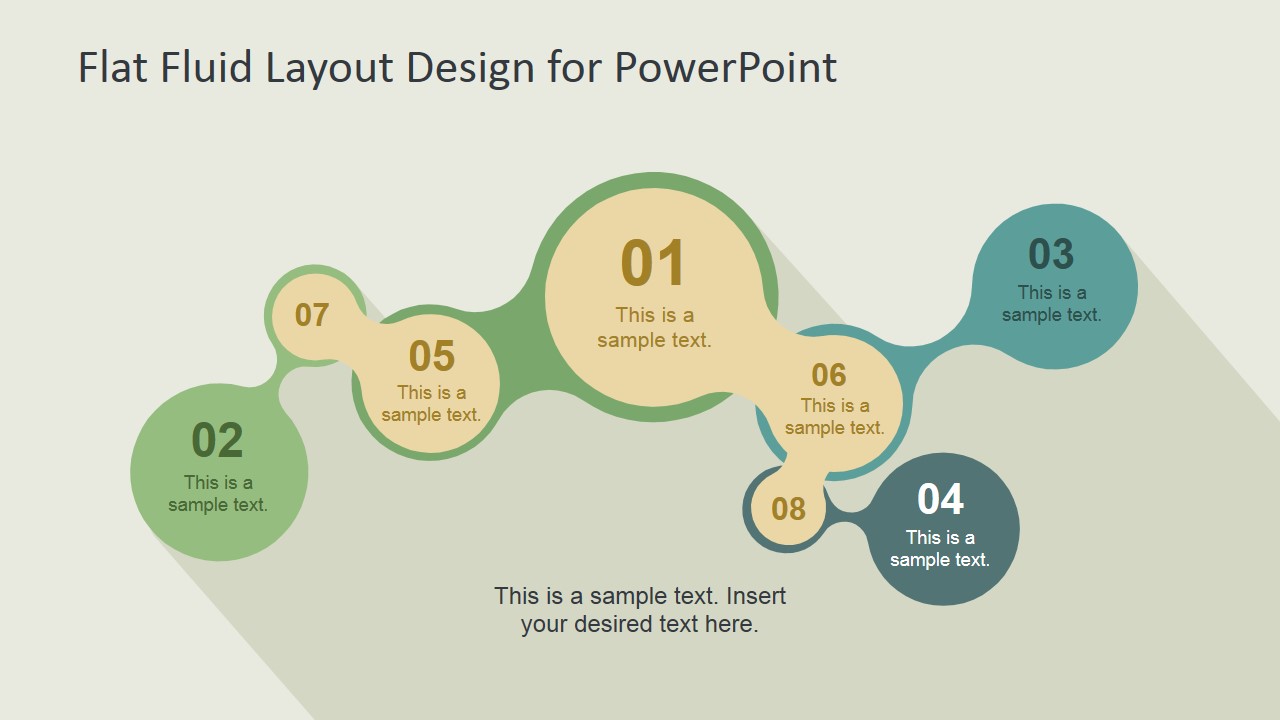
- A consultant can use the numbered fluid agenda slide to walk an executive team through eight discussion topics before a strategy workshop.
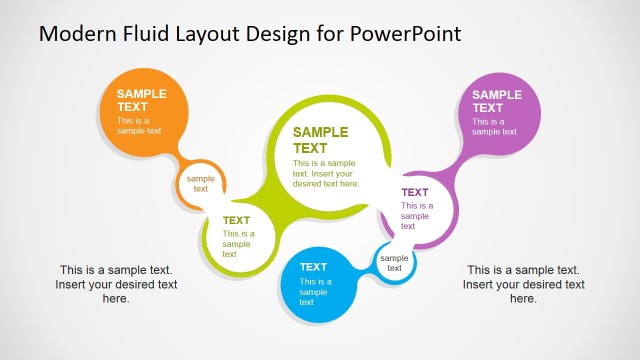
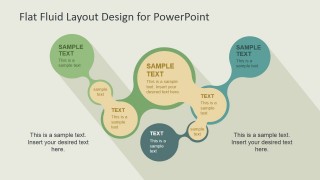
- A trainer can use the text-based bubble layout to introduce related learning modules and show how each concept connects to the central topic.
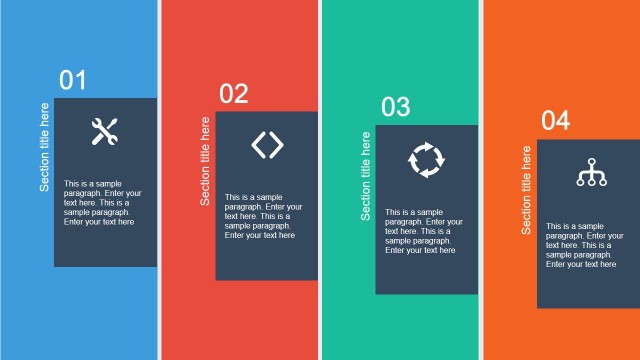
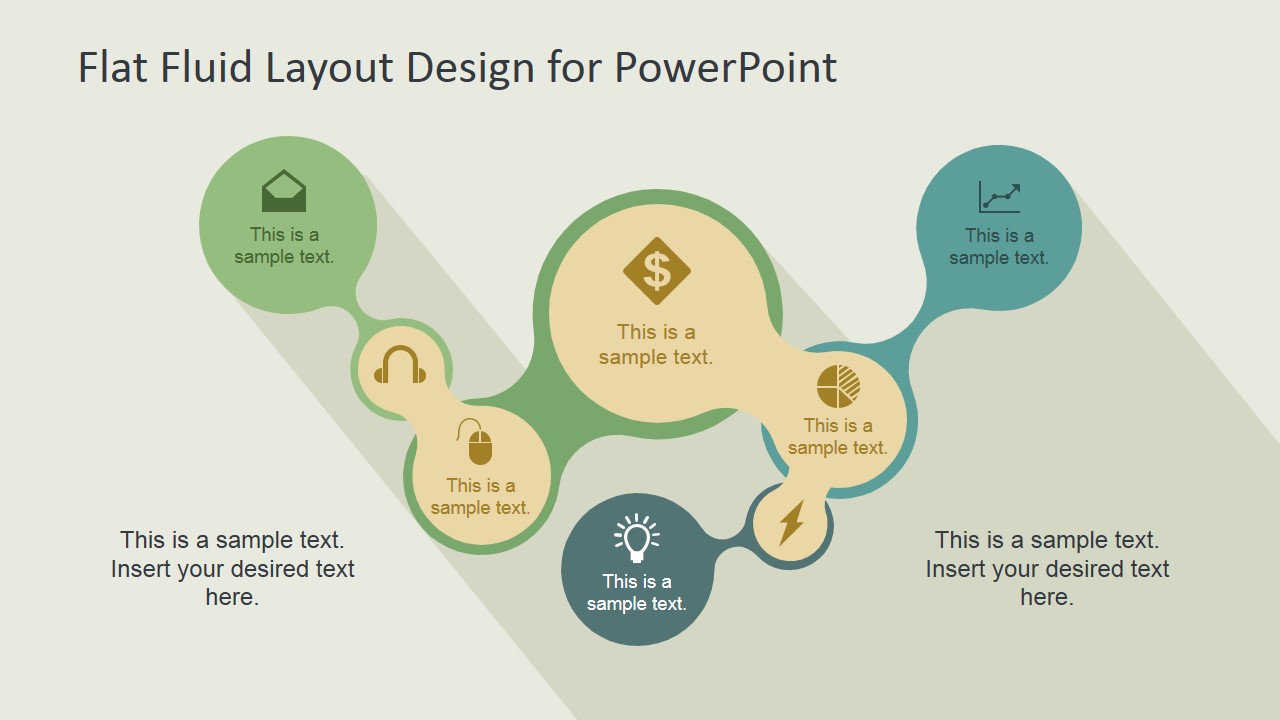
- A project manager can use the icon-based fluid diagram to present workstreams such as finance, analytics, operations, and support in a single visual path.
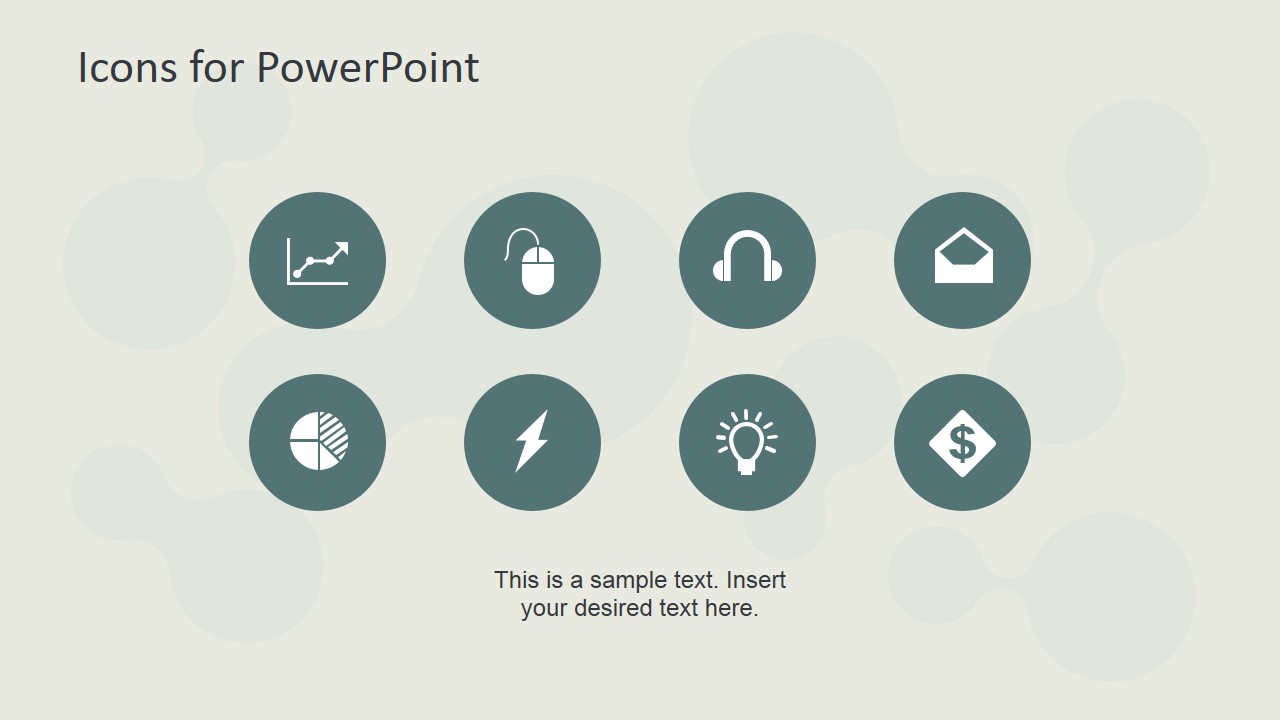
- A marketing presenter can use the icon sheet to build a branded concept slide with recognizable symbols for growth, ideas, digital activity, and customer support.
Features
- 100% editable presentation template
- Compatible with Microsoft PowerPoint and Google Slides
- 16:9 aspect ratio slides
- Scalable vector shapes, icons and illustrations
- AI-Ready for Microsoft Copilot and Claude
- Instant access and download
Frequently asked questions
Q: How should a presenter explain the fluid agenda without making it feel like decoration?
A: Treat the connected circles as a guided path. Start with the largest or first numbered node, then move along the curve one node at a time. Keep each bubble to a short label and one supporting phrase. Use the side or bottom text area for the main takeaway so the diagram carries structure, not paragraphs.
Q: Who is this template best suited for in a business presentation?
A: It is best for presenters who need to introduce related topics, not prove detailed metrics. Consultants, trainers, project managers, and marketing teams can use the agenda path, concept bubbles, and icon slide to explain how ideas connect before moving into deeper content elsewhere in the deck.
Q: Why does the fluid connected shape work better than a standard bullet list here?
A: The fluid path suggests continuity and relationship, while the circular nodes separate each idea into a visible stop. That helps audiences remember the order and see that the points belong to one system. The long shadows and varied node sizes create emphasis without requiring complex charts or dense text.

Flat Fluid Layout Design for PowerPoint
4-slide presentation template with flat fluid agenda diagrams and concept icons for PowerPoint and Google Slides
Flat Fluid Layout Design for PowerPoint is a 4-slide diagram template for Microsoft PowerPoint and Google Slides. It includes a curved fluid agenda path, numbered circular process nodes, text-based concept bubbles, and a vector icon sheet. It is for presenters who need to organize topics, steps, or ideas in a visual sequence.
- Category
- Diagrams
- Rating


 Loading...
- Aspect ratio
- 16:9
- Item ID
- 6739-02
- Colors
 Microsoft PowerPoint
  Microsoft Copilot
  Claude for PowerPoint
 Other formats supported
Subscribe today and get immediate
access to download our PowerPoint templates.