Hardware Tools Flat Design PowerPoint Shapes – Create professional presentations with high visual impact. Incorporate Flat Design PowerPoint Shapes to your infographics, brochures, banners and marketing material. This professional PowerPoint template provides a set of 100% editable PowerPoint shapes featuring Hardware tools. Ideal for decorating presentations with work in progress metaphors, or working environments.
Each of the shapes is created with modern material flat design. The user is able to customize its appearance without the need of specific tooling effects. This flexibility provides the user the ability to edit the PowerPoint Template in different presentation software, as Google Slides or Keynote, without losing visual quality and resolution.
The Hardware Tools Flat Design PowerPoint Shapes contains the following set of shapes:
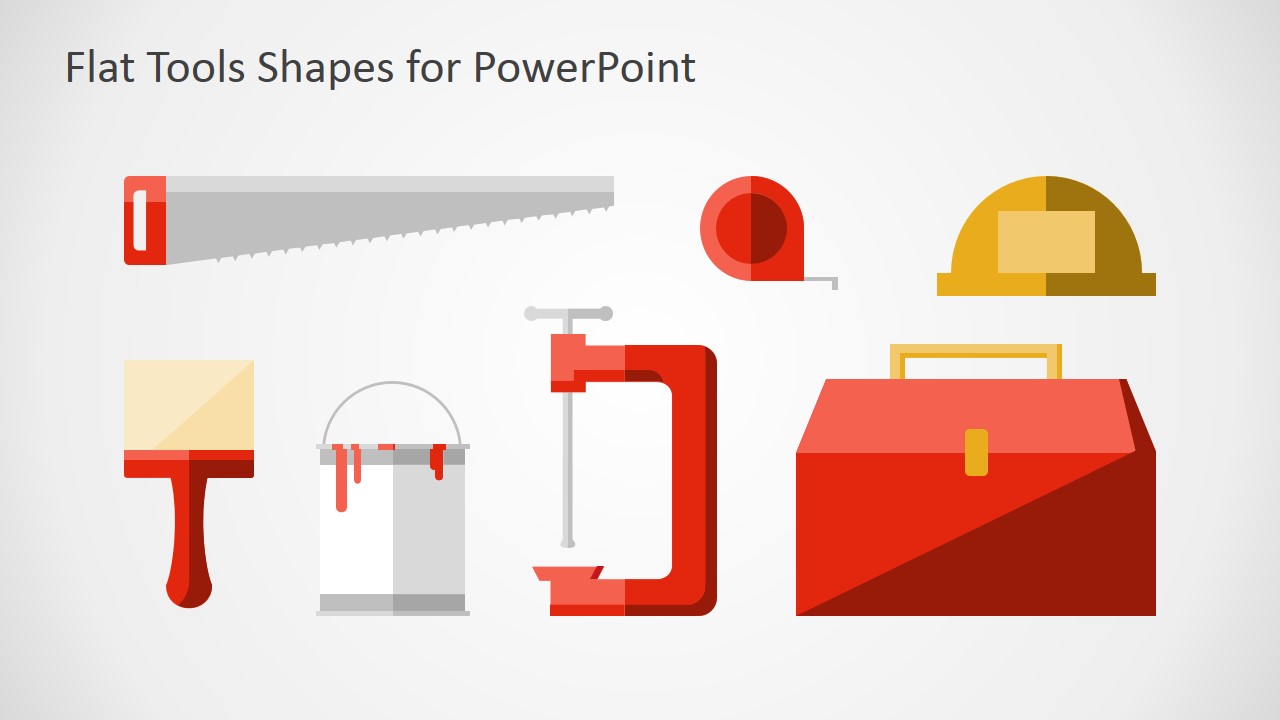
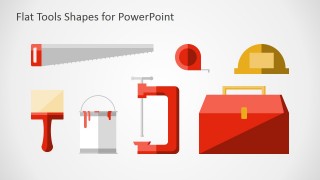
- Carpenters Hand Tools
- Wood Handsaw
- Self-retracting tape measure.
- Construction Helmet
- Paint Brush
- Paint Bucket
- C-Clamp
- Toolbox
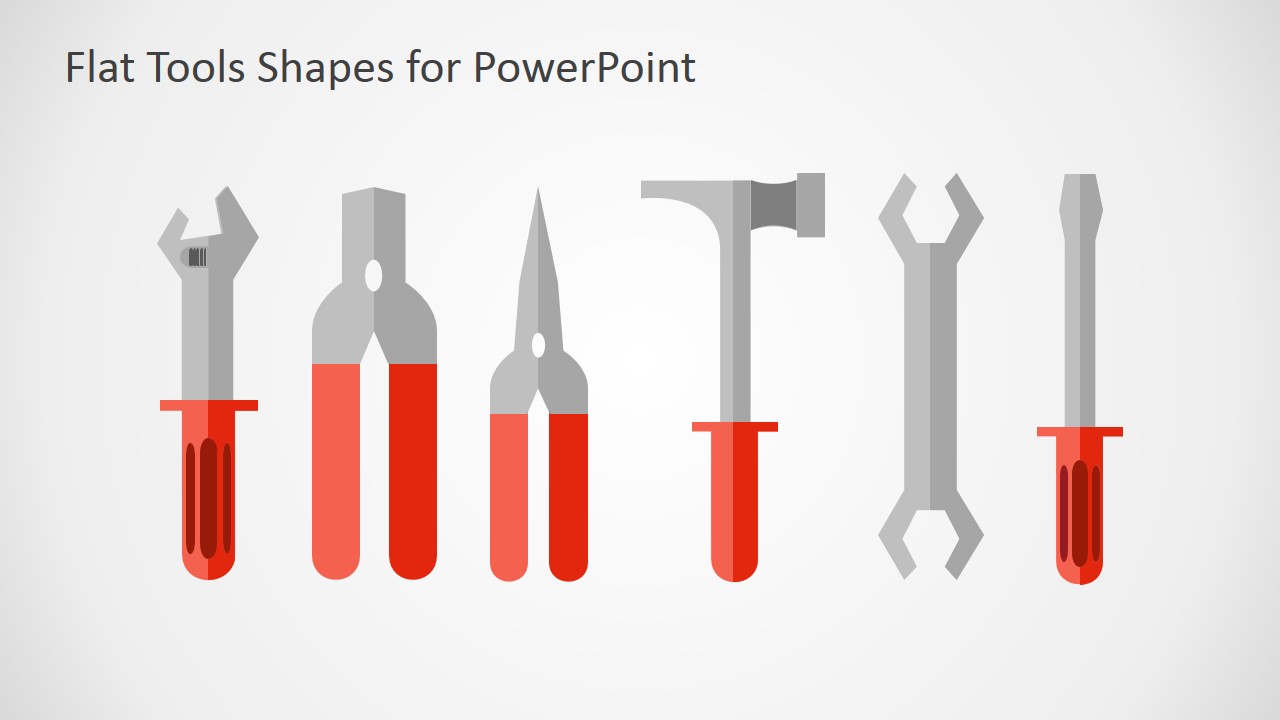
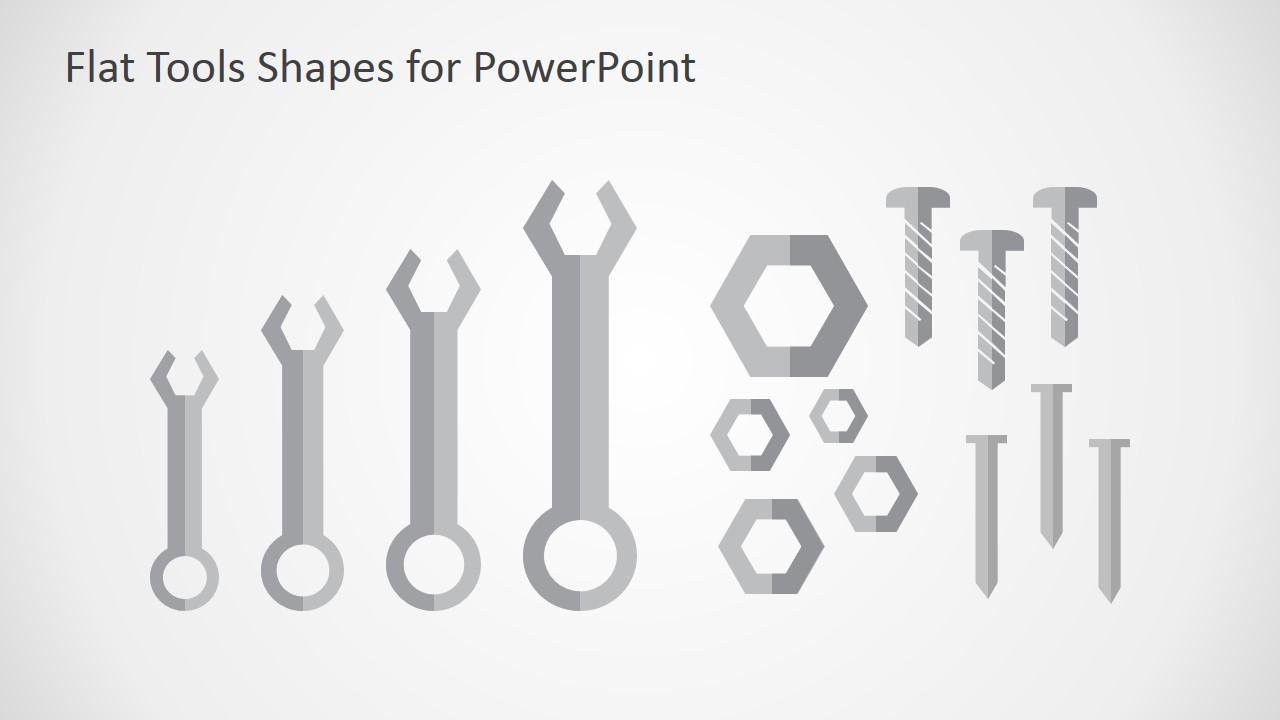
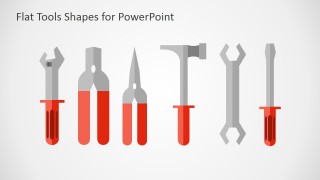
- General Purpose Tools
- Adjustable Wrench
- Pliers
- Claw Hammer
- Spanners
- Screwdriver
- Wrenches
- Bolts
- Nails
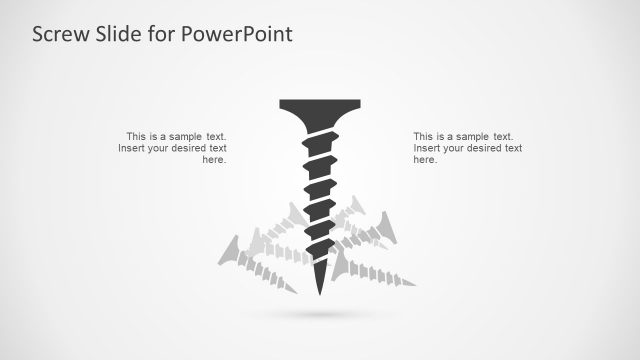
- Screws
Modern presentation techniques suggest presenters to avoid the usage of text, bullets and traditional summarization slides. When diagramming a visual message, professional speakers look to simple engaging images that can be mapped to the messages they want to transmit. In nowadays demanding audiences, professional designs are the standard, and applying visual pixel perfect shapes illustrates the importance a presenter gives to its visual collateral.
What’s inside this template
Example presentation scenarios
- A construction project manager can use the carpentry tools panel to introduce project phases, site preparation, or work-in-progress updates with recognizable trade visuals.
- A facilities manager can use the wrench, pliers, hammer, and screwdriver icons to explain maintenance categories, repair priorities, or service responsibilities.
- A training designer can use the hardware fasteners slide to support a safety or tool identification lesson for technicians, contractors, or workshop staff.
- A marketing presenter for a repair or home improvement service can place the toolbox, helmet, brush, and wrench shapes into service overview slides or promotional infographics.
Features
- 100% editable presentation template
- Compatible with Microsoft PowerPoint and Google Slides
- 16:9 aspect ratio slides
- Scalable vector shapes, icons and illustrations
- AI-Ready for Microsoft Copilot and Claude
- Instant access and download
Frequently asked questions
Q: How should a presenter use these tool shapes without making the slide feel decorative?
A: Use each tool as a label for a concrete idea, not as filler art. For example, a wrench can mark maintenance actions, a helmet can mark safety or site work, and a toolbox can mark available resources. Pair one icon with one short message so the visual metaphor helps the audience scan the slide quickly.
Q: Who is this template best suited for in a business presentation?
A: This template fits presenters explaining practical work: construction managers, facilities teams, maintenance leads, trainers, and service marketers. It is strongest when the message involves hands-on activity, repair, installation, workshop operations, or project progress. The flat icons make those topics readable without relying on stock photos.
Q: Why does the flat tool metaphor work for project and maintenance communication?
A: Hardware tools create an immediate link to action, fixing, building, and readiness. The grouped slides separate carpentry tools, general hand tools, and fasteners, which helps presenters choose a symbol that matches the message. That visual sorting reduces ambiguity and makes process or responsibility slides easier to read.
Hardware Tools Flat Design PowerPoint Shapes
3-slide presentation template with flat hardware tool icons for construction, repair, and work-in-progress visuals
Hardware Tools Flat Design PowerPoint Shapes is a 3-slide shape and icon presentation template for construction, maintenance, workshop, and project visuals. It includes a carpentry tools panel, general hand tool icon set, and hardware fasteners set with editable flat PowerPoint shapes for Microsoft PowerPoint and Google Slides.
- Category
- Shapes
- Rating


 Loading...
- Aspect ratio
- 16:9, 4:3
- Item ID
- 6960-01
- Colors
 Microsoft PowerPoint
  Microsoft Copilot
  Claude for PowerPoint
 Other formats supported
Subscribe today and get immediate
access to download our PowerPoint templates.