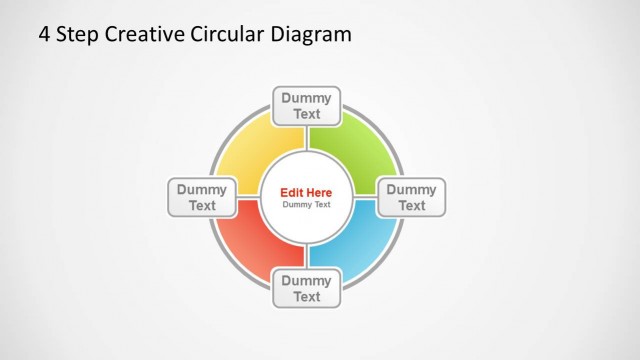
Creative Folder Template Layout for PowerPoint presentations is a nice layout design that you can copy and paste into your PowerPoint to prepare slides with unique styles.
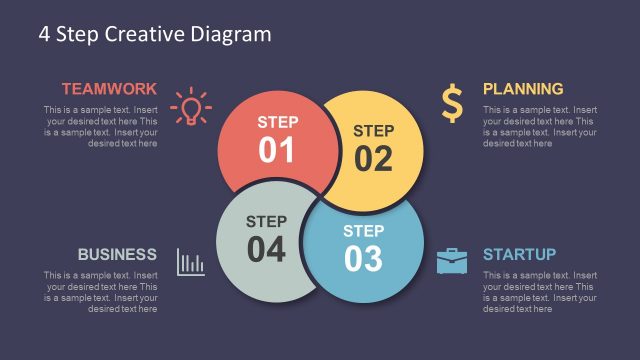
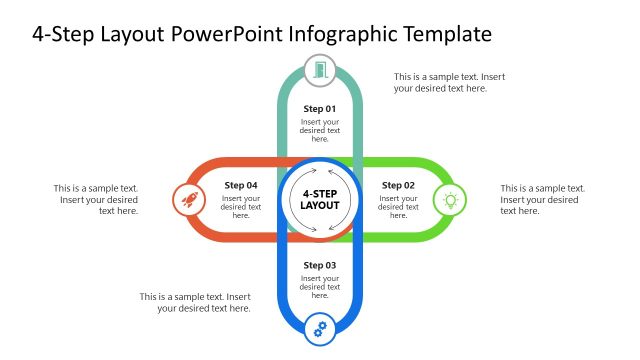
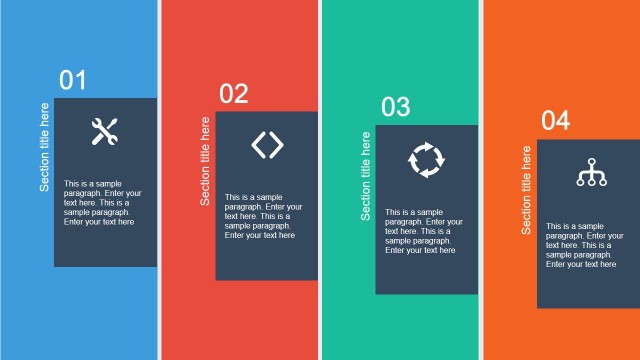
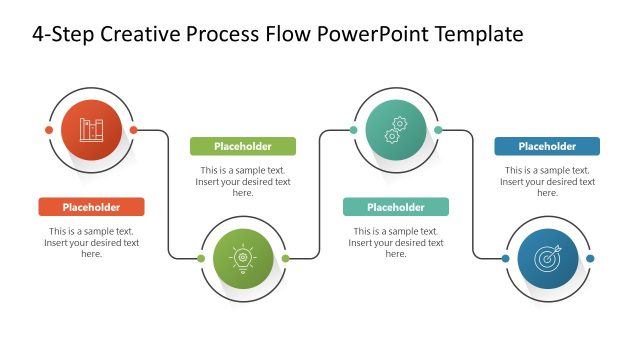
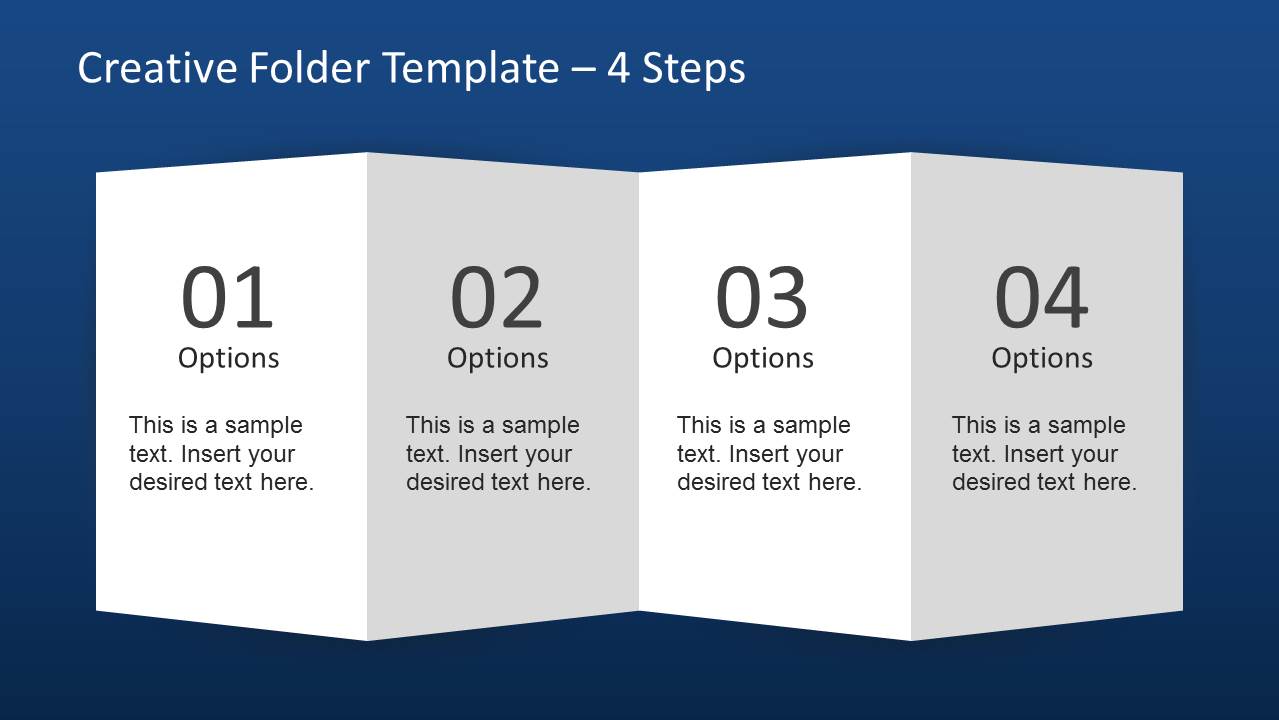
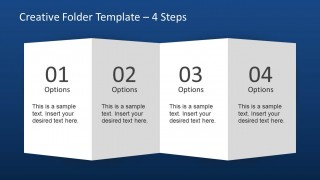
This creative PPT layout for PowerPoint contains a pre-designed folder style created with PowerPoint shapes and useful flyer design to describe a process of up to four steps. Inside this presentation template with folder layout you can find several slides with different number of steps or options. For example, you can use the 4 steps layout to describe a process or concept with four components. Alternatively you can download other nice PowerPoint templates and slide layouts for your presentations in Microsoft PowerPoint 2010 and 2013 using a widescreen format.
What’s inside this template
Example presentation scenarios
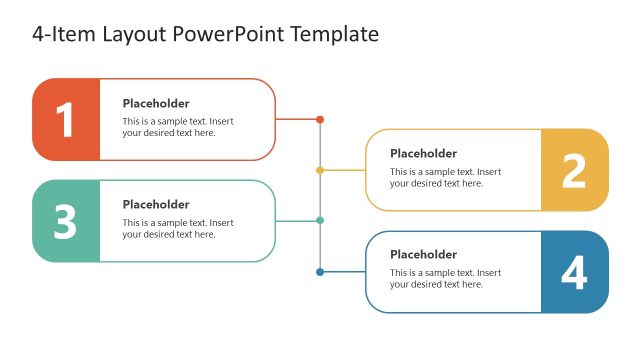
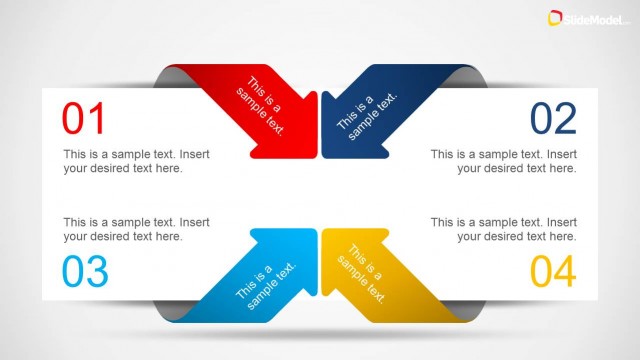
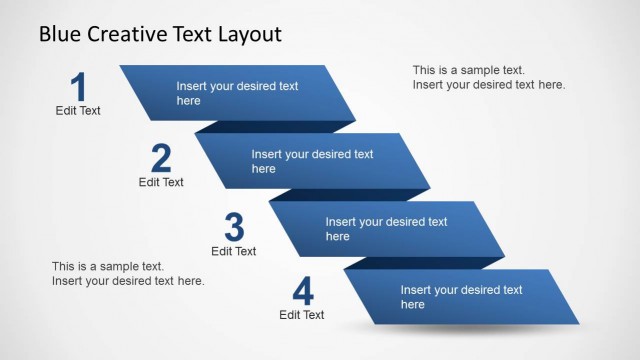
- A consultant can use the 4-step folder layout to explain a phased recommendation and give each phase a concise label and supporting note.
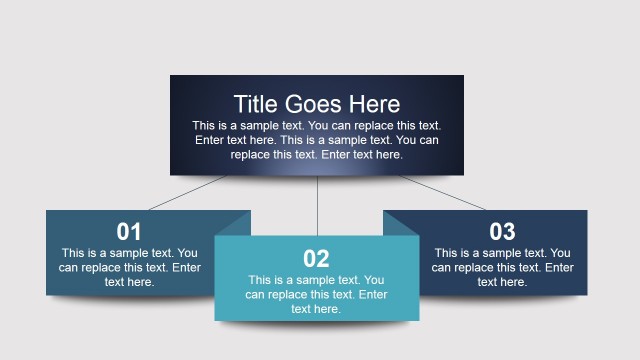
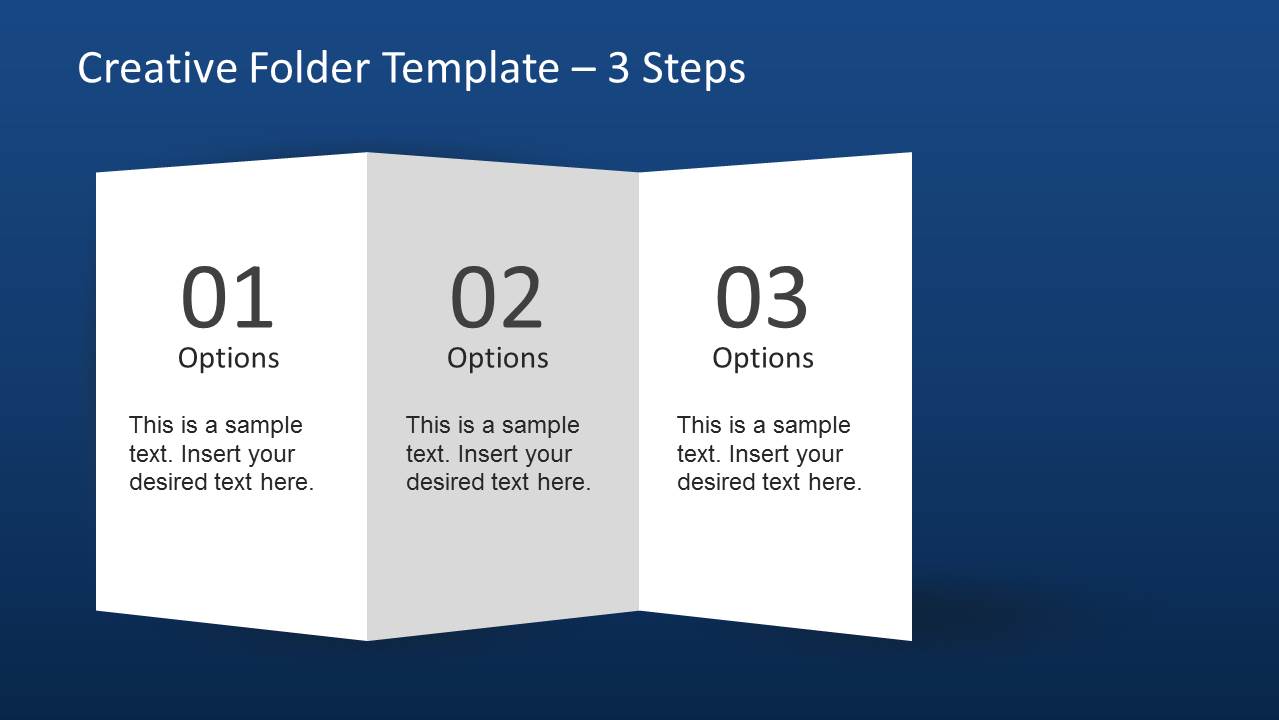
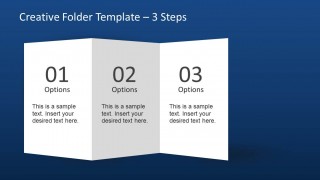
- A marketing presenter can use the 3-step folder layout to compare campaign options, service tiers, or audience segments in a single visual frame.
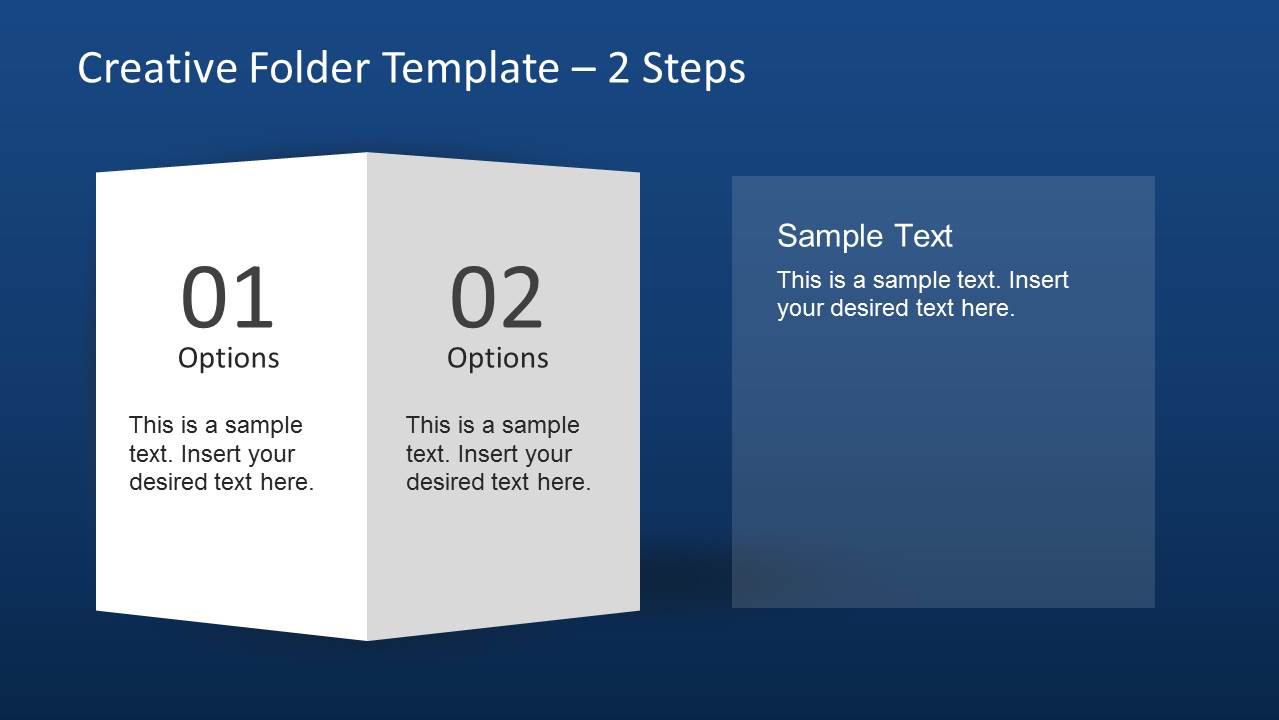
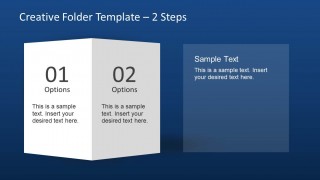
- A trainer can use the 2-step layout with the side text panel to introduce a simple before-and-after method and add clarifying guidance.
- A project manager can use the numbered panels to summarize process responsibilities and keep discussion focused on a small set of actions.
Features
- 100% editable presentation template
- Compatible with Microsoft PowerPoint
- 16:9 aspect ratio slides
- Scalable vector shapes, icons and illustrations
- AI-Ready for Microsoft Copilot and Claude
- Instant access and download
Frequently asked questions
Q: How should a presenter turn the folder panels into a clear message instead of a list?
A: Treat each folder panel as one decision point, stage, or option, and keep the text short enough to read at a glance. Use the large numbers to guide the audience through the order, then add one sentence of explanation per panel. The 2-step slide is best when the side note needs to explain context or implications.
Q: Who benefits most from using this folder-style template?
A: This template fits presenters who need to explain a compact idea without building a full process map. Consultants, trainers, marketing teams, and project managers can use the 2-step, 3-step, or 4-step versions to frame options, package services, summarize a method, or introduce a short workflow in a business presentation.
Q: Why does the folded folder metaphor work for this type of content?
A: The folded panels suggest organized sections within one document, which helps the audience see separate ideas as part of the same whole. Alternating white and gray panels create clear boundaries, while the large numbers set the reading path. The design is strongest when the message has two to four related parts.
Creative Folder Template Layout for PowerPoint
3-slide PowerPoint presentation template with folder-style 2, 3, and 4-step process layouts
This 3-slide PowerPoint template provides folded folder-style layouts for presenting process options or grouped text. It includes a 4-step folder, a 3-step folder, and a 2-step folder with a separate text panel. It is designed for presenters who need visual step diagrams in Microsoft PowerPoint.
- Category
- Text & Tables
- Rating


 Loading...
- Aspect ratio
- 16:9
- Item ID
- 6561-01
- Colors
 Microsoft PowerPoint
  Microsoft Copilot
  Claude for PowerPoint
 Other formats supported
Subscribe today and get immediate
access to download our PowerPoint templates.