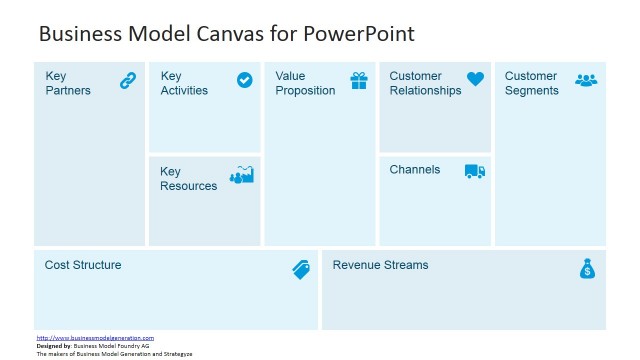
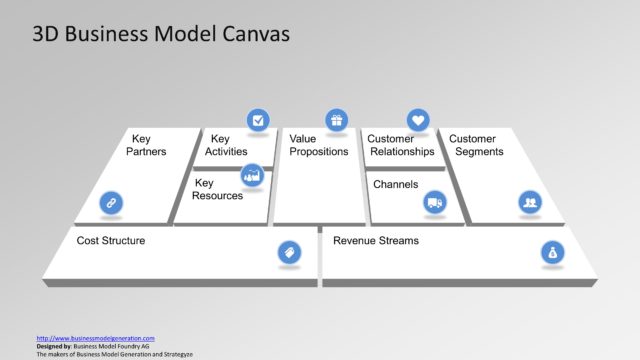
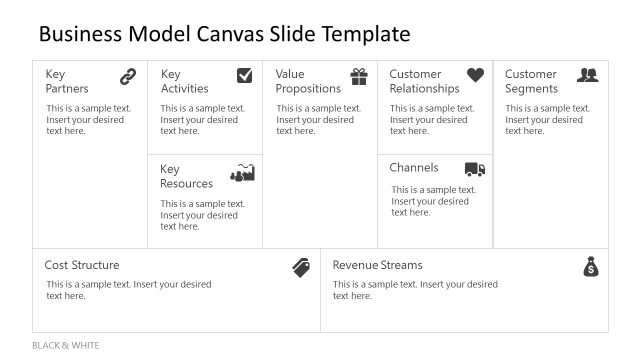
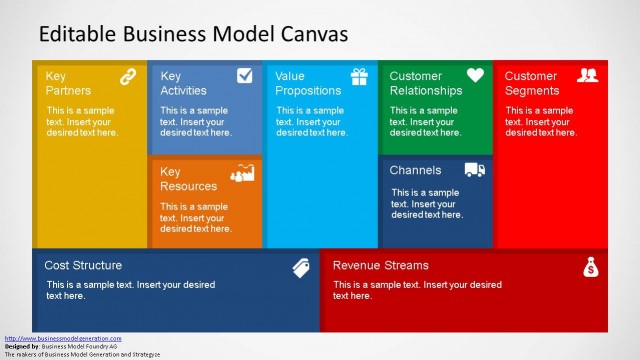
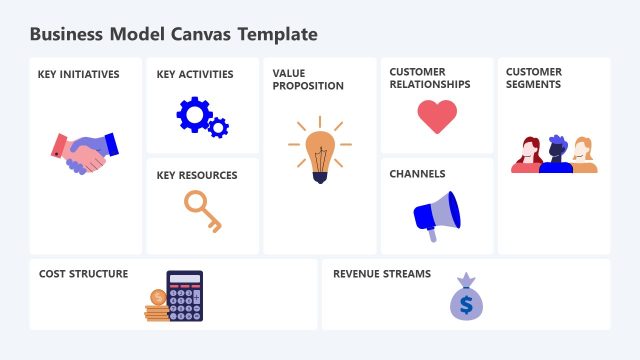
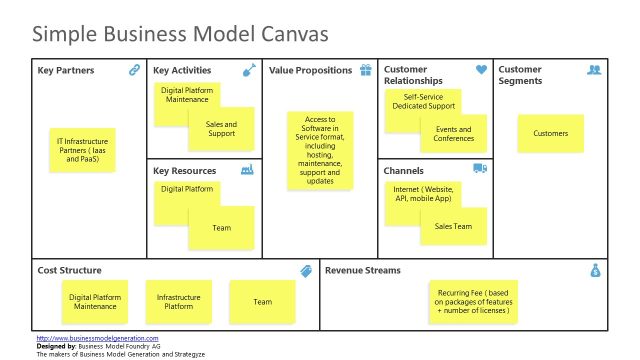
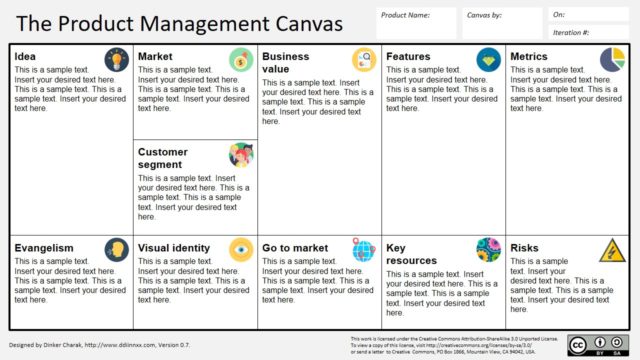
Business professionals can use the Lean Canvas to flesh out their ideas. This Lean Canvas template for PowerPoint and Google Slides is perfect for anyone who needs to pitch a business idea to investors, present their idea to stakeholders or company leadership. Both the minimalist black and white version, as well as the color coded version will put all of the presentation focus on the key components of your idea.
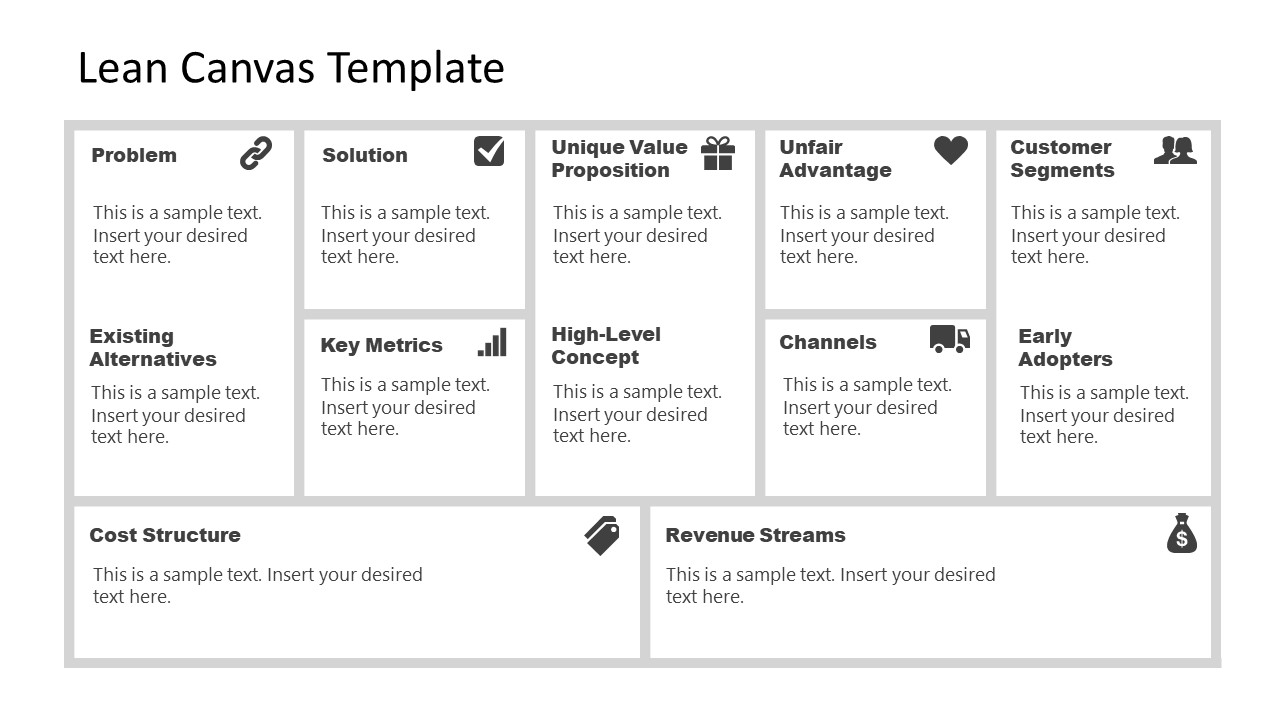
The Lean Canvas template is a one-page business plan that was optimized for Lean Startups. Ash Maurya designed the Lean Canvas to allow companies and individuals to replace long, tedious business plan models that often fail to capture audiences and communicate the necessary aspects of the business plan. In a single page, the Lean Canvas presentation template communicates all key aspects of a business plan. Included in this presentation template, are:
- Problem statement with space to enter the existing alternatives
- Solution definition
- Key metrics
- Unique value proposition with space to enter High-level concept
- Unfair advantage
- Channels
- Customer segments with space for Early adopters
- Cost structure
- Revenue streams
The goal is to create a short, impactful presentation that communicates a summary of all necessary characteristics of a business idea. Our Lean Canvas template for PPT and Google Slides complements each of the nine main sections with small icons. These business-themed icons draw the eye to each section. The Lean Canvas template can be used to prepare presentations for Startups using the Lean Startup methodology, but also by enthusiasts and business professionals who want to represent and explain a business model to an audience or stakeholders.
If you’re looking for an easy way to present your Lean Canvas business plan, try these templates. Upload them to your business presentation, add the information about your business idea and plan, and get ready to present. Alternatively, you can download Business Model Canvas templates for presentations.
What’s inside this template
Example presentation scenarios
- A startup founder can use the color-coded Lean Canvas to pitch a new business model to investors, showing customer segments, early adopters, cost structure, and revenue streams in one view.
- A product manager can use the grayscale canvas in an internal validation meeting to compare the problem, existing alternatives, proposed solution, and key metrics without adding extra visual noise.
- A business consultant can use the Lean Canvas grid during a client workshop to capture assumptions about channels, unfair advantage, and unique value proposition as the discussion develops.
- An innovation team can use the bottom cost structure and revenue streams bands to explain whether a new concept has a plausible economic model before moving into detailed financial planning.
Features
- 100% editable presentation template
- Compatible with Microsoft PowerPoint and Google Slides
- 16:9 aspect ratio slides
- Scalable vector shapes, icons and illustrations
- AI-Ready for Microsoft Copilot and Claude
- Instant access and download
Frequently asked questions
Q: How should a presenter walk through the Lean Canvas without making the slide feel crowded?
A: Start with the audience need by explaining the Problem and Existing Alternatives, then move to Solution and Unique Value Proposition. Use the right-side Customer Segments and Early Adopters blocks to prove focus before discussing channels and economics. The canvas works best when each block contains short assumptions, not full paragraphs.
Q: Who is this template best suited for during a business presentation?
A: This template is best for founders, product leads, consultants, and innovation teams who need to explain an early business model quickly. It fits meetings where the goal is to align stakeholders around assumptions, testability, and next steps rather than present a long business plan or financial appendix.
Q: Why does the canvas format improve communication compared with a linear business plan slide?
A: The canvas metaphor lets the audience see the business model as a connected system. Problem, solution, customer, channel, cost, and revenue decisions appear side by side, so gaps become visible faster. The color-coded version also separates related thinking zones while keeping the whole model on one page.


Lean Canvas PowerPoint Template
2-slide presentation template for Lean Canvas business model planning, startup validation, and investor discussions
The Lean Canvas PowerPoint Template is a 2-slide business model planning template for Microsoft PowerPoint and Google Slides. It presents a one-page Lean Canvas grid with Problem, Solution, Unique Value Proposition, Customer Segments, Cost Structure, and Revenue Streams blocks, offered in monochrome and color-coded 16:9 versions for startup founders and business presenters.
- Category
- Business PowerPoint Templates
- Rating


 Loading...
- Aspect ratio
- 16:9
- Item ID
- 9077-01
- Colors
 Microsoft PowerPoint
 Microsoft Copilot
 Claude for PowerPoint
Other formats supported
Subscribe today and get immediate
access to download our PowerPoint templates.