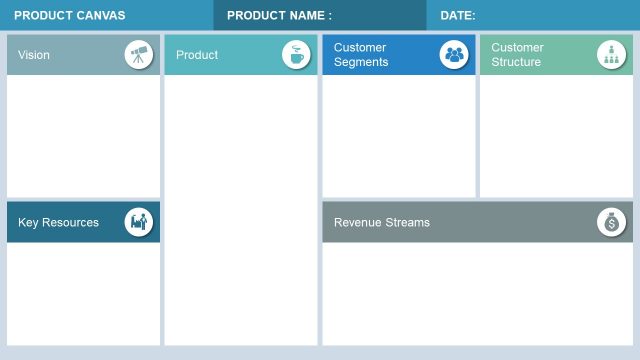
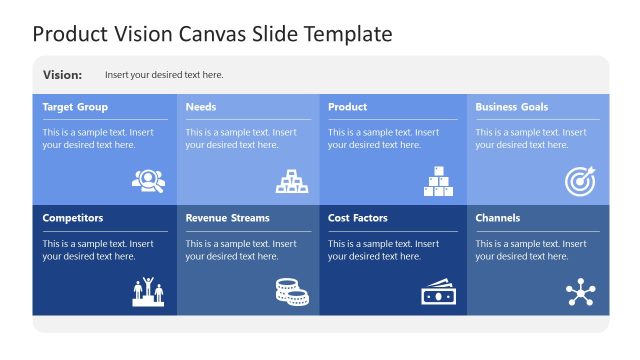
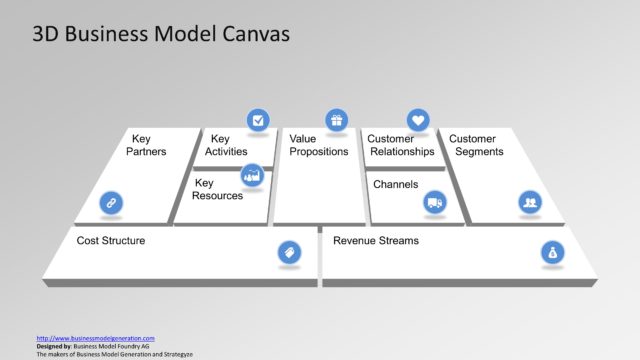
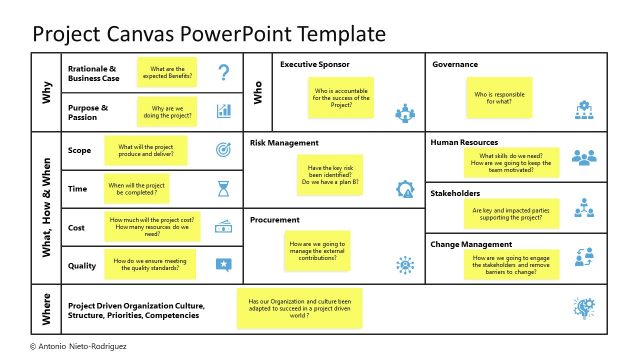
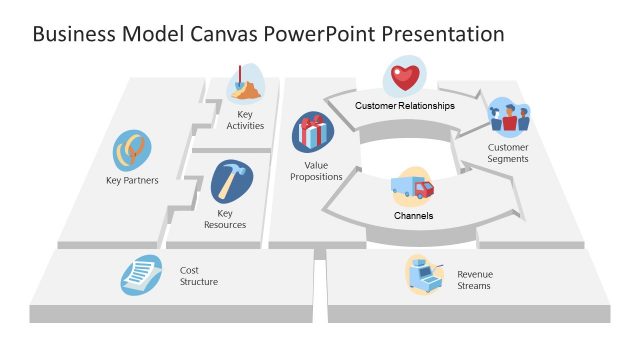
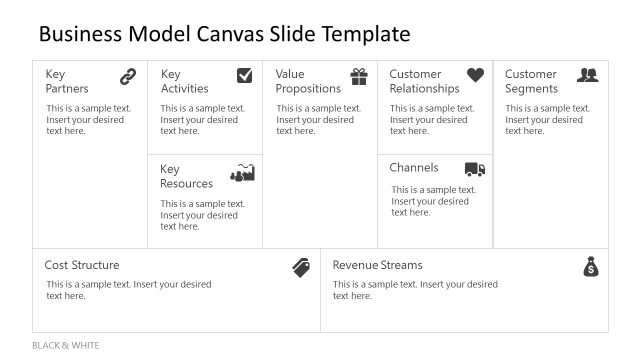
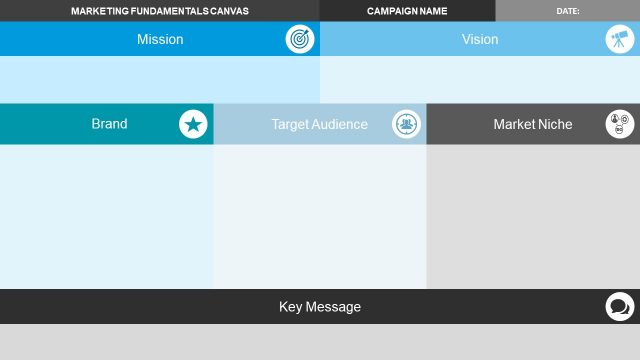
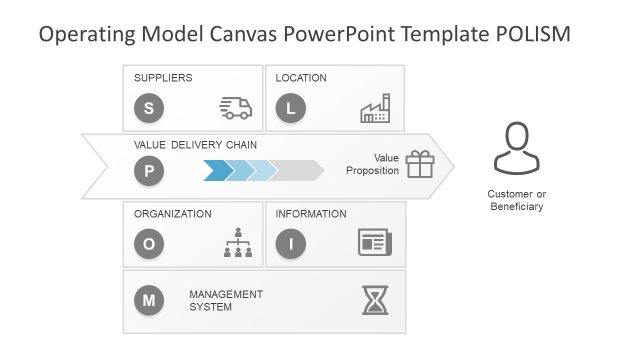
The Product Management Canvas PowerPoint Template is a strategic planning and modeling presentation. This is a single-slide template showing various aspects of product planning and successful management. The product management canvas is a combination of value proposition, market segments, and other execution processes. The purpose of this canvas is to consider all aspects of product. These aspects may include segments from development to sales for creating an execution plan. The canvas model could help business professionals to describe project activities in a model map. Because it is a visual hands-on tool for understanding, discuss, and analyze ideas.
This Business Model Canvas Template for PowerPoint shows 11 segments to describe, design, monitor, and execute product development cycle. These segments include following key areas:
- Idea
- Market
- Customer Segments
- Business Value
- Features
- Metrics
- Evangelism
- Visual Identity
- Go to market
- Key Resources
- Risks
The Product Management Canvas PowerPoint Template helps capture product development progress. The product manager can use this canvas during development process to modernize product development practices. Simply put, product canvas is a content-rich tool for communicating product information and how to position it strategically. This PowerPoint template of product management canvas will help users to communicate these strategies to the audience. Alternatively, you can download other strategy PowerPoint templates.
The product canvas model in PowerPoint is an editable slide of 11 segments. Each segment of canvas contains clipart icons for a visual representation of key aspects. The users can change text, graphics, and theme of PowerPoint canvas from different available options. Find more information and Business Model Canvas examples in our complete guide. Also, check our article about product management best practices.
What’s inside this template
Example presentation scenarios
- A product manager can use the 11-segment canvas in a discovery workshop to capture the idea, market, customer segment, and business value before prioritizing features.
- A startup founder can present the go-to-market, key resources, metrics, and risks blocks to explain product readiness to advisors or internal stakeholders.
- A product owner can use the header fields and iteration number to compare planning updates across sprints while keeping the same canvas structure.
- A strategy consultant can guide a client team through the market, visual identity, evangelism, and risks sections to surface gaps in product positioning.
Features
- 100% editable presentation template
- Compatible with Microsoft PowerPoint and Google Slides
- 16:9 aspect ratio slides
- Scalable vector shapes, icons and illustrations
- AI-Ready for Microsoft Copilot and Claude
- Instant access and download
Frequently asked questions
Q: How should a presenter guide an audience through this product management canvas?
A: Start with the top-left Idea block, then move across market, customer segment, business value, features, and metrics before discussing execution blocks such as go to market, key resources, and risks. This order helps the audience understand the product logic before evaluating feasibility, promotion, measurement, and operational constraints.
Q: Who is this template best suited for in a product planning session?
A: It fits product managers, product owners, founders, and strategy teams that need a shared one-page view of a product concept. The canvas is most useful when the team must compare customer segments, value, features, metrics, resources, and risks in the same conversation instead of reviewing separate planning documents.
Q: Why does the canvas format improve product management communication?
A: The grid acts as a visual map of the product system, not a linear checklist. By placing market, value, features, metrics, go to market, resources, and risks in adjacent blocks, the layout makes dependencies easier to spot and encourages teams to test whether each planning area supports the same product direction.


Product Management Canvas PowerPoint Template
1-slide presentation template for product management canvas, market segments, and product planning blocks
The Product Management Canvas PowerPoint Template is a 1-slide strategy canvas for product planning. It shows an 11-segment grid covering idea, market, customer segment, business value, features, metrics, go to market, key resources, and risks, with header fields for product name, owner, date, and iteration. It is for PowerPoint and Google Slides.
- Category
- Strategy
- Rating

 Loading...
- Aspect ratio
- 16:9
- Item ID
- 13130-01
- Colors
 Microsoft PowerPoint
 Microsoft Copilot
 Claude for PowerPoint
Other formats supported
Subscribe today and get immediate
access to download our PowerPoint templates.