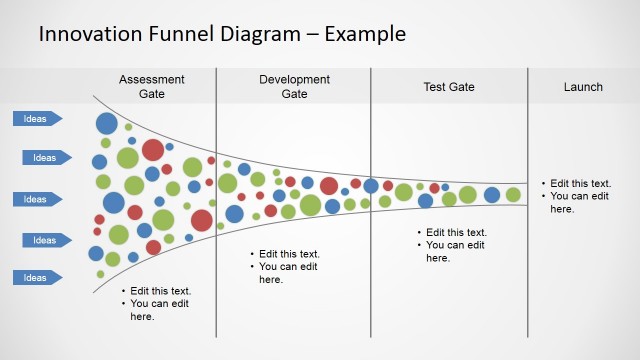
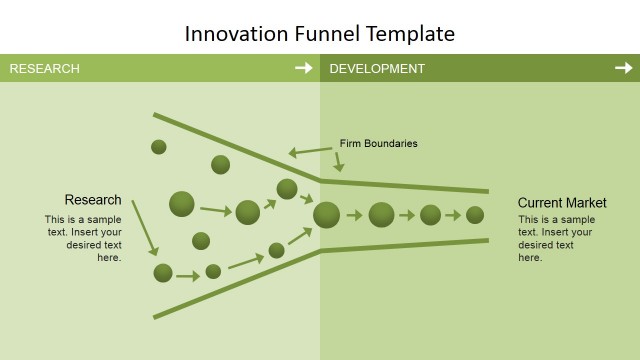
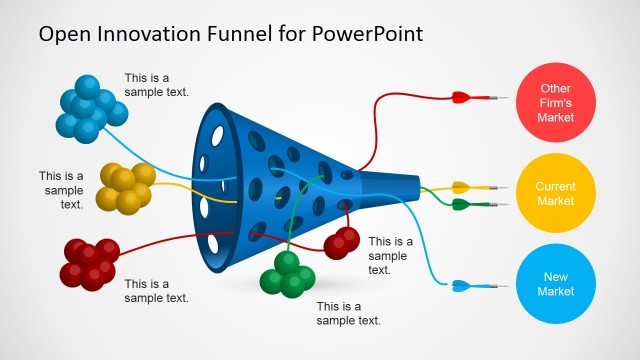
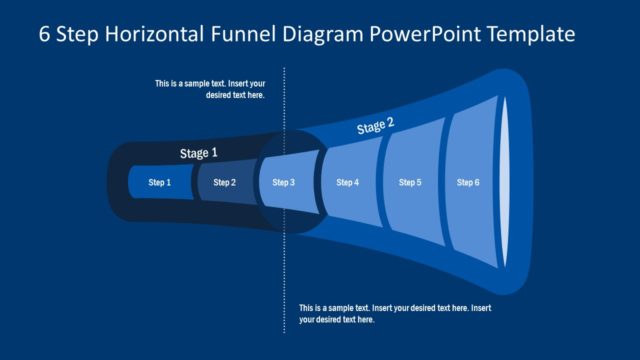
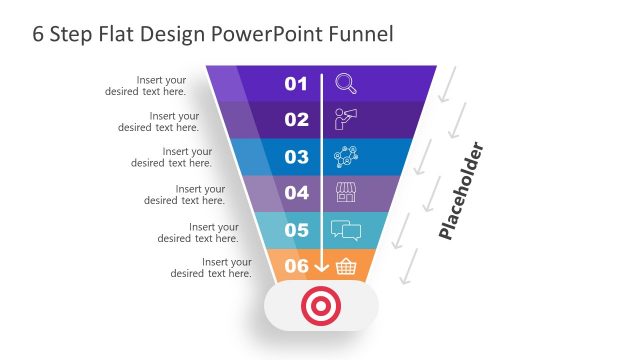
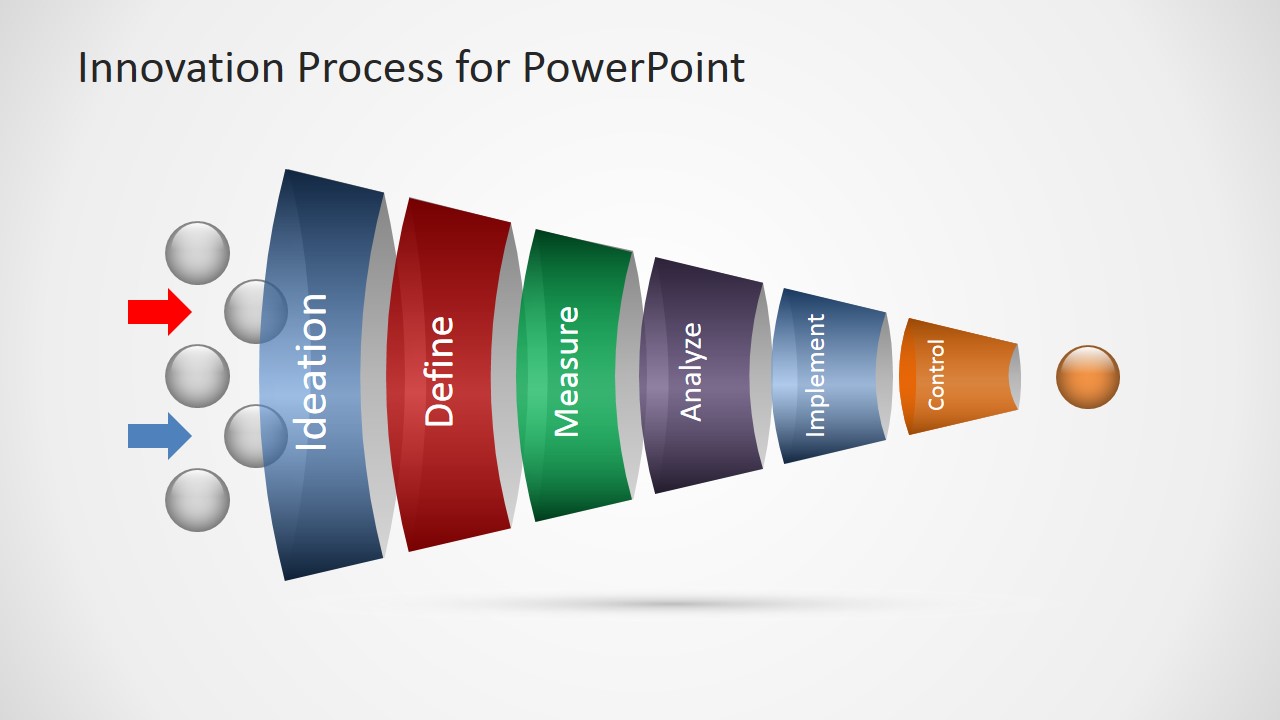
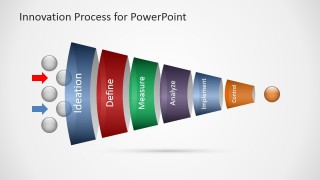
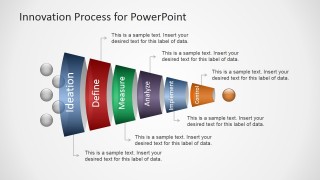
Innovation Process Funnel Diagram for PowerPoint is a simple horizontal diagram design that you can use for funnel analysis presentations or innovation funnel slide designs.
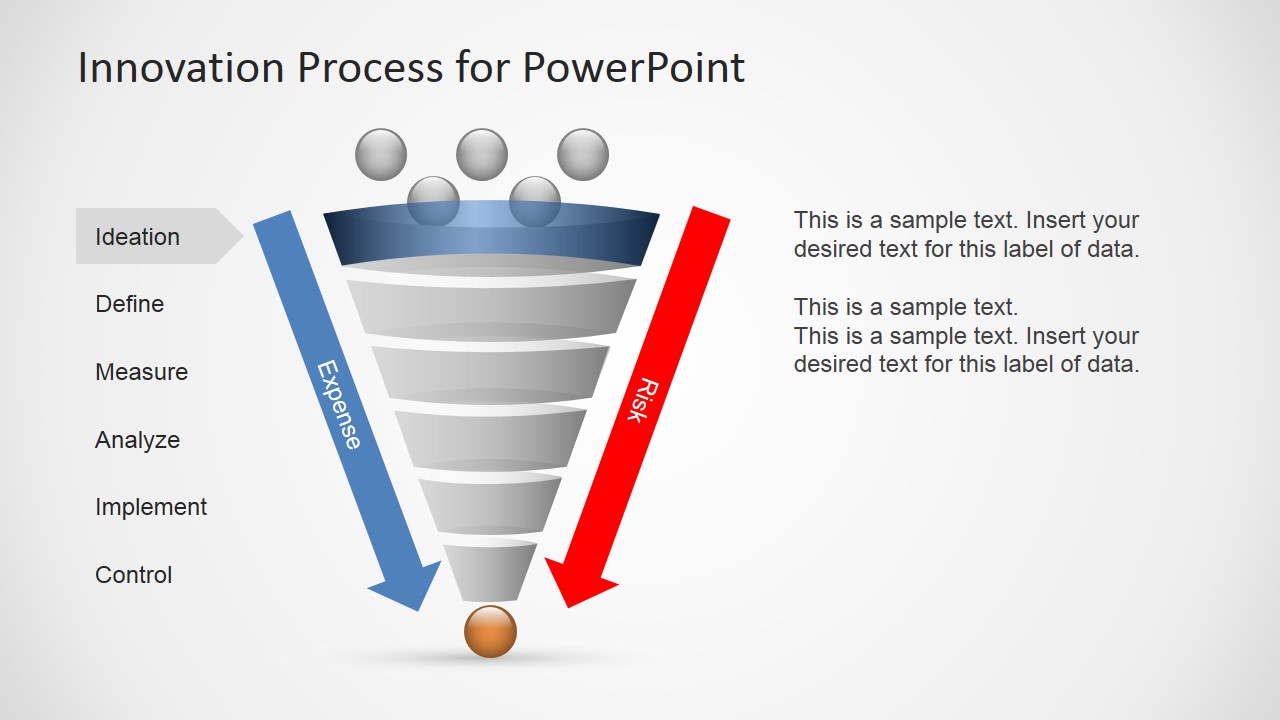
Inside this innovation PowerPoint funnel diagram you can find nine slides containing different variants of an innovation funnel illustration with 6 steps. You can easily edit the steps text by editing the text placeholders since this editable diagram for PowerPoint was created using built-in PowerPoint shapes. This way, you can adjust the diagram to fit your presentation needs.
What’s inside this template
Example presentation scenarios
- A product manager can use the horizontal funnel to introduce how raw ideas move from Ideation to Control during a product discovery review.
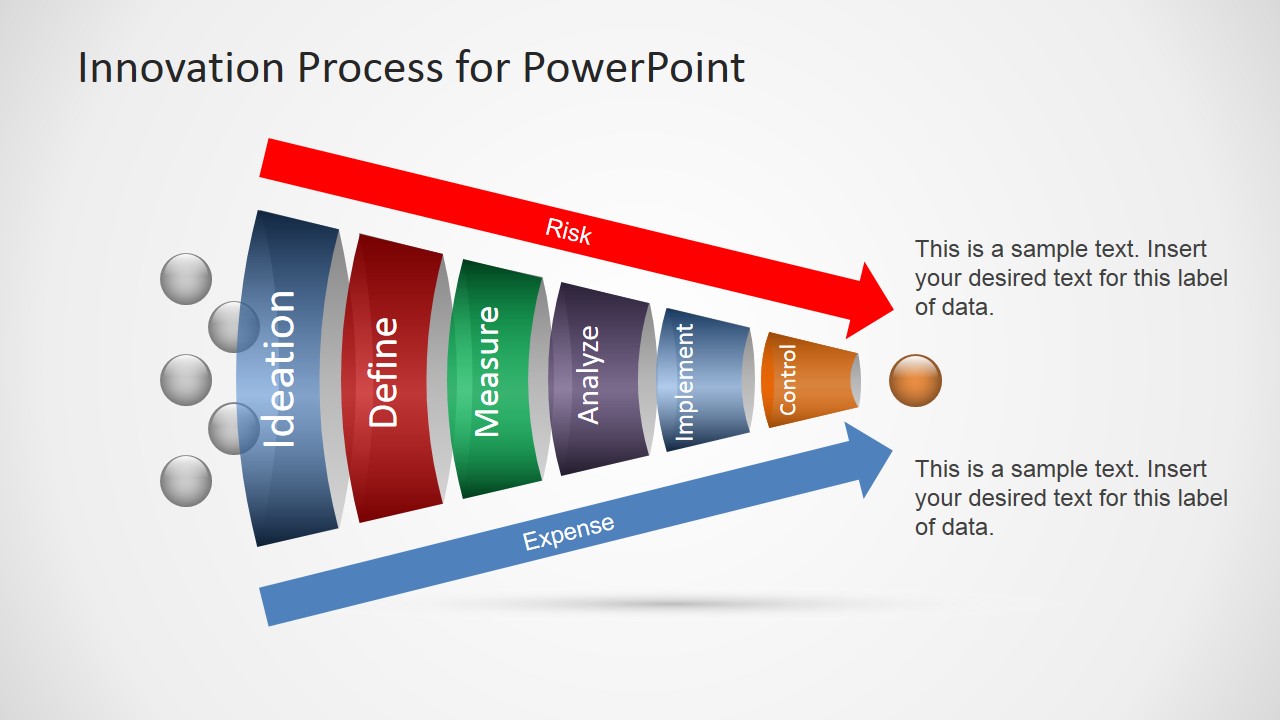
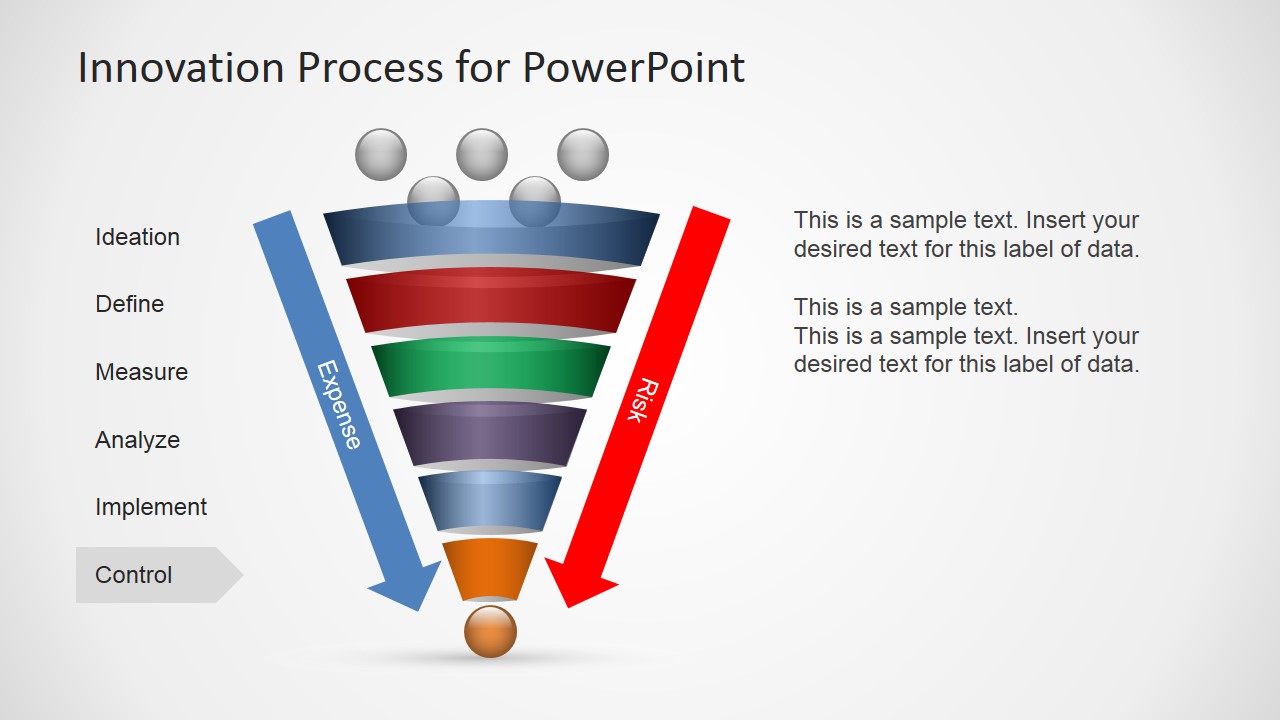
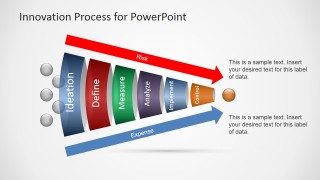
- An innovation lead can use the risk and expense arrow layout to show executives why later-stage concepts may cost more while still carrying decision risk.
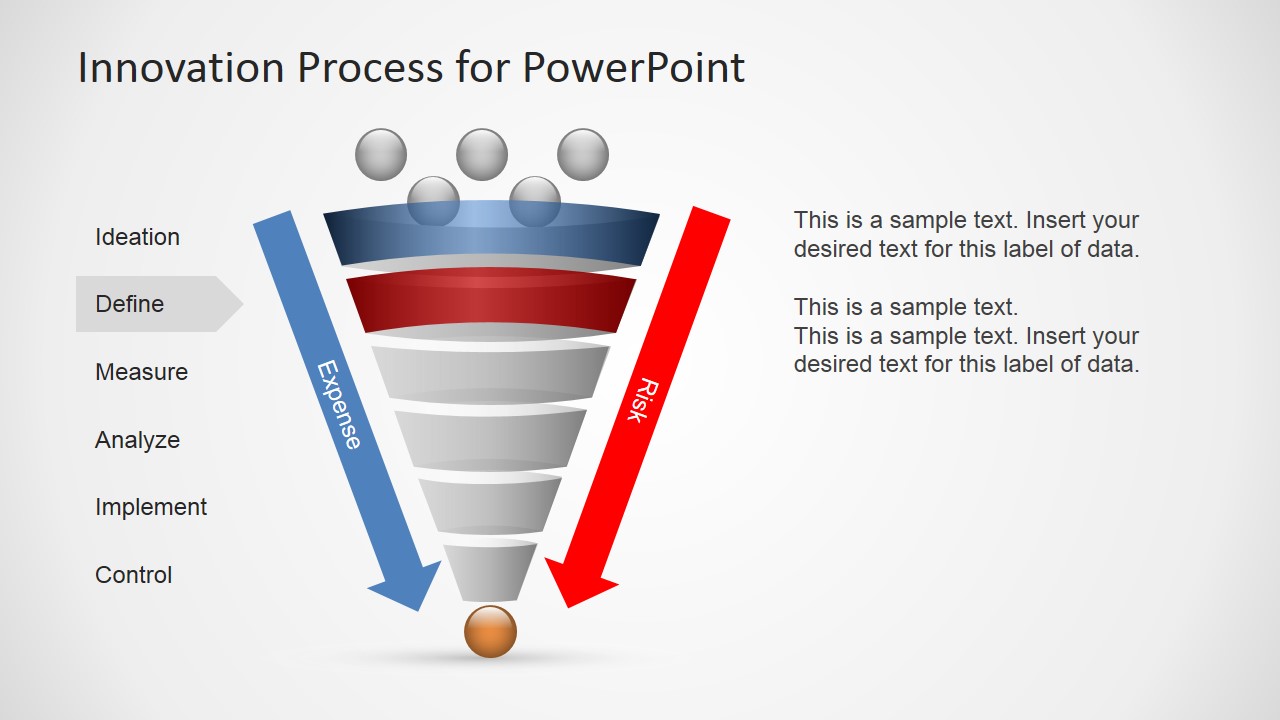
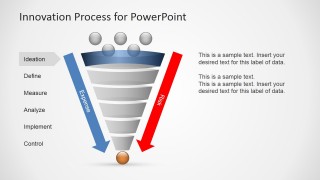
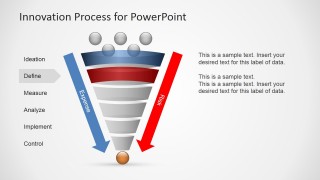
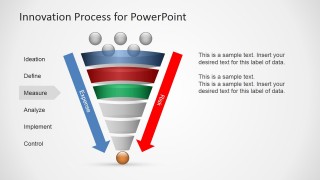
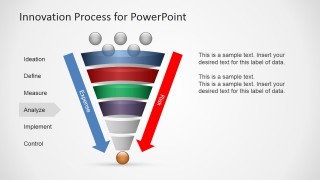
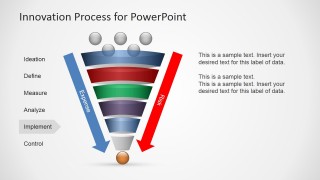
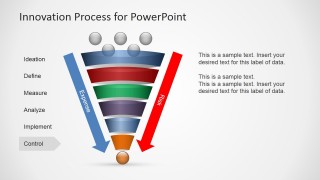
- A process improvement consultant can use the stage-highlighted vertical funnel slides to explain each DMAIC-like phase one step at a time.
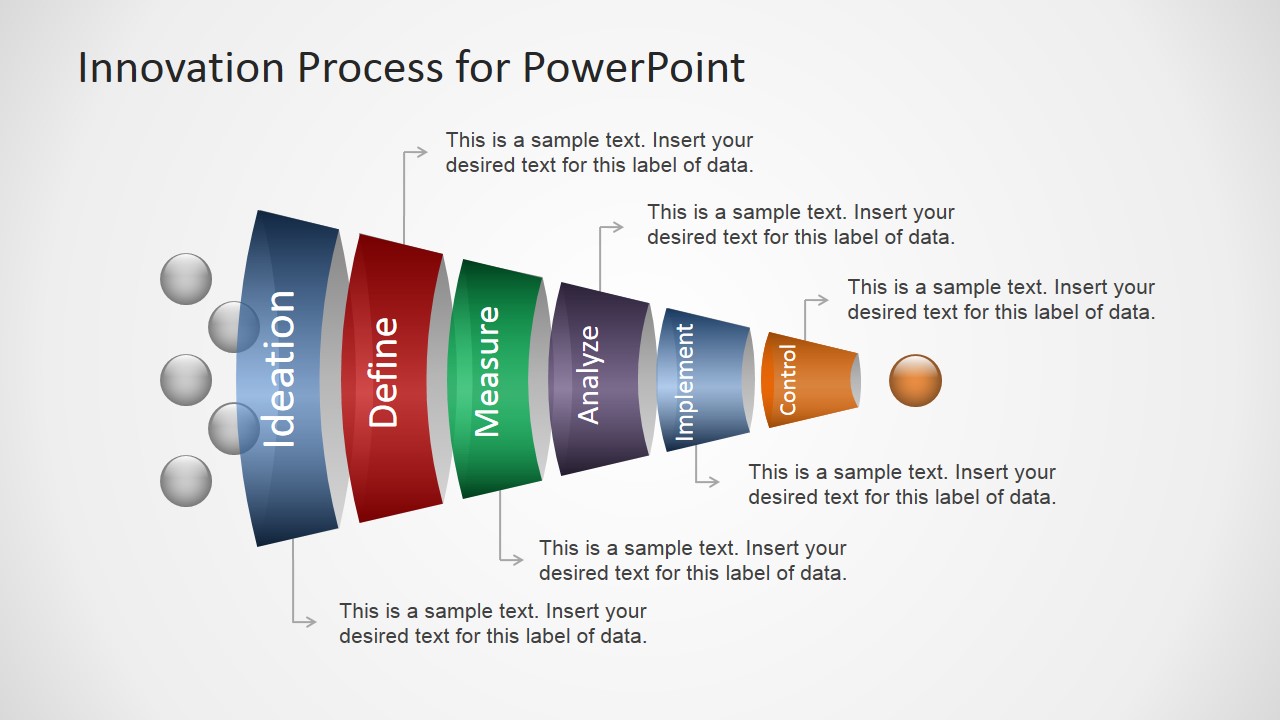
- A portfolio manager can use the annotated callout funnel to discuss criteria, gates, or stakeholder responsibilities assigned to each innovation stage.
Features
- 100% editable presentation template
- Compatible with Microsoft PowerPoint and Google Slides
- 16:9 aspect ratio slides
- Scalable vector shapes, icons and illustrations
- AI-Ready for Microsoft Copilot and Claude
- Instant access and download
Frequently asked questions
Q: How should I present the six funnel stages so the audience does not see them as isolated labels?
A: Start with the full horizontal funnel to establish the complete process, then move to the vertical highlighted slides when discussing stage detail. Use the callout slide for criteria, ownership, or gate definitions. Keep each stage description short so the narrowing shape remains the main explanation of filtering and prioritization.
Q: Who is this funnel diagram best suited for in an innovation presentation?
A: It fits presenters who need to make a process visible: product managers, innovation teams, analysts, and consultants. The template works well when the audience must understand why many ideas enter the pipeline but only a smaller set reaches implementation and control after measurement, analysis, and decision filters.
Q: Why does the funnel metaphor work for an innovation process?
A: The funnel makes reduction easy to grasp without a long explanation. Wide early stages imply many ideas, while the narrow end implies selection and focus. The Risk and Expense arrows add a second message: decisions become more consequential as concepts move toward implementation, so stage gates need clear evidence.


Innovation Process Funnel Diagram for PowerPoint
9-slide presentation template with six-step innovation funnel diagrams, risk arrows, and process stages
This is a 9-slide innovation process funnel diagram template for Microsoft PowerPoint and Google Slides. It shows a six-step Ideation, Define, Measure, Analyze, Implement, Control funnel with horizontal funnel, annotated callouts, risk and expense arrows, and stage-highlighted vertical funnel variants for product, process, and portfolio presenters.
- Category
- Diagrams
- Rating


 Loading...
- Aspect ratio
- 16:9
- Item ID
- 6245-01
- Colors
 Microsoft PowerPoint
  Microsoft Copilot
  Claude for PowerPoint
 Other formats supported
Subscribe today and get immediate
access to download our PowerPoint templates.