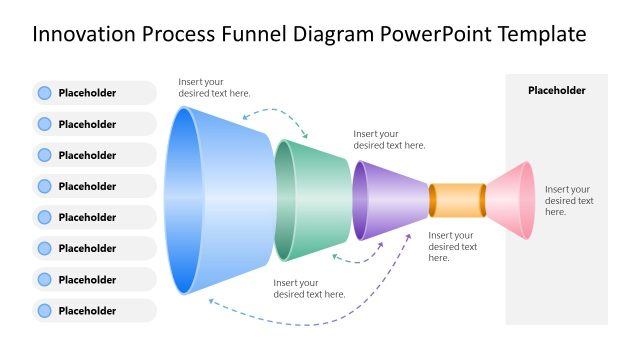
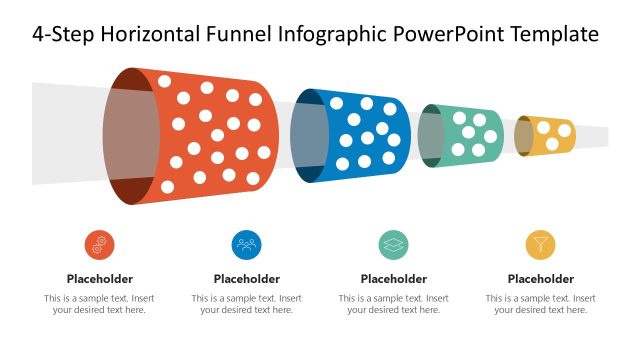
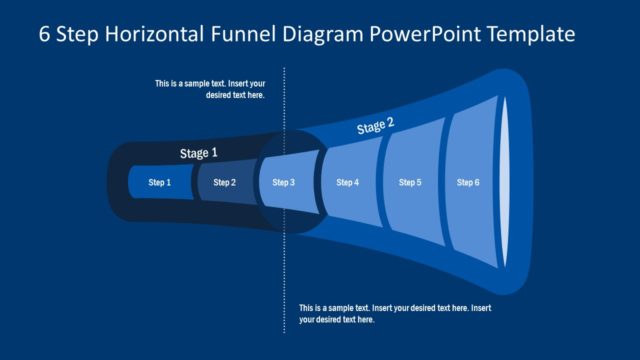
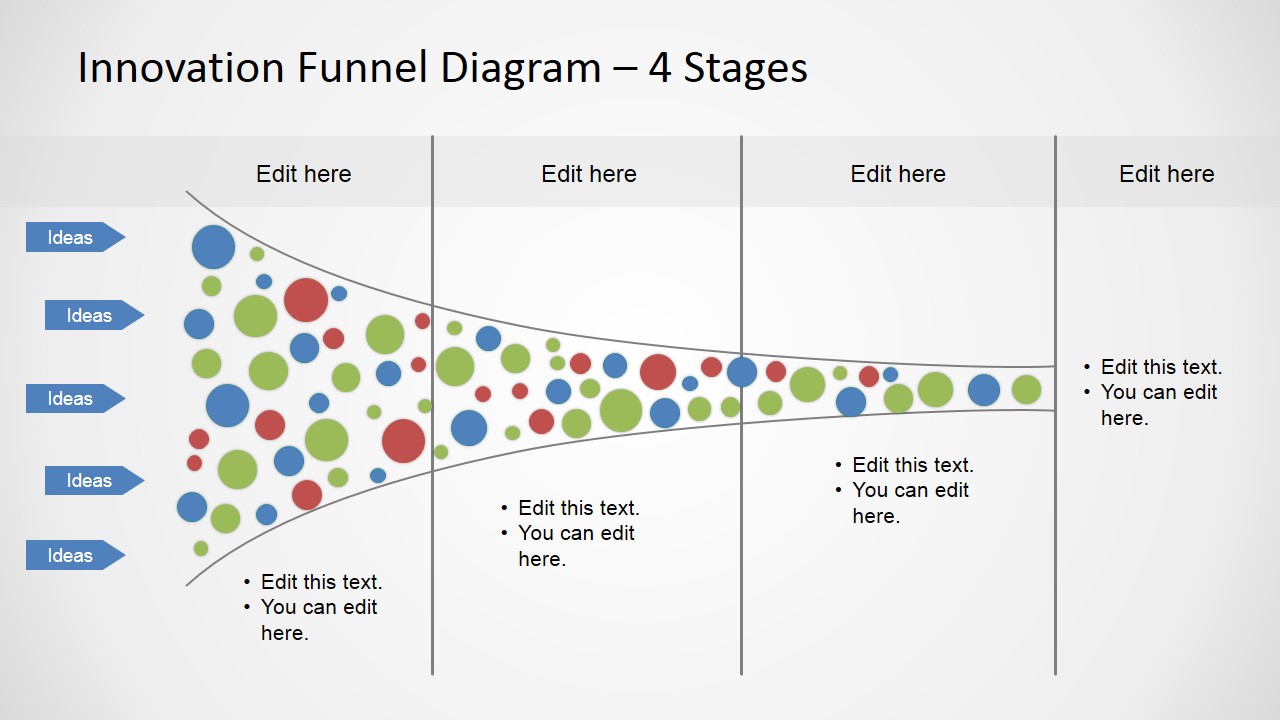
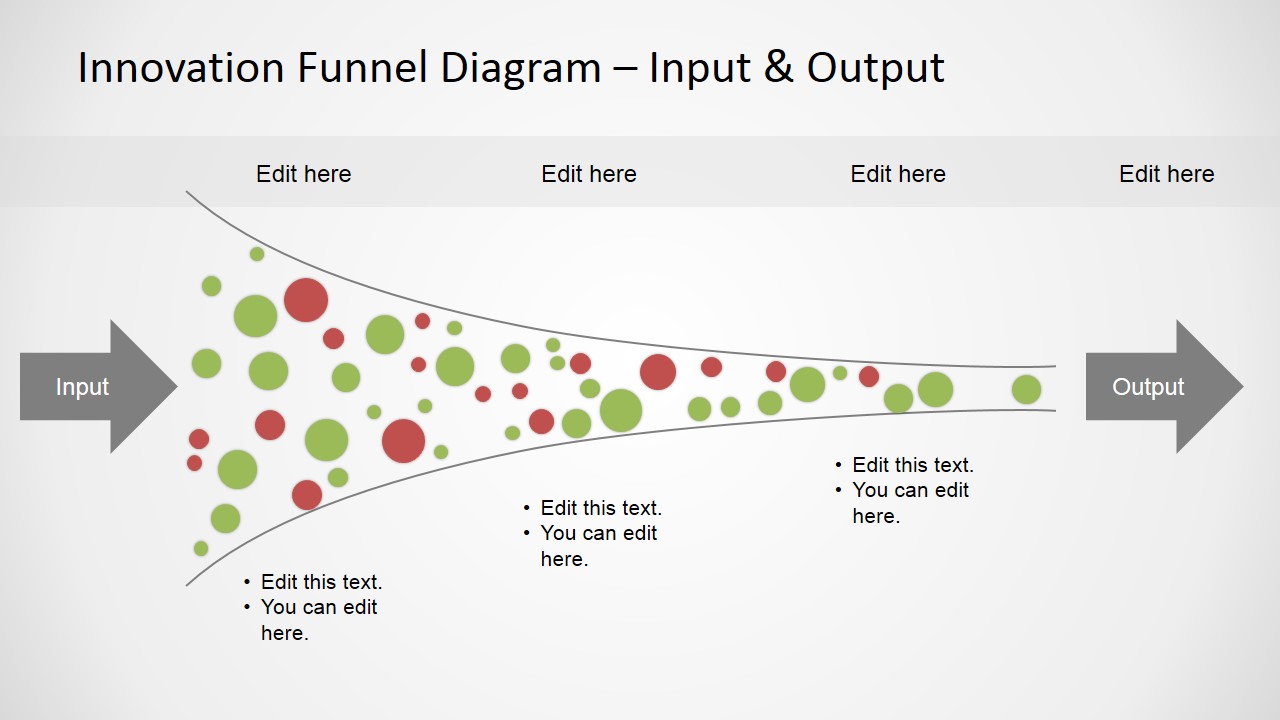
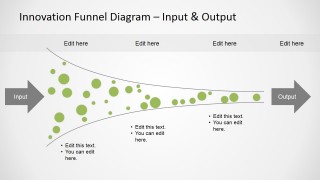
Innovation Funnel Diagram PowerPoint Template is a creative funnel diagram design with small colorful dots inside the funnel that you can use to make presentations on innovation management.
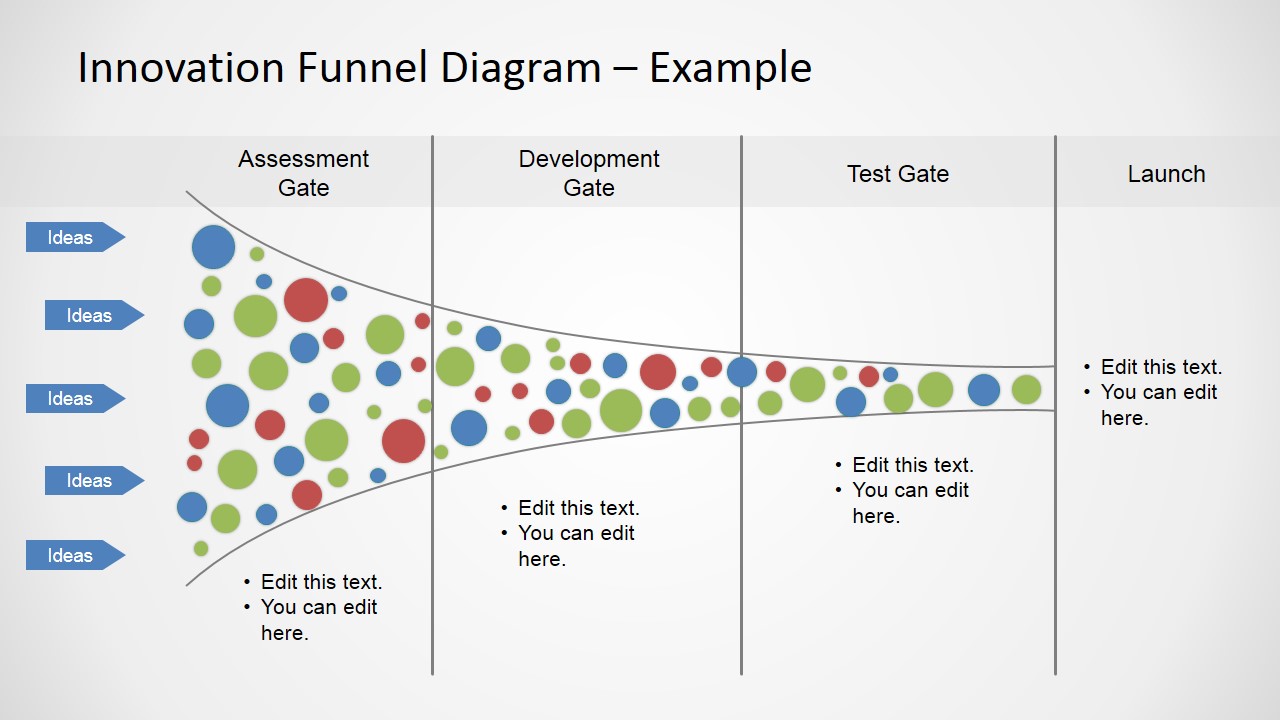
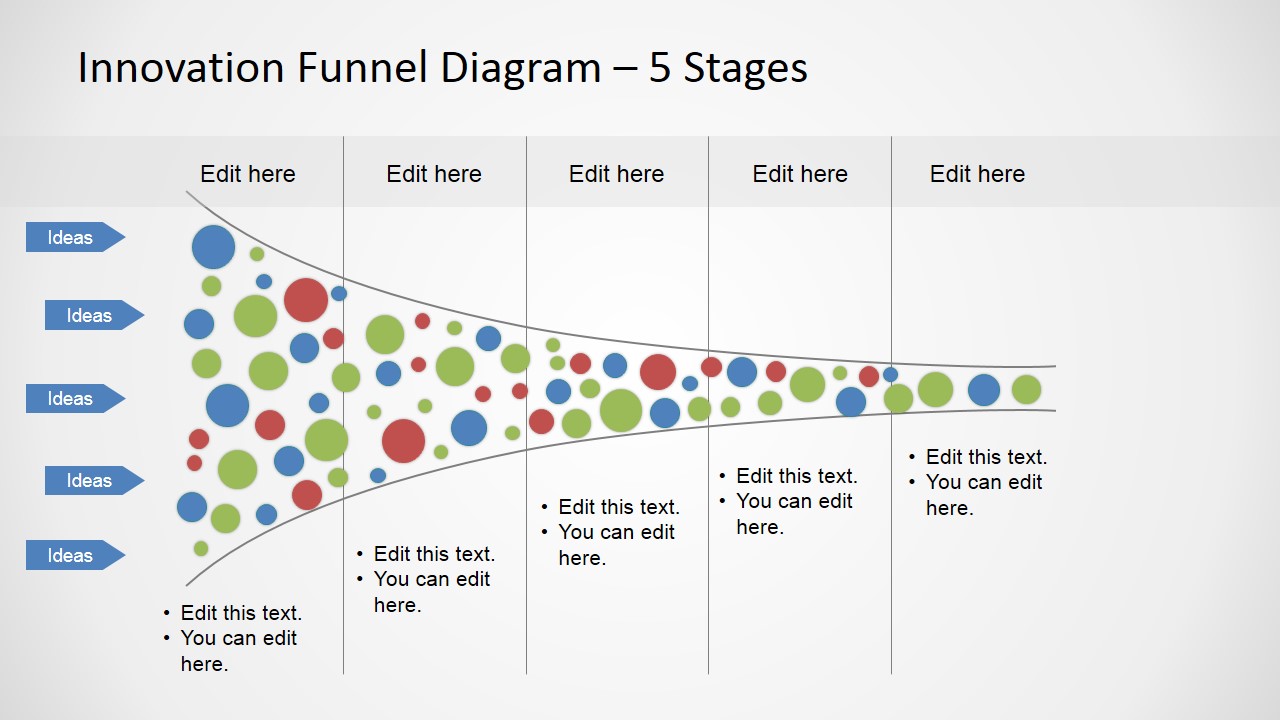
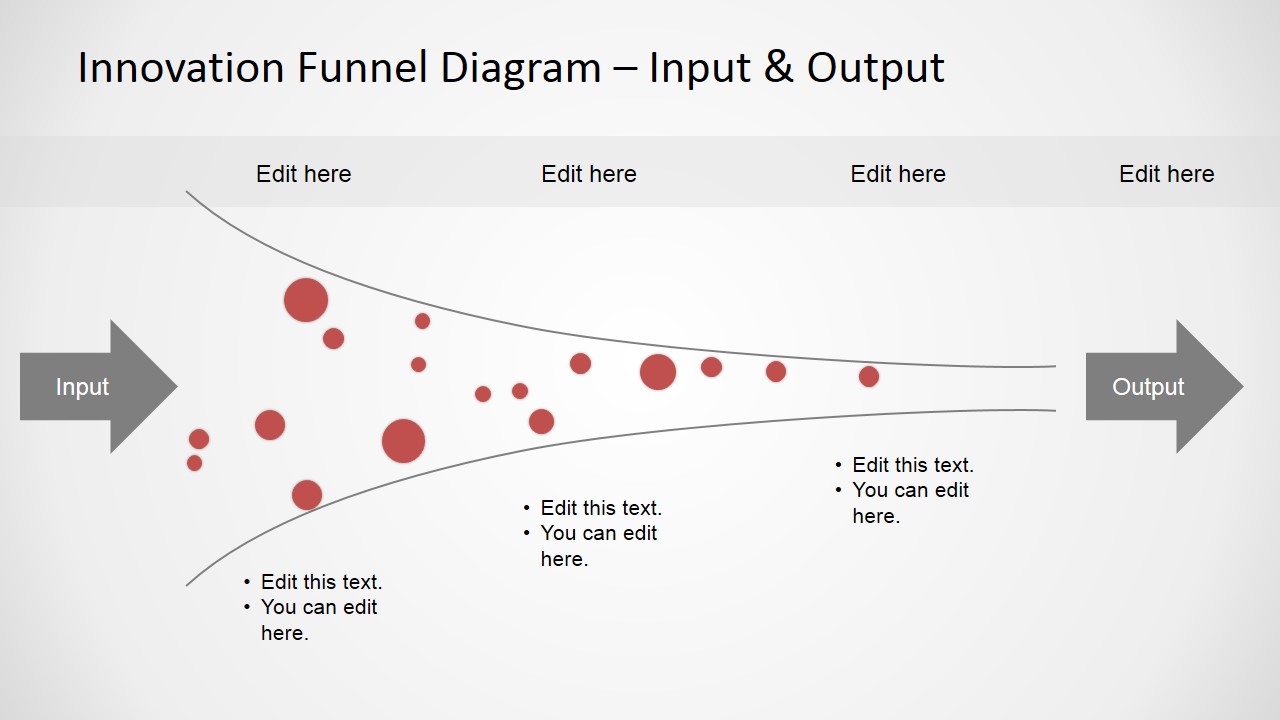
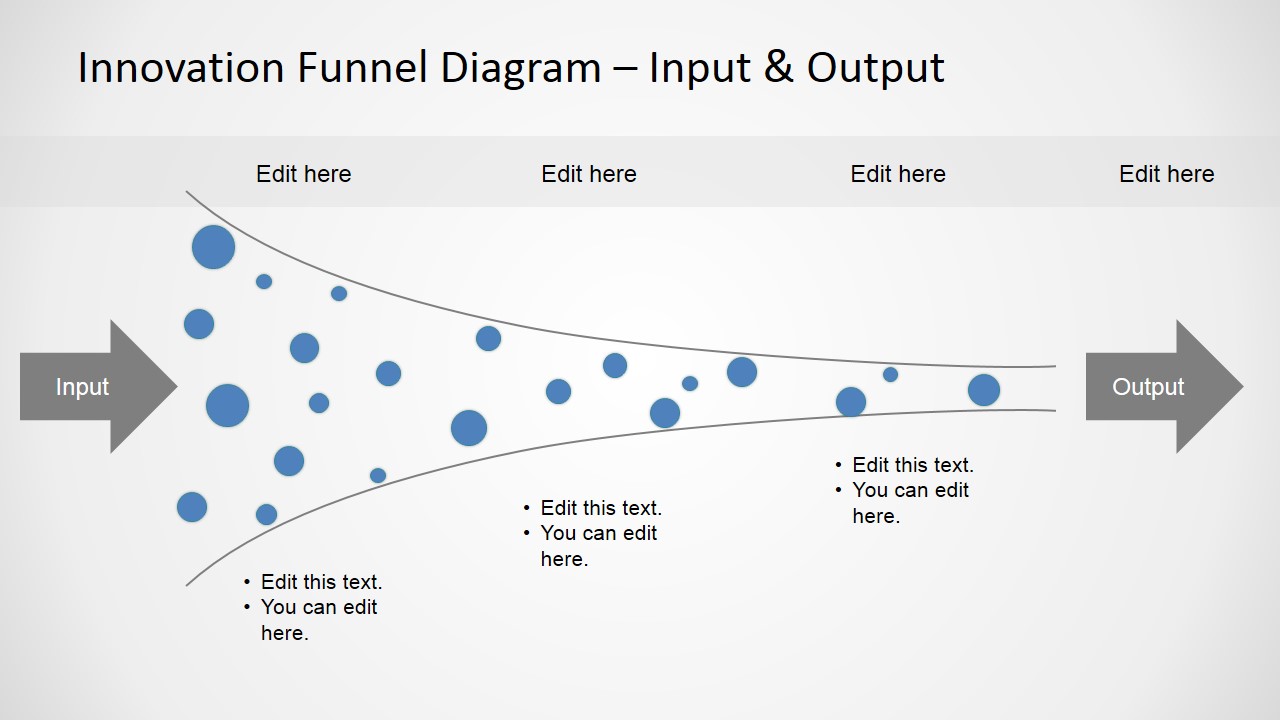
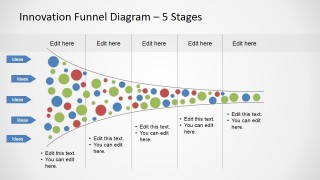
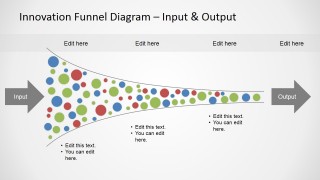
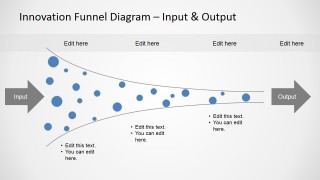
This innovation funnel diagram contains an horizontal funnel analysis illustration created with PowerPoint shapes and containing small dots (circles) that you can easily move along the slide or change the shape properties such as color or shadows to fit your presentation needs. The funnel template for PowerPoint contains several slide designs that are very handy for different purposes.
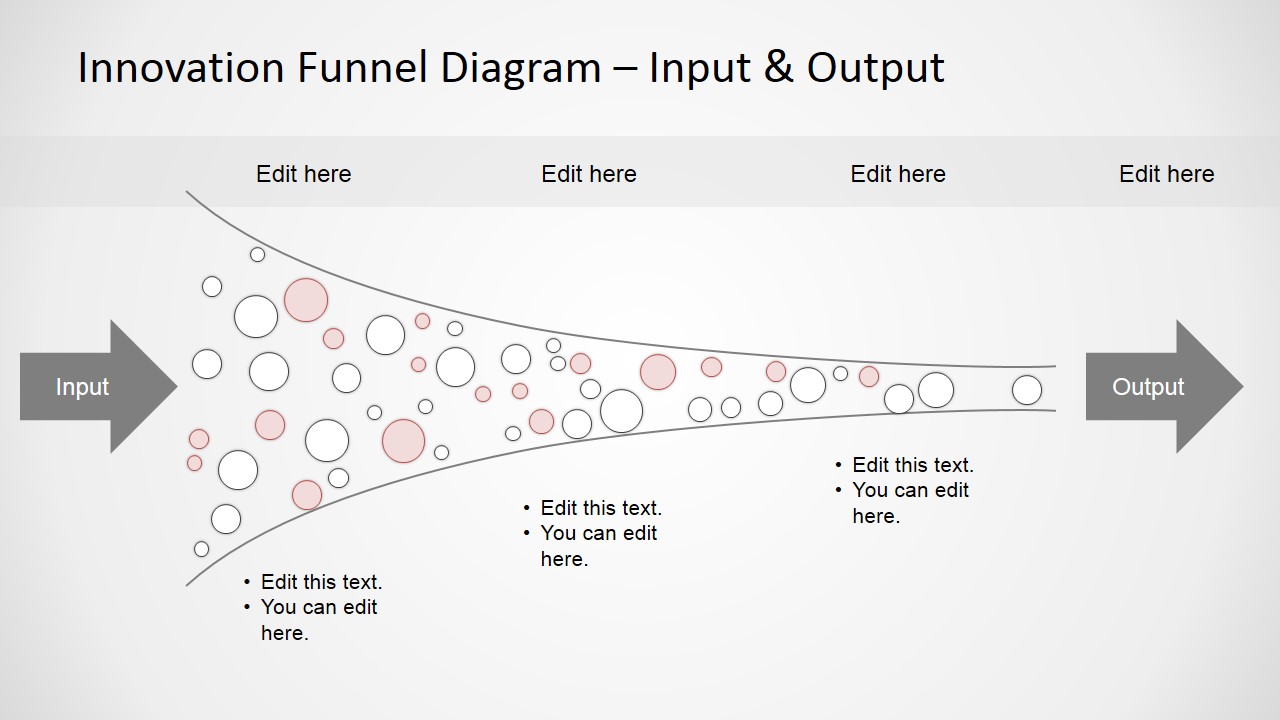
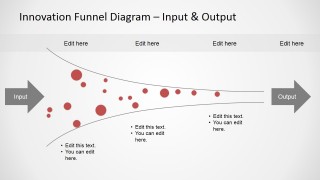
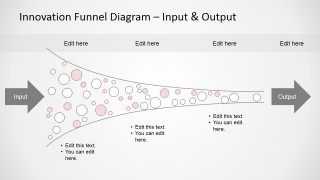
For example, the 4 stages funnel analysis slide have four columns in order you can edit the text placeholders for each gate or stage. Some other slides contains only a sub set of the color circles in order to illustrate and isolated version of the funnel diagram design.
Alternatively, you can download other funnel slide templates for PowerPoint or Google Slides, and combine them with any of our slide deck templates.
What’s inside this template
Example presentation scenarios
- An innovation manager can use the 4-stage funnel to explain how raw ideas pass through assessment, development, testing, and launch decisions.
- A product leader can use the 5-stage funnel to show executives where concepts are filtered, delayed, or advanced in a portfolio pipeline.
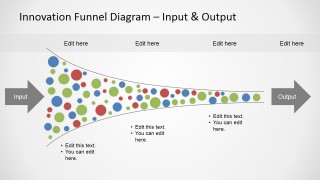
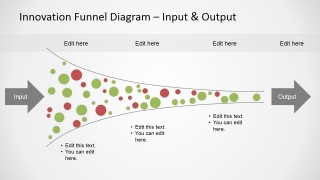
- A strategy consultant can use the input-output funnel with colored idea circles to compare idea volume at the start with a smaller set of recommended initiatives.
- An R&D team lead can use the single-color funnel variants to isolate one category of ideas, such as high-risk concepts or priority projects, without redrawing the process.
Features
- 100% editable presentation template
- Compatible with Microsoft PowerPoint and Google Slides
- 16:9 aspect ratio slides
- Scalable vector shapes, icons and illustrations
- AI-Ready for Microsoft Copilot and Claude
- Instant access and download
Frequently asked questions
Q: How should the presenter explain the funnel without making the process look too mechanical?
A: Start with the left side as idea volume, then describe each gate as a decision point with criteria, not as a simple loss of value. Use the colored circles to represent different idea types or priorities, and reserve the text callouts for the reasons ideas move forward, pause, or exit the pipeline.
Q: Who benefits most from this horizontal innovation funnel layout?
A: This template fits product, R&D, and strategy presenters who must show how many options become a smaller set of investable initiatives. It is especially useful in portfolio reviews, innovation workshops, and stage-gate discussions where the audience needs to see both the volume of ideas and the filtering logic.
Q: Why does the narrowing funnel metaphor help communicate innovation screening?
A: The horizontal funnel turns an abstract screening process into a visible flow from input to output. Large clusters of circles at the opening signal many possibilities, while fewer circles at the end show selection. Stage lines and gate labels add structure so the audience sees decisions as checkpoints, not random elimination.



Horizontal Innovation Funnel Diagram for PowerPoint
10-slide presentation template with horizontal innovation funnels, stage gates, and idea bubbles
Horizontal Innovation Funnel Diagram for PowerPoint is a 10-slide diagram template for mapping innovation ideas through a narrowing pipeline. It includes 4-stage and 5-stage funnel layouts, input-output funnel variants, gate labels, arrow endpoints, colored idea bubbles, and text callouts for managers building PowerPoint or Google Slides presentations.
- Category
- Diagrams
- Rating


 Loading...
- Aspect ratio
- 16:9
- Item ID
- 8141-01
 Microsoft PowerPoint
  Microsoft Copilot
  Claude for PowerPoint
 Other formats supported
Subscribe today and get immediate
access to download our PowerPoint templates.