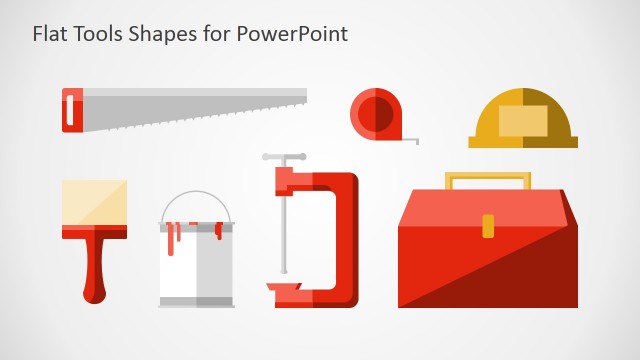
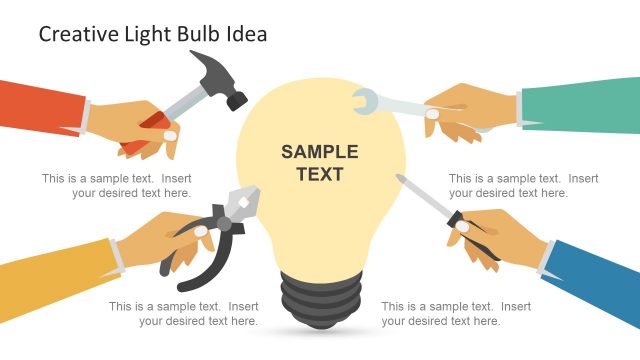
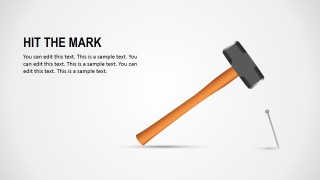
Hardware Tool Shapes for PowerPoint is a presentation design containing a hardware toolset created as PowerPoint shapes. This set of tools for PowerPoint let you design creative slides and create metaphors or business analogies for your presentations. For instance, you can use the hammer and nail illustration as an alternative to create a business analogy for hit the mark in PowerPoint.
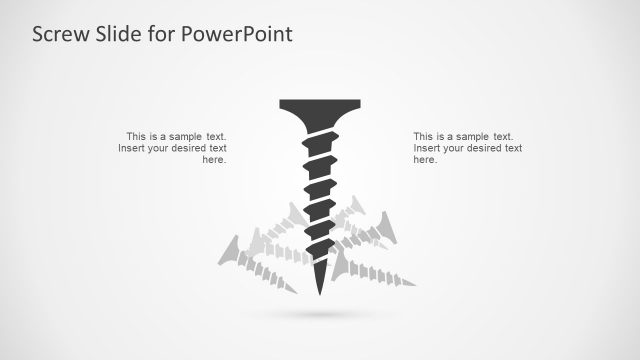
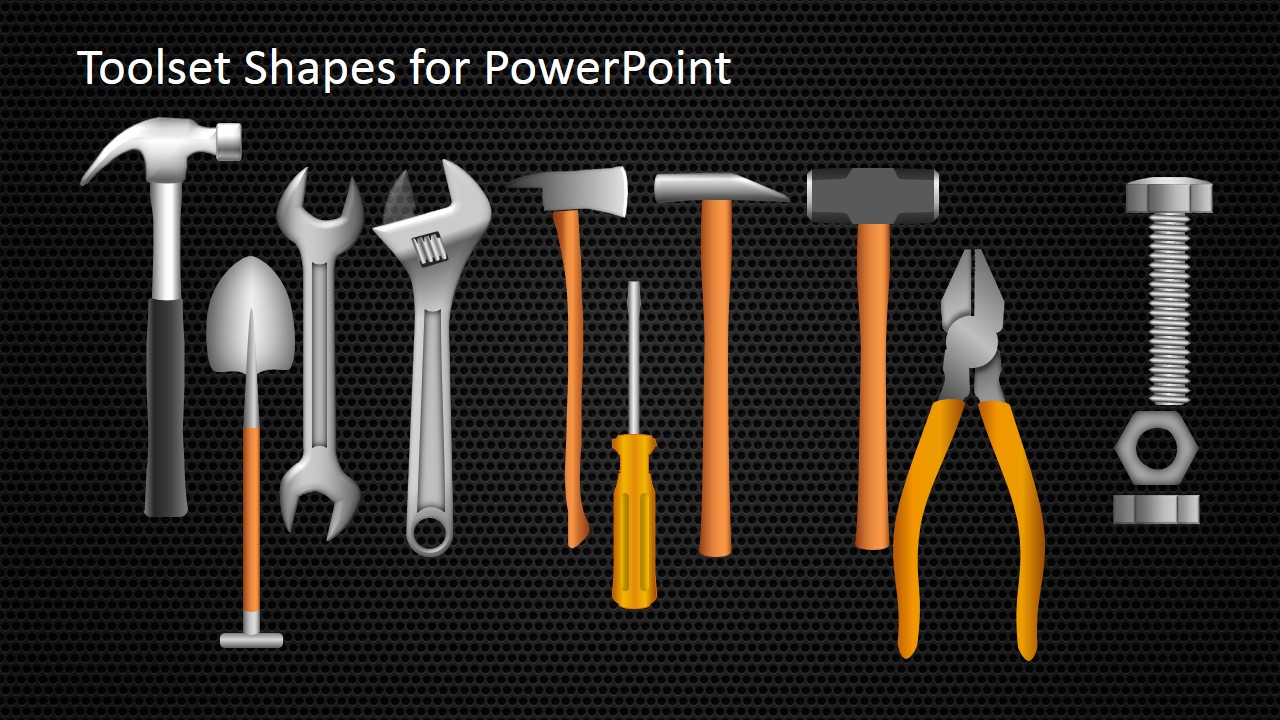
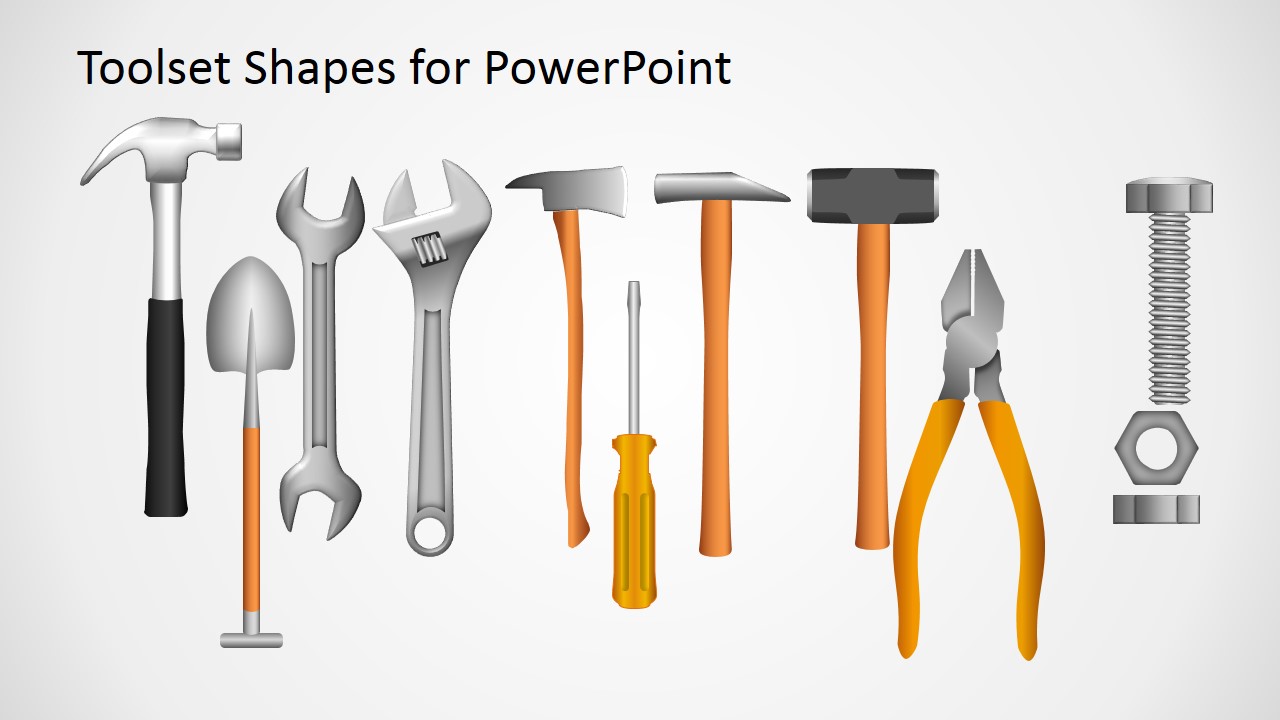
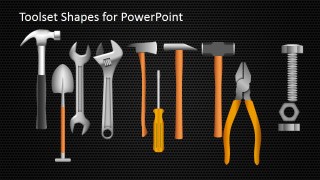
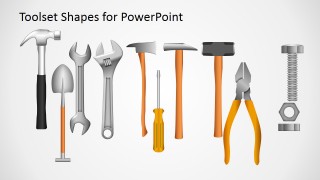
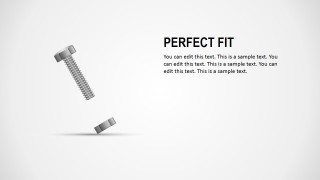
The toolset template for PowerPoint includes the following tool vectors created with shapes: shovel, nut, hammer, screw, screwdriver, a nail, a wrench, etc. Given that these graphics are created as PowerPoint shapes you can easily modify the shapes, isolate the graphics, change the illustration colors or rotate the shapes to meet your requirements. As an example, we have included three additional slide designs to show how to make creative slides using these graphics: Hit the Mark analogy, to present an important and accurate detail using the wrench or the perfect fit using the screw and nut.
What’s inside this template
Example presentation scenarios
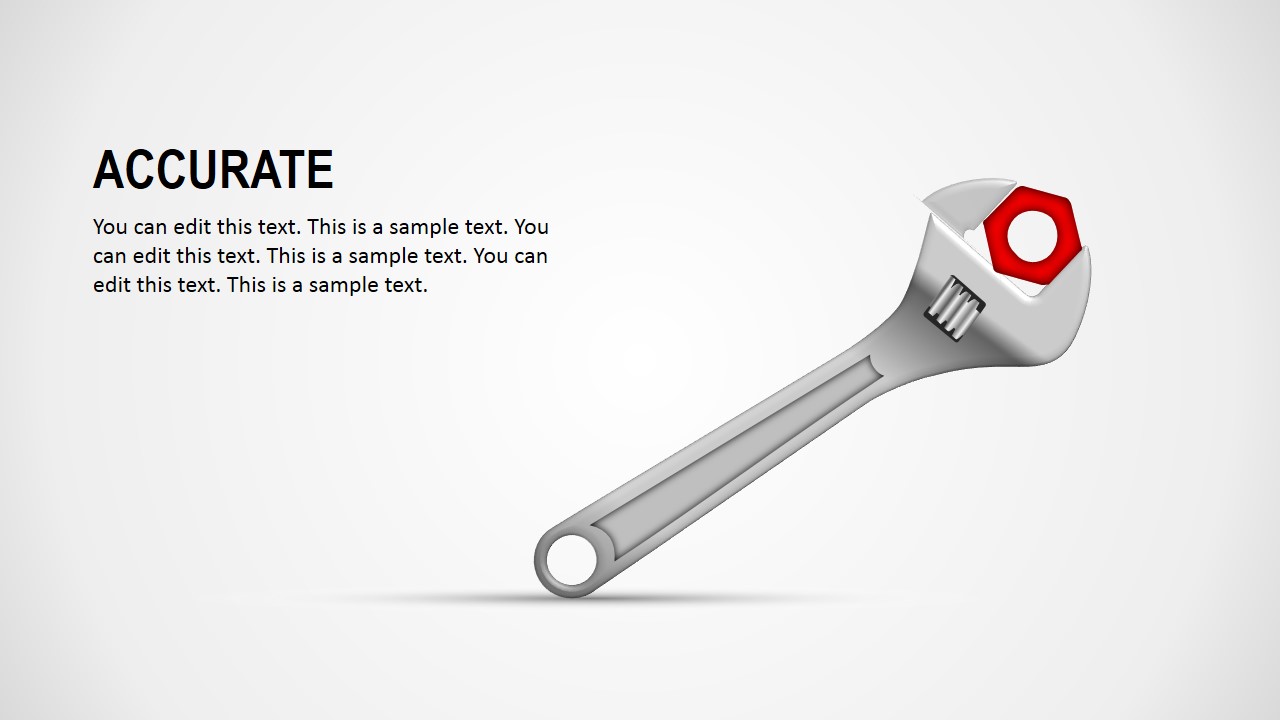
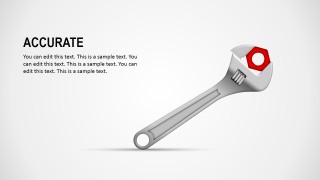
- An operations manager can use the wrench detail slide to explain a precise corrective action and connect the red nut accent to the one issue that needs attention.
- A consultant can use the hit the mark slide to frame a recommendation as a focused action, with the hammer and nail replacing a standard target graphic.
- A technical trainer can use the toolset gallery to introduce equipment categories, safety topics, or maintenance roles before moving into detailed instruction.
- A project manager can use the screw-and-nut perfect fit slide to show alignment between a solution, vendor, process, or team capability and a specific requirement.
Features
- 100% editable presentation template
- Compatible with Microsoft PowerPoint and Google Slides
- 16:9 aspect ratio slides
- Scalable vector shapes, icons and illustrations
- AI-Ready for Microsoft Copilot and Claude
- Instant access and download
Frequently asked questions
Q: How should a presenter use the tool metaphors without making the message feel gimmicky?
A: Tie each tool to one clear business idea before adding detail. Use the hammer and nail for decisive execution, the wrench and red nut for precision, and the screw-and-nut slide for fit. Keep the headline literal and the body text short so the metaphor supports the message instead of becoming decoration.
Q: Who is this template best suited for in a business presentation?
A: It works best for presenters explaining practical problem solving, technical work, maintenance, operations, or implementation choices. Consultants, project managers, trainers, and construction or manufacturing teams can use the tool gallery as a visual vocabulary, then use the example metaphor slides to make a specific point memorable.
Q: Why do the hardware tool layouts help communicate abstract business ideas?
A: The layouts turn abstract concepts into familiar physical actions. A hammer aimed at a nail suggests focus and impact, a wrench around a nut suggests accuracy, and a screw with a nut suggests compatibility. These metaphors reduce explanation time because audiences already understand the action implied by each object.


Hardware Tool Shapes for PowerPoint
5-slide presentation template with editable hardware tool shapes, hammer analogies, and wrench visuals
Hardware Tool Shapes for PowerPoint is a 5-slide template of editable tool illustrations and business metaphor slides. It includes a dark toolset gallery, a white toolset gallery, a hammer-and-nail analogy, a wrench detail slide, and a screw-and-nut fit slide for Microsoft PowerPoint and Google Slides.
- Category
- Shapes
- Rating

 Loading...
- Aspect ratio
- 16:9
- Item ID
- 8209-01
- Colors
 Microsoft PowerPoint
  Microsoft Copilot
  Claude for PowerPoint
 Other formats supported
Subscribe today and get immediate
access to download our PowerPoint templates.