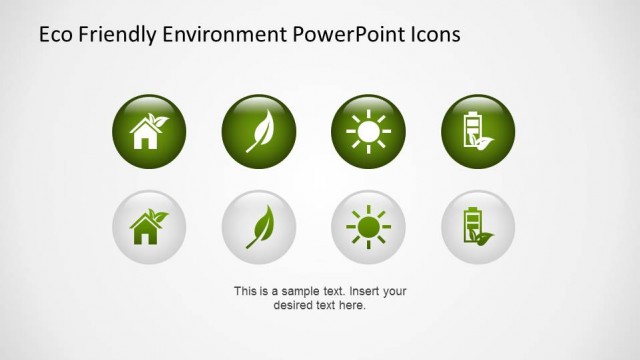
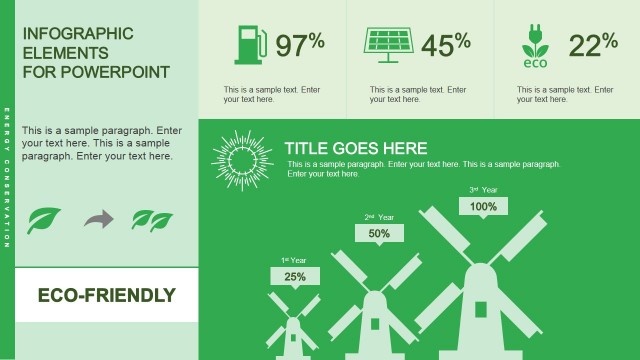
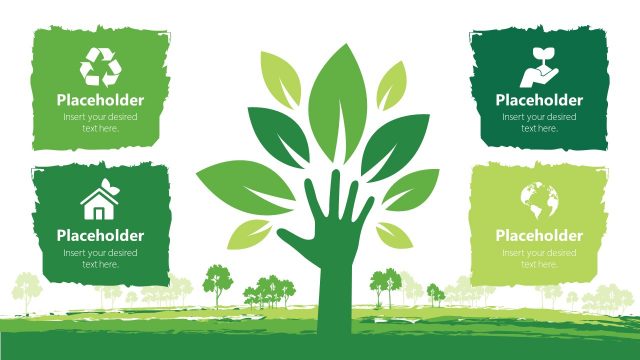
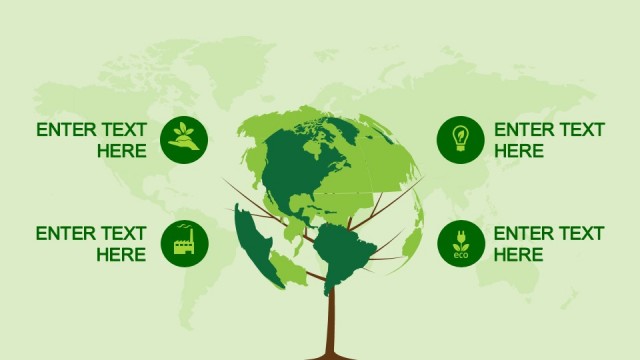
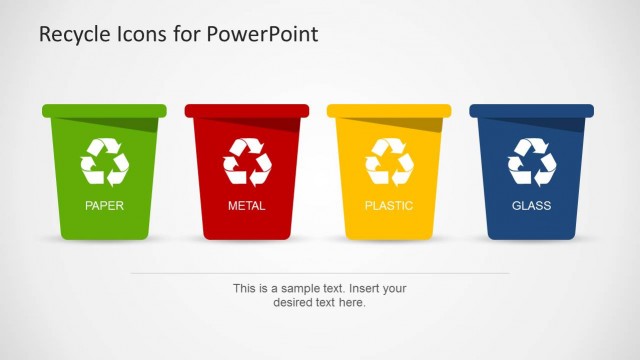
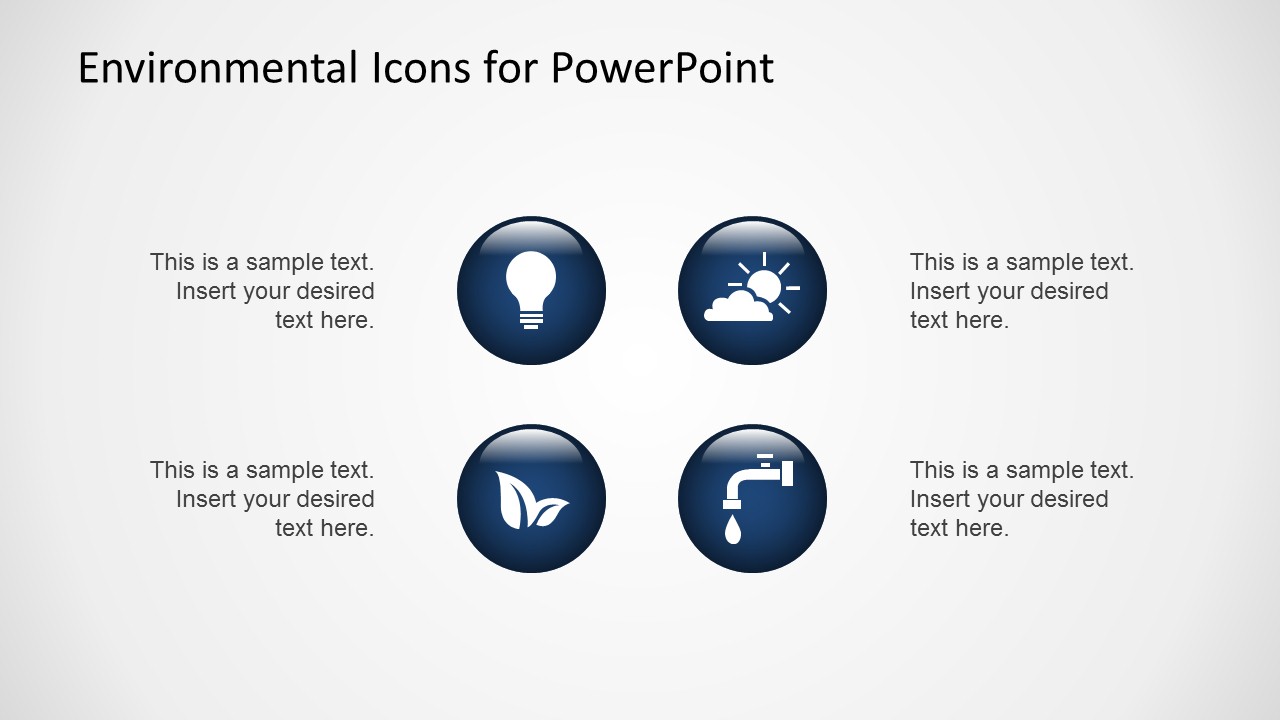
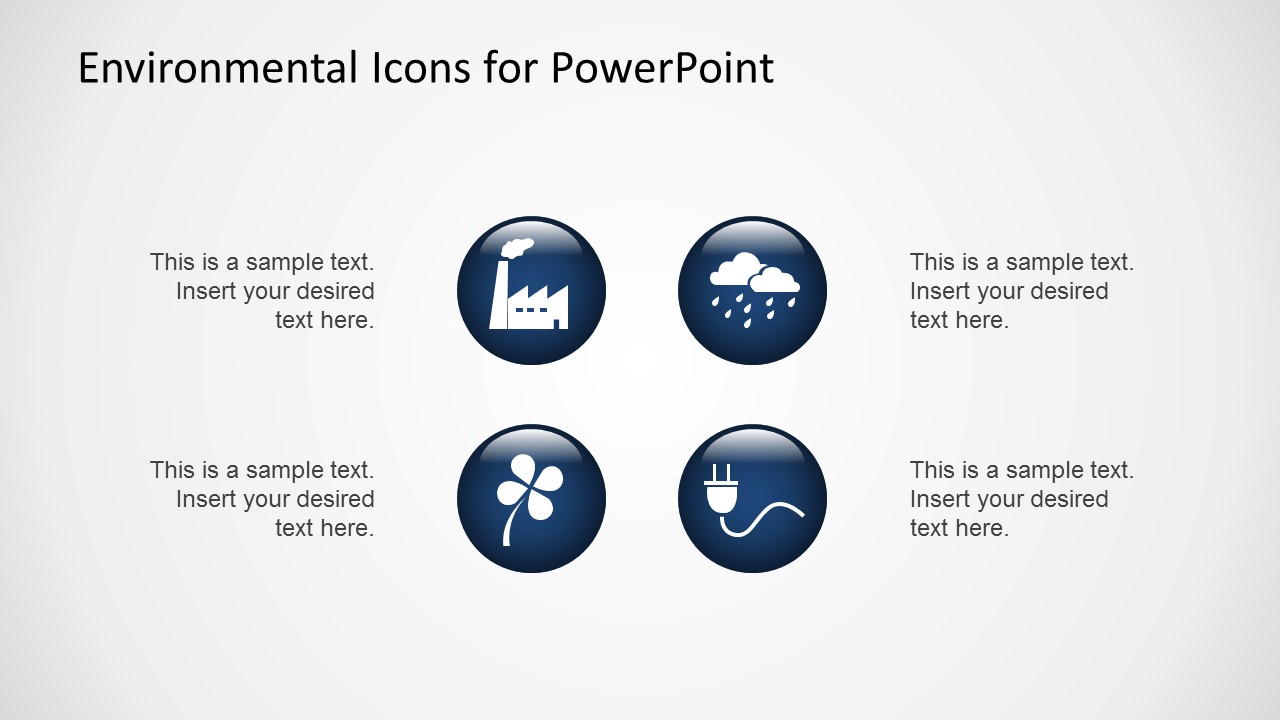
Environmental Icons for PowerPoint is a presentation containing a creative collection of PowerPoint icons related to the environment.This set of Icons is created using powerpoint shapes, allowing the user to customize each icons properties as color, size, 3D effects, etc.
Ideal for Eco friendly presentations or global warming related lectures, the user can improve any presentations with the incredible look & feel of this icons set.
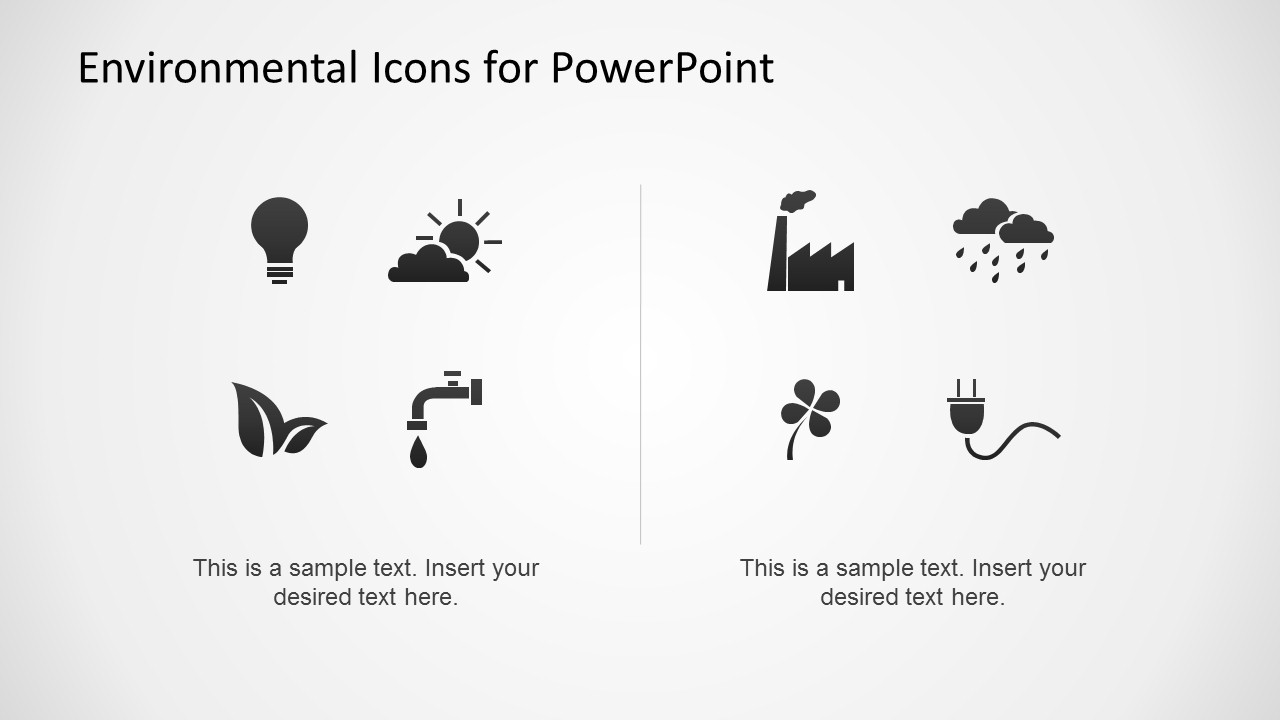
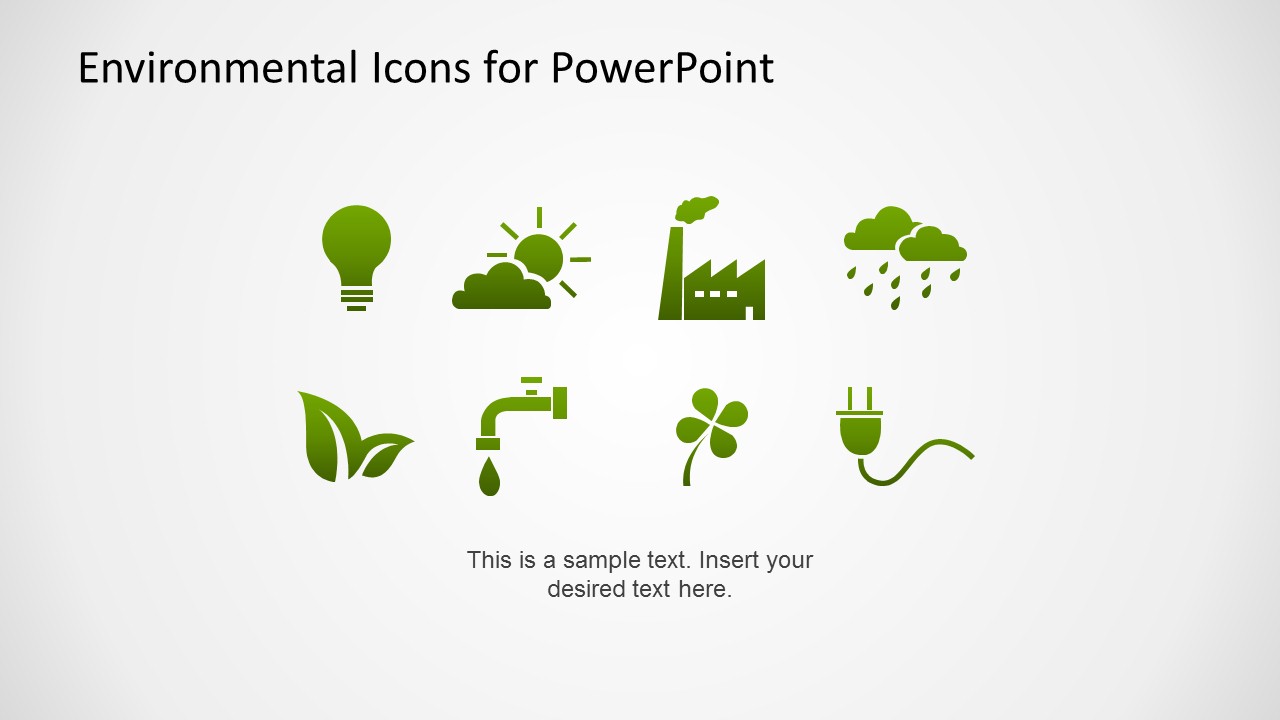
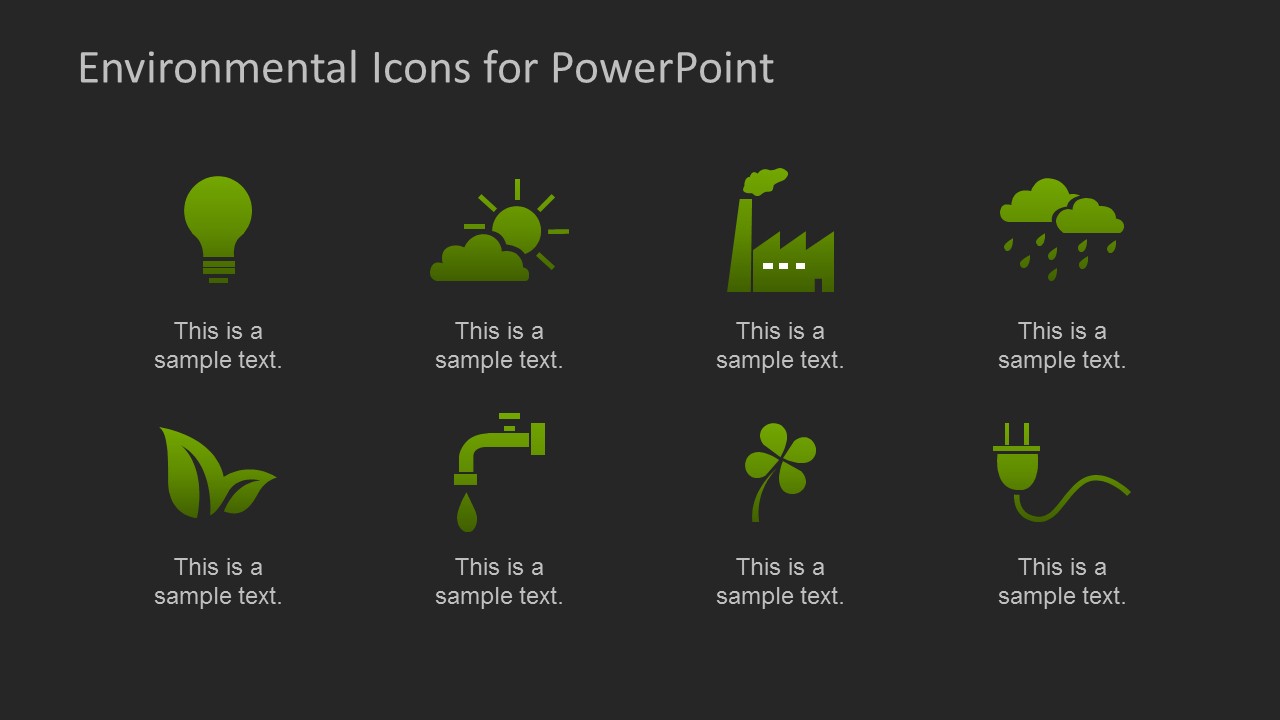
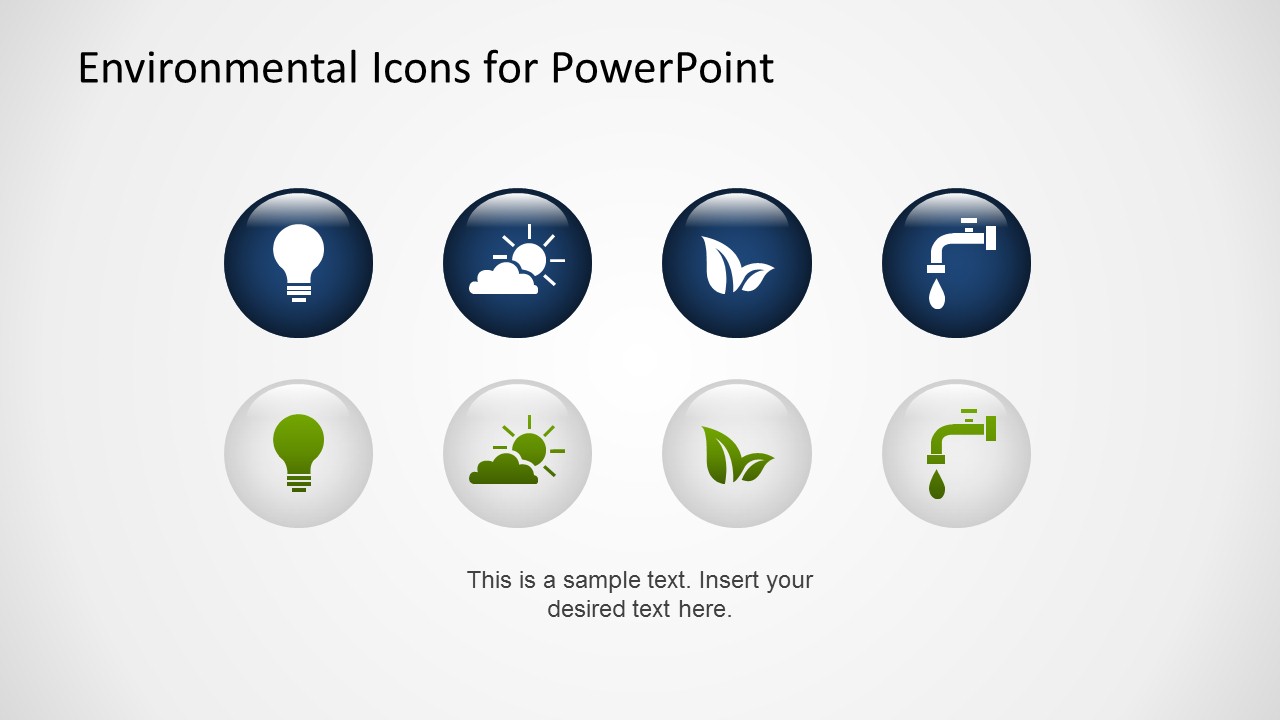
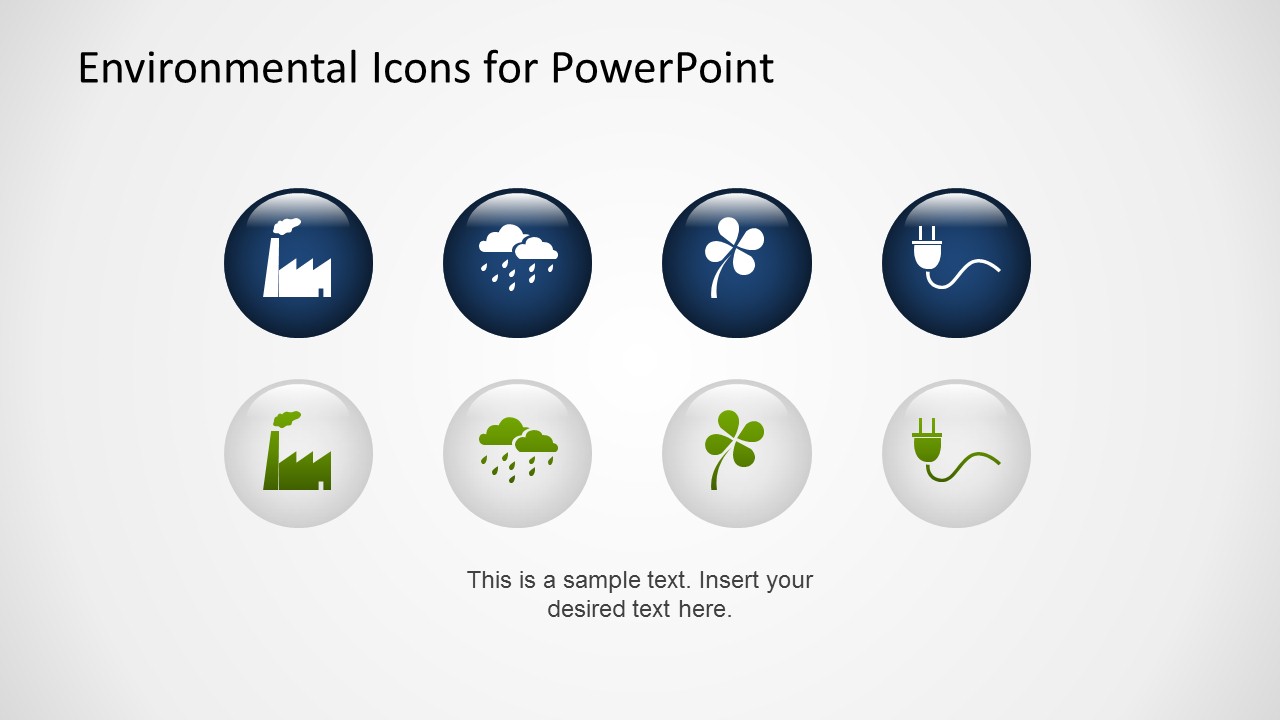
The icons are provided in regular themed options as flat grey, flat green gradient, blue & white, 3D effect icons and with different backgrounds as grey gradient and black.
Environmental Sciences is increasingly winning filed over research budgets and government programs. More and more people is acquiring consciousness about the environment and the human impact on it. New fields are spinning off as environmental engineering. Presenters of all environmental fields and organizations can decorate and complement their marketing message with powerful PowerPoint Icons, that will engage their audience.
More and more companies are becoming Eco aware, generating eco consciousness among employees and customers. Corporate Social Responsibility is now widespread and has reached mainstream. Our Environmental Icons for PowerPoint are the perfect tool for complementing your CSR presentations or Eco friendly communication materials with high quality graphics and outstanding flexibility.
Impress your audience with our Environmental Icons for PowerPoint and create presentations that appeal to global audiences.
What’s inside this template
Example presentation scenarios
- A CSR manager can use the flat green icon sheet to introduce sustainability pillars such as energy, water, emissions, and recycling in an internal update.
- An environmental educator can use the dark-background icon grid to explain ecological themes one symbol at a time with short supporting captions.
- A marketing presenter can use the glossy circular badge layouts to add eco-friendly visual cues to a product launch or public awareness campaign.
- A sustainability consultant can use the two-row badge comparison slides to create branded section markers for an environmental assessment or client workshop.
Features
- 100% editable presentation template
- Compatible with Microsoft PowerPoint and Google Slides
- 16:9 aspect ratio slides
- Scalable vector shapes, icons and illustrations
- AI-Ready for Microsoft Copilot and Claude
- Instant access and download
Frequently asked questions
Q: How should a presenter use these icons without making the slide feel decorative only?
A: Use each icon as a label for a specific environmental idea, not as filler. For example, pair the faucet with water conservation, the factory with emissions, and the plug with energy efficiency. The dark grid slide works well for a quick topic overview, while the circular badges can mark major sections in a CSR narrative.
Q: Who is this icon set best suited for?
A: This template is best for presenters who already have environmental content and need consistent visual markers. CSR managers, sustainability consultants, educators, and campaign teams can use the flat icon sheets and 3D badges to clarify themes such as clean energy, weather, industrial impact, green behavior, and water use.
Q: Why does the template include both flat icons and circular 3D badges?
A: The flat icons are efficient for dense slides, legends, and category labels because they read quickly at small sizes. The circular 3D badges create stronger focal points for section openers, callouts, or comparison slides. This gives the presenter a simple visual hierarchy: flat symbols for scanning, badges for emphasis.
Environmental Icons for PowerPoint
7-slide presentation template with environmental icons, CSR symbols, and eco-friendly 3D badge layouts
Environmental Icons for PowerPoint is a 7-slide icon presentation template for CSR, ecology, sustainability, and environmental communication. It includes flat icon sheets, a dark icon grid, glossy circular 3D badges, and text callout layouts. The deck is built for Microsoft PowerPoint and Google Slides using editable vector shapes.
- Category
- Shapes
- Rating


 Loading...
- Aspect ratio
- 16:9
- Item ID
- 6523-01
- Colors
 Microsoft PowerPoint
  Microsoft Copilot
  Claude for PowerPoint
 Other formats supported
Subscribe today and get immediate
access to download our PowerPoint templates.