Slide 8 of 8 from Gear Shape for PowerPoint
8015-gears-shape-wide-8
Gear Shapes Overview for Process Improvement
- Diagram
- Other
- Context Slide
- 16:9
- 100% Editable
The Gear Shapes Overview slide from the Gear Shape for PowerPoint template offers a clear visual summary ideal for process improvement presentations. Featuring editable shapes of interconnected gears, this slide supports quality management and Six Sigma training by illustrating operational strategies effectively. Its balanced layout with vector icons enhances business presentation clarity, making it a practical choice for corporate slide decks requiring precise concept visualization.
What’s on This Slide
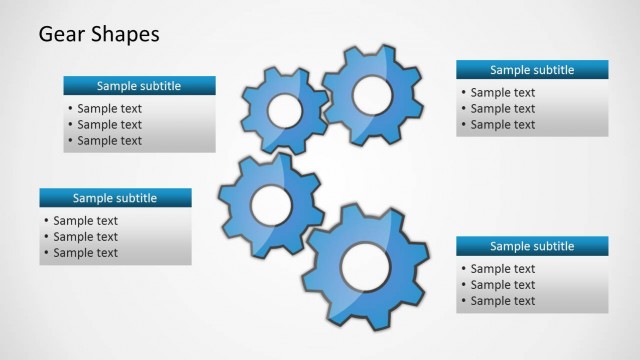
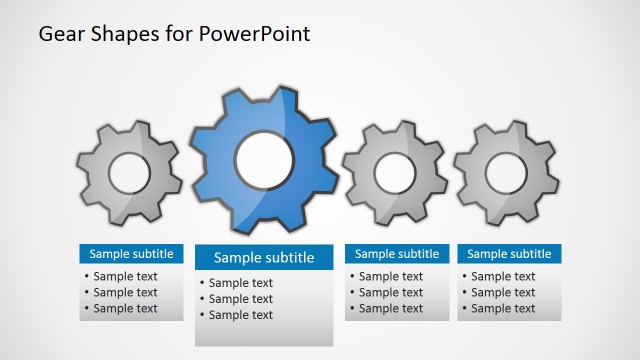
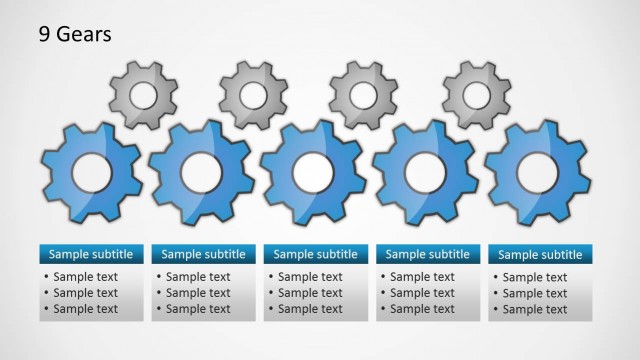
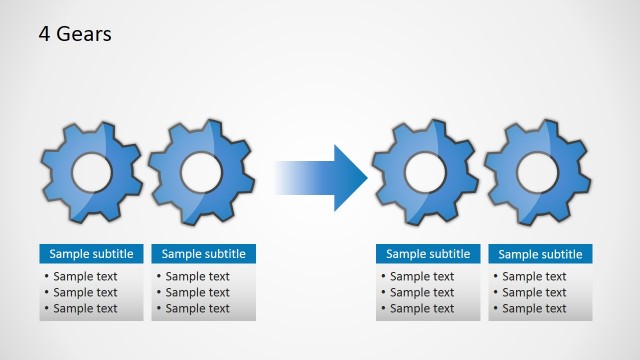
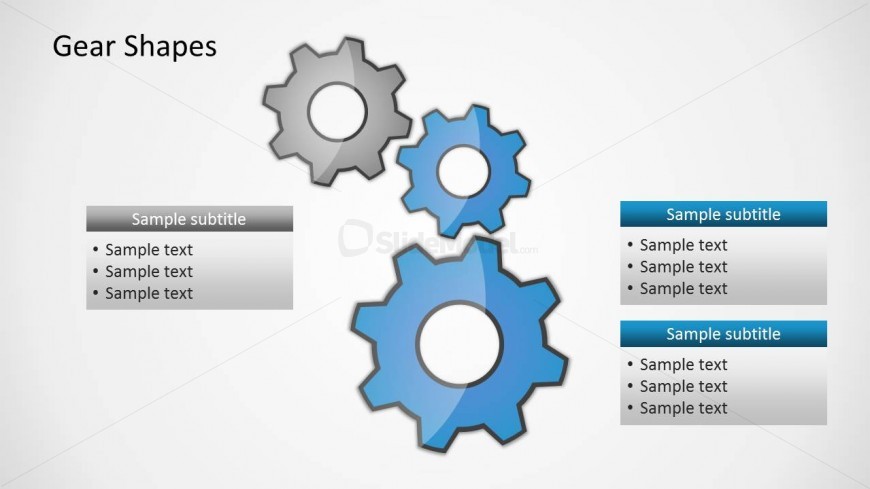
The layout features three gear shapes positioned centrally, with two blue gears and one gray gear. The blue gears are larger and more prominent, while the gray gear is slightly smaller. To the left, there is a text box containing a sample subtitle and four lines of sample text, aligned vertically. On the right, two additional text boxes are present, each with a sample subtitle and four lines of sample text. The background is light gray, providing contrast to the gears and text boxes. The overall composition is balanced, with a clear visual hierarchy emphasizing the gears.
How to Use It
This layout serves as a summary or overview of gear shapes, suitable for discussions on process improvement or quality management. It fits well at the end of a presentation, summarizing key points or illustrating relationships between processes. This structure is ideal for business scenarios where visual representation of concepts is necessary, such as Six Sigma presentations or operational strategy discussions. It can also be used to highlight specific features or benefits of a process.
Text Placeholders & Capacity
Keep your copy within these limits so it fits without resizing. Body slots can hold about 8-10 words each.
| Placeholder | Count | Max characters (approx.) |
|---|---|---|
| Slide title | 1 | 20 |
| Subtitle | 3 | 30 |
| Body paragraph | 9 | 50 |