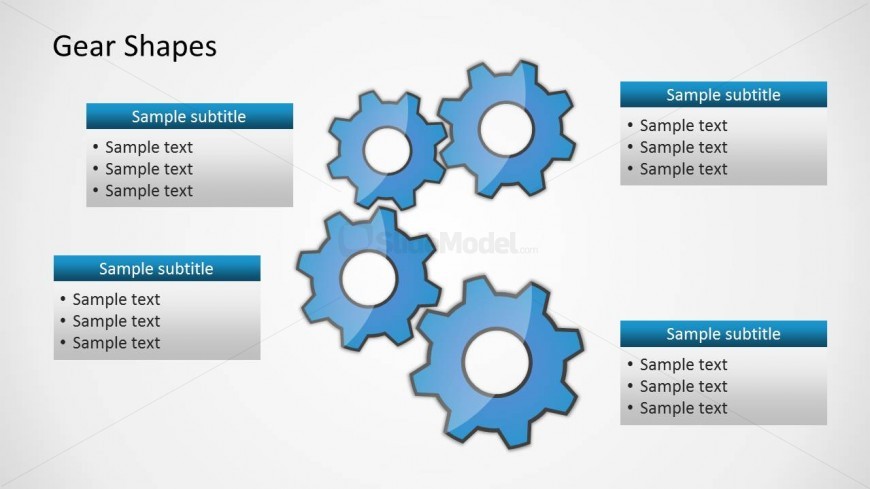
Slide 2 of 8 from Gear Shape for PowerPoint
8015-gears-shape-wide-2
Gear Shapes Diagram for Process Explanation
- Diagram
- Other
- Process Slide
- 16:9
- 100% Editable
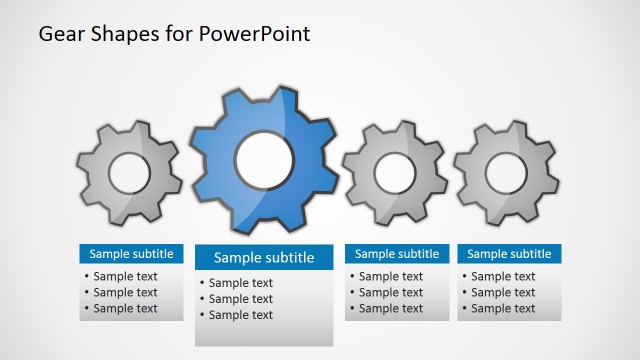
The Gear Shapes Diagram slide from the Gear Shape for PowerPoint template offers a clear process illustration using interconnected gear shapes. Ideal for Six Sigma training and operational strategy presentations, this slide layout includes editable shapes and text boxes to effectively communicate quality improvement concepts within a business presentation or corporate slide deck.
What’s on This Slide
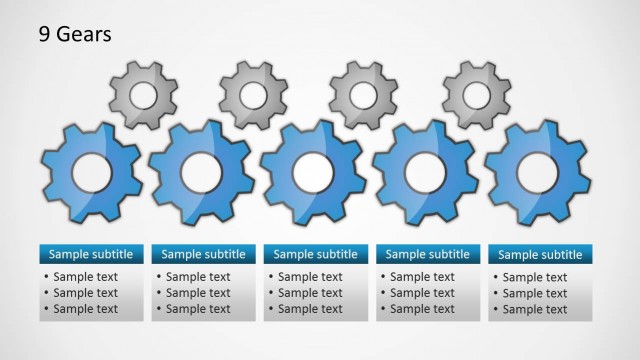
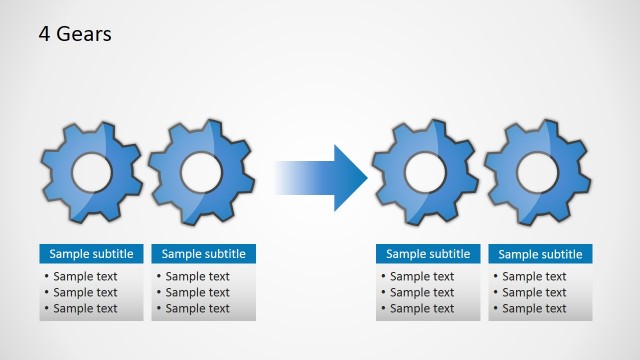
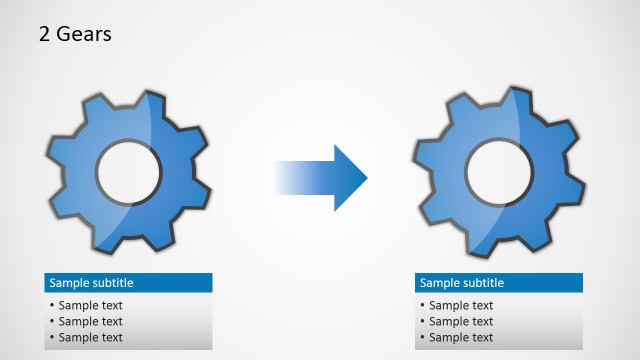
The layout features a central cluster of six gear shapes arranged in a visually engaging manner. Four rectangular text boxes are positioned around the gears, two at the top and two at the bottom, each containing sample subtitles and bullet points. The gears are colored blue with a glossy finish, while the text boxes have a blue header and a light gray background. The visual hierarchy emphasizes the gears at the center, with the text boxes serving as supporting elements. Text placeholders exist in the boxes, aligned to the left and centered within their respective containers.
How to Use It
This layout serves as a diagram to illustrate process relationships using gear shapes. It is suitable for presentations focused on quality improvement, Six Sigma, or operational processes. The arrangement allows for clear communication of interconnected concepts, making it effective for training sessions or strategy discussions. It fits well in a sequence following an introductory slide, providing a visual representation of how different components interact within a system.
Text Placeholders & Capacity
Keep your copy within these limits so it fits without resizing. Body slots can accommodate roughly 8-10 words each.
| Placeholder | Count | Max characters (approx.) |
|---|---|---|
| Slide title | 1 | 20 |
| Subtitle | 4 | 30 |
| Body paragraph | 4 | 50 |