Slide 5 of 5 from Free Gear Shapes for PowerPoint
FF0023-01-gear-shapes-5
4 Gears Diagram for Business Processes
- Diagram
- Comparison Split
- Process Slide
- 16:9
- 100% Editable
The 4 Gears Diagram slide from the Free Gear Shapes for PowerPoint template offers a clear visual tool for illustrating workflows and mechanical processes. This slide layout uses editable shapes and vector icons arranged to compare two gear groups, making it suitable for business presentations and technical explanations. Its balanced design supports effective communication of dependencies and system interactions within a professional slide deck.
What’s on This Slide
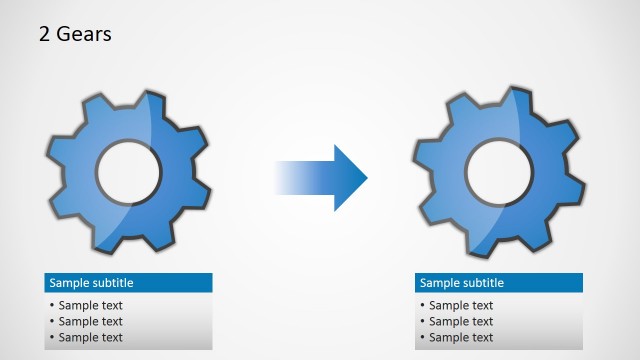
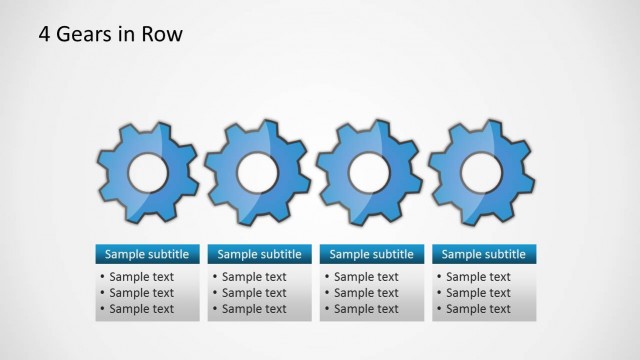
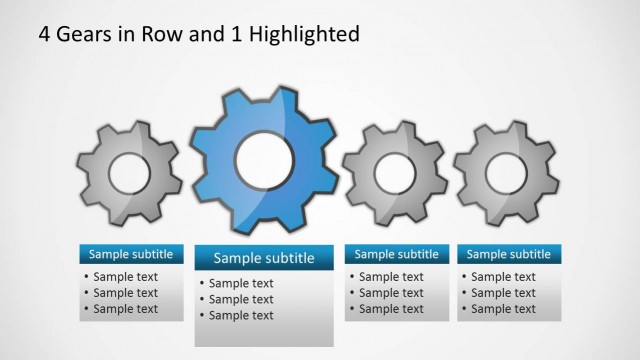
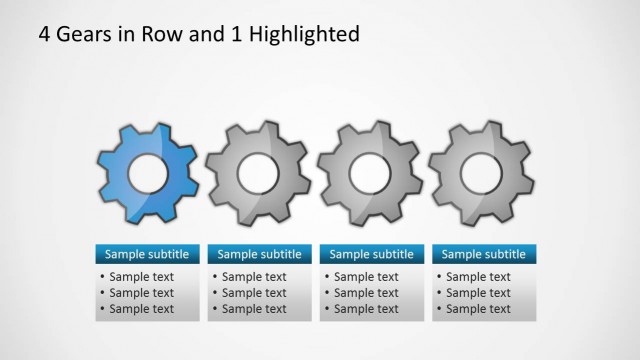
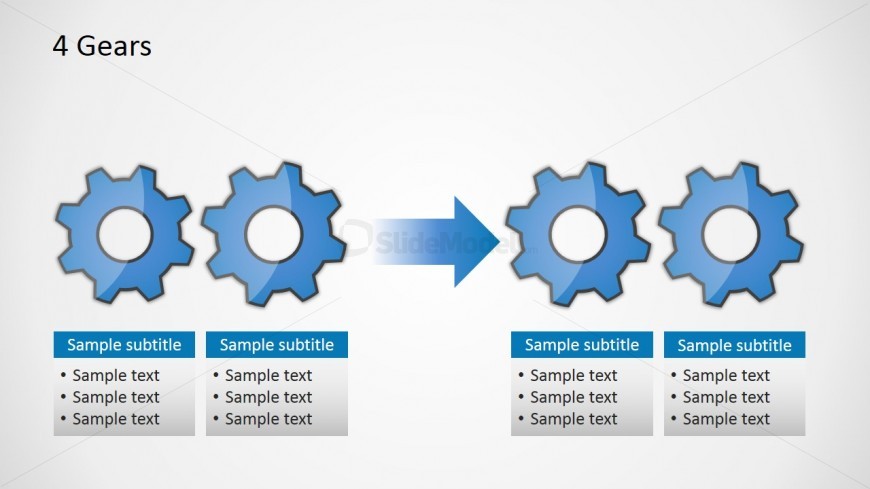
The layout features four gear icons arranged in two groups, with two gears on the left and two on the right, separated by a rightward arrow. Each gear is a circular shape with a toothed edge, colored in a gradient of blue. Below each gear group, there are text placeholders for subtitles and body text, aligned in a rectangular format. The placeholders are positioned centrally beneath each gear group, with space for multiple lines of text. The overall composition is balanced, with a light background enhancing the visibility of the gears and text.
How to Use It
This layout serves as a comparative diagram, illustrating the relationship between two sets of gears. It fits well in a presentation sequence that discusses processes or mechanical concepts. This structure is useful in business scenarios such as explaining workflow steps, illustrating dependencies, or comparing two systems. It can also be applied in technical presentations to demonstrate how components interact within a system.
Text Placeholders & Capacity
Keep your copy within these limits so it fits without resizing. Body slots can hold roughly 8-10 words each.
| Placeholder | Count | Max characters (approx.) |
|---|---|---|
| Slide title | 1 | 20 |
| Subtitle | 4 | 30 |
| Body paragraph | 8 | 50 |
Slide Keywords
Download unlimited PowerPoint templates, charts and graphics for your presentations with our annual plan.
DOWNLOADReturn to Free Gear Shapes for PowerPoint.