Slide 1 of 5 from Free Gear Shapes for PowerPoint
FF0023-01-gear-shapes-1
Gear Shapes for PowerPoint
- Diagram
- Comparison Split
- Process Slide
- 16:9
- 100% Editable
The Gear Comparison Diagram slide from the Free Gear Shapes for PowerPoint template offers a clear visual layout for illustrating mechanical processes or product feature comparisons. This slide uses editable shapes arranged horizontally to emphasize key components, making it suitable for business presentations or pitch deck templates that require detailed process explanation with vector icons.
What’s on This Slide
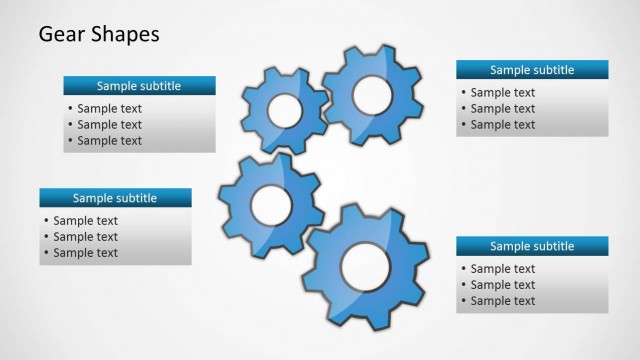
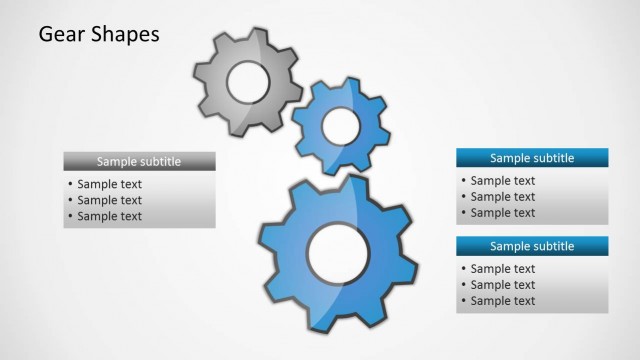
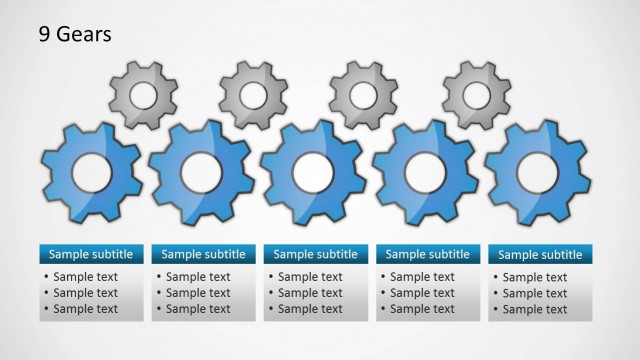
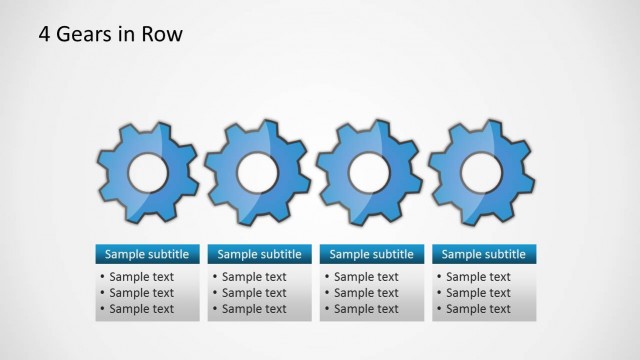
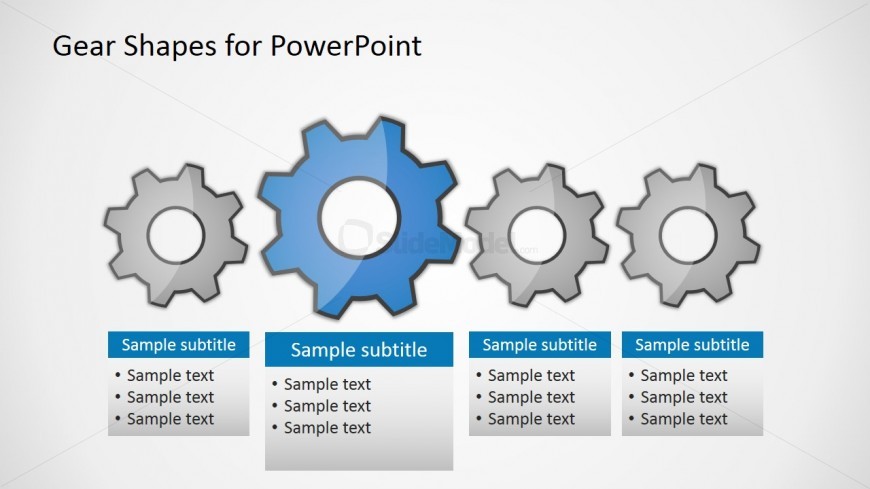
The slide features a horizontal arrangement of four gear shapes, with the second gear highlighted in blue. The gears vary in size, with the central gear being the largest. Below each gear, there are text placeholders aligned in a row, labeled as 'Sample subtitle' and containing bullet points for additional text. The background is light, enhancing the visibility of the gears and text. The overall composition is structured to emphasize the central gear, creating a visual hierarchy that guides the viewer's attention.
How to Use It
This layout serves as a comparison diagram, ideal for illustrating relationships or processes involving multiple components. It fits well in a presentation sequence after introducing a concept, allowing for detailed exploration of each element. Real-world scenarios include explaining mechanical processes, project phases, or product features, where visual differentiation of components is essential for clarity.
Text Placeholders & Capacity
Keep your copy within these limits so it fits without resizing. Each text slot can accommodate roughly 3-5 bullet points.
| Placeholder | Count | Max characters (approx.) |
|---|---|---|
| Item heading | 4 | 20 |
| Item body | 4 | 50 |
Slide Keywords
Download unlimited PowerPoint templates, charts and graphics for your presentations with our annual plan.
DOWNLOADReturn to Free Gear Shapes for PowerPoint.