Slide 4 of 5 from Free Gear Shapes for PowerPoint

FF0023-01-gear-shapes-4
Two Gears Comparison Slide for Presentations

  • Diagram
  • Comparison Split
  • Process Slide
  • 16:9
  • 100% Editable

The Two Gears Comparison slide from the Free Gear Shapes for PowerPoint template offers a clear visual for illustrating mechanical interactions and strategic relationships. This slide layout is ideal for business presentations that require a detailed comparison of two processes, using editable shapes and vector icons to enhance clarity. Its design supports effective communication in corporate presentations and pitch decks by visually emphasizing process flow and interaction.

What’s on This Slide

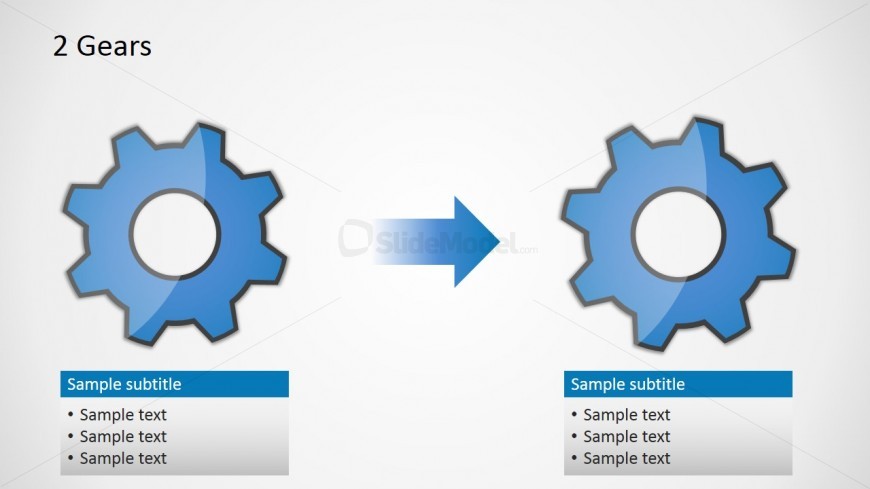
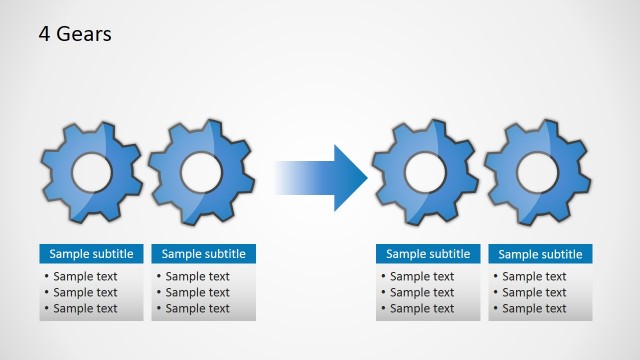
The layout features two large gear icons positioned on the left and right sides of the slide, facing each other with a central arrow indicating a process flow. Each gear has a circular center, with a blue color scheme and a glossy finish. Below each gear, there are text placeholders aligned to the left and right, respectively, with a sample subtitle and three lines of sample text. The background is a light gradient, enhancing the visibility of the gears and text. The overall composition emphasizes the gears and their relationship.

How to Use It

This layout serves as a comparison tool, illustrating the interaction between two gears or concepts. It fits well in a presentation sequence after problem identification and before outlining solutions. Suitable for business contexts, it can be used to depict process improvements, mechanical relationships, or strategic comparisons. This slide effectively communicates how two elements work together or influence each other in a process.

Text Placeholders & Capacity

Keep your copy within these limits so it fits without resizing. Body slots can hold about 8-10 words each.

PlaceholderCountMax characters (approx.)
Slide title1 20
Subtitle2 20
Body paragraph6 50

Slide Keywords

Two Gears Comparison Process Flow Mechanical Concept Business Process
Activate your subscription

Download unlimited PowerPoint templates, charts and graphics for your presentations with our annual plan.

DOWNLOAD
Supported Versions:
PowerPoint 2007PowerPoint 2010PowerPoint 2013PowerPoint 2011 MacPowerPoint 2016PowerPoint 2016 MacOffice 365Google Slides

Return to Free Gear Shapes for PowerPoint.
Download Unlimited Content

Our Unlimited Plan lets you download unlimited content from SlideModel. Save hours of manual work and enhance your next presentation with professionally designed slides.

Subscribe Now