Slide 5 of 8 from Gear Shape for PowerPoint
8015-gears-shape-wide-5
4 Gears in Row Diagram for Presentations
- Diagram
- Comparison Split
- Process Slide
- 16:9
- 100% Editable
The 4 Gears in Row slide from the Gear Shape for PowerPoint template offers a clear visual tool for illustrating processes and workflows. This slide layout uses editable shapes to represent four interconnected gears, making it suitable for business presentations focused on quality improvement or team collaboration. Its balanced design supports effective communication in corporate presentations and pitch deck templates, enhancing audience understanding of complex process relationships.
What’s on This Slide
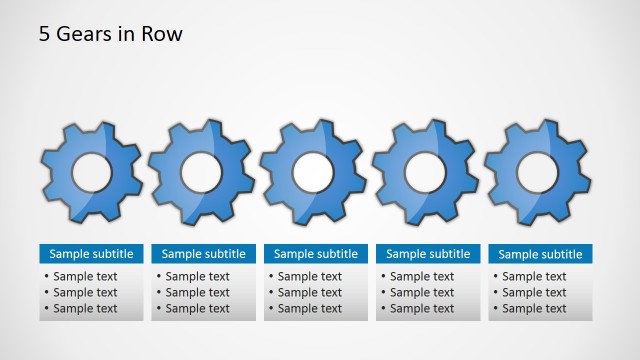
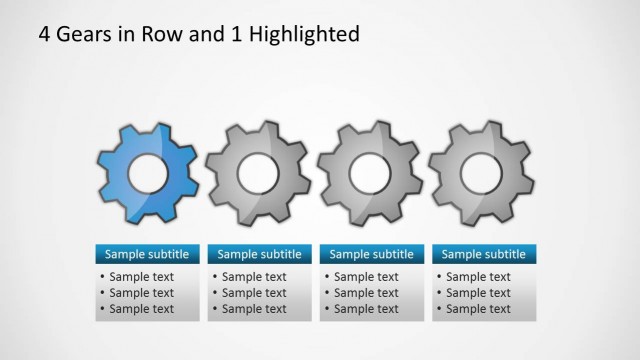
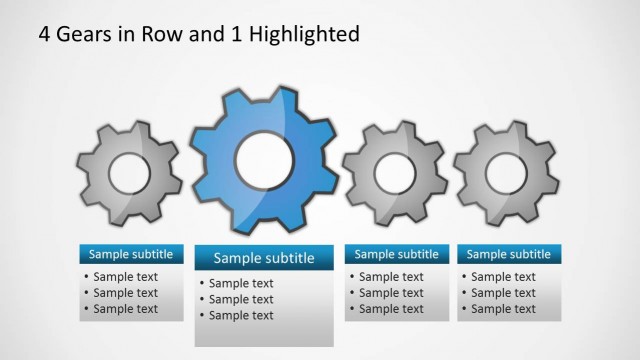
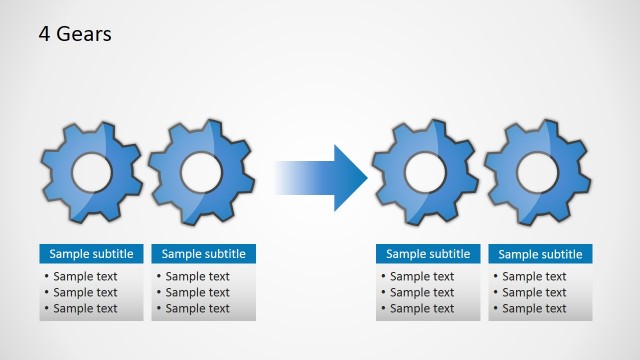
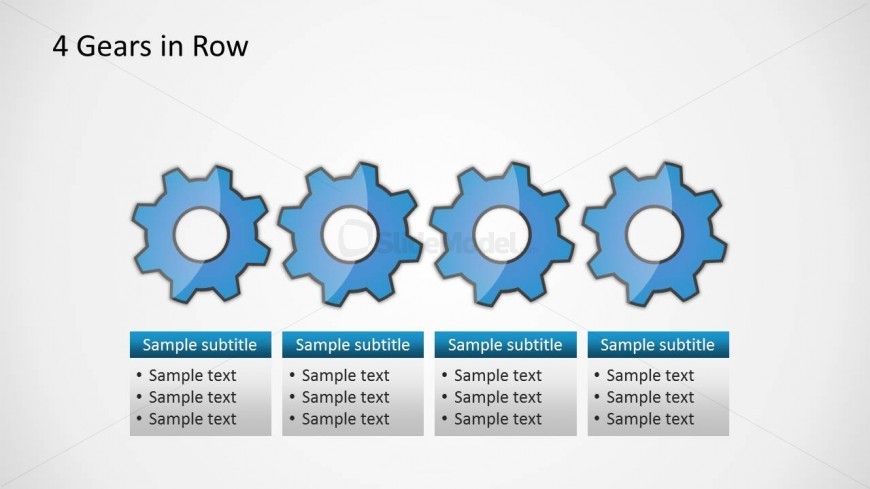
The layout features four gear shapes arranged in a horizontal row at the center of the slide. Each gear has a circular cutout in the middle and is colored in shades of blue. Below each gear, there are text placeholders aligned horizontally, each containing a subtitle and three lines of sample text. The placeholders are rectangular with rounded corners, positioned directly beneath their corresponding gears. The background is a light gradient, enhancing the visibility of the gears and text. Overall, the elements are evenly spaced and create a balanced composition.
How to Use It
This layout serves as a structured comparison tool, ideal for illustrating processes or concepts involving four distinct elements. It fits well in presentations discussing operational workflows, quality improvement strategies, or Six Sigma methodologies. The arrangement allows for easy identification of each gear's role or function within a system. It is particularly useful in business contexts where clarity and visual engagement are essential, such as team meetings or training sessions focused on process optimization.
Text Placeholders & Capacity
Keep your copy within these limits so it fits without resizing. Node body slots can hold roughly 10 words each.
| Placeholder | Count | Max characters (approx.) |
|---|---|---|
| Item heading | 4 | 20 |
| Item body | 4 | 50 |