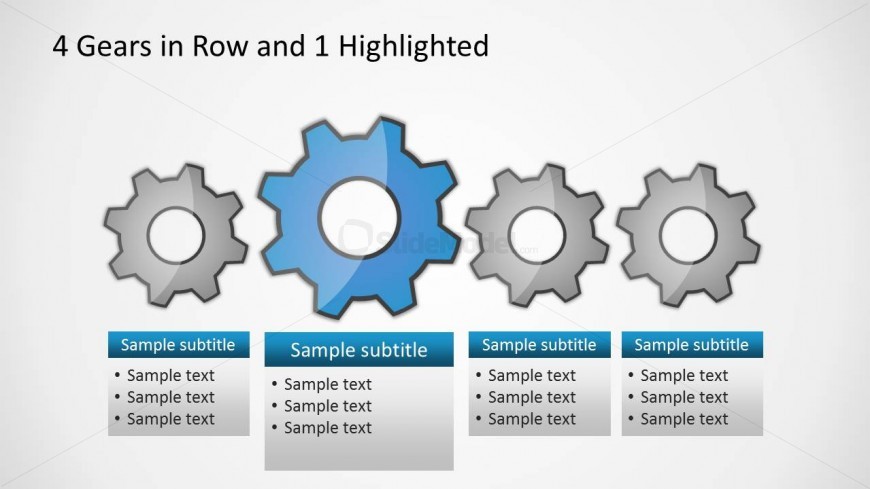
Slide 4 of 8 from Gear Shape for PowerPoint
8015-gears-shape-wide-4
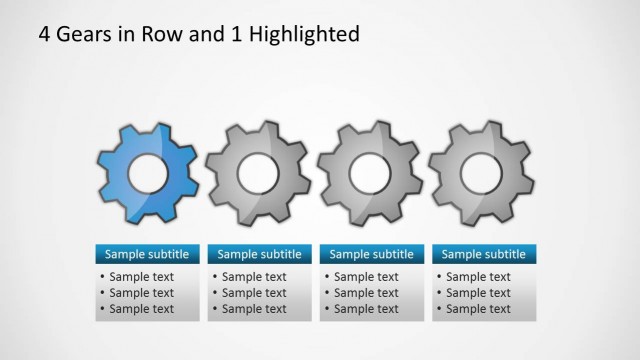
4 Gears in Row with 1 Highlighted Slide
- Diagram
- Comparison Split
- Process Slide
- 16:9
- 100% Editable
The 4 Gears in Row with 1 Highlighted slide from the Gear Shape for PowerPoint template offers a clear visual for process improvement discussions. This slide layout uses editable shapes and vector icons to emphasize one key gear among four, making it ideal for quality management and operational efficiency presentations. It integrates seamlessly into business presentation slide decks, supporting effective communication of comparative processes and strategic focus areas.
What’s on This Slide
The layout features four gear shapes arranged in a horizontal row. The second gear is highlighted in blue, while the others are in gray. Below each gear, there are text placeholders aligned centrally, with the first row containing a subtitle and three bullet points. The background is light, enhancing the visibility of the gears. The gears vary in size, with the highlighted gear appearing slightly larger. The overall composition is balanced, with emphasis on the highlighted gear through color contrast and positioning.
How to Use It
This layout serves as a comparison tool, showcasing four related concepts or processes with one emphasized. It fits well in presentations discussing operational efficiency, quality control, or process improvement. Typically, it follows a problem statement or analysis slide, transitioning into solutions or strategies. This structure is useful for illustrating key points in a Six Sigma or quality management context, allowing for clear differentiation of elements.
Text Placeholders & Capacity
Keep your copy within these limits so it fits without resizing. Node body slots can hold about 8-10 words each.
| Placeholder | Count | Max characters (approx.) |
|---|---|---|
| Slide title | 1 | 30 |
| Subtitle | 4 | 20 |
| Item body | 4 | 50 |